

Browsegptai





What is BrowseGPTAI?
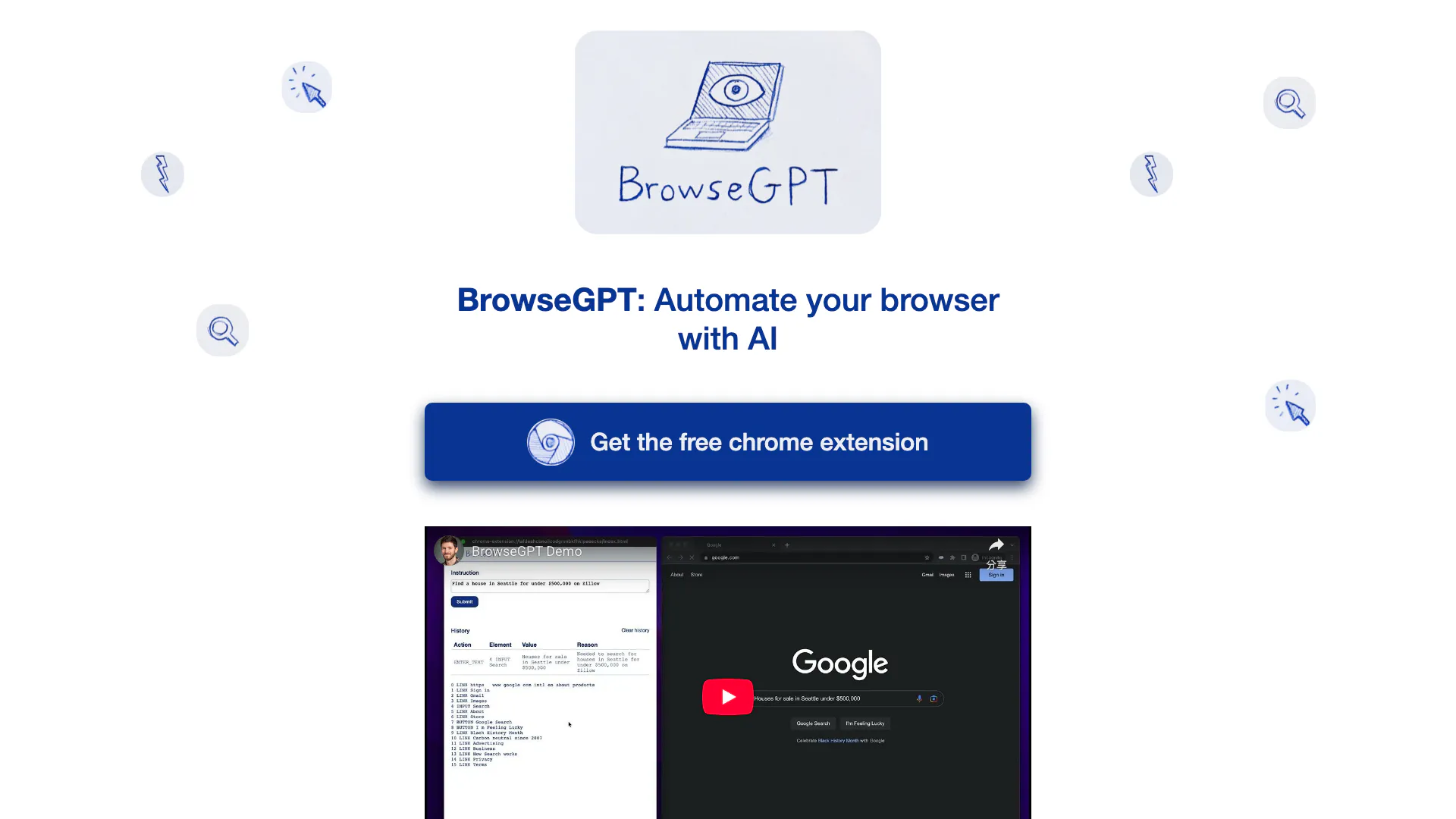
BrowseGPTAI is an innovative browser automation tool that leverages artificial intelligence to perform tasks on web pages. By utilizing OpenAI's GPT-3 model, BrowseGPTAI can interpret user commands and execute actions such as clicking buttons, entering text, and navigating through websites. This tool aims to simplify online tasks by allowing users to instruct the AI with phrases like 'Find a place to stay in Seattle on February 22nd' or 'buy a children's book on Amazon'. While it offers an exciting glimpse into the potential of AI-driven browsing, users should be aware that it is still experimental and may encounter errors or missteps during operation.
How to use BrowseGPTAI?
- Install the BrowseGPTAI Chrome extension from the Chrome Web Store.
- Open your web browser and navigate to the page where you want to perform a task.
- Activate the extension and input your command, such as 'Find a hotel in New York' or 'Purchase a book from Amazon'.
- Monitor the AI's actions as it attempts to execute the task, providing feedback if necessary to correct its course.
What are the main features of BrowseGPTAI?
- AI-driven web browsing automation using OpenAI's GPT-3 model.
- Ability to perform various tasks like clicking, entering text, and navigating.
- Provides explanations for its decisions to allow user intervention if needed.
- Experimental tool that showcases the potential of AI in everyday browsing tasks.
Who is BrowseGPTAI for?
BrowseGPTAI is designed for users who want to streamline their online activities through automation. It is particularly beneficial for individuals who frequently perform repetitive tasks online, such as booking travel, shopping, or searching for information. However, it is essential for users to exercise caution, as the tool is experimental and may not always function flawlessly.
What are the use cases of BrowseGPTAI?
- Finding accommodations for travel by instructing the AI to search for hotels or rentals.
- Purchasing items online by directing the AI to navigate e-commerce websites.
- Conducting research by asking the AI to gather information from various sources on the internet.
Product Images


Browsegptai Pros and Cons
Pros
- AI-Powered Automation: BrowseGPT utilizes AI to automate browser tasks, allowing users to give simple instructions for complex actions.
- User-Friendly Interaction: Users can interact with the AI by providing straightforward commands, making it accessible for non-technical users.
- Decision Transparency: The tool explains its decision-making process, enabling users to understand and correct its actions when necessary.
Cons
No cons data detected for this tool
Analytics of Browsegptai
Browsegptai Website Traffic Analysis
Visits Over Time
Traffic Sources
Nov 2025 - Dec 2025 Worldwide Desktop Only
- Search: 100.00%
Top Keywords
| Keyword | Volume | CPC | Estimated Value |
|---|---|---|---|
| ai browser | 32.48K | $1.02 | $0.00 |
| browse ai | 23.03K | $1.22 | $0.00 |
| browser ai | 3.85K | $1.85 | $0.00 |
| ai automation browser | 70 | $0.00 | $10.00 |
| browse gpt | 40 | $0.00 | $40.00 |




