Snapdiagram



What is SnapDiagram?
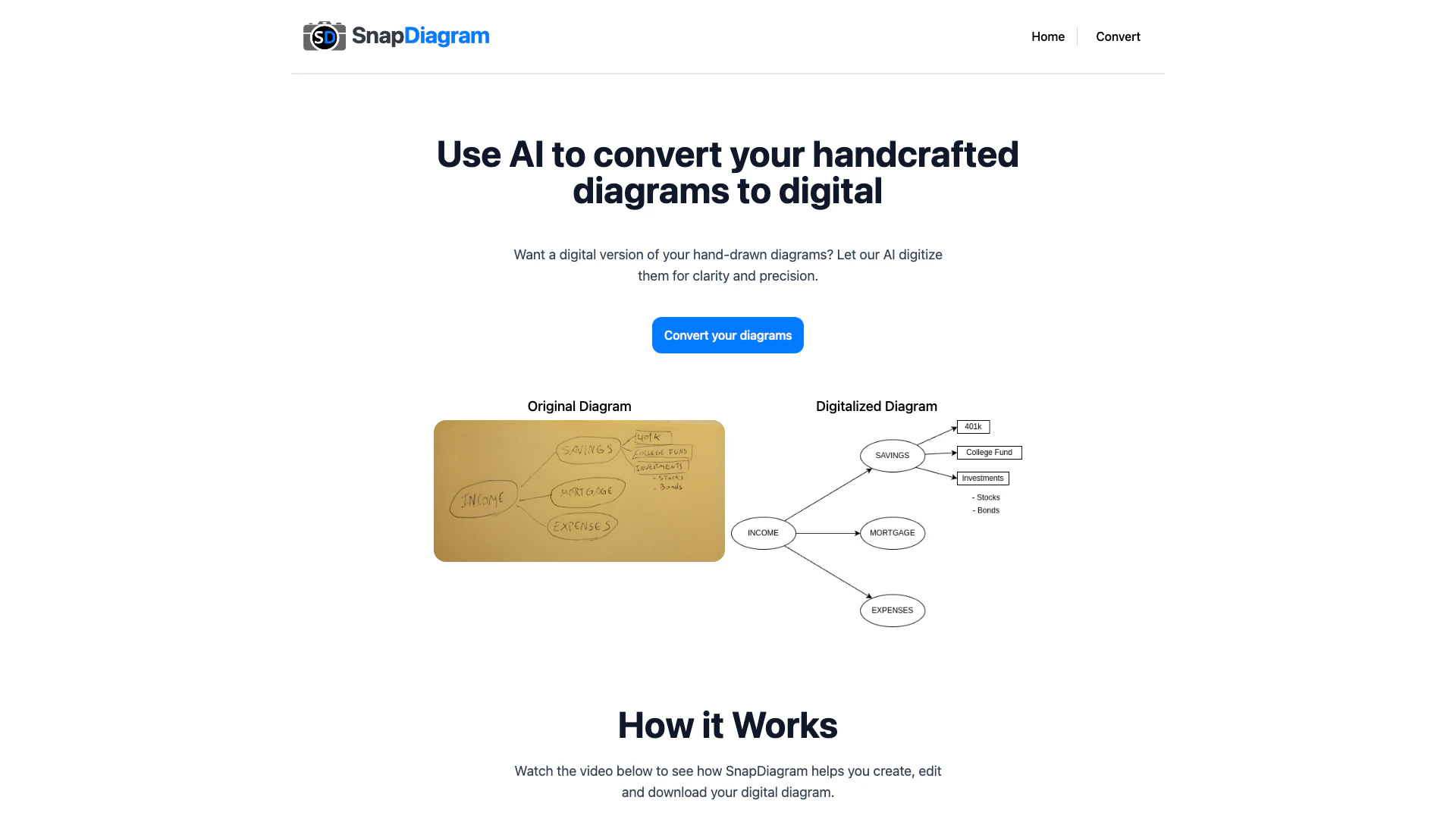
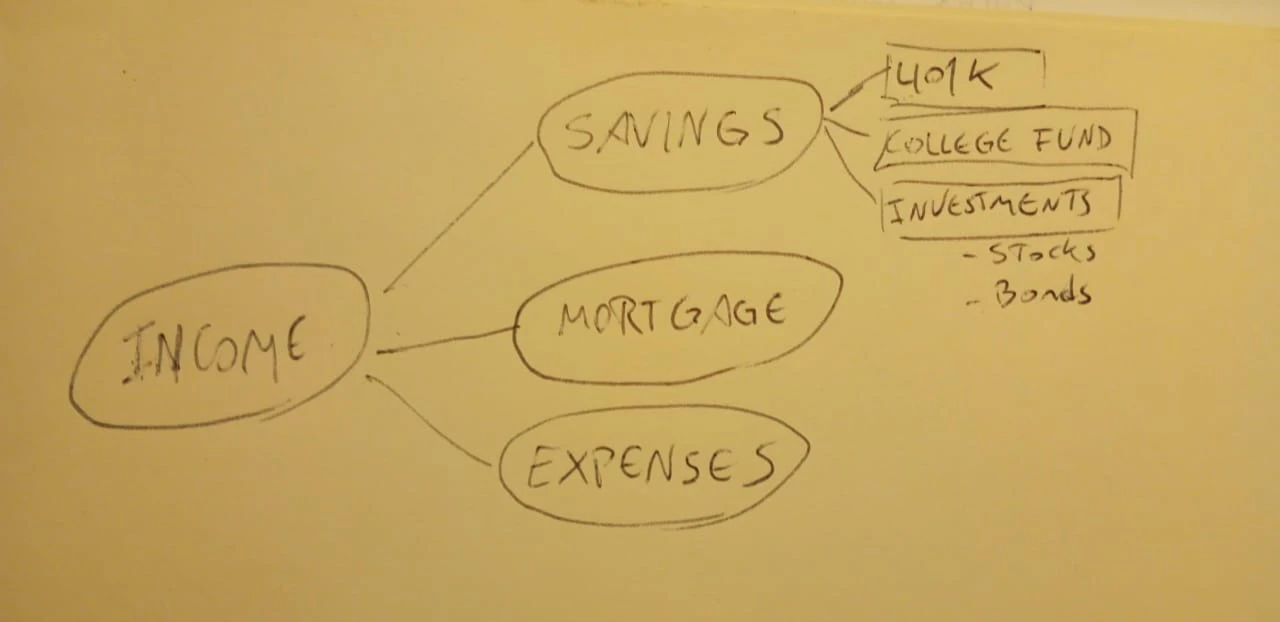
SnapDiagram is an innovative AI-powered[1] tool designed to transform your hand-drawn sketches[2] into precise digital diagrams[3] effortlessly. By utilizing advanced artificial intelligence, SnapDiagram allows users to convert their handcrafted diagrams into digital formats that are clearer and more accurate, making it an essential tool for anyone looking to digitize their visual ideas quickly and efficiently.
How to use SnapDiagram?
- Visit the SnapDiagram website at https://snapdiagram.xyz/.
- Navigate to the 'Convert' section to upload your hand-drawn sketch.
- Select the desired output format for your digital diagram (PNG, JPG, or editable file).
- Click on the 'Convert' button to initiate the transformation process.
- Download your newly created digital diagram once the conversion[4] is complete.
What are the main features of SnapDiagram?
- AI-powered conversion of hand-drawn sketches to digital diagrams.
- Support for multiple output formats including PNG, JPG, and editable files.
- User-friendly interface[5] for easy uploads and conversions.
- Option to edit the digital diagrams until satisfaction.
- Affordable pricing plans with a free trial for new users.
Who is SnapDiagram for?
SnapDiagram is ideal for students, educators, designers, and professionals who frequently create diagrams by hand and need a quick and efficient way to digitize them. It caters to anyone who values clarity and precision in their visual presentations, including those in fields such as education, engineering, and graphic design.
What are the use cases of SnapDiagram?
- Students converting their handwritten notes and diagrams into digital formats for presentations.
- Designers digitizing sketches for client proposals or project presentations.
- Engineers creating clear and accurate diagrams for technical documentation.
Product Images
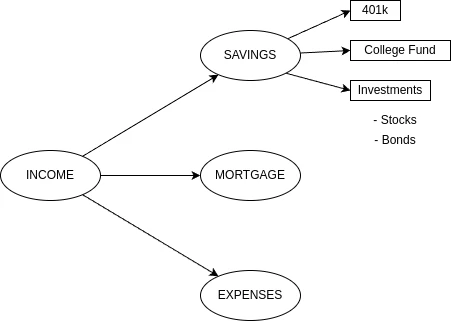
Snapdiagram Pros and Cons
Pros
- AI-Powered Digitization: SnapDiagram utilizes AI technology to accurately transform hand-drawn sketches into digital diagrams, ensuring clarity and precision.
- Multiple Output Formats: Users can receive their digital diagrams in various formats, including PNG, JPG, and editable files, catering to different needs.
- Flexible Pricing Plans: SnapDiagram offers a free trial and flexible pricing options, allowing users to choose plans that fit their diagram conversion needs.
Cons
No cons data detected for this tool
Snapdiagram Pricing
Free
1 diagram conversion. Output file formats: png. Expiration: 30 days.
Basic
10 diagram conversions. Output file formats: jpg, png, editable. Expiration: 30 days.
Pro
50 diagram conversions. Output file formats: jpg, png, editable. Expiration: 60 days.
For the latest pricing, please visit this link: https://snapdiagram.xyz/
Prices are subject to change. Please visit the official website for the most up-to-date pricing information.