Shipmail





What is Shipmail?
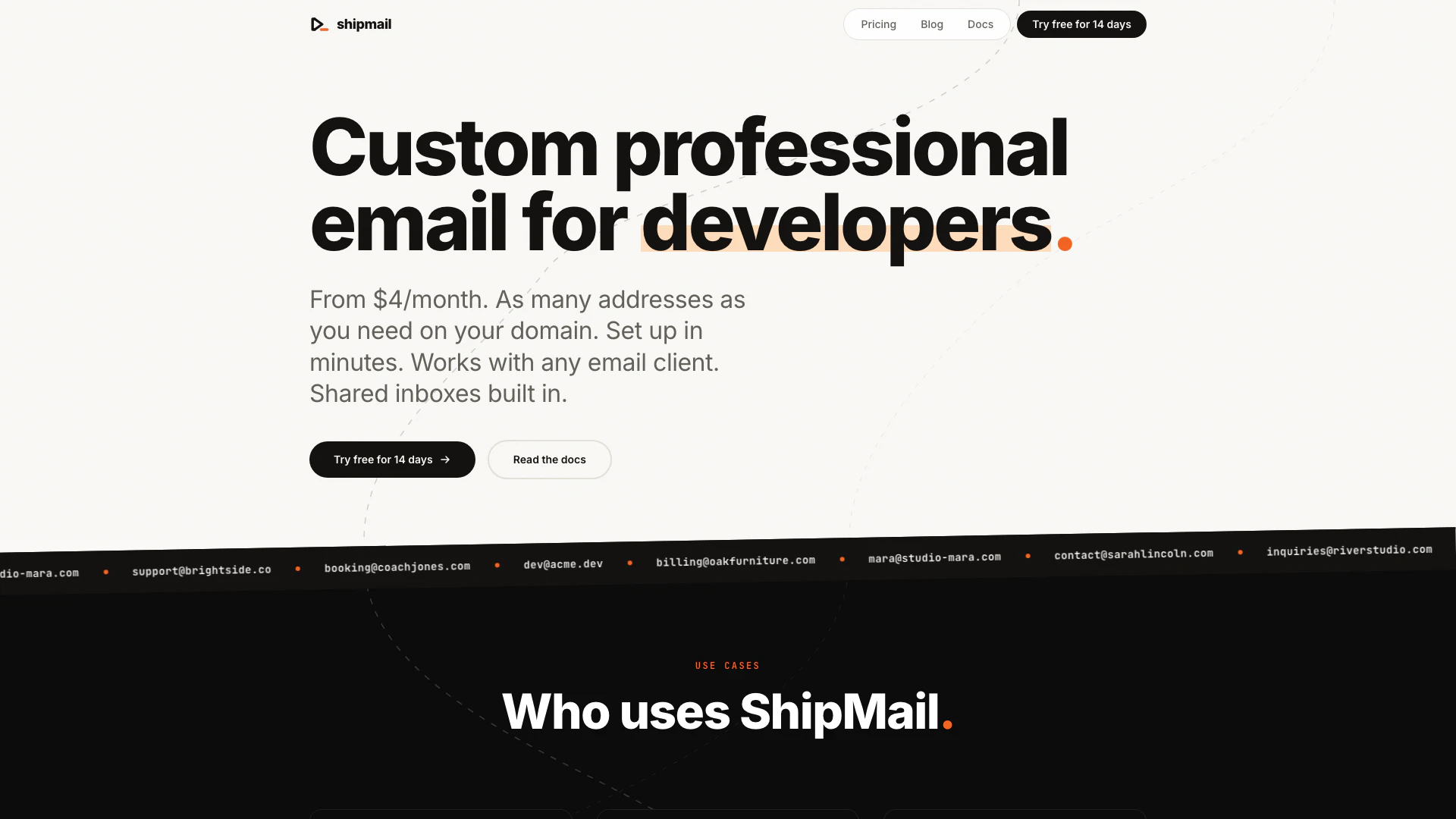
Shipmail is a custom professional email service designed for creators, small businesses, and teams, starting from just $4 per month. It allows users to create as many email addresses as needed on their own domain, set up in just minutes, and works seamlessly with any email client. Shipmail offers shared inboxes, dedicated storage, and robust privacy features, making it an ideal choice for those looking to establish a professional online presence without the high costs associated with traditional email services.
How to use Shipmail?
- Visit the Shipmail website and sign up for a plan that suits your needs.
- Add your custom domain to your Shipmail account.
- Configure the necessary DNS records as instructed by Shipmail.
- Create your desired email addresses under your domain.
- Access your email via any IMAP-compatible email client or use the Shipmail web interface.
What are the main features of Shipmail?
- Custom domains: Use your own domain for professional email addresses.
- Any email app: Compatible with popular email clients like Apple Mail, Outlook, and Thunderbird.
- Shared inboxes: Manage multiple mailboxes from a single interface.
- Team access: Invite team members and control access to specific mailboxes.
- Storage: Each mailbox comes with dedicated storage for emails and attachments.
- Privacy and security: Emails are not scanned or sold, with options for encryption.
Who is Shipmail for?
Shipmail is tailored for a variety of users including creators and personal brands looking to establish a professional email identity, small businesses seeking cost-effective email solutions without sacrificing features, and developers or teams who require API access for programmatic email management. It is suitable for anyone needing custom email addresses on their domain with robust functionality.
What are the use cases of Shipmail?
- Creators and personal brands can use Shipmail to create unique email addresses that reflect their brand identity, such as mara@studio-mara.com.
- Small businesses can set up professional email addresses for customer service, sales, and other departments, like hello@brightside.co.
- Developers can leverage Shipmail's API to automate email management tasks, such as creating mailboxes or sending emails programmatically.
Shipmail Pros and Cons
Pros
- Affordable Pricing: Shipmail offers competitive pricing starting at $4/month for 3 mailboxes, making it accessible for individuals and small businesses.
- Custom Domain Support: Users can bring their own domain or register a new one directly through Shipmail, allowing for personalized email addresses.
- Easy Setup and Integration: Setup takes only minutes and works with any email client, ensuring a smooth integration into existing workflows.
Cons
No cons data detected for this tool
Shipmail Pricing
Solo
For individuals and personal brands.
Pro
For growing businesses and small teams.
Team
For agencies and high-volume senders.
For the latest pricing, please visit this link: https://shipmail.to/pricing
Prices are subject to change. Please visit the official website for the most up-to-date pricing information.