Mumblenote
What is Mumble Note?
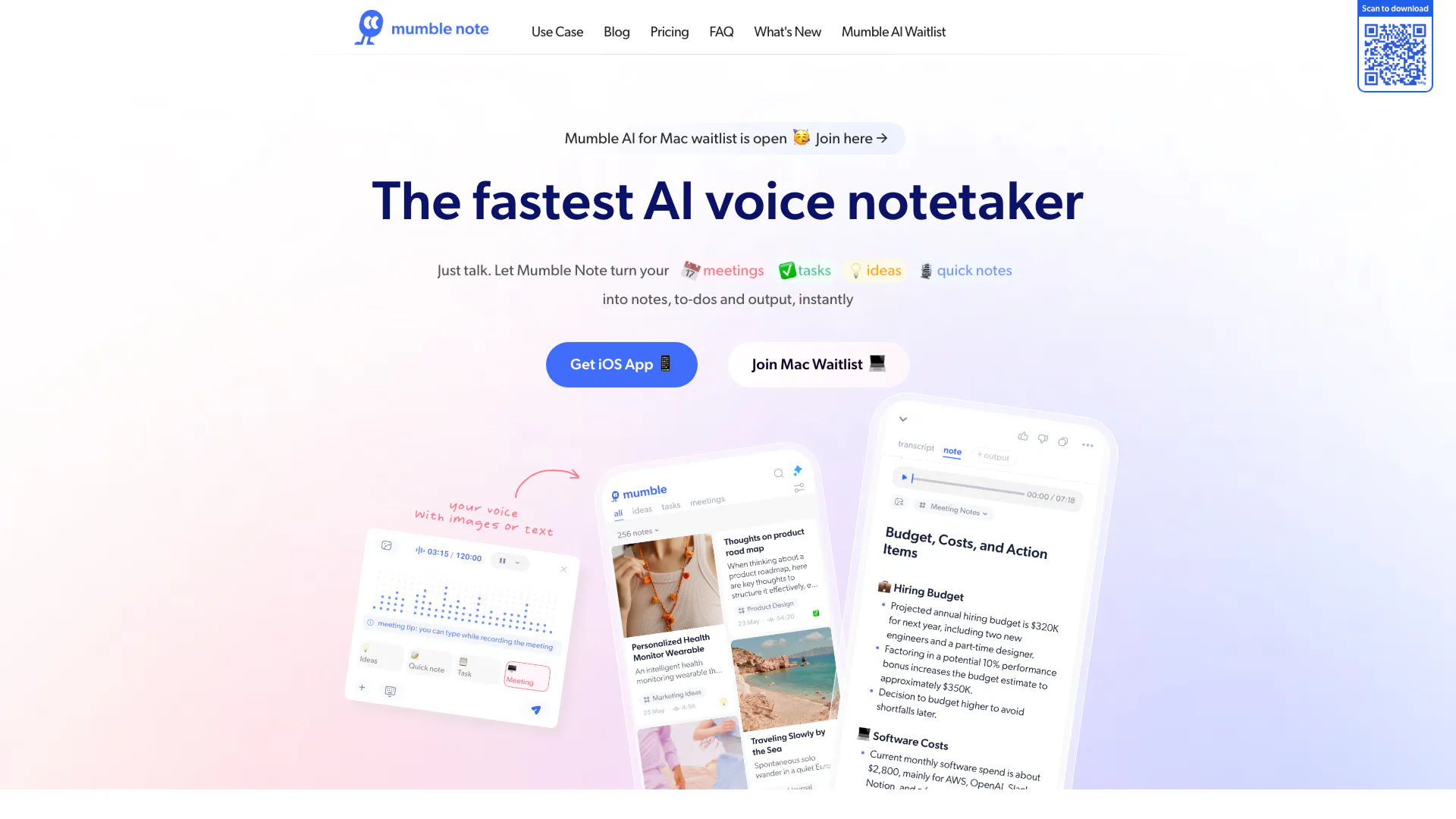
Mumble Note is an innovative AI-powered voice notetaker designed to transform your spoken words into organized notes, tasks, and actionable outputs instantly. It enables users to effortlessly capture ideas, meeting discussions, and quick notes simply by talking. This tool is perfect for anyone looking to streamline their note-taking process, ensuring that no valuable insights are lost. By utilizing advanced AI technology, Mumble Note not only transcribes voice into text but also intelligently categorizes and organizes the information, making it easily accessible and usable for future reference.
How to use Mumble Note?
- Download and install Mumble Note on your device from the App Store.
- Open the app and create an account or log in if you already have one.
- Start a new note by tapping the microphone icon and begin speaking your thoughts, ideas, or meeting notes.
- After recording, Mumble Note will automatically transcribe your voice into text and categorize the content into notes, to-dos, and other outputs.
- Review, edit, and organize your notes as needed, and you can even share them with others or sync them with other applications.
What are the main features of Mumble Note?
- Voice-to-Text Transcription: Converts spoken words into written notes instantly.
- Task Management: Automatically identifies and organizes tasks from your voice input.
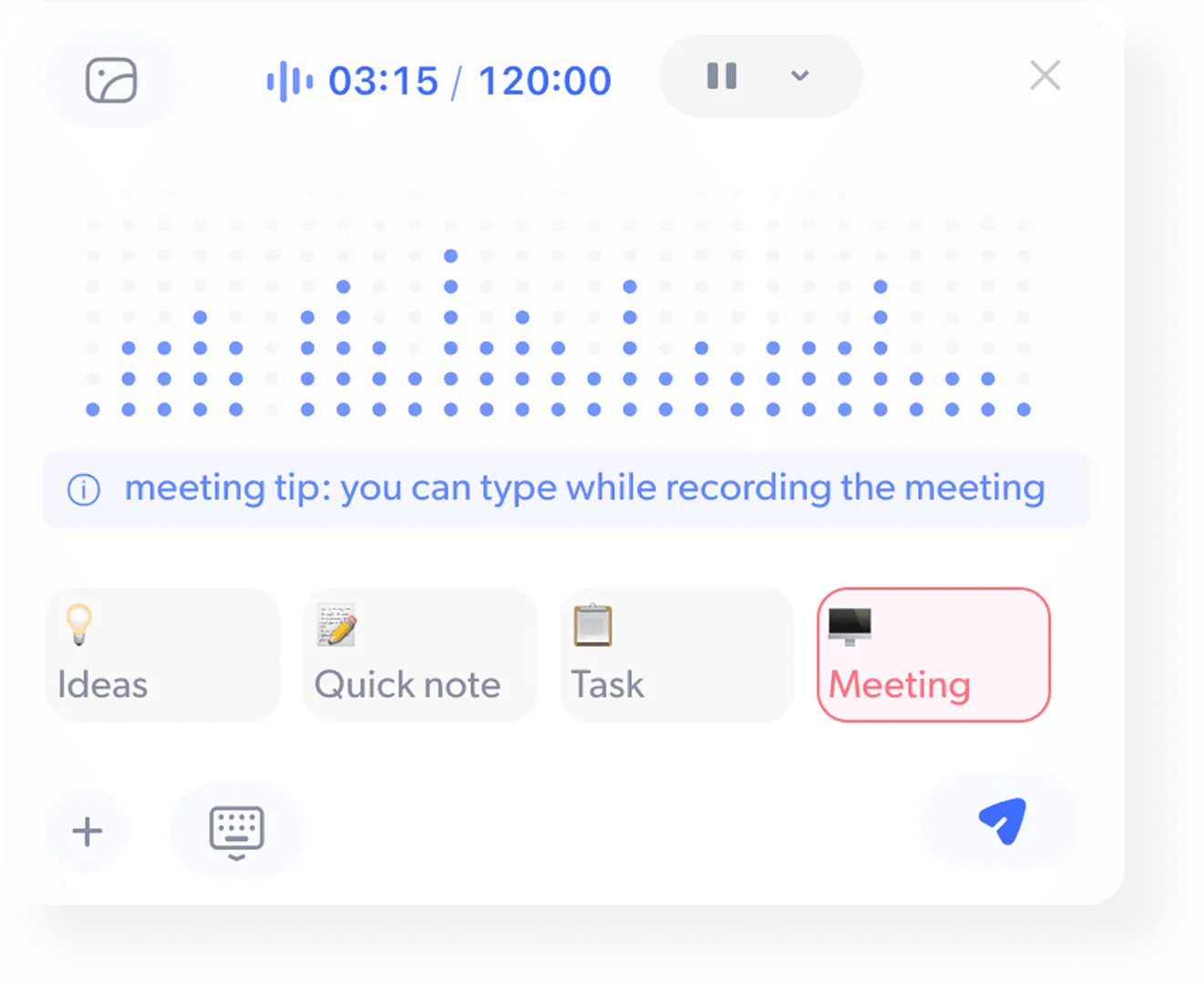
- Meeting Summaries: Captures full conversations and generates detailed summaries and follow-ups.
- Idea Organization: Helps brainstorm and categorize ideas into collections.
- Integration Capabilities: Syncs with various applications for enhanced productivity.
- Privacy Protection: Ensures that all notes are securely processed and sensitive information is encrypted.
Who is Mumble Note for?
Mumble Note is designed for a diverse audience, including professionals, students, creators, and anyone who values effective note-taking. Whether you're a busy executive needing to capture meeting insights, a student recording lectures, or a creative individual brainstorming ideas, Mumble Note caters to your needs. Its intuitive voice recognition and organizational capabilities make it ideal for those looking to enhance their productivity and streamline their workflow.
What are the use cases of Mumble Note?
- Meeting Notes: Capture discussions during meetings and receive automatic summaries and action items.
- Task Planning: Speak your tasks and let Mumble Note automatically organize them into your task list.
- Brainstorming Sessions: Record and organize ideas during brainstorming sessions, ensuring no thought is lost.
Product Images




Mumblenote Pros and Cons
Pros
- Instant Note Conversion: Mumble Note allows users to instantly convert spoken meetings, tasks, and ideas into organized notes and to-dos, enhancing productivity.
- AI-Powered Summaries: The tool uses AI to generate detailed summaries and transcripts from conversations, making it easier to capture insights and follow-ups.
- Multi-Platform Support: Mumble Note is available on multiple platforms, including iOS and Apple Watch, allowing users to take notes on the go.
Cons
No cons data detected for this tool
Mumblenote Pricing
Free
Unlimited text notes, 60 min of voice notes /month, Up to 2 minutes per note.
Starter
Unlimited text notes, 3000 min of voice notes /month, Up to 2 hours per note, 30 AI tools/month, Most advanced AI models.
Pro
Unlimited text notes, Unlimited AI voice notes, Up to 2 hours per note, Unlimited AI tools, Collection Auto Mode, Chat with Mumble AI, Most advanced AI models, Early access to beta features.
For the latest pricing, please visit this link: https://www.mumblenote.com/pricing
Prices are subject to change. Please visit the official website for the most up-to-date pricing information.
Analytics of Mumblenote
Mumblenote Website Traffic Analysis
Visits Over Time
Traffic Sources
Oct 2025 - Dec 2025 Worldwide Desktop Only
- Direct: 39.20%
- Search: 32.95%
- Referrals: 16.01%
- Social: 10.39%
- Paid Referrals: 1.37%
- Mail: 0.07%
Top Keywords
| Keyword | Volume | CPC | Estimated Value |
|---|---|---|---|
| mumble | 26.39K | $0.70 | $10.00 |
| ai voice notes | 780 | $4.34 | $0.00 |
| voice note ai | 450 | $0.00 | $0.00 |
| *mumble* | 410 | $0.00 | $0.00 |
| mumble note | 100 | $4.72 | $40.00 |
Mumblenote Reviews
Creativity doesn’t wait, neither do I. With Mumble Note, I can capture random sparks of inspiration whenever they came. The quick voice recording is my favorite – I just tap and talk. The AI transcriptions are spot on, and I love adding sketches and photos to my notes. It’s like my personal idea vault.
I've been using Mumble Note to record journals, lecture takeaways and all of my big and small todos. Reviewing summaries and share them with my friends saves so much time.
Perfect for capturing my content ideas on the go. I can record, transcribe, rewrite, and organize everything easily. The AI-generated idea lists make my post planning so much easier.
For more reviews, visit this link: https://www.mumblenote.com/#reviews