Mintconvert





What is Mintconvert?
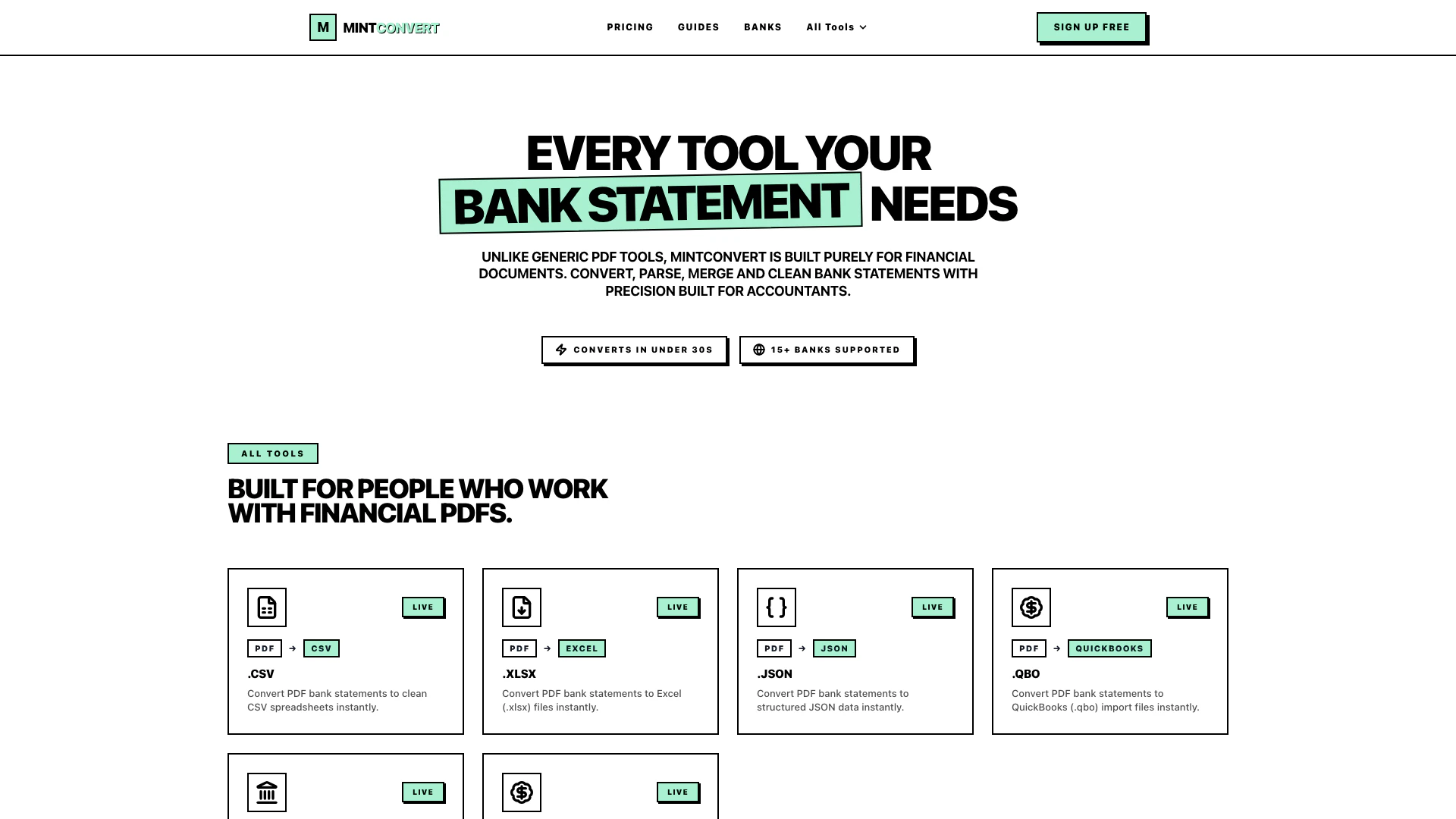
Mintconvert is a specialized tool designed to convert bank statements, invoices, and financial PDFs into various formats such as CSV, Excel, JSON, or QuickBooks. Tailored specifically for accountants, bookkeepers, and finance teams, Mintconvert provides a fast and efficient solution for managing financial documents. Unlike generic PDF converters, Mintconvert focuses solely on financial workflows, ensuring high accuracy and reliability in data conversion. With support for over 15 banks and quick conversion times of under 30 seconds, Mintconvert streamlines the process of preparing financial data for analysis and reporting.
How to use Mintconvert?
- Visit the Mintconvert website and sign up for a free account.
- Choose the conversion tool that fits your needs, such as 'Bank Statement to CSV' or 'Bank Statement to QuickBooks'.
- Upload your financial PDF document by clicking on the upload button.
- Select the desired output format (CSV, Excel, JSON, etc.) from the options provided.
- Click on the 'Convert' button to initiate the conversion process.
- Once the conversion is complete, download the converted file to your device.
What are the main features of Mintconvert?
- Fast conversion of bank statements and financial PDFs to CSV, Excel, JSON, and QuickBooks formats.
- Support for over 15 major banks, ensuring compatibility with various financial institutions.
- User-friendly interface designed specifically for accountants and finance professionals.
- Ability to parse, merge, and clean bank statements accurately.
- No hidden fees with straightforward pricing plans, including a free option.
Who is Mintconvert for?
Mintconvert is primarily designed for accountants, bookkeepers, and finance teams who need to efficiently manage financial documents. It is ideal for professionals handling bank statements, invoices, and other financial PDFs, looking for a reliable and fast conversion solution to prepare data for analysis, reporting, or importing into accounting software like QuickBooks and Xero. Additionally, small business owners and tax professionals can benefit from Mintconvert's capabilities when organizing financial data.
What are the use cases of Mintconvert?
- Converting bank statements into CSV files for easy data analysis and reporting.
- Preparing financial data for import into accounting software such as QuickBooks or Xero.
- Streamlining the process of tax filing by converting invoices and financial statements into structured formats.
- Merging multiple bank statements into a single CSV file for comprehensive financial reviews.
Mintconvert Pros and Cons
Pros
- Fast Conversion Speed: Mintconvert can convert bank statements to various formats in under 30 seconds, enhancing productivity for accountants and finance teams.
- Multiple Output Formats: Supports conversion to CSV, Excel, JSON, QuickBooks, and more, catering to diverse financial reporting needs.
- Designed for Financial Documents: Unlike generic PDF tools, Mintconvert is specifically built for financial documents, ensuring accurate and precise conversions.
Cons
No cons data detected for this tool
Mintconvert Pricing
Free
Start Free
Starter
Get Starter
Pro
Go Pro
Scale
Go Scale
For the latest pricing, please visit this link: https://mintconvert.com/pricing
Prices are subject to change. Please visit the official website for the most up-to-date pricing information.