Usequanta
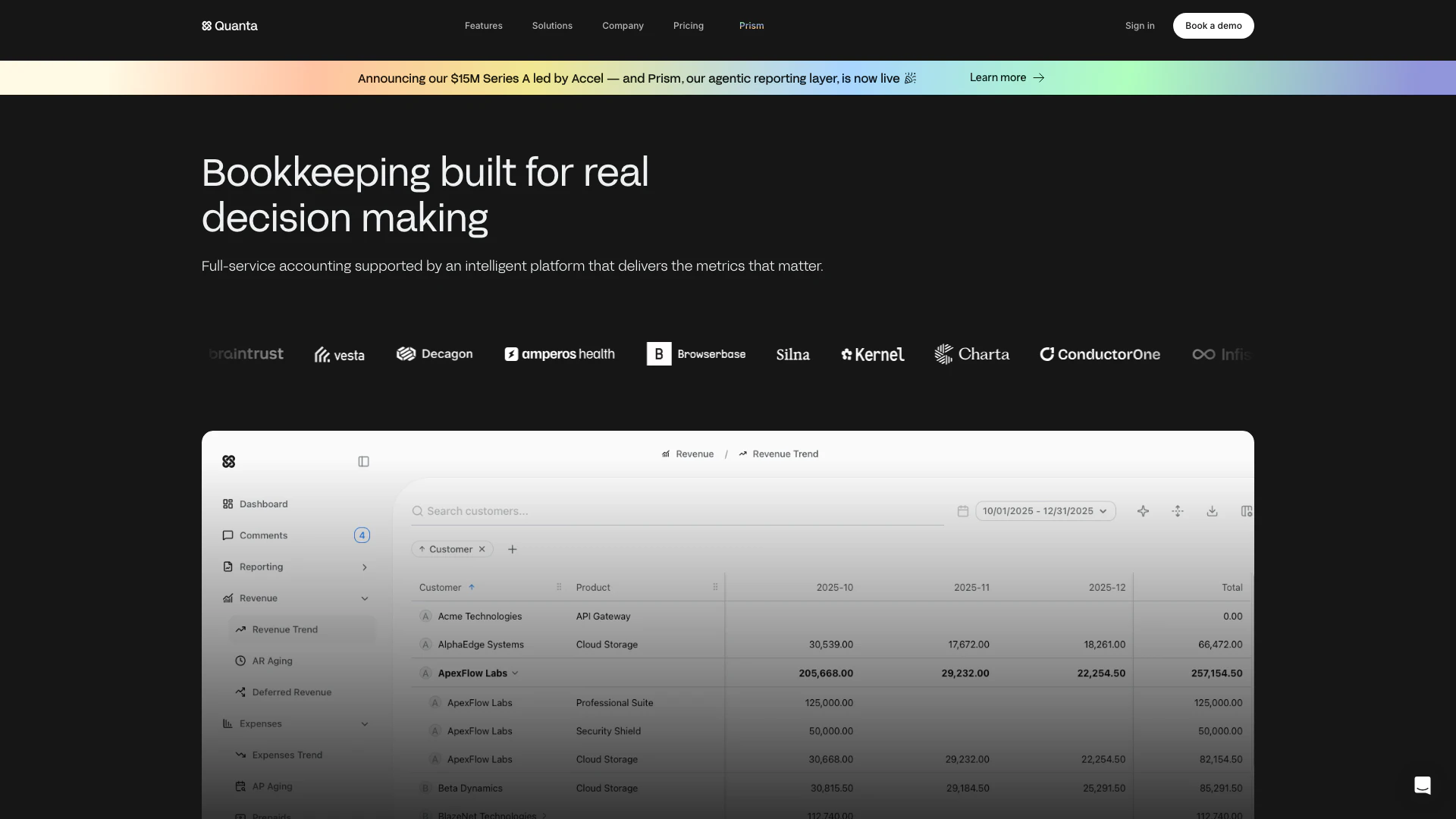





What is Usequanta?
Usequanta is an innovative bookkeeping tool designed to automate financial management[3] for businesses, providing real-time clarity[2] into financial data. By leveraging intelligent automation[4], Usequanta ensures that bookkeeping processes are streamlined and efficient, allowing businesses to make informed decisions based on up-to-date information. With a focus on delivering essential metrics that matter, Usequanta transforms traditional accounting into a proactive and insightful financial management experience.
How to use Usequanta?
- Sign up for an account on the Usequanta website.
- Connect your financial accounts and systems to the Usequanta platform.
- Customize your bookkeeping preferences and set up your financial reporting needs.
- Monitor your real-time financial metrics and insights through the dashboard.
- Utilize the agentic reporting features to get detailed answers about your finances.
What are the main features of Usequanta?
- Continuous bookkeeping and reconciliations to ensure accurate financial records.
- Explainable reporting[6] that allows users to trace financial data back to its source.
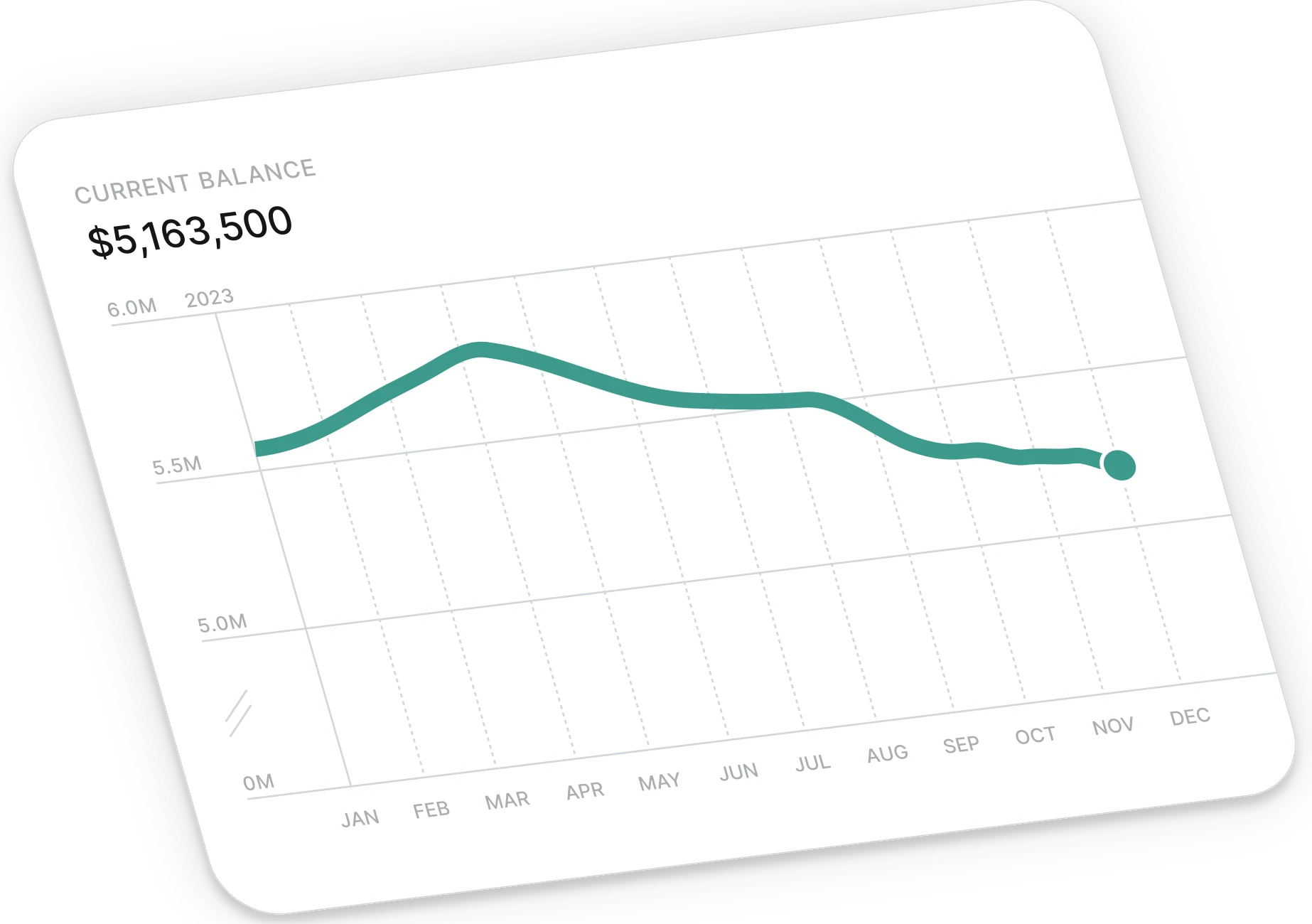
- Real-time financial visualization[5] for monitoring costs, revenue, and metrics.
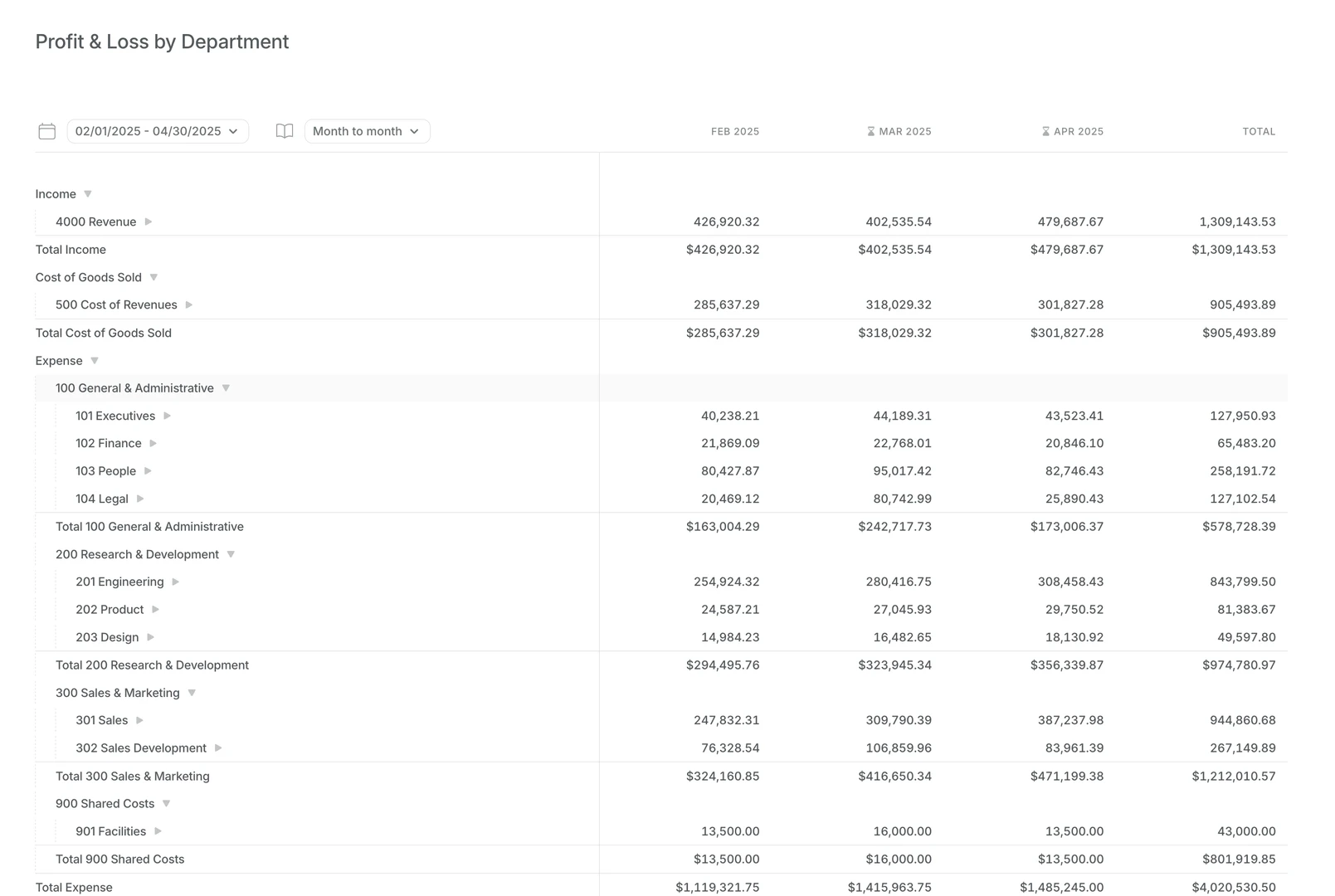
- Department-level tracking for detailed financial insights across different business units.
- Seamless integrations with other financial tools and platforms.
Who is Usequanta for?
Usequanta is designed for a variety of users including founders, heads of finance, controllers, and first business hires. It caters to startups and growing businesses that require efficient bookkeeping solutions. The tool is particularly beneficial for those looking for real-time financial insights and automated bookkeeping[1] processes, making it suitable for both small and medium-sized enterprises.
What are the use cases of Usequanta?
- Automating monthly financial reports for timely decision-making.
- Continuous tracking of cash flow and expenses to maintain financial health.
- Providing real-time insights for strategic planning and investor relations.
Product Images






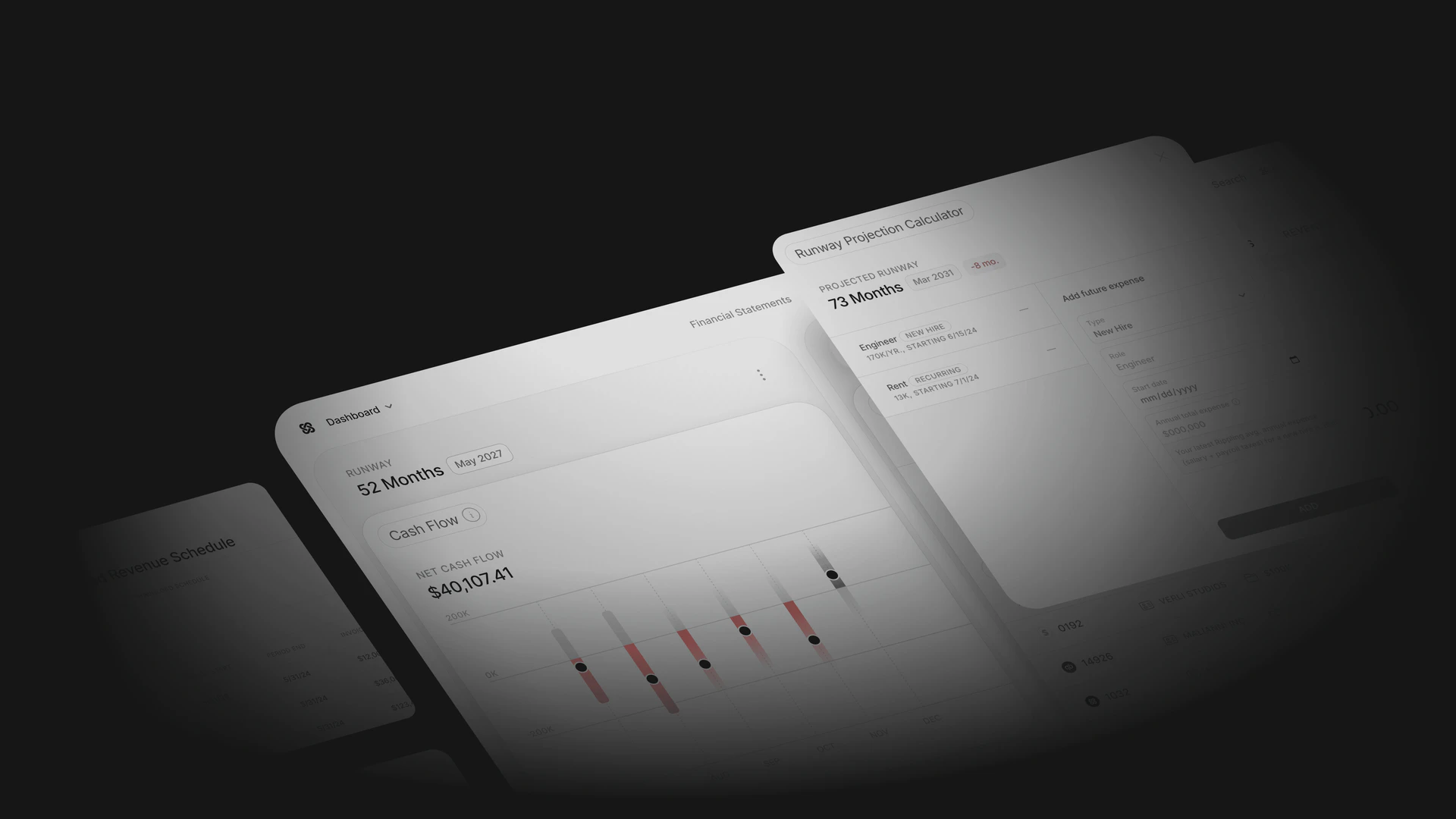

Usequanta Pros and Cons
Pros
- Automated Bookkeeping: Quanta automates bookkeeping processes, ensuring continuous reconciliations and accurate financial records, which saves time and reduces manual errors.
- Real-Time Financial Insights: Provides real-time visibility into financial activities, allowing businesses to make informed decisions based on up-to-date data.
- Integration Capabilities: Seamlessly integrates with various financial platforms, enabling a cohesive financial management experience across different tools.
Cons
No cons data detected for this tool
Usequanta Pricing
Pre-Revenue
For Founders. Full service accrual bookkeeping, real-time financial and investor metrics, dedicated accounting experts in Slack, same-day onboarding, Prism: AI reporting, tagging and insights.
Early Stage
For Founders & First Business Hires. Full service accrual bookkeeping, real-time financial and investor metrics, dedicated accounting experts in Slack, same-day onboarding, Prism: AI reporting, tagging and insights, revenue recognition and insights.
Enterprise
For Heads of Finance & Controllers. Custom pricing. Full service accrual bookkeeping, real-time financial and investor metrics, close Workbooks in-app, department-level tracking, Prism: AI reporting, tagging and insights, dedicated accounting team in Slack, ad hoc reporting and modeling support, custom revenue recognition, operational A/R and A/P support, monthly close call, audit support.
For the latest pricing, please visit this link: https://www.usequanta.com/get-started
Prices are subject to change. Please visit the official website for the most up-to-date pricing information.
Analytics of Usequanta
Usequanta Website Traffic Analysis
Visits Over Time
Traffic Sources
Oct 2025 - Dec 2025 Worldwide Desktop Only
- Direct: 47.31%
- Search: 26.71%
- Referrals: 12.57%
- Social: 11.91%
- Paid Referrals: 1.33%
- Mail: 0.09%
Top Keywords
| Keyword | Volume | CPC | Estimated Value |
|---|---|---|---|
| quanta | 30.23K | $0.51 | $210.00 |
| quanta accounting | 290 | $0.00 | $160.00 |
| quanta, an sf-based accounting | 180 | $0.00 | $170.00 |
| quanta $15 million | 140 | $0.00 | $130.00 |
| quanta real books real experts real fast design | 80 | $0.00 | $70.00 |
Usequanta Reviews
The efficiency gains since partnering with Quanta have been remarkable. They've helped us reduce our closing time by 85%, giving us visibility into our business faster.
This is the cashflow dashboard I've wanted for the last 8 years.
Previously, we would receive our finances 20 days after the month's end, but now, we can see the state of our business in real time. I now check our finances multiple times a week and have confidence that our accounting is done correctly.
For more reviews, visit this link: https://www.usequanta.com/#reviews