Knowlify



What is Knowlify?
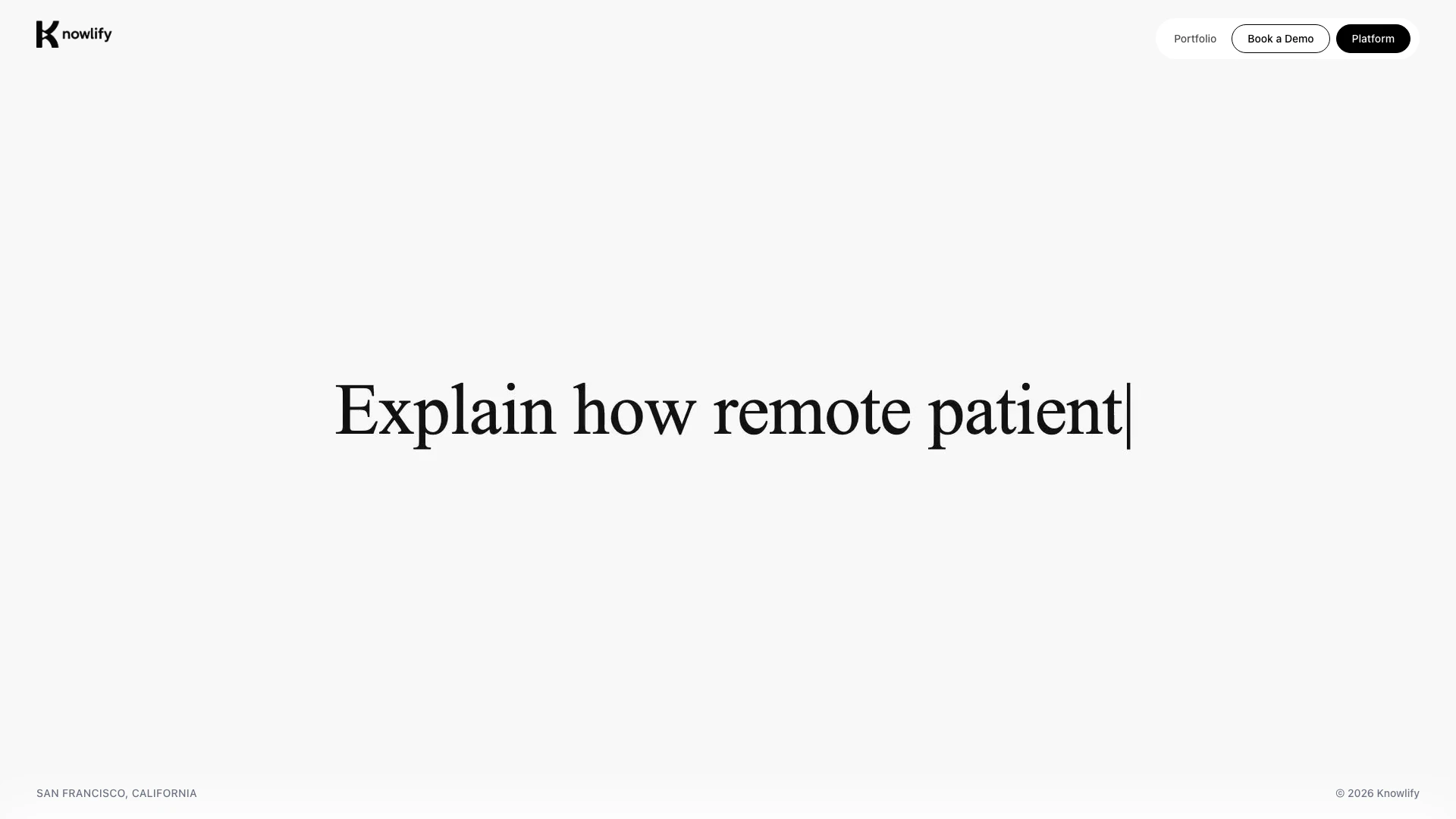
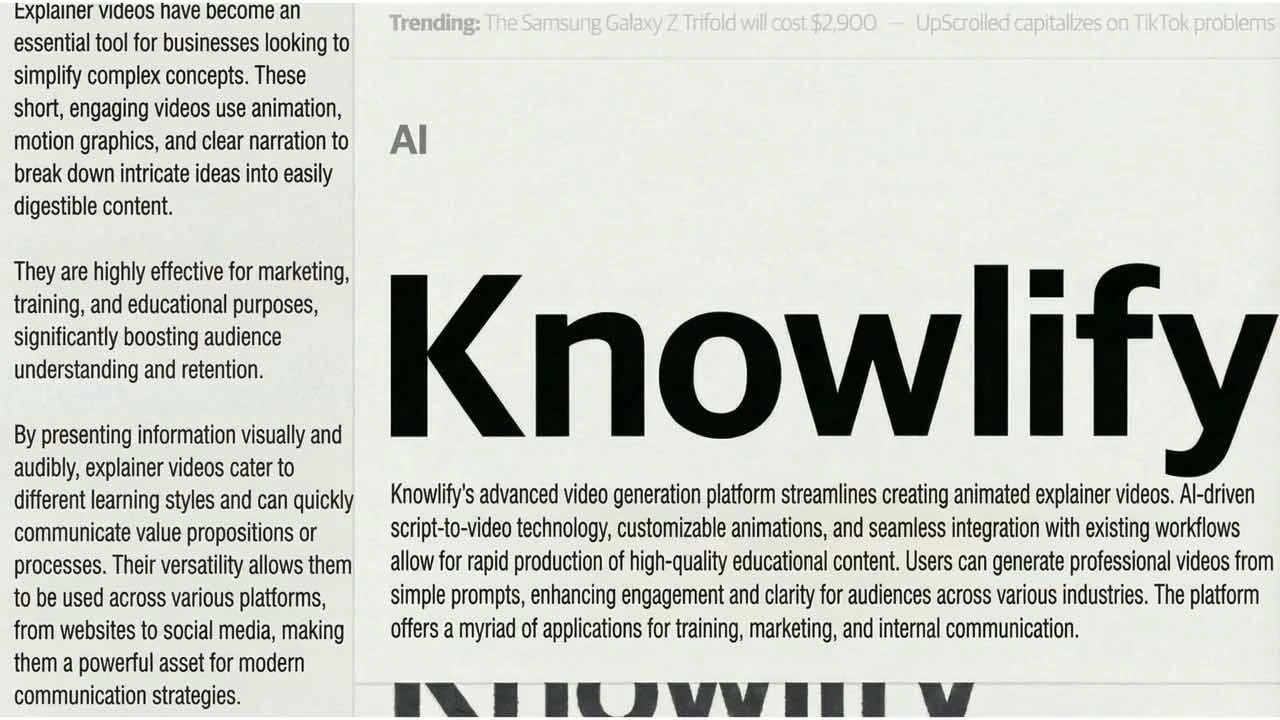
Knowlify is an innovative AI-powered[1] animated explainer video maker[3] designed specifically for companies. It enables users to transform documents, scripts, and ideas into professional-quality animated videos[2] in just minutes, eliminating the need for any design skills. This tool is ideal for businesses looking to create engaging content quickly and efficiently, making it a valuable asset in today’s fast-paced digital landscape.
How to use Knowlify?
- Visit the Knowlify platform at https://create.knowlify.com.
- Sign up or log in to your account.
- Choose whether to create a video using the self-serve platform[4] or opt for a hand-made video service.
- If using the self-serve option, input your script, documents, or ideas into the platform.
- Customize your video using the available templates and animations.
- Preview your video and make any necessary adjustments.
- Once satisfied, download or share your animated explainer video.
What are the main features of Knowlify?
- AI-powered video creation that simplifies the animation process.
- Self-serve platform for quick and easy video generation.
- Customizable templates[5] and animations to match your brand's identity.
- Option for hand-made videos crafted by professional animators.
- Fast turnaround time, producing videos in minutes instead of days.
Who is Knowlify for?
Knowlify is designed for businesses and professionals across various industries, including SaaS, finance, healthcare, and enterprise solutions. It is particularly beneficial for marketing teams, educators, and content creators who need to produce engaging explainer videos quickly without requiring advanced design skills. Whether you are a startup or an established company, Knowlify can help enhance your communication through visually appealing animated videos.
What are the use cases of Knowlify?
- Creating promotional videos for products or services to enhance marketing efforts.
- Developing educational content or tutorials for training purposes.
- Producing internal communications to explain new processes or initiatives within a company.
- Crafting engaging social media content to increase audience engagement and reach.
Product Images
Knowlify Pros and Cons
Pros
- AI-Powered Video Creation: Knowlify utilizes AI technology to enable users to create animated explainer videos quickly, requiring no design skills.
- Self-Serve Platform: The platform allows users to generate videos independently in minutes, making it accessible for various industries.
- Custom Video Services: Knowlify offers bespoke video creation services, ensuring high-quality, tailored videos crafted by professionals.
Cons
No cons data detected for this tool