


Twitter-color Created with Sketch. Amazon-color Created with Sketch. Facebook-color Created with Sketch. github [#142] Created with Sketch. meta_fill Pinterest-color Created with Sketch. ProductHunt-color Created with Sketch. Spotify-color Created with Sketch. Threads Logo Streamline Icon: https://streamlinehq.com Yelp-color Created with Sketch. Youtube-color Created with Sketch.
TopAIToolsTopAITools
  • Free Tools
  • Category
  • Leaderboard
  • Deals
  • Submit
EN
TopAIToolsTopAITools
TopAI

TopAITools

TopAITools, The Best Top AI Tools

AI Glossary|English简体中文繁體中文한국어日本語PortuguêsEspañolDeutschFrançaisTiếng Việt|Map

© 2026 TopAITools. All rights reserved.

About

  • Privacy Policy
  • Terms of use

Contact Us

business@topaitoolsreview.com
Home
Ai Assistant
Hanabotai
Last updated: June 10, 2026
Hanabotai logo

Hanabotai

Get deal
5.0|0 Comments|0 Saved
Introduction:
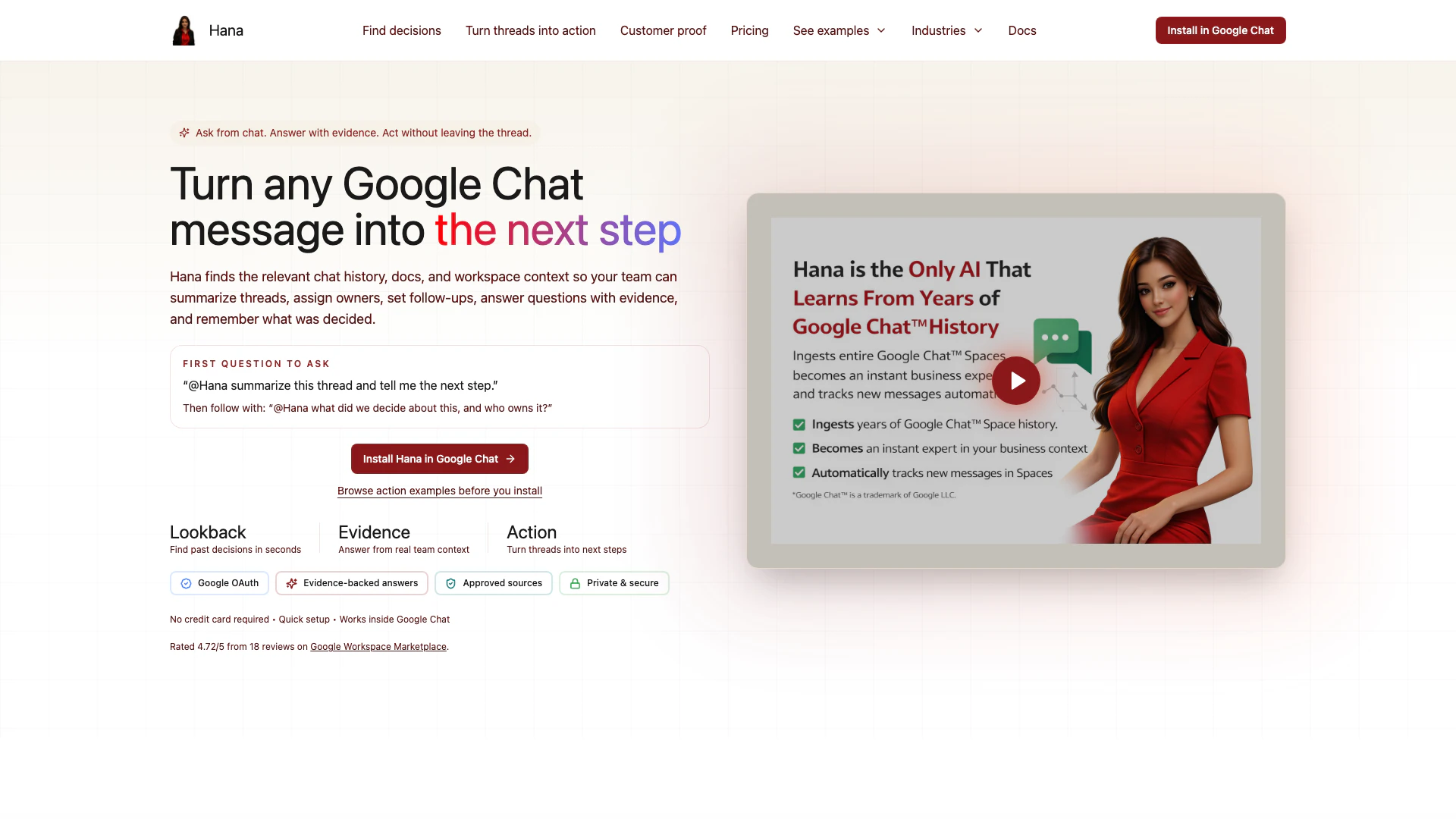
Hana is an intelligent assistant that helps teams retrieve relevant chat history, documents, and context in Google Chat to summarize threads and turn messages into actionable next steps.
Launch Date:
January 30, 2025
Social links:
Monthly Visits:
--
Inputs:
Text
Outputs:
Text
Website
🎨Creativity
Ai Assistant177Ai Productivity Tools260Customer Interaction Analysis Tools
Hanabotai website screenshot showing Hana is an intelligent assistant that he... interface and features
Use tool
Update this tool
Adobe logo

Adobe

Adobe empowers users to create and optimize digital content.

Notion 1771246560178 logo

Notion 1771246560178

Notion AI enhances productivity by integrating AI tools directly into your workspace.

Slack logo

Slack

Enhance collaboration and productivity with Slack's AI features.

Google logo

Google

AI Time Manager offers AI-driven tools for better time management.

Apple logo

Apple

Apple Creator Studio offers a suite of creative tools for video, music, and design.

Hanabotai Overview

What is Hanabotai?

Hanabotai, commonly referred to as Hana, is an AI-driven tool designed to enhance team collaboration and productivity within Google Chat. It intelligently retrieves relevant chat history, documents, and workspace context, enabling teams to summarize discussions, provide evidence-based answers, and transform any Google Chat message into actionable steps. By integrating seamlessly into Google Chat, Hana allows users to maintain focus on their conversations while automating follow-ups and task management.


How to use Hanabotai?

  1. Set Up Hana: Begin by accessing the Hana dashboard to connect your sources, manage permissions, and control the rollout of Hana within your team.
  2. Engage in Google Chat: Use Hana directly in Google Chat by mentioning @Hana in your conversation to retrieve information or create tasks.
  3. Invoke Actions: Ask Hana to summarize discussions, create reminders, or generate follow-ups by using natural language prompts, ensuring that all actions are taken without leaving the chat.

What are the main features of Hanabotai?

  • Contextual Retrieval: Quickly finds relevant chat history and documents to provide grounded answers.
  • Actionable Messaging: Transforms messages into tasks, reminders, polls, or summaries directly within Google Chat.
  • Seamless Integration: Works natively in Google Chat, allowing users to interact without switching platforms.
  • Admin Dashboard: Provides a control center for managing sources, permissions, and monitoring usage.
  • Security Controls: Built with Google OAuth for secure access and role-based permissions.

Who is Hanabotai for?

Hanabotai is designed for teams and organizations that rely on Google Chat for communication and collaboration. It is particularly beneficial for project managers, team leaders, and workspace admins who need to streamline workflows, ensure accountability, and enhance team productivity. By integrating Hana, these users can effectively manage tasks and communications, making it ideal for tech companies, remote teams, and any organization looking to improve their internal collaboration.


What are the use cases of Hanabotai?

  1. Task Management: Teams can turn chat discussions into tracked tasks with clear summaries and acceptance criteria, ensuring that important decisions are documented and actionable.
  2. Meeting Follow-ups: After meetings, users can use Hana to create reminders and summaries, making it easier to keep track of action items.
  3. Operational Triage: During engineering discussions, Hana can help retrieve relevant context and guide teams on the next steps, reducing the time spent searching for information.

Hanabotai Pros and Cons

Pros

  • Contextual Task Management: Hana efficiently manages tasks by turning messy chat threads into actionable items, ensuring that important discussions are captured and tracked.
  • Seamless Integration with Google Workspace: Hana integrates smoothly with Google Chat, Drive, Docs, and other Google services, allowing users to leverage existing tools without disruption.
  • Enhanced Team Collaboration: By summarizing discussions and providing evidence-based next steps, Hana enhances team collaboration and reduces indecision during conversations.

Cons

No cons data detected for this tool

Hanabotai Pricing

Free

Contact Us

Start using Hana in real work before your team commits. Free is for evaluating Hana in Google Chat and grounded retrieval workflows, with enough monthly usage to test it in real team scenarios. Best for small teams testing Hana for the first time. Usage: 30 interactions / user / month. Digests: 8 What's Happening digests / month. Sources: 30 text sources and 10 per other source type. Support: Standard support.

Basic

$7/month

Keep Hana active every week, not only in bursts. Basic is for teams that want Hana in regular operational use, with materially more monthly capacity, recurring digests, and broader ingestion workflows. Best for growing teams that depend on Hana every week. Usage: 100 interactions / user / month. Digests: 20 What's Happening digests / month. Sources: 50 text sources and 20 per other source type. Support: Standard support.

Pro

$15/month

Run Hana as a production knowledge and execution system. PRO is for teams that rely on Hana daily across heavier usage, broader source coverage, recurring digests, and rollout-sensitive workflows. Best for production teams with larger usage, ingestion, and support demands. Usage: 500 interactions / user / month. Digests: Unlimited What's Happening digests / month. Sources: Unlimited source ingestion across supported source types. Support: Priority support.

For the latest pricing, please visit this link: https://www.hanabot.ai/#pricing

Prices are subject to change. Please visit the official website for the most up-to-date pricing information.


Hanabotai Compare

Tool NameIntroductionPricing
Type
RatingLaunch DateLearn more
Outfits Ai logo
Outfits Ai
Try on any outfits using AI!
Free
🙋‍♂️Personal🎨Creativity
January 7, 2023
Get deal
Solidgrids logo
Solidgrids
Configure it once and automate your images forever without intervention—no need to review. Photos are ready to publish. Adjust backgrounds, lighting, banners, and more to fit your company branding.
Free
💼Work🎨Creativity
October 5, 2021
Get deal
Shulex Copilot logo
Shulex Copilot
Shulex Copilot ChatGPT E-commerce Tool & Sidebar - Shulex VOC
Free
💼Work🎨Creativity
December 15, 2017
Get deal

Info current as of post date. Offers and availability may vary by location and are subject to change.

Hanabotai Q&A

Hana is the fastest way to turn a Google Chat message into a grounded answer or action. Teams use it to create reminders, polls, and assignments, with workspace context available when the answer needs it.

Hanabotai Launch embeds

Use website badges to drive support from your community for your TopAITools Review. They're easy to embed on your homepage or footer.

FEATURED ONTopaitoolsreview.com

Hanabotai Alternatives

Chatspot screenshot

Chatspot

Boost Productivity in HubSpot with Breeze Copilot | HubSpot

Website
Free
💼Work🎨Creativity
Operations & ManagementAI CRM ToolsAi Productivity Tools
  • Operations & Management
  • AI CRM Tools
  • Ai Productivity Tools
Use tool
33.1M
Direct71.33%
Search20.60%
Referrals6.40%
AI Repurpose screenshot

AI Repurpose

OpusClip turns long videos into high-quality viral clips for you to share on TikTok, YouTube Shorts, and Reels to increase social media reach.

Website
FreeWriting & EditingAI Content RepurposingAI Text GeneratorAI Social Media Tools
  • Writing & Editing
  • AI Content Repurposing
  • AI Text Generator
  • AI Social Media Tools
Use tool
4.9M
Direct60.14%
Search34.01%
Referrals3.64%
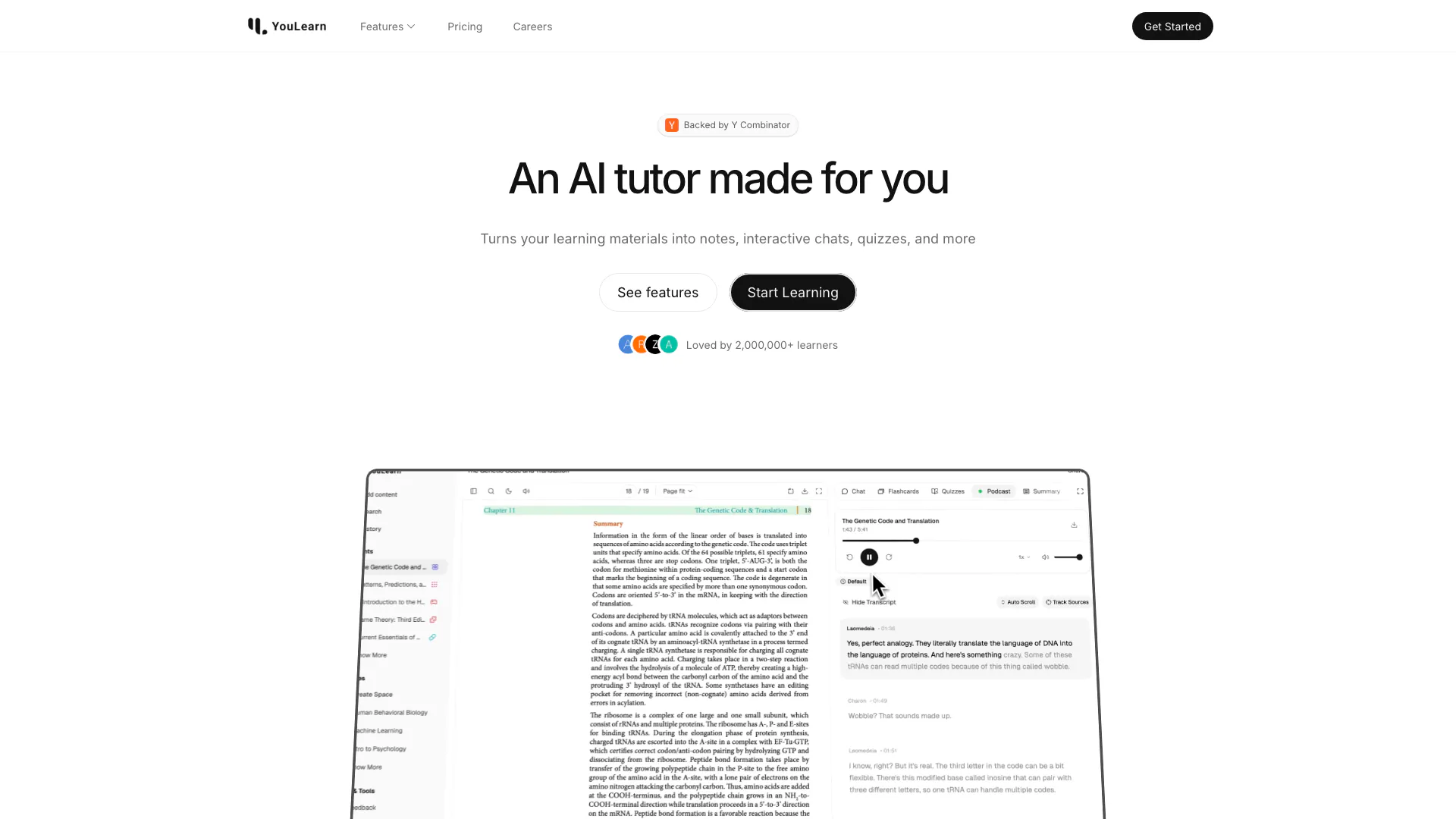
Youlearn screenshot

Youlearn

An AI tutor made for you. Learn from an AI tutor that understands your pdfs, youtube videos, and recorded lectures.

Website
Free
🙋‍♂️Personal💼Work
EducationAI Language LearningAi Productivity Tools
  • Education
  • AI Language Learning
  • Ai Productivity Tools
Use tool
1.5M
Direct52.53%
Search41.81%
Referrals3.99%

Also used for

Ai Assistant177Ai Productivity Tools260Customer Interaction Analysis Tools2AI Identity Protection5AI Security Tools2AI Keyboard Tools6AI Productivity Tools313AI Information Management Tools162AI Spreadsheet Tools27AI Spreadsheet Automation Tools29AI File Management Tools22AI Document Processing Tools90AI Business Planning Tools59AI Pitch Deck Generators37AI Branding Tools6
Hanabotai logo
HanabotaiFree
Get deal

Hanabotai Comments (0)

Your rating

?
0/2000

No comments yet

Be the first to share your thoughts!

Hanabotai Prompts (0)

Prompts And Results

Add your own prompts and outputs to help others understand how to use this AI.

🚀0
🚀0