


Twitter-color Created with Sketch. Amazon-color Created with Sketch. Facebook-color Created with Sketch. github [#142] Created with Sketch. meta_fill Pinterest-color Created with Sketch. ProductHunt-color Created with Sketch. Spotify-color Created with Sketch. Threads Logo Streamline Icon: https://streamlinehq.com Yelp-color Created with Sketch. Youtube-color Created with Sketch.
TopAIToolsTopAITools
  • Free Tools
  • Category
  • Leaderboard
  • Deals
  • Submit
EN
TopAIToolsTopAITools
TopAI

TopAITools

TopAITools, The Best Top AI Tools

AI Glossary|English简体中文繁體中文한국어日本語PortuguêsEspañolDeutschFrançaisTiếng Việt|Map

© 2026 TopAITools. All rights reserved.

About

  • Privacy Policy
  • Terms of use

Contact Us

business@topaitoolsreview.com
Home
Video Compression Tool
Grabfootage
Last updated: May 23, 2026
Grabfootage logo

Grabfootage

Get deal
4.0|0 Comments|0 Saved
Introduction:
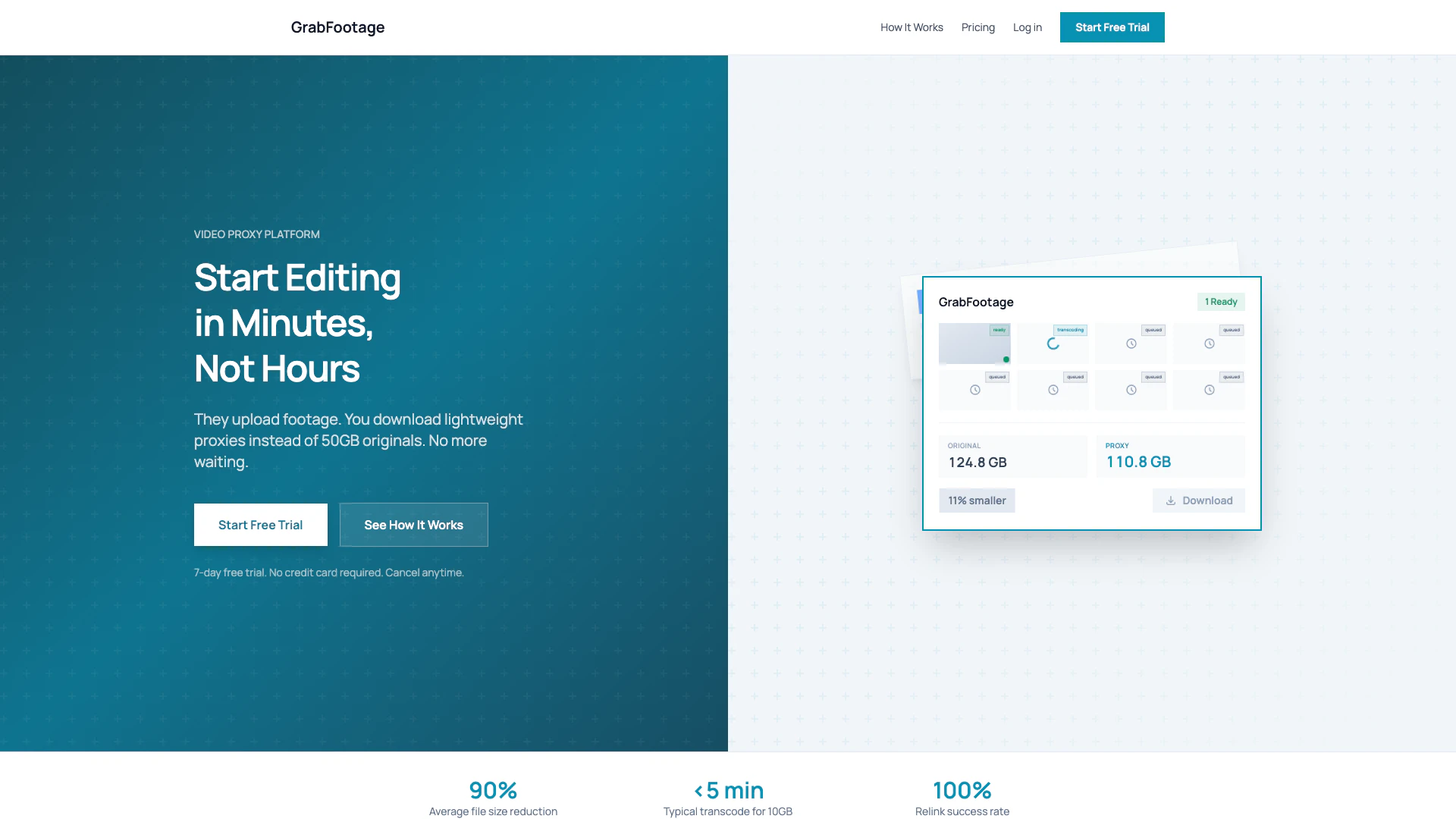
Effortlessly download lightweight video proxies for quick editing.
Launch Date:
December 27, 2025
Monthly Visits:
--
Inputs:
Video
Outputs:
Video
Supported Languages:
EN
AI Models:
GrabFootage Proxies
Website
Free Trial
💼Work🎨Creativity
Video Compression Tool9Lossless Video Compressor5User Friendly Video Compressor5
Grabfootage website screenshot showing Effortlessly download lightweight video ... interface and features
Use tool
Update this tool
Slack logo

Slack

Enhance collaboration and productivity with Slack's AI features.

Figma logo

Figma

Automate layer renaming in Figma for better organization.

Gemini logo

Gemini

Gemini is Google’s AI assistant for writing and brainstorming.

Notion 1771246560178 logo

Notion 1771246560178

Notion AI enhances productivity by integrating AI tools directly into your workspace.

Buzz Mail logo

Buzz Mail

Buzz Mail - Google Workspace Marketplace

Grabfootage Overview

What is Grabfootage?

Grabfootage is a revolutionary video proxy platform designed to streamline the editing workflow for video professionals. It allows clients to upload large video files, which you can then download as lightweight proxies instead of hefty originals. This significantly reduces waiting times, enabling editors to start their projects almost immediately, rather than spending hours downloading and transcoding large files. Grabfootage is built to optimize the editing process, making it faster and more efficient.


How to use Grabfootage?

  1. Share Your Link: Send the upload link to your clients. They can drag and drop their footage in any size or format without needing an account.
  2. We Create Your Proxies: Grabfootage automatically transcodes the uploaded footage into lightweight 1080p ProRes proxies while preserving the folder structure for easy relinking.
  3. Download and Edit: Download the proxies in minutes and start editing immediately, keeping the original files safely stored.

What are the main features of Grabfootage?

  • Fast Proxy Generation: Automatically transcodes uploaded footage into lightweight proxies within minutes.
  • Seamless Relinking: Proxies maintain the original folder structure, allowing for easy relinking in editing software like Premiere, Resolve, or Final Cut.
  • Interruption-Proof Uploads: Uploads and downloads can resume from where they left off in case of interruptions.
  • No Account Needed: Clients can upload footage using just a link, simplifying the process without the need for accounts or apps.
  • Flexible Storage Options: Offers various pricing plans with different storage capacities and features.

Who is Grabfootage for?

Grabfootage is ideal for video editors, filmmakers, and production companies who frequently handle large video files. It is particularly beneficial for those who need to streamline their workflow, reduce waiting times, and improve collaboration with clients. Whether working on short films, documentaries, or corporate videos, Grabfootage enhances productivity by facilitating faster access to footage.


What are the use cases of Grabfootage?

  1. Corporate Video Production: Quickly access and edit corporate videos by downloading proxies instead of waiting for large file transfers.
  2. Film Editing: Use Grabfootage to manage and edit film projects efficiently, allowing for immediate work on footage as it is uploaded by clients.
  3. Documentary Projects: Expedite the editing process for documentaries by using lightweight proxies, enabling faster turnaround times and client feedback.

Grabfootage Pros and Cons

Pros

  • Fast Proxy Download: Download lightweight proxies in minutes instead of hours, significantly speeding up the editing process.
  • Automatic Proxy Creation: Proxies are automatically transcoded to 1080p ProRes format, preserving folder structure for easy relinking.
  • No Account Needed: Clients can upload footage without needing to create an account, making the process simple and frictionless.
  • Interruption-Proof Uploads: Uploads and downloads can resume from where they left off, preventing loss of progress due to connection issues.

Cons

No cons data detected for this tool

Grabfootage Pricing

Basic

$39/month

Get started fast with 250 GB monthly uploads. Proxies ready in minutes, 7-day file storage, shareable upload links, and unlimited projects.

Standard

$69/month

The complete workflow with 1 TB monthly uploads. Proxies ready in minutes, 7-day file storage, shareable upload links, unlimited projects, priority processing, email notifications coming soon, private upload invites coming soon, and white-label portal coming soon.

Pro

$118/month

Scale without limits with 2 TB included, then pay-as-you-go at $59 per additional TB. Proxies ready in minutes, 7-day file storage, shareable upload links, unlimited projects, priority processing, email notifications coming soon, private upload invites coming soon, white-label portal coming soon, priority support, and never get blocked.

For the latest pricing, please visit this link: https://grabfootage.com/#pricing

Prices are subject to change. Please visit the official website for the most up-to-date pricing information.

Grabfootage Compare

Tool NameIntroductionPricing
Type
RatingLaunch DateLearn more
Autodraw logo
Autodraw
AutoDraw
Free
🎨Creativity
January 2, 1998
Get deal
Solidgrids logo
Solidgrids
Configure it once and automate your images forever without intervention—no need to review. Photos are ready to publish. Adjust backgrounds, lighting, banners, and more to fit your company branding.
Free
💼Work🎨Creativity
October 5, 2021
Get deal
Facetune logo
Facetune
Edit your selfies to get the results you want with powerful and easy-to-use tools. Give your selfies the VIP treatment. Touch up, reshape & apply digital makeup.
Free
🙋‍♂️Personal🎨Creativity
December 1, 2012
Get deal

Info current as of post date. Offers and availability may vary by location and are subject to change.

Grabfootage Q&A

GrabFootage supports various video formats, allowing clients to upload footage in any size and format without the need for an account.

For more FAQs, please visit this link: https://grabfootage.com/#

Grabfootage Launch embeds

Use website badges to drive support from your community for your TopAITools Review. They're easy to embed on your homepage or footer.

FEATURED ONTopaitoolsreview.com

Grabfootage Alternatives

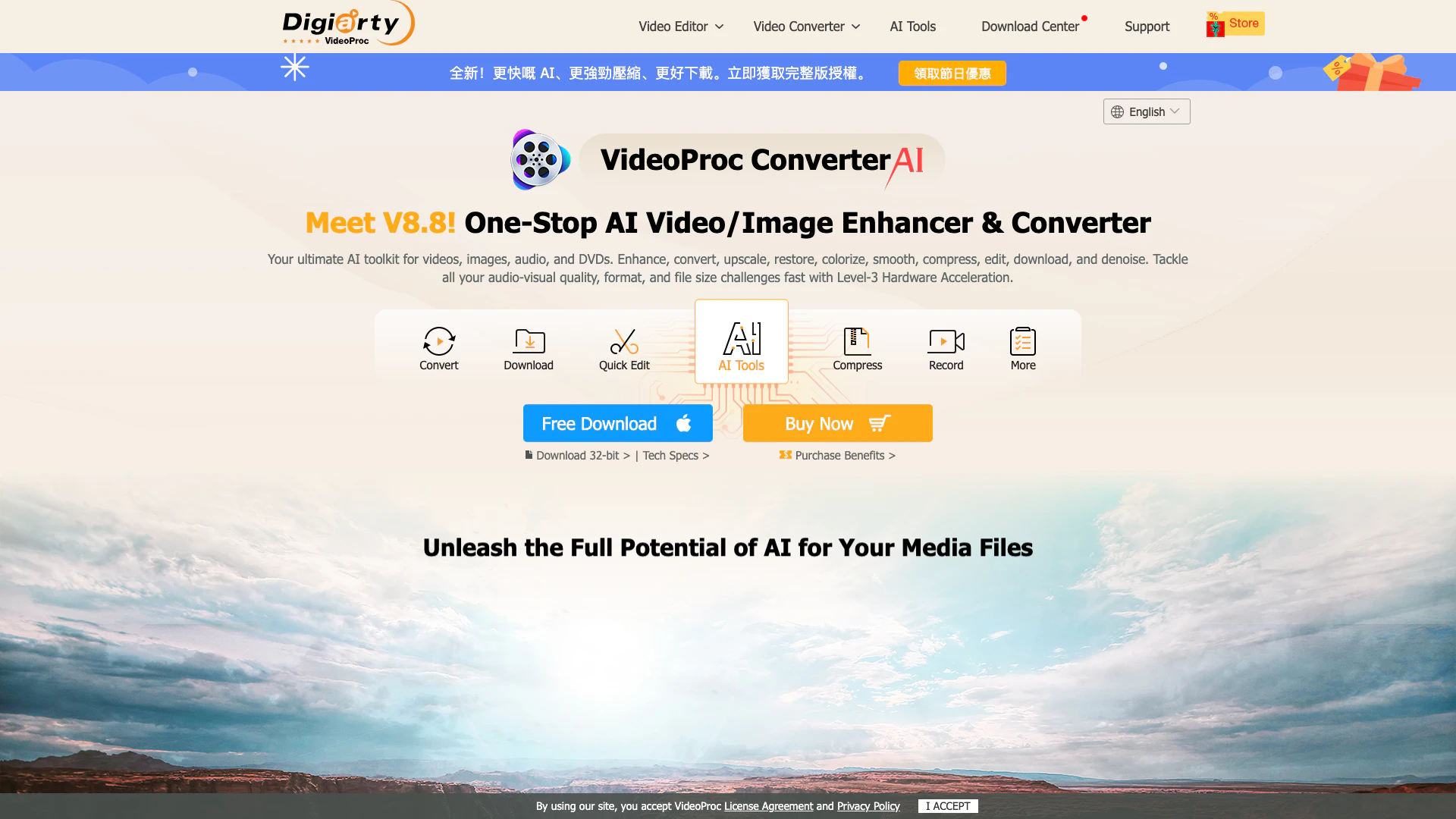
Videoproc screenshot

Videoproc

An all-in-one AI video converter and enhancer.

Website
Free
💼Work🎨Creativity
Video & AnimationAI Video EnhancerAI Video UpscalerVideo Compression Tool
  • Video & Animation
  • AI Video Enhancer
  • AI Video Upscaler
  • Video Compression Tool
Use tool
2.2M
Search49.57%
Direct41.04%
Referrals7.24%
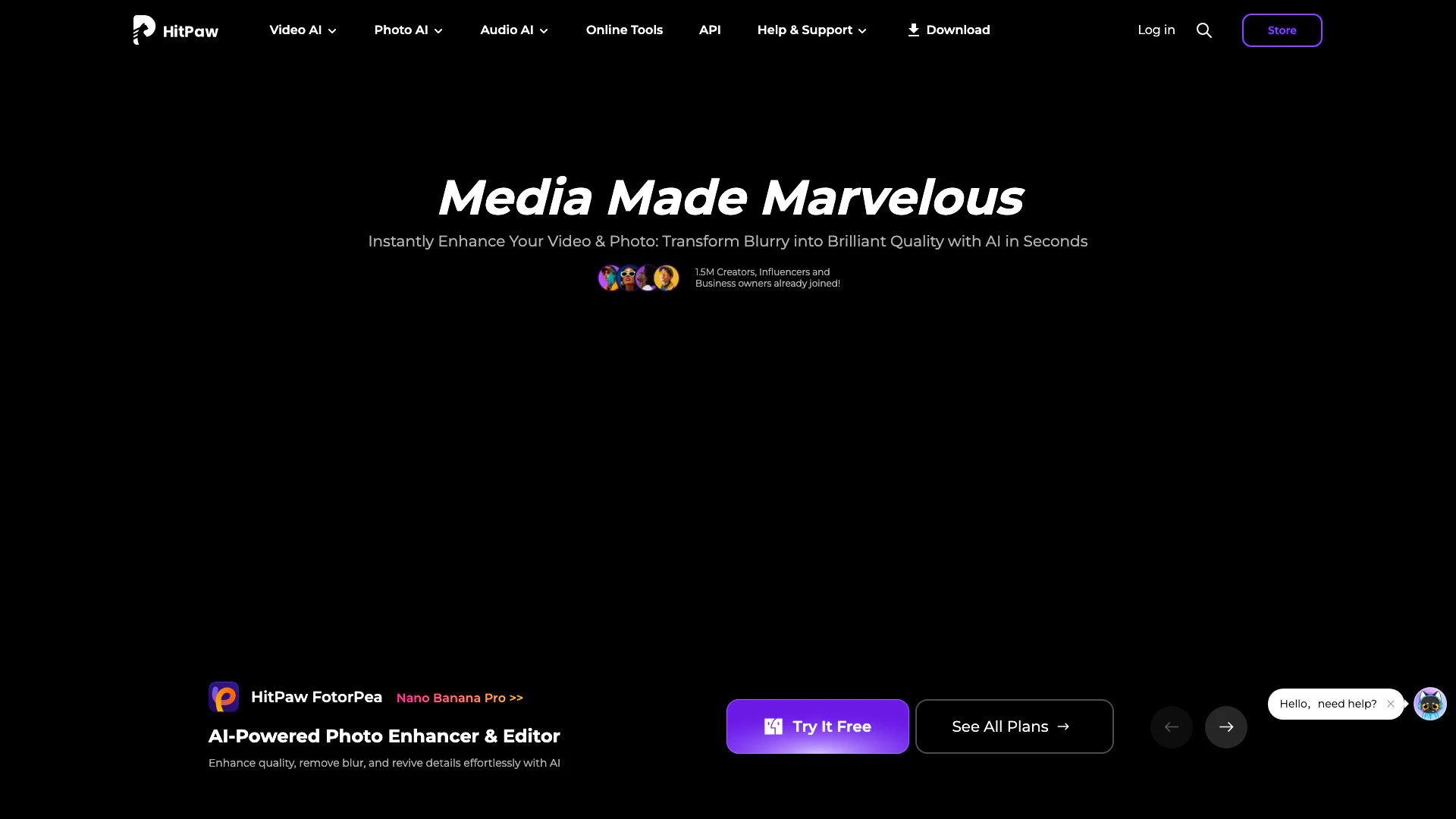
Hitpaw screenshot

Hitpaw

Enhance, convert, and edit videos, photos, and audio with HitPaw's AI tools.

Website
Free
💼Work🎨Creativity
Video & AnimationAI Video EditorAI Video EnhancerAI Image and Video Synthesis
  • Video & Animation
  • AI Video Editor
  • AI Video Enhancer
  • AI Image and Video Synthesis
Use tool
1.4M
Search55.86%
Direct34.26%
Referrals6.47%
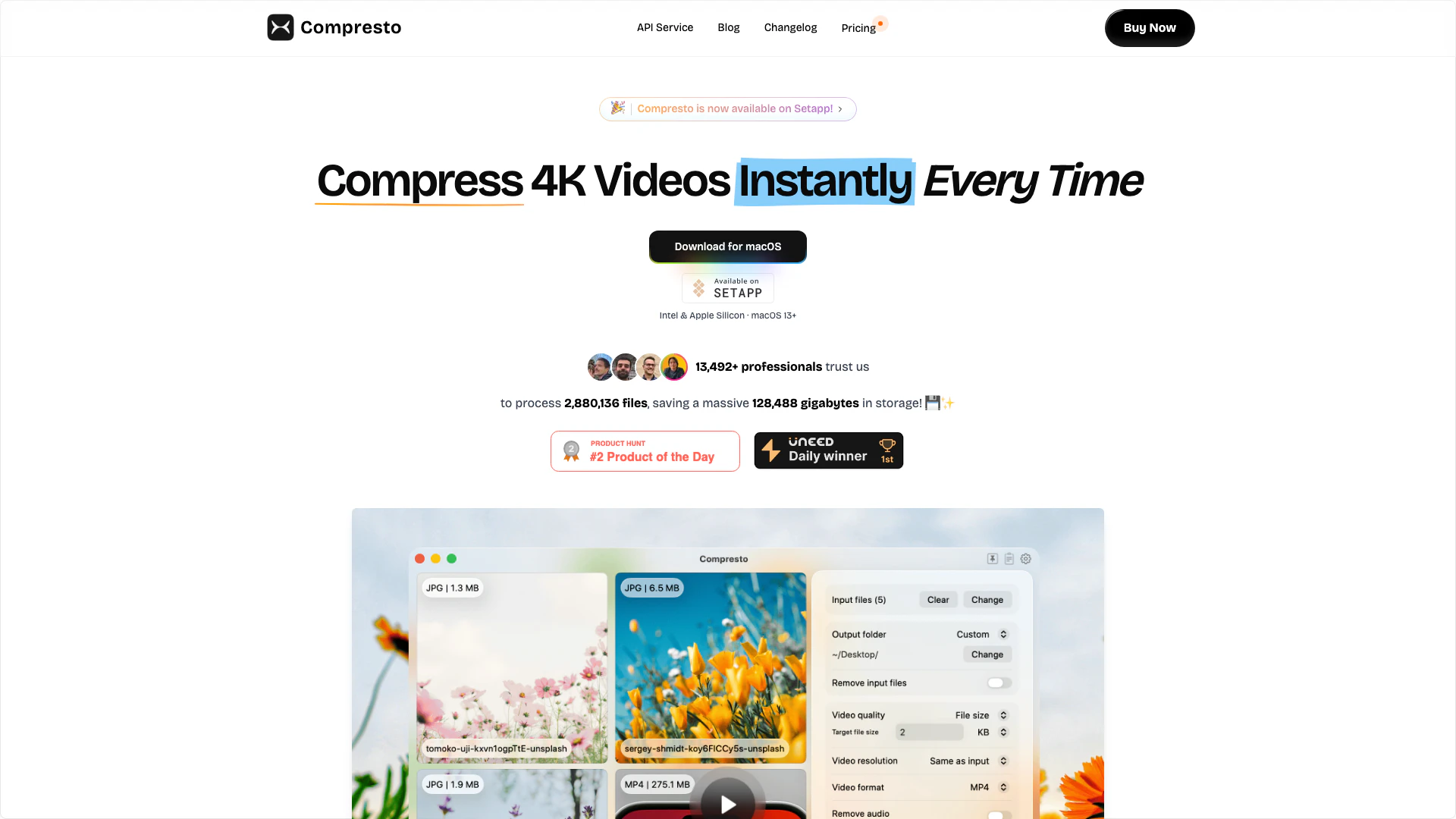
Compresto screenshot

Compresto

Compresto efficiently compresses videos, images, and PDFs without quality loss.

Website
Free
💼Work🎨Creativity
Video & AnimationVideo Compression ToolLossless Video CompressorUser Friendly Video Compressor
  • Video & Animation
  • Video Compression Tool
  • Lossless Video Compressor
  • User Friendly Video Compressor
Use tool
54.5K
Direct35.84%
Search34.15%
Referrals19.02%

Grabfootage Tags

Video ProxyFast EditingLightweight ProxiesAutomatic TranscodingSeamless UploadsProject Management

Also used for

Video Compression Tool9Lossless Video Compressor5User Friendly Video Compressor5AI Video Creation Suite125AI Creative Video Production33AI Image and Video Synthesis64AI Video and Image Creator47AI Creative Video Production31AI Video and Image CreatorAI Creative Video and Image Generation25AI Creative Video Content Generator96AI Professional Video Production34AI Creative Multimedia Generator1Ai Character Consistent Video Generator21AI Watermark Removal Tool10
Grabfootage logo
GrabfootageFree Trial
Get deal

Grabfootage Comments (0)

Your rating

?
0/2000

No comments yet

Be the first to share your thoughts!

Grabfootage Prompts (0)

Prompts And Results

Add your own prompts and outputs to help others understand how to use this AI.

🚀0
🚀0