

Compresto





What is Compresto?
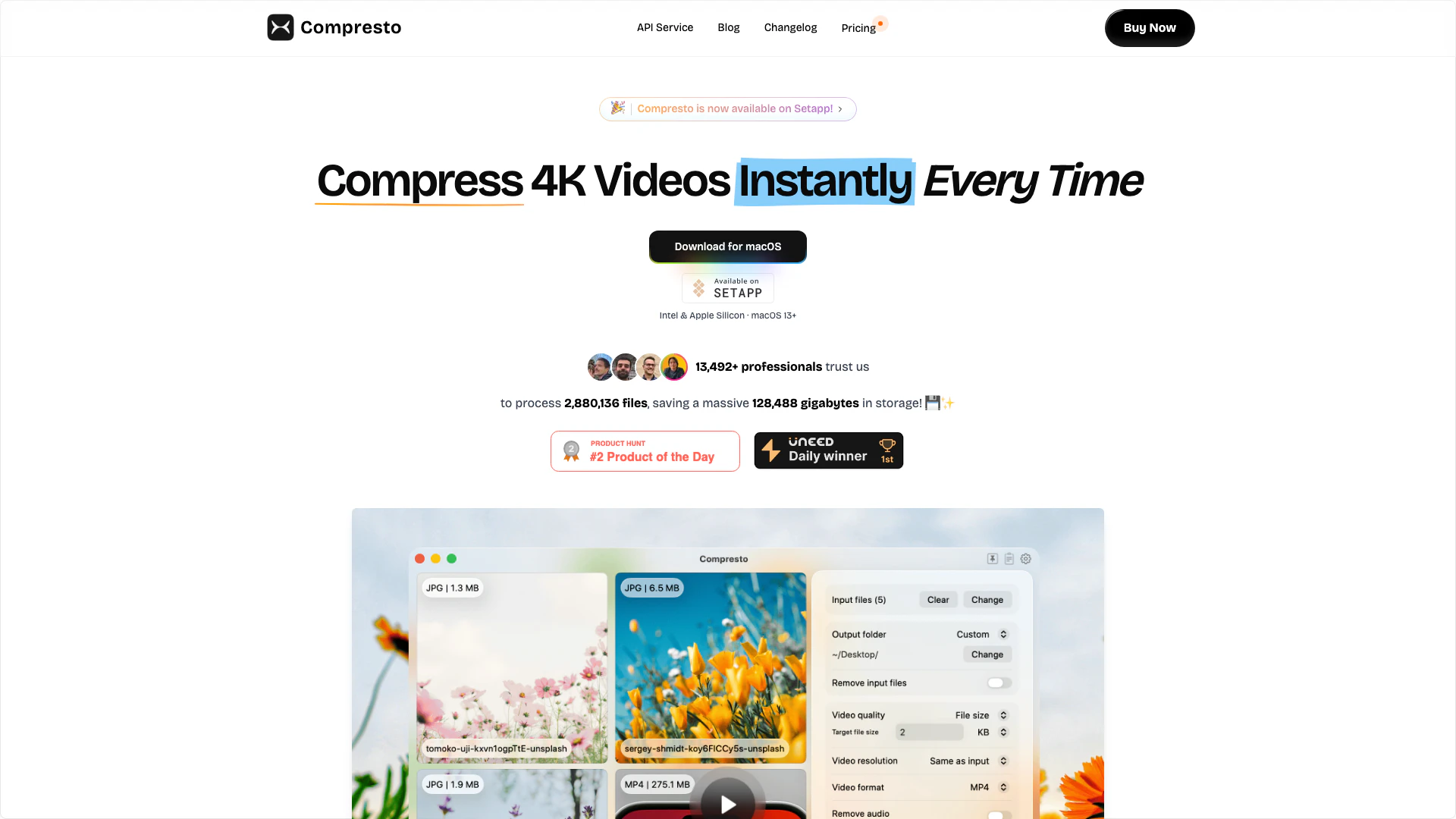
Compresto is a professional video, image, and PDF compression[1] tool designed specifically for macOS[2] users. This powerful application allows content creators and professionals to reduce file sizes by up to 90% without compromising quality. With its intuitive drag-and-drop interface, Compresto simplifies the process of compressing large files, making it an essential tool for anyone looking to optimize their digital content. Whether you're a video editor, graphic designer, or digital marketer, Compresto provides an efficient solution to manage storage space while maintaining high visual fidelity.
How to use Compresto?
- Download and install Compresto from the official website or Setapp.
- Launch the application on your macOS device.
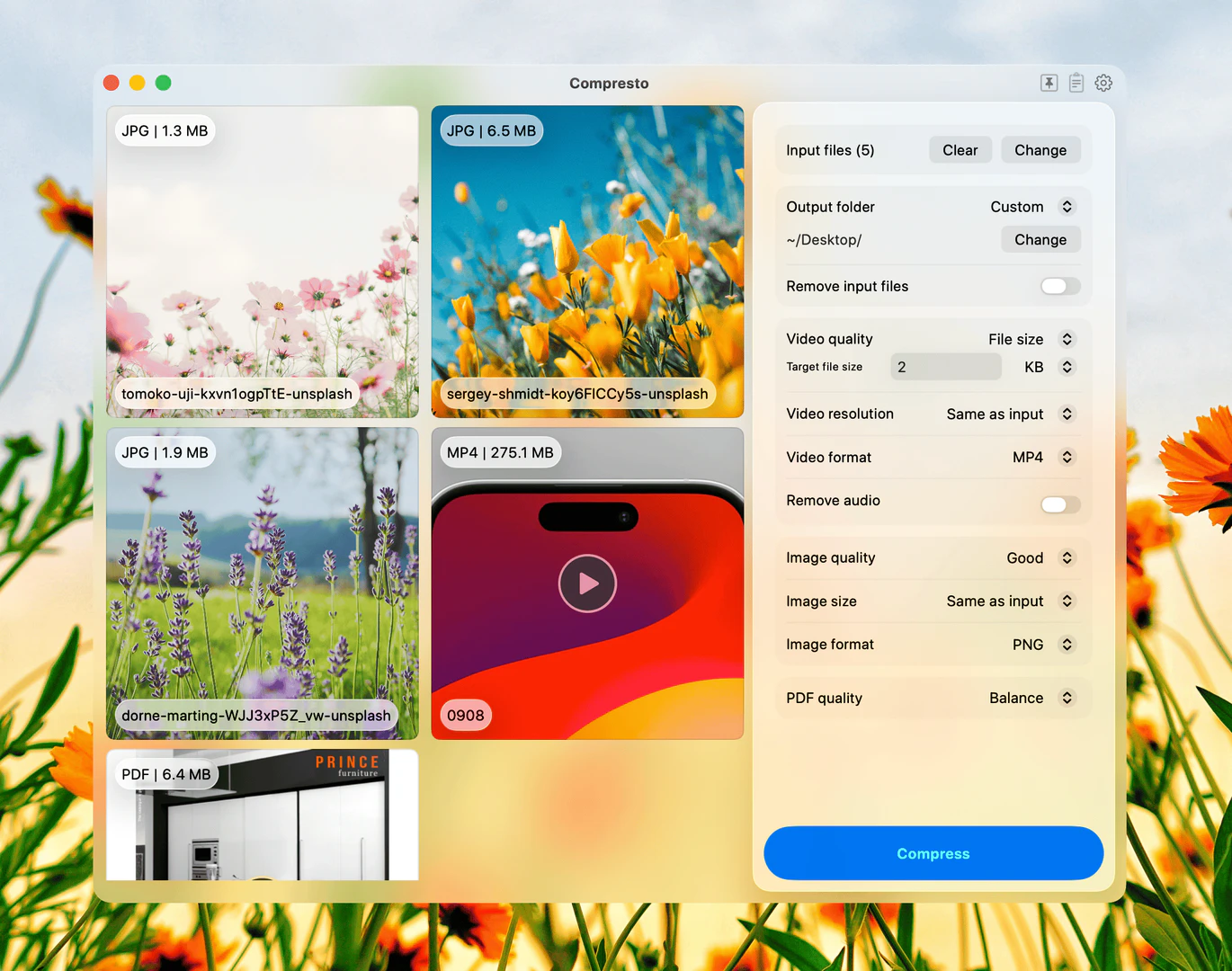
- Drag and drop the video, image, or PDF files you want to compress into the Compresto interface.
- Select the desired compression settings if applicable.
- Click on the 'Compress' button to start the process.
- Once the compression is complete, the optimized files will be available for download.
What are the main features of Compresto?
- Batch Processing[4]: Efficiently compress hundreds of files simultaneously with intelligent queuing and progress tracking.
- Multi-format Support[5]: Compress videos, images, and PDFs all within one application.
- Massive Size Reduction: Achieve file size reduction[3]s of up to 90% while preserving visual quality.
- Drag & Drop Interface: User-friendly design that simplifies the compression process.
- Privacy First: All file processing occurs offline on your Mac, ensuring your data remains secure.
- Folder Monitoring: Automatically compress files added to specified watched folders.
Who is Compresto for?
Compresto is tailored for content creators, professionals, and anyone who regularly works with large video, image, or PDF files. This includes video editors, graphic designers, digital marketers, and educators who require efficient file management and compression solutions. Its powerful capabilities make it ideal for those looking to optimize their workflows and free up storage space without sacrificing quality.
What are the use cases of Compresto?
- Video Editing: Reduce the size of video files for easier sharing and faster uploads without losing quality.
- Web Design: Compress images for websites to improve loading times and enhance user experience.
- Digital Marketing: Optimize PDFs and images for email campaigns, ensuring faster downloads and better engagement.
Product Images
Compresto Pros and Cons
Pros
- High Compression Rate: Compresto can reduce file sizes by up to 90% without compromising quality, making it ideal for professionals needing efficient storage.
- Multi-Format Support: This tool supports compression for videos, images, and PDFs, allowing users to handle various file types in one application.
- User-Friendly Interface: The drag-and-drop interface simplifies the compression process, making it accessible for users of all skill levels.
- Privacy Focused: All processing occurs offline on the user's Mac, ensuring that files remain secure and private.
Cons
No cons data detected for this tool
Compresto Pricing
Personal
Best for individuals who want a simple, powerful tool for personal use.
Standard
Perfect for enthusiasts or professionals who need flexibility and extra support.
For the latest pricing, please visit this link: https://compresto.app/pricing
Prices are subject to change. Please visit the official website for the most up-to-date pricing information.
Analytics of Compresto
Compresto Website Traffic Analysis
Visits Over Time
Traffic Sources
Nov 2025 - Jan 2026 Worldwide Desktop Only
- Direct: 35.84%
- Search: 34.15%
- Referrals: 19.02%
- Social: 8.60%
- Paid Referrals: 1.99%
- Mail: 0.13%
Top Keywords
| Keyword | Volume | CPC | Estimated Value |
|---|---|---|---|
| how does document folder should be | 0 | $0.00 | $150.00 |
| pdf editor app macos | 0 | $0.00 | $150.00 |
| compresto | 480 | $0.00 | $340.00 |
| compresto mac | 270 | $0.00 | $250.00 |
| compressto | 270 | $0.00 | $130.00 |
Compresto Reviews
Reduced my video from ~50MB to ~5MB! Super easy to use 👍
Rarely does a tool alter my established 20-year workflow, but this one is a game-changer. In a realm where communication and motion are inseparable, this product stands out for its streamlined process and remarkably compact outputs. A big thank you to Hieu!
Just what I needed! This is awesome!
For more reviews, visit this link: https://compresto.app#reviews


Compresto Social Listening
如何压缩视频,把文件变小,还没画质损失?
参考资料 视频编解码IBP帧 https://zhuanla...
【宅男福利】视频压缩+格式转换神器!手把手教你用 HandB...
👉👉👉本期视频,我将带你从零开始,彻底学会使用完全免费...
如何设置共享文件夹?Win/Mac全平台教程演示 | SMB...
◉ 纯方法演示 无资源链接 —————— 本频道所有「软件...
Unlock to view 19 social media results.