

Videoproc
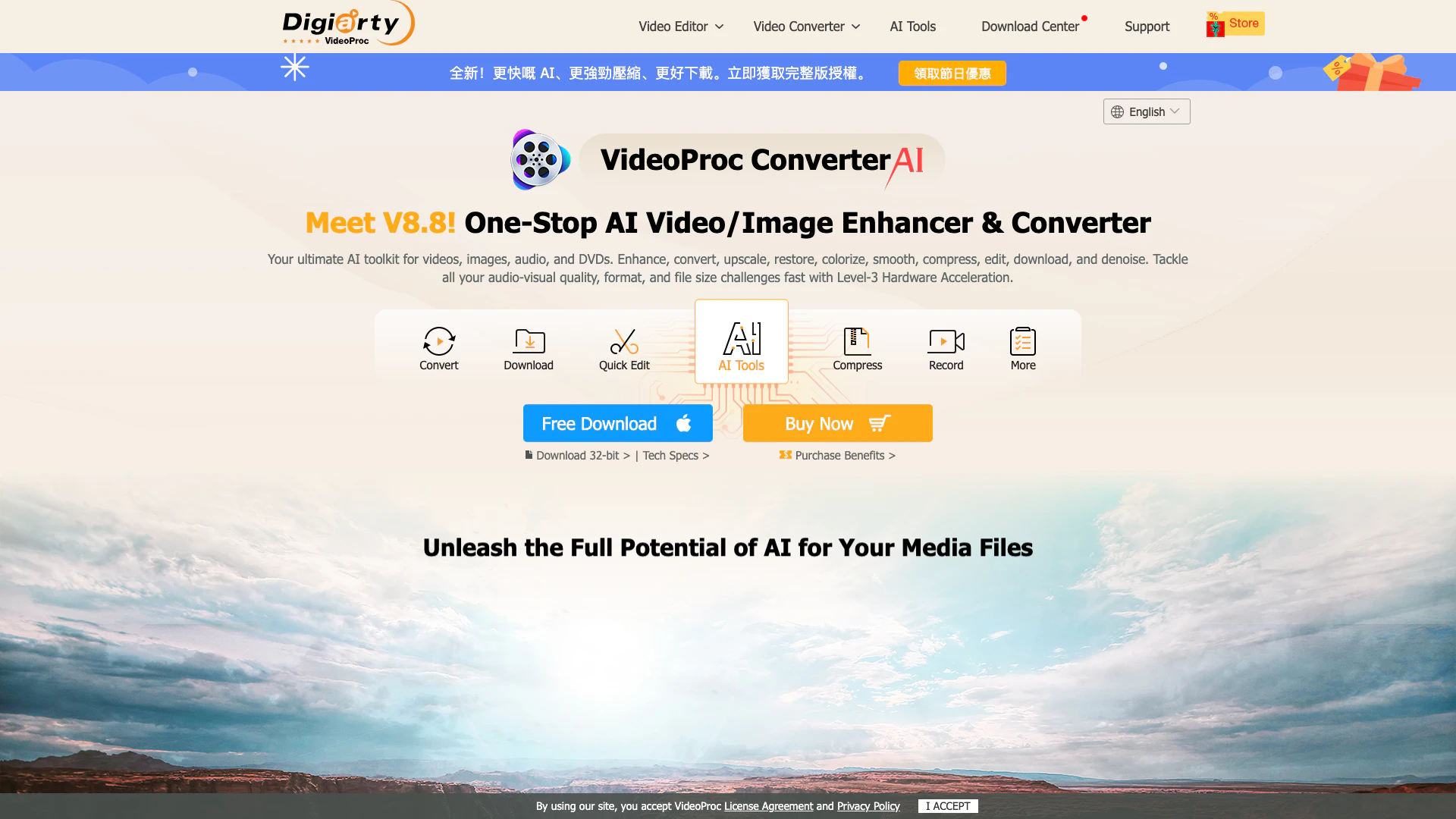


What is VideoProc Converter AI?
VideoProc Converter AI is an all-in-one multimedia software designed for enhancing, converting, compressing, and editing videos, images, audio, and DVDs. It leverages advanced AI technology to upscale video quality, stabilize shaky footage, remove background noise, and perform various editing tasks efficiently. With its GPU acceleration[3], it offers fast processing speeds while maintaining high-quality output, making it an ideal solution for both casual users and professionals looking to streamline their media processing tasks.
How to use VideoProc Converter AI?
- Download and install VideoProc Converter AI from the official website.
- Launch the application and choose the desired function such as "Convert", "Edit", or "Download".
- Import your media files by dragging them into the interface or using the "Browse" button.
- Select the output format or editing options as needed.
- Click the "RUN" button to start the processing of your files.
What are the main features of VideoProc Converter AI?
- AI Video Enhancer[1]: Upscales and enhances video quality using AI algorithms.
- Video Conversion[2]: Supports 370+ input formats and 420+ output formats for seamless media conversion.
- Compression[4]: Efficiently compresses videos while retaining quality, ideal for sharing and storage.
- Editing Tools[5]: Offers cutting, merging, cropping, and adding effects to videos.
- Audio Processing[6]: Includes features for removing vocals, suppressing noise, and converting audio formats.
- DVD Backup[7]: Allows users to digitize and back up DVDs in various formats.
Who is VideoProc Converter AI for?
VideoProc Converter AI is tailored for a wide range of users including movie lovers, content creators, vloggers, gamers, educators, and social media enthusiasts. It is ideal for anyone looking to enhance their media files, whether for personal projects or professional content creation. Its intuitive interface makes it accessible for beginners while offering advanced features that meet the needs of experienced users.
What are the use cases of VideoProc Converter AI?
- Video Editing: Perfect for quick edits like cutting unwanted segments from videos or merging clips into a single file.
- Media Conversion: Easily convert videos and audio files to different formats for compatibility with various devices and platforms.
- Enhancing Old Footage: Utilize AI features to upscale and restore old videos and images, improving their quality significantly.
Videoproc Pros and Cons
Pros
- Comprehensive Multimedia Toolkit: VideoProc Converter AI offers a wide range of features including video conversion, editing, compression, and downloading, making it a versatile tool for various multimedia tasks.
- AI-Powered Enhancements: The tool utilizes advanced AI technology for video upscaling, frame interpolation, and noise suppression, significantly improving the quality of videos and images.
- GPU Acceleration for Fast Processing: With Level-3 hardware acceleration, VideoProc Converter AI can process videos up to 47 times faster while maintaining low CPU usage, enhancing efficiency.
Cons
No cons data detected for this tool
Videoproc Pricing
Premium 365
1 Year Subscription / 3 PCs. The subscription will auto-renew annually. You will be informed 7 days before the next charge date. You can cancel your subscription at any time.
Lifetime License
Lifetime / 1 PC. One-time payment. Install on 1 PC. Lifetime access to all AI & media features.
Family License
Lifetime / 3-5 PCs. One-time payment. Install on up to 5 PCs. Lifetime access to all AI & media features.
For the latest pricing, please visit this link: https://www.videoproc.com/video-converting-software/buy.htm?ttpath=vpc-index-top
Prices are subject to change. Please visit the official website for the most up-to-date pricing information.
Analytics of Videoproc
Videoproc Website Traffic Analysis
Visits Over Time
Traffic Sources
Nov 2025 - Jan 2026 Worldwide Desktop Only
- Search: 49.57%
- Direct: 41.04%
- Referrals: 7.24%
- Social: 1.68%
- Paid Referrals: 0.43%
- Mail: 0.04%
Top Keywords
| Keyword | Volume | CPC | Estimated Value |
|---|---|---|---|
| animesuge | 488.05K | $2.04 | $7500.00 |
| vumoo | 86.04K | $2.03 | $6590.00 |
| videoproc converter ai | 34.36K | $0.82 | $29240.00 |
| videoproc | 23.35K | $0.73 | $17630.00 |
| videoproc converter | 14.48K | $0.54 | $11730.00 |



Videoproc Social Listening
Videoproc AI Enhancement - All...
Explore all VideoProc features...
ULTIMATE Guide to Edit EPIC Vi...
VideoProc Vlogger FREE Downloa...
AI自动剪辑工具,10秒剪完一小时,简直是效率神器! #ch...
ai自动剪辑工具:Autopod: https://www....
Unlock to view 44 social media results.