

Videocutter
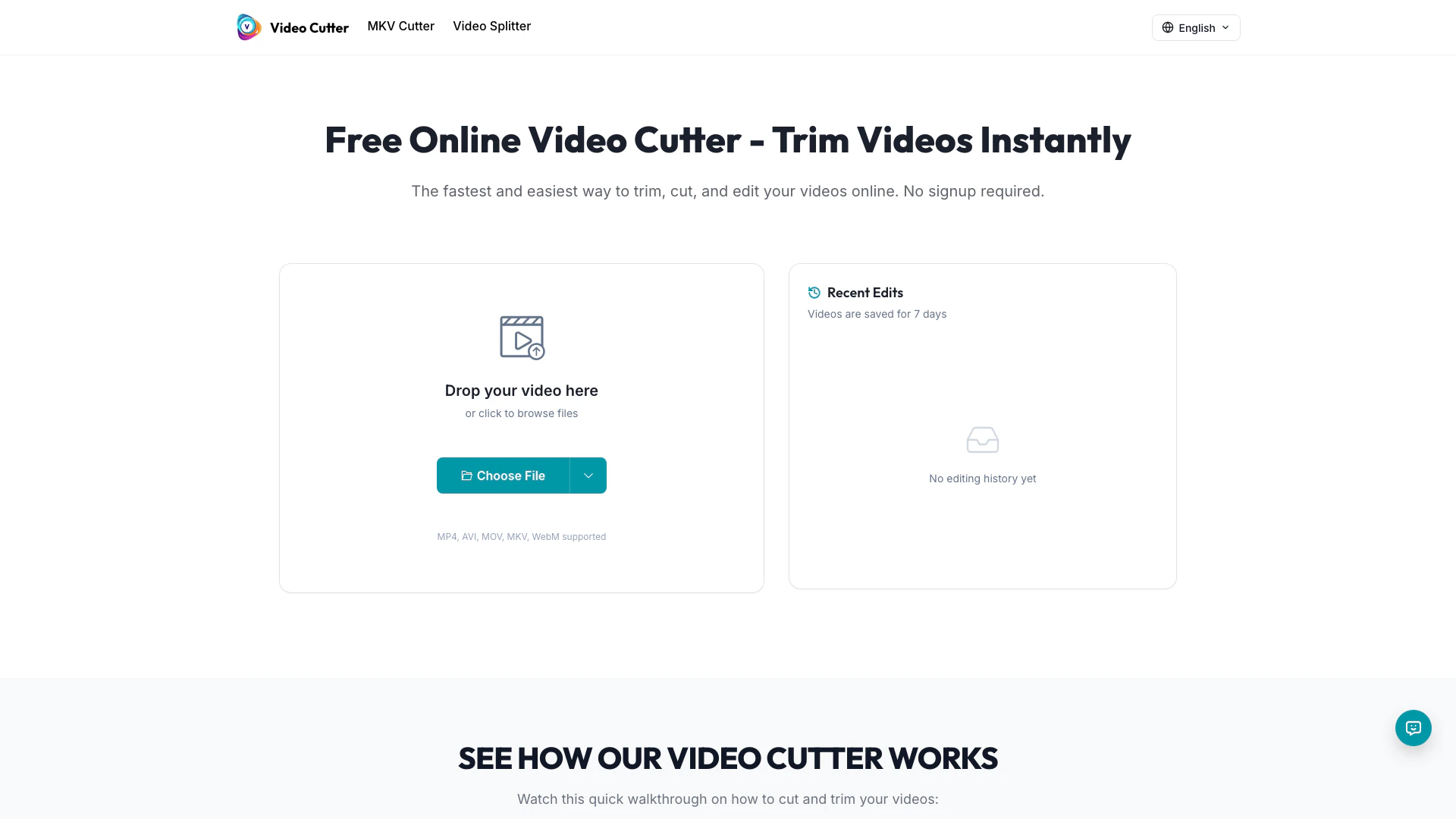


What is Videocutter?
Videocutter is a free online video cutting tool that allows users to cut and trim videos[1] instantly without the need for downloads or logins. It supports various video formats such as MP4, AVI, MOV, and MKV, making it accessible and user-friendly. The tool is designed for quick and secure video editing directly in the browser, ensuring that users can create professional-looking clips effortlessly. With its intuitive interface and fast processing capabilities, Videocutter is ideal for anyone looking to edit video content efficiently.
How to use Videocutter?
To use Videocutter, follow these simple steps: 1. Upload Video: Visit the Videocutter website and upload the video you want to cut. The tool supports formats like MP4, AVI, MOV, MKV, and WebM. 2. Set Trim Points: Use the timeline feature to select the exact segments of the video you wish to keep. Adjust the start and end points by dragging the handles. 3. Download Result: Once the trimming process is complete, download your edited video. The tool preserves the original quality, allowing for easy sharing.
What are the main features of Videocutter?
Videocutter offers several powerful features that enhance video editing, including: - Lightning Fast Processing[5]: Quickly cut and trim videos in seconds with an optimized cutting engine. - Lossless Quality[2]: Maintain the original video quality after trimming. - Secure Processing[3]: All video processing is done locally, ensuring user privacy and security. - Multiple Format Support: Compatible with MP4, AVI, MOV, MKV, WebM, and more. - User-Friendly Interface[4]: The drag-and-drop functionality[6] makes cutting videos straightforward and efficient. - Completely Free: No watermarks or hidden fees, allowing unlimited video trimming.
Who is Videocutter for?
Videocutter is designed for a wide range of users, including content creators, marketers, educators, and social media managers. It is perfect for anyone who needs to quickly cut and edit videos for platforms such as TikTok, Instagram Reels, YouTube Shorts, and more. Whether you're creating promotional videos, personal projects, or educational content, Videocutter provides the tools necessary to produce high-quality clips efficiently without requiring advanced technical skills.
What are the use cases of Videocutter?
Videocutter can be utilized in various scenarios, such as: 1. Social Media Content Creation: Trim videos to meet the specific length requirements for platforms like TikTok and Instagram. 2. Video Editing for Marketing: Create engaging promotional clips for advertising campaigns and social media posts. 3. Educational Video Production: Cut long lectures or tutorials into concise, focused segments for easier understanding and retention.
Videocutter Pros and Cons
Pros
- User-Friendly Interface: The drag-and-drop interface allows users to cut videos in just three clicks, making it accessible for everyone.
- No Signup Required: Users can start cutting videos immediately without the need for account creation, enhancing convenience.
- Supports Multiple Formats: Video Cutter supports various formats including MP4, AVI, MOV, MKV, and WebM, catering to diverse user needs.
- Fast Processing Speed: The optimized cutting engine processes videos in seconds, providing quick results for users.
- Lossless Quality Preservation: The tool preserves the original quality of videos during the trimming process, ensuring high-quality outputs.
Cons
No cons data detected for this tool
Videocutter Reviews
Video Cutter has been game-changing. It's allowed us to create gorgeous content for social promotion and ad units with ease.
I love using Video Cutter. The quality is the best I've seen on the market. It's helped take my content to the next level.
I used to use multiple tools to record, edit, and download. Now I do this all in one spot with Video Cutter.
For more reviews, visit this link: https://videocutter.io#video-cutter-loved-by-creators




