Getsharebox





What is Getsharebox?
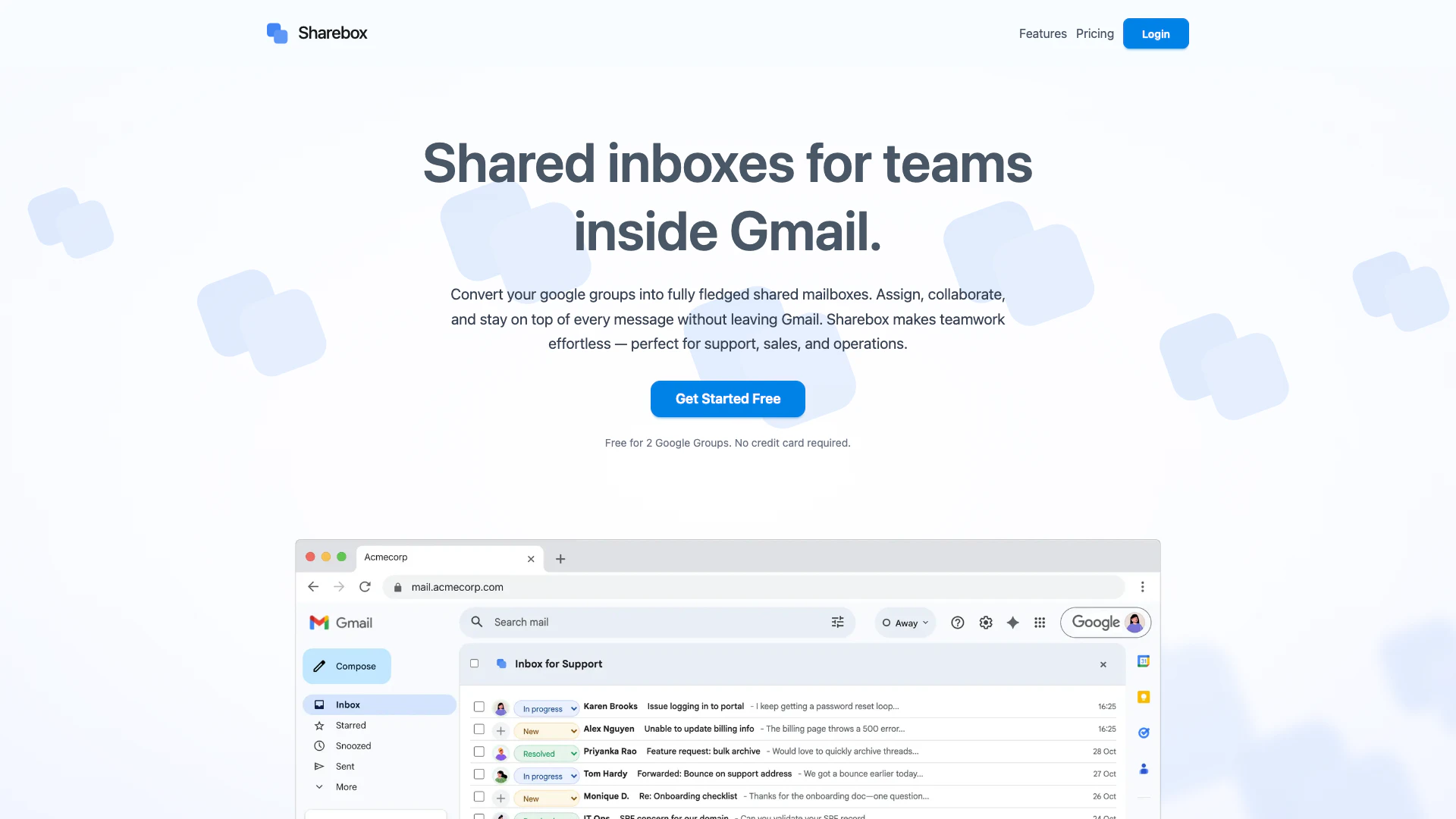
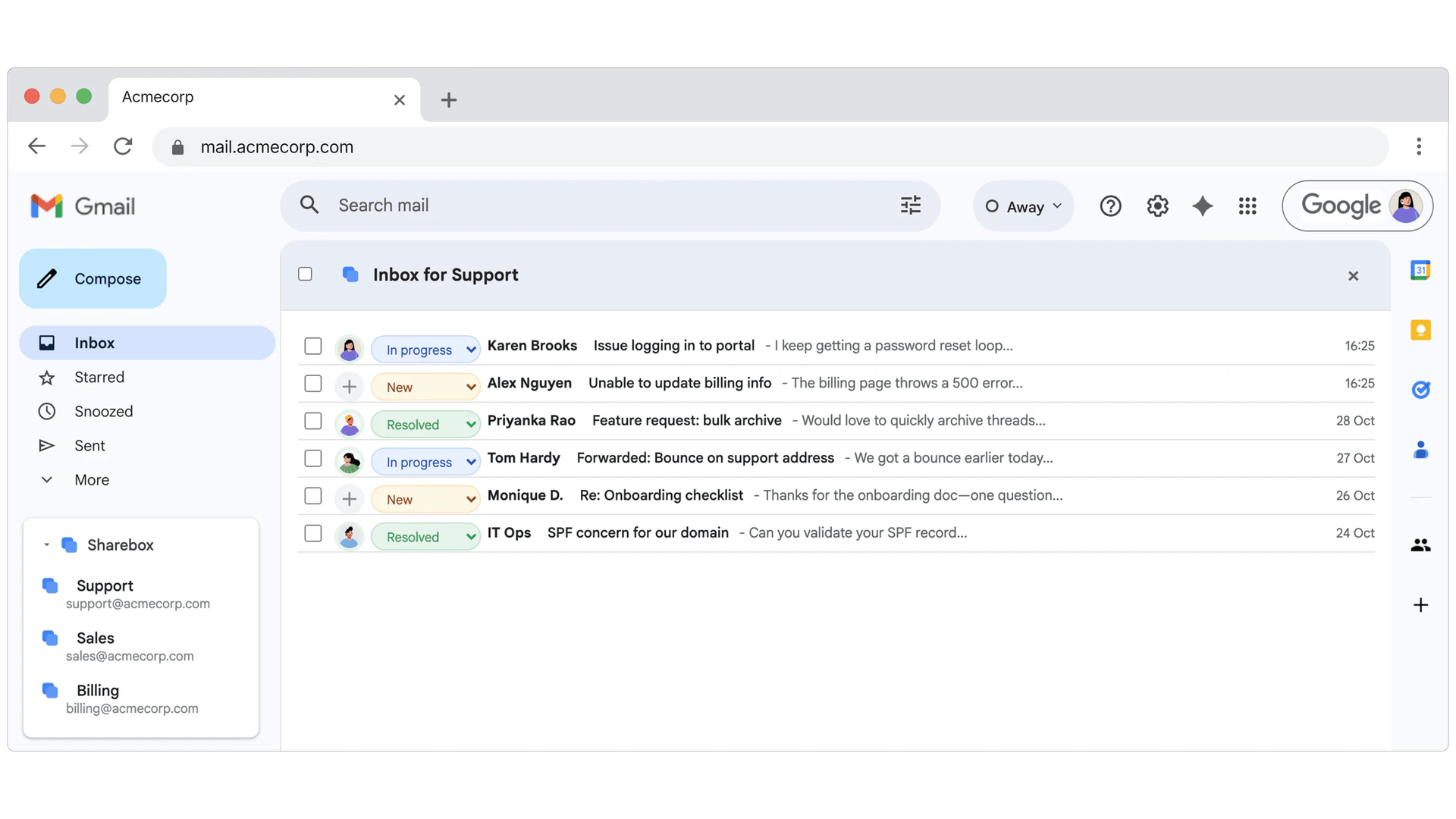
Getsharebox is a powerful tool designed to enhance Gmail collaboration[1] by converting Google Groups into fully functional shared inboxes[2]. This innovative solution allows teams to assign tasks, collaborate on messages, and manage communications seamlessly without leaving the Gmail interface. By eliminating the chaos often associated with shared email accounts, Getsharebox enables teams to work efficiently, making it ideal for support, sales, and operations. Its direct integration with Gmail ensures that all team members can stay organized and on top of their messages.
How to use Getsharebox?
- Sign up for Getsharebox by visiting the website and creating an account.
- Connect your Google Workspace account to Getsharebox.
- Convert your Google Groups into shared mailboxes within the Getsharebox interface.
- Assign messages to team members directly from your Gmail inbox.
- Collaborate with your team by adding notes and tracking the status of each message.
What are the main features of Getsharebox?
- Shared Inboxes: Transform Google Groups into shared mailboxes for effective team collaboration.
- Message Assignment[3]: Assign ownership of messages to team members to clarify responsibilities.
- Gmail Integration[4]: Use Getsharebox directly within Gmail without additional logins or tabs.
- No Label Chaos: Avoid the complications of labels and filters that other tools use, maintaining a clean inbox.
- Centralized Database: All assignments, statuses, and notes are stored in a central workspace for easy access.
Who is Getsharebox for?
Getsharebox is ideal for teams and organizations that rely heavily on Gmail for communication. It caters to support teams, sales departments, and operational units that require efficient management of shared emails. By providing a structured approach to email collaboration, it benefits any group looking to streamline their communication processes and reduce the chaos often associated with shared inboxes.
What are the use cases of Getsharebox?
- Customer Support: Use Getsharebox to manage customer inquiries and support requests efficiently by assigning tickets to team members.
- Sales Teams: Collaborate on leads and follow-ups by sharing important emails and assigning responsibilities within the team.
- Project Management: Keep track of project-related emails by converting project-specific Google Groups into shared inboxes for better coordination.
Product Images
Getsharebox Pros and Cons
Pros
- Effortless Team Collaboration: Sharebox allows teams to assign messages and collaborate directly within Gmail, enhancing teamwork without leaving the platform.
- No Extra Logins Required: Sharebox integrates seamlessly into Gmail, eliminating the need for additional logins or tabs, making it user-friendly.
- Centralized Management: Unlike other tools, Sharebox uses a central database for assignments and statuses, avoiding clutter and sync issues.
Cons
No cons data detected for this tool
Getsharebox Pricing
Free
For up to 2 shareboxes.
Premium
Upgrade any time for $59/month to unlock unlimited shareboxes.
For the latest pricing, please visit this link: https://getsharebox.io/#pricing
Prices are subject to change. Please visit the official website for the most up-to-date pricing information.