Gemini Design Mcp





What is Gemini Design MCP?
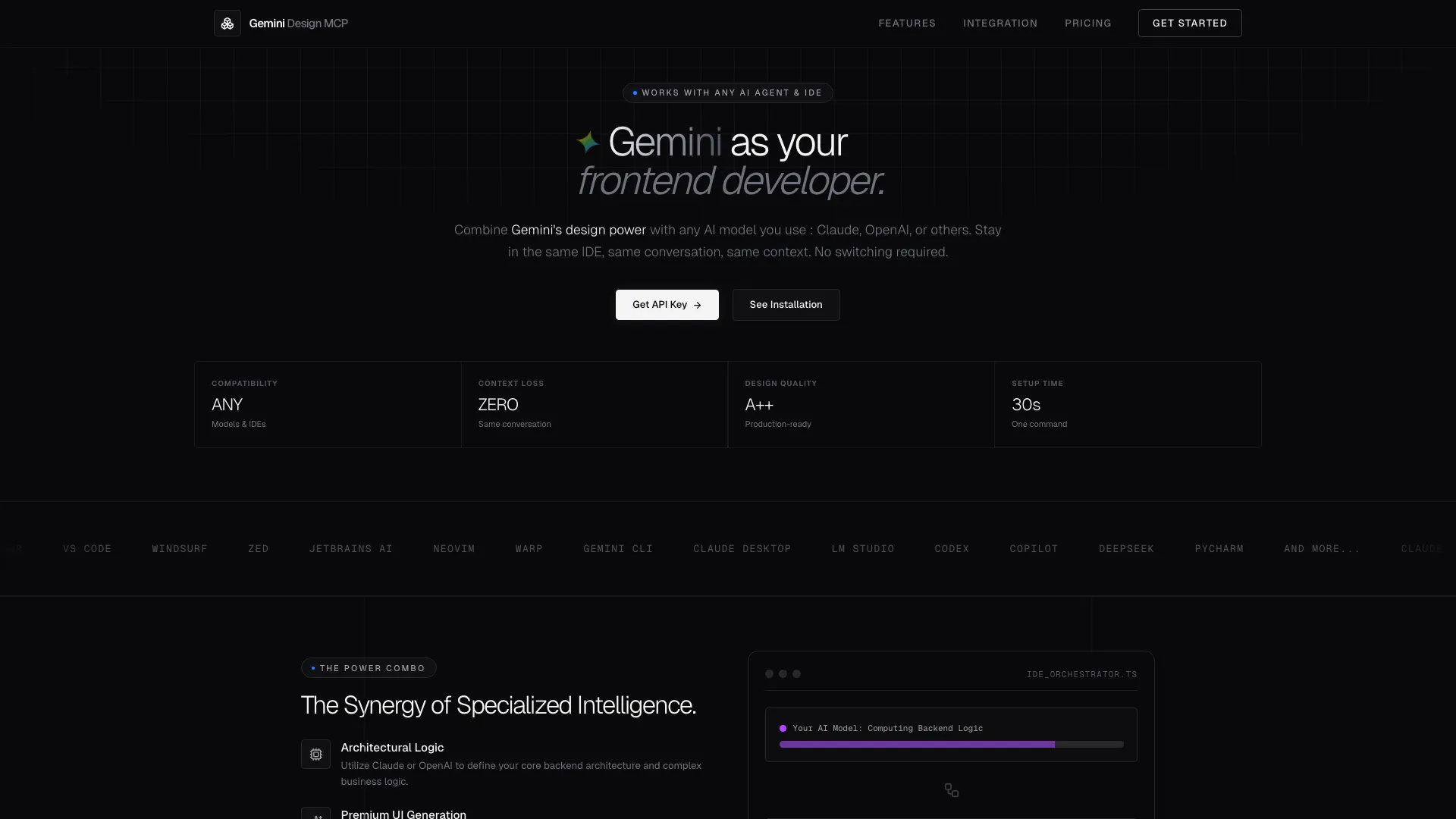
Gemini Design MCP is a premium frontend design generation tool specifically designed for AI agents. It integrates seamlessly with various AI models, such as Claude and OpenAI, allowing developers to generate high-quality, production-ready UI components directly within their existing Integrated Development Environments (IDEs). By maintaining context and conversation continuity, Gemini ensures that developers can focus on building robust applications without the need for context switching. This tool is engineered to facilitate rapid frontend development while preserving the integrity of backend logic, making it an essential asset for developers looking to enhance their UI creation process.
How to use Gemini Design MCP?
- Create an Account: Start by signing up on the Gemini Design MCP website to obtain your API key.
- Select Your Environment: Choose the appropriate IDE or environment where you will integrate Gemini, such as VS Code or JetBrains.
- Install the Tool: Use the command provided in the installation documentation to add Gemini to your project.
- Initialize Your Project: For new projects, run the command `generate_vibes` to choose design options, then execute `create_frontend` with `generateDesignSystem: true` to set up your design system.
- Generate UI Components: Use commands like `create_frontend`, `modify_frontend`, or `snippet_frontend` to generate or modify UI components as needed.
What are the main features of Gemini Design MCP?
- Premium UI Generation: Create high-fidelity, polished frontend components effortlessly.
- Context Preservation: Maintain full project awareness without context switching, allowing for seamless collaboration between AI models and Gemini.
- Responsive First Design: All generated components are mobile-optimized by default, ensuring a great user experience across devices.
- Direct File Write Access: Instantaneous writing to your workspace without lag, improving development speed.
- Granular Toolset: Utilize specific commands for creating, modifying, and generating UI components with precision.
Who is Gemini Design MCP for?
Gemini Design MCP is ideal for developers and teams who are looking to streamline their frontend development process while leveraging AI capabilities. It caters to those who frequently create or modify UI components, such as web developers, UI/UX designers, and software engineers working with AI models. The tool is particularly beneficial for teams that require high-quality design outputs quickly and want to maintain a consistent design system across multiple projects.
What are the use cases of Gemini Design MCP?
- Creating New UI Pages: Ideal for generating pages like dashboards, landing pages, and settings interfaces.
- Modifying Existing Components: Use Gemini to adjust styles, layouts, or visual elements of current UI components with precision.
- Generating Standalone UI Elements: Quickly create individual components such as modals, charts, and buttons to integrate into existing applications.
Gemini Design Mcp Pros and Cons
Pros
- Seamless Integration with AI Models: Gemini Design MCP allows integration with various AI models like Claude and OpenAI, enabling a smooth workflow without context switching.
- High-Quality UI Generation: The tool specializes in generating premium, polished frontend components, ensuring high fidelity in design.
- Fast Setup and Direct File Access: Users can set up Gemini in just 30 seconds and benefit from zero lag filesystem access for instant updates.
Cons
No cons data detected for this tool
Gemini Design Mcp Pricing
Starter
Perfect for experimenting with the MCP protocol.
Professional
For developers shipping UI daily.
Enterprise
For teams and high-volume usage.
For the latest pricing, please visit this link: https://gemini-design-mcp.com/#pricing
Prices are subject to change. Please visit the official website for the most up-to-date pricing information.