

Customuse
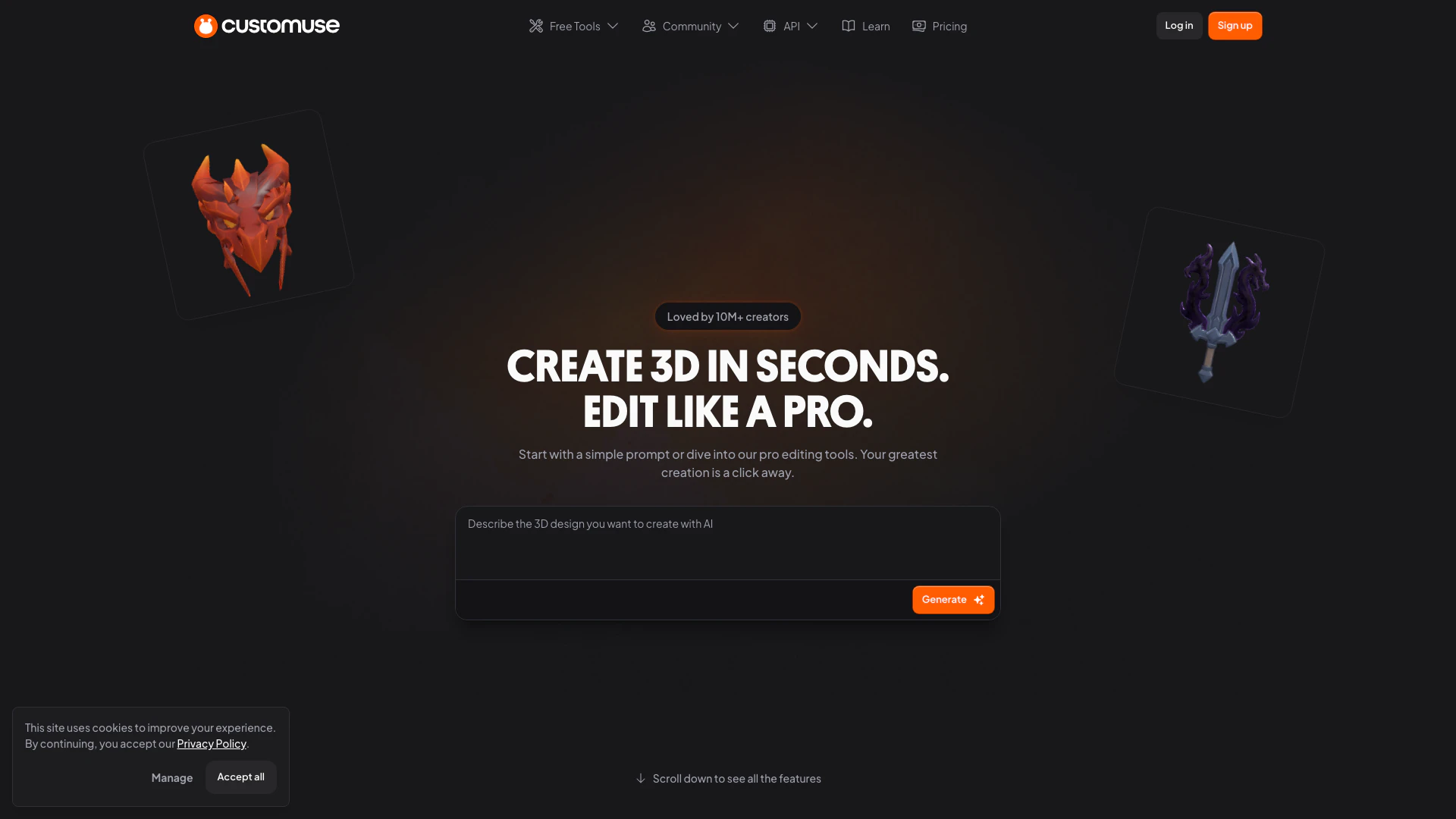


What is Customuse?
Customuse is an innovative platform designed for creating, sharing, and exploring custom designs, particularly in the realm of 3D modeling. It caters to a diverse audience, including designers, artists, and enthusiasts, providing them with powerful tools and a vibrant community to transform their ideas into reality. The platform emphasizes accessibility, allowing users to generate 3D designs effortlessly, whether through text prompts or image references. Customuse aims to democratize 3D creation, making it easier for anyone to bring their creative visions to life.
How to use Customuse?
To use Customuse, follow these steps: 1. Sign Up or Log In: Create an account on the Customuse website or log in if you already have one. 2. Choose Your Design Method: Select how you want to create your 3D design, either by using text prompts or by uploading an image for reference. 3. Utilize Editing Tools: Once you have your initial design, use the platform's editing tools to refine and customize your 3D model, including applying textures and modifying shapes. 4. Collaborate with Others: If desired, invite team members to collaborate on your project, utilizing the team features for seamless cooperation. 5. Publish and Share: After finalizing your design, publish it on the platform or export it directly to applications like Roblox.
What are the main features of Customuse?
Customuse offers a variety of powerful features to enhance the design experience: - Text to 3D: Generate 3D designs directly from text prompts, making creation intuitive and straightforward. - Image to 3D: Upload images to serve as references for your 3D models, facilitating more detailed designs. - AI Texturing: Utilize AI to apply and edit textures on your 3D assets, streamlining the customization process. - Team Collaboration: Work collaboratively with team members to create and refine designs in real-time. - Game-Ready Assets: Access a library of 3D assets that are optimized for use in games, particularly on platforms like Roblox.
Who is Customuse for?
Customuse is tailored for a wide range of users, including: - Designers: Professionals looking to create intricate 3D models for various applications, from gaming to product design. - Artists: Creative individuals who wish to express their artistic vision through 3D designs, utilizing the platform's advanced tools. - Enthusiasts: Hobbyists and newcomers interested in exploring 3D design without extensive prior knowledge, thanks to the platform's user-friendly interface. The platform fosters a community where users can share their creations, collaborate, and learn from each other.
What are the use cases of Customuse?
Customuse can be utilized in various scenarios, including: 1. Game Development: Designers can create and export game-ready 3D assets directly to platforms like Roblox, enhancing game environments and character designs. 2. Product Visualization: Businesses can use Customuse to create 3D models of products for marketing and presentation purposes, allowing customers to visualize items before purchase. 3. Art Projects: Artists can explore new dimensions in their work by creating unique 3D models that can be showcased in galleries or online.
Product Images
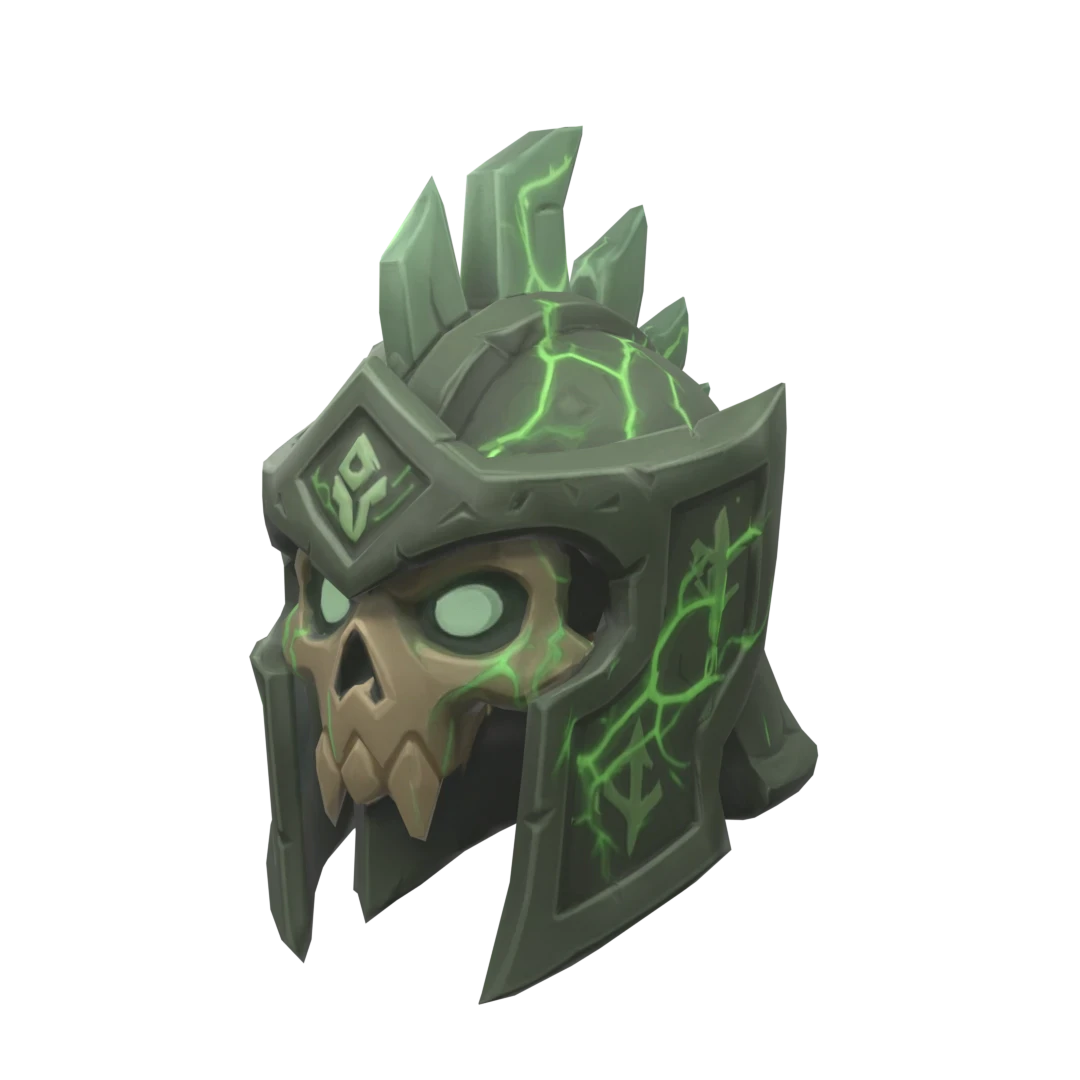
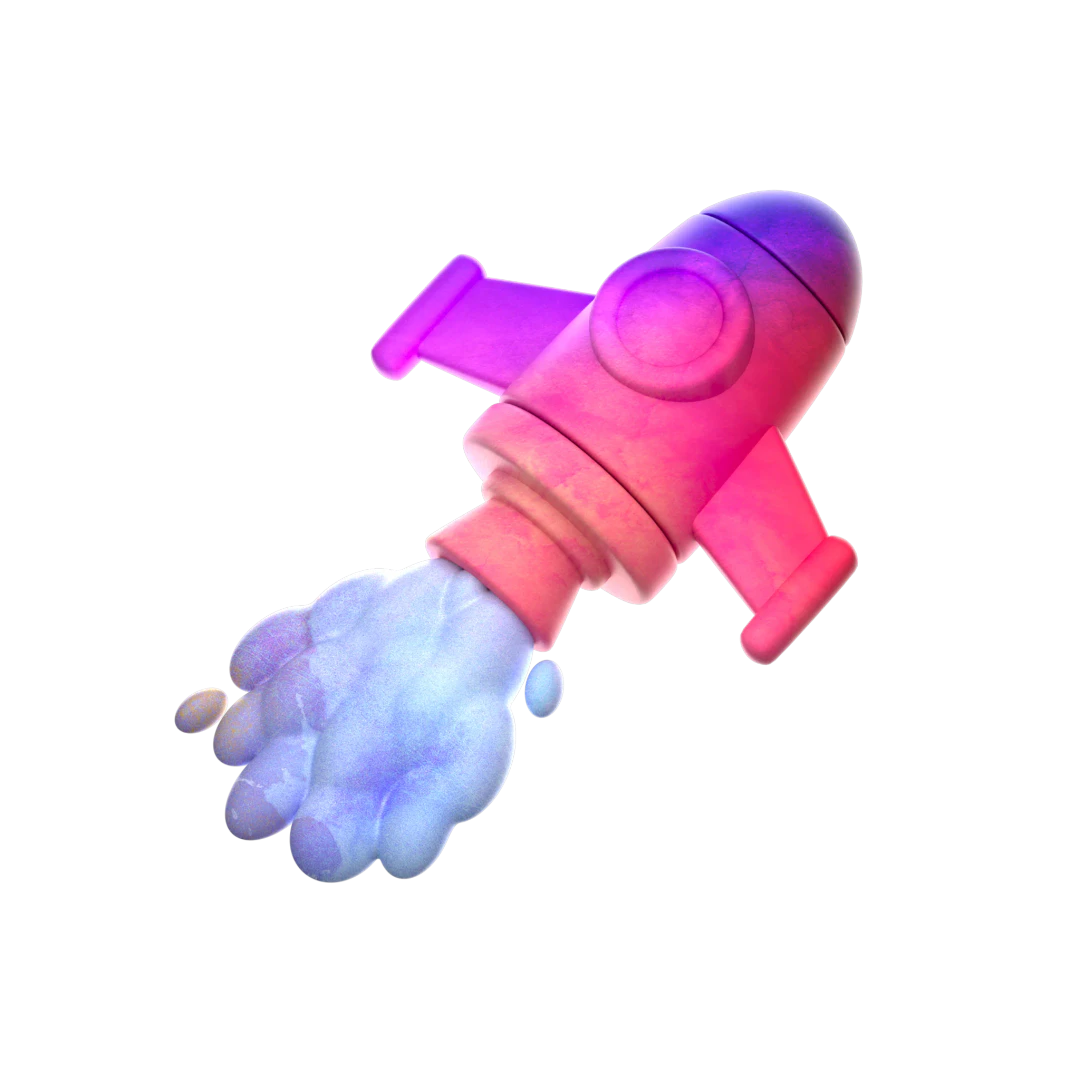
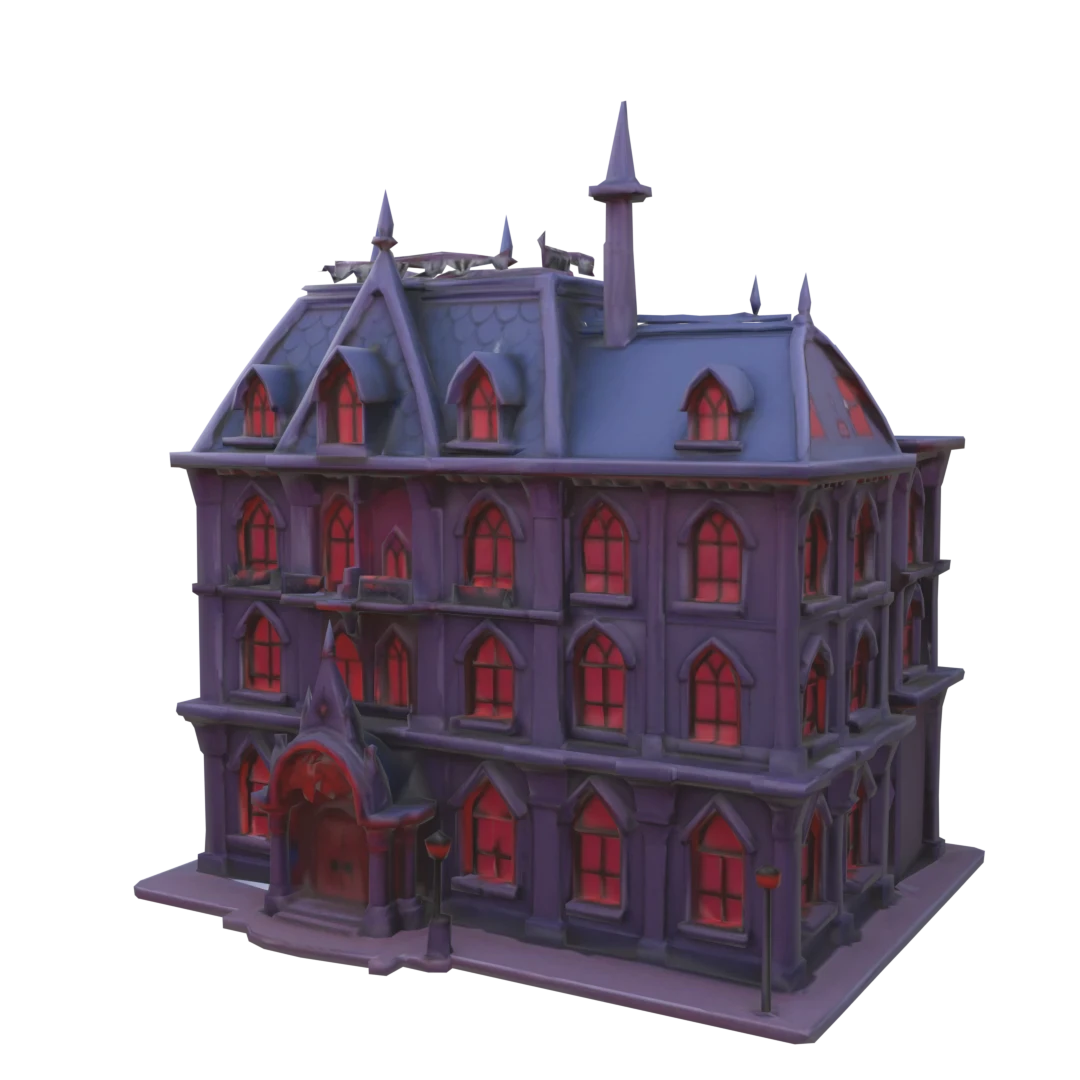

Customuse Pros and Cons
Pros
- User-Friendly 3D Creation Tools: Customuse offers intuitive tools that allow users to create 3D designs quickly and easily, making it accessible for both beginners and experienced designers.
- Text and Image to 3D Generation: The platform allows users to generate 3D designs from text prompts and images, enhancing creativity and simplifying the design process.
- Direct Integration with Roblox: Customuse provides seamless integration for uploading 3D assets directly to Roblox, streamlining the workflow for game developers.
Cons
No cons data detected for this tool
Customuse Pricing
Free
Access to basic design tools, 2 free downloads (Roblox classic), access to community templates, Roblox Classic AI generation, 3D AI generation generations, World Asset AI generation, full access to design tools, access to AI styles, direct upload to Roblox, Roblox Try-On tool, no commercial rights and watermark, private publishing.
Pro
Designed for solo creators building and uploading designs on Roblox. Everything in Free plan, plus 100 AI generation credits, unlimited exports to Roblox, 10+ Roblox 3D AI generations, 50+ Roblox classic AI generations, full access to all AI generation tools, Roblox World Access AI generation, access to Roblox Try-On feature, access to AI Styles, commercial rights, remove Customuse watermark, full access to community templates, bulk upload up to 5 designs to Roblox, live chat support.
Team Pro
Advanced collaboration and creative tools for Roblox groups, teams and studios. Everything in Pro plan, plus 300 monthly AI credits, 150+ Roblox classic AI generations, 30+ Roblox 3D AI generations, team collaboration features, shared team library, Brand Kit, early access to new AI models, priority rendering speed, unlimited bulk upload to Roblox, early access to Beta features, direct access to Customuse team, priority feature requests, book a call with Customuse CEO.
For the latest pricing, please visit this link: https://customuse.com/pricing
Prices are subject to change. Please visit the official website for the most up-to-date pricing information.
Analytics of Customuse
Customuse Website Traffic Analysis
Visits Over Time
Traffic Sources
Nov 2025 - Jan 2026 Worldwide Desktop Only
- Search: 58.40%
- Direct: 33.46%
- Referrals: 4.52%
- Social: 2.92%
- Paid Referrals: 0.61%
- Mail: 0.05%
Top Keywords
| Keyword | Volume | CPC | Estimated Value |
|---|---|---|---|
| roblox shirt template | 114.52K | $0.44 | $6940.00 |
| customuse | 61.33K | $0.49 | $152030.00 |
| roblox shirt maker | 7.96K | $0.83 | $7460.00 |
| customuse roblox | 4.37K | $0.26 | $11410.00 |
| costumuse | 3.54K | $0.46 | $6910.00 |




Customuse Social Listening
How to Design Clothes in Roblo...
What's the easiest way to make...
How To Import Designs From Cus...
Best Roblox Clothing APP | Cus...
Visit the site: https://custom...
Unlock to view 24 social media results.