Complete





What is Complete?
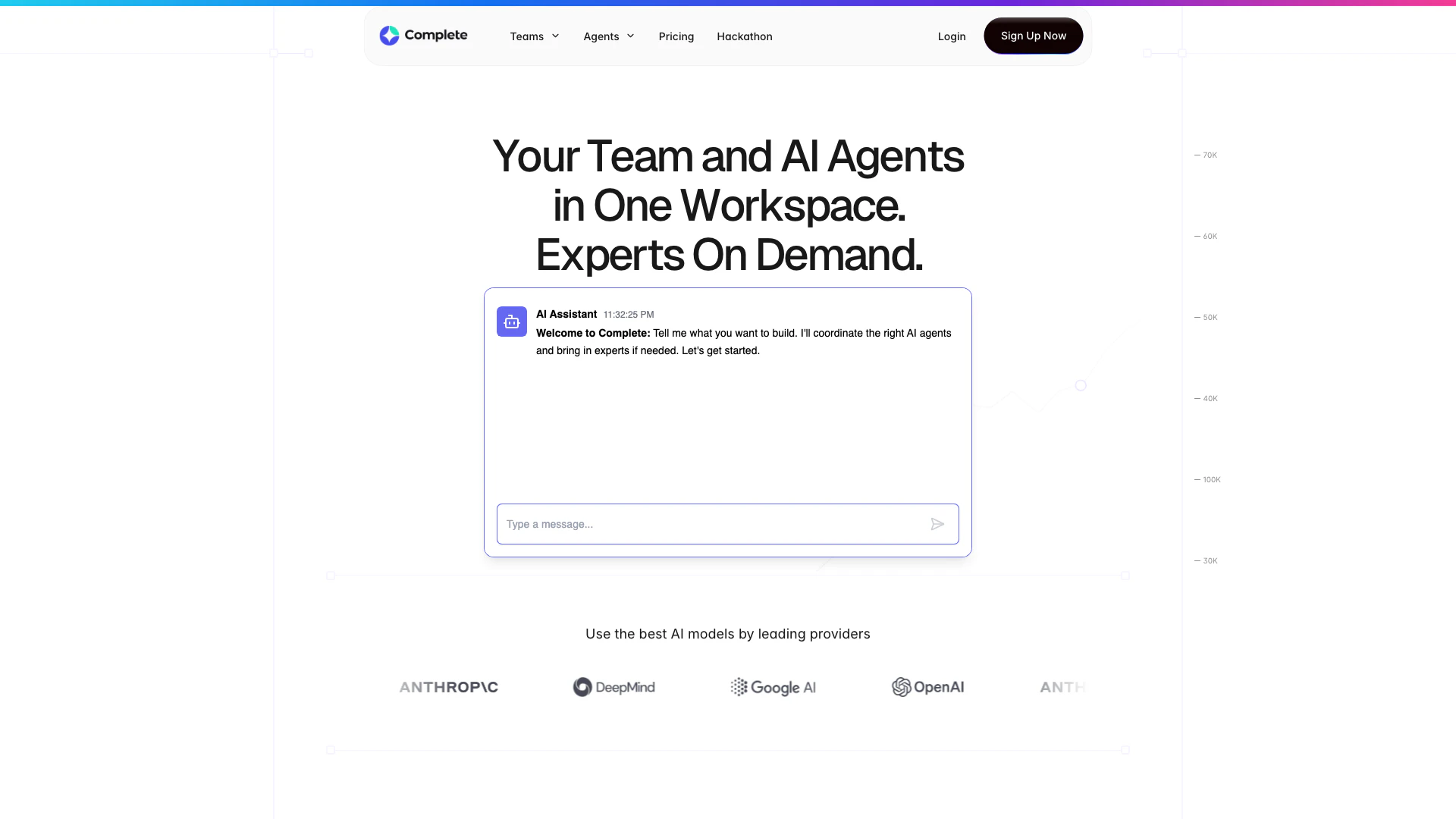
Complete is a collaborative AI workspace designed for teams to work alongside AI agents[2] seamlessly. This innovative platform allows teams to enhance their productivity by integrating AI into their workflows, enabling real-time collaboration[3] and execution of tasks. With Complete, users can manage projects efficiently, automate repetitive tasks, and leverage AI capabilities to achieve better outcomes. The core value of Complete lies in its ability to combine human intelligence with AI, allowing teams to focus on strategic activities while AI agents handle execution and delivery.
How to use Complete?
- Sign Up: Create an account on the Complete website to get started with the platform.
- Create a Team: Set up your team within the workspace, inviting members to collaborate.
- Assign Tasks: Use AI agents to assign tasks and manage workflows efficiently, ensuring all team members are aligned.
- Collaborate: Engage in real-time discussions and use AI tools to automate tasks, track progress, and refine outputs.
- Review Outputs: Iterate on the deliverables produced by AI agents, ensuring they meet your project requirements.
What are the main features of Complete?
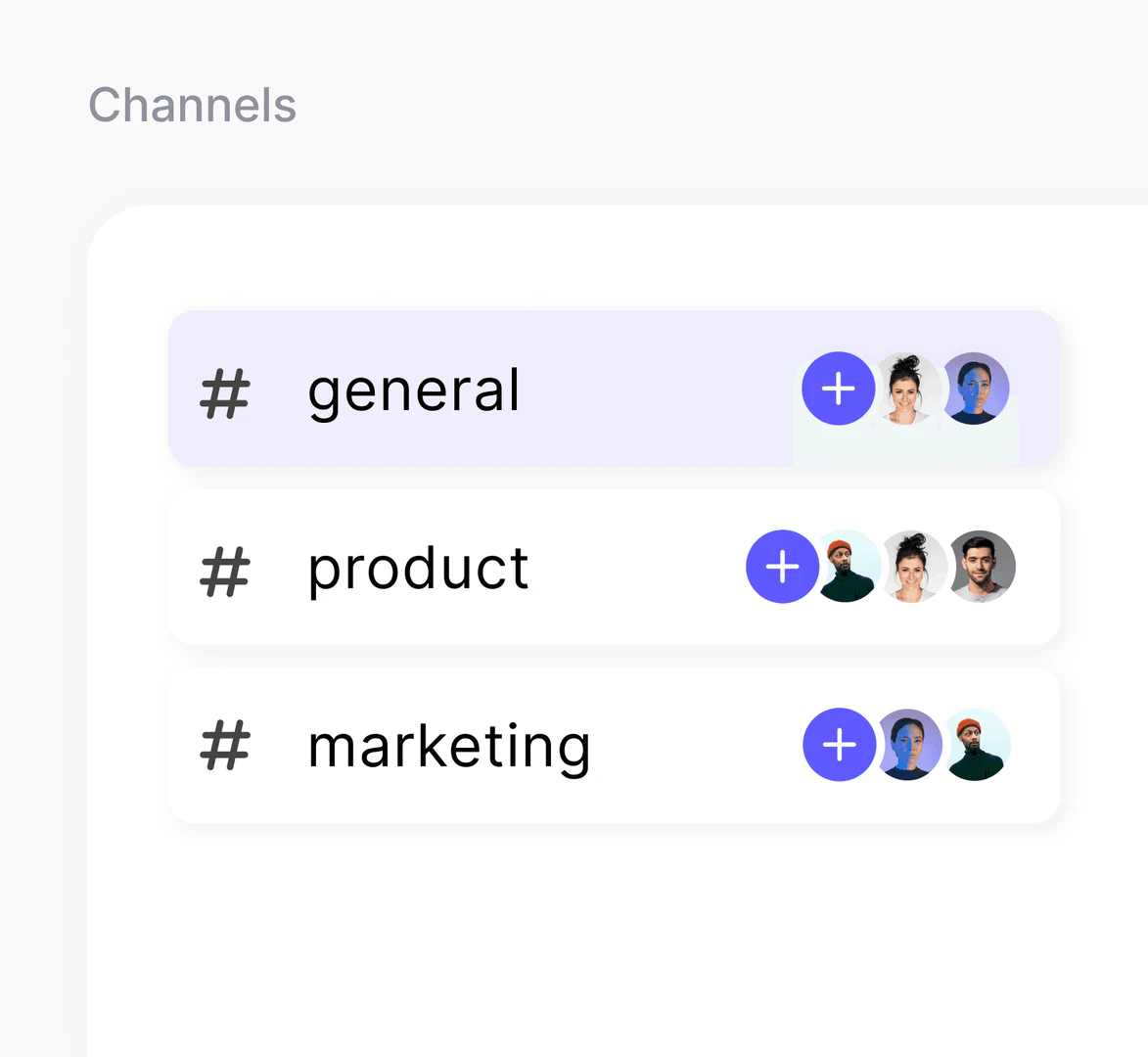
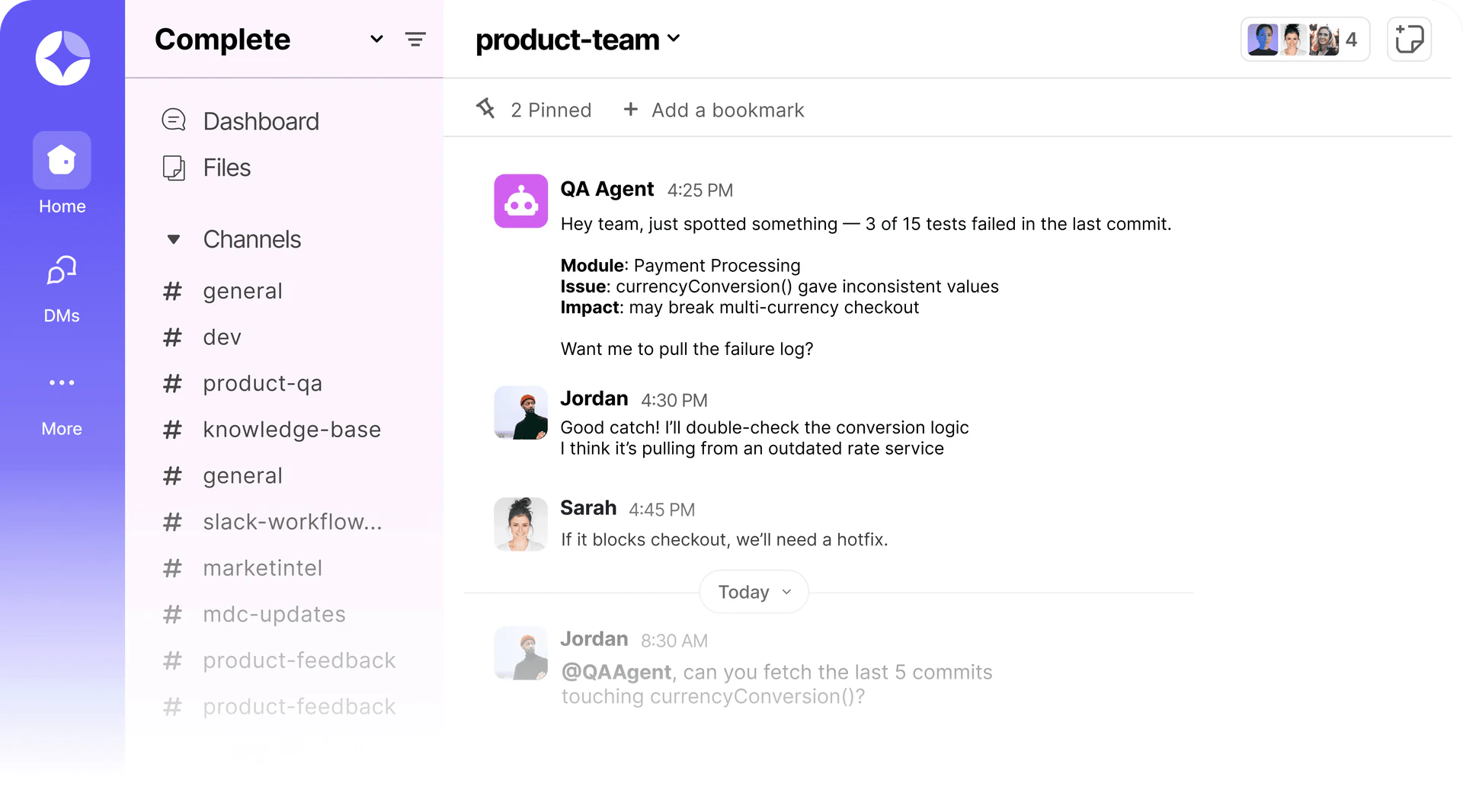
- Collaborative Workspace[1]: A unified platform where teams and AI agents work together in real-time.
- Execution Threads[4]: Structured threads that help in running tasks with agents, ensuring clarity and focus.
- File Management[5]: Efficient organization and access to documents across various projects without losing context.
- Multiple AI Models: Capability to run various AI models in parallel, enhancing coding, testing, and reasoning tasks.
- Integration Tools: Connect seamlessly with project management tools to streamline workflows.
Who is Complete for?
Complete is ideal for teams and organizations looking to enhance their productivity through AI collaboration. It caters to product managers, project managers, and developers who require efficient tools to manage tasks, automate processes, and improve project outcomes. Whether for small teams or large enterprises, Complete provides the necessary resources to integrate AI into daily operations, making it suitable for businesses of all sizes aiming to leverage technology for better performance.
What are the use cases of Complete?
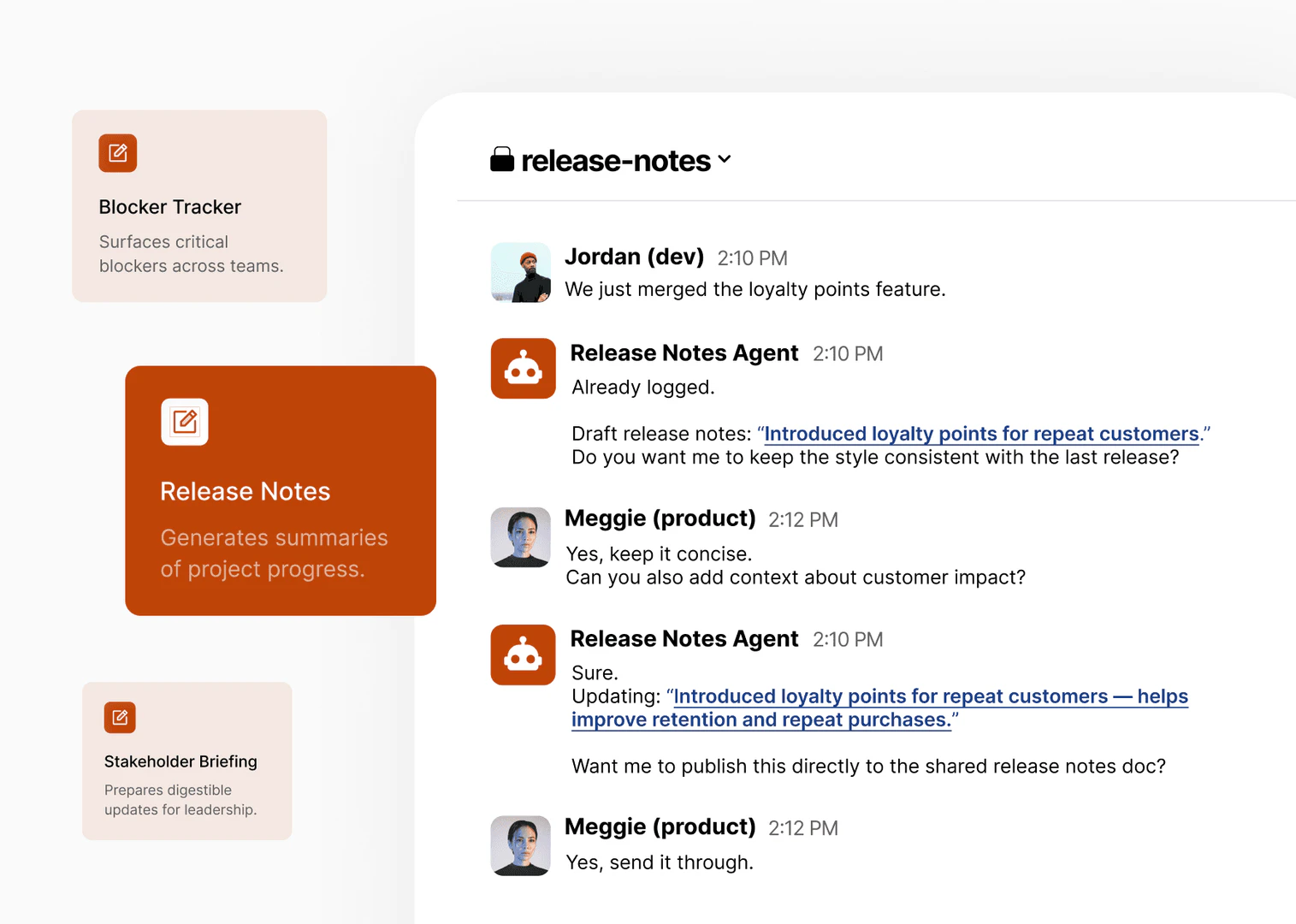
- Project Management: Teams can use Complete to track project progress, automate updates, and manage tasks efficiently with the help of AI agents.
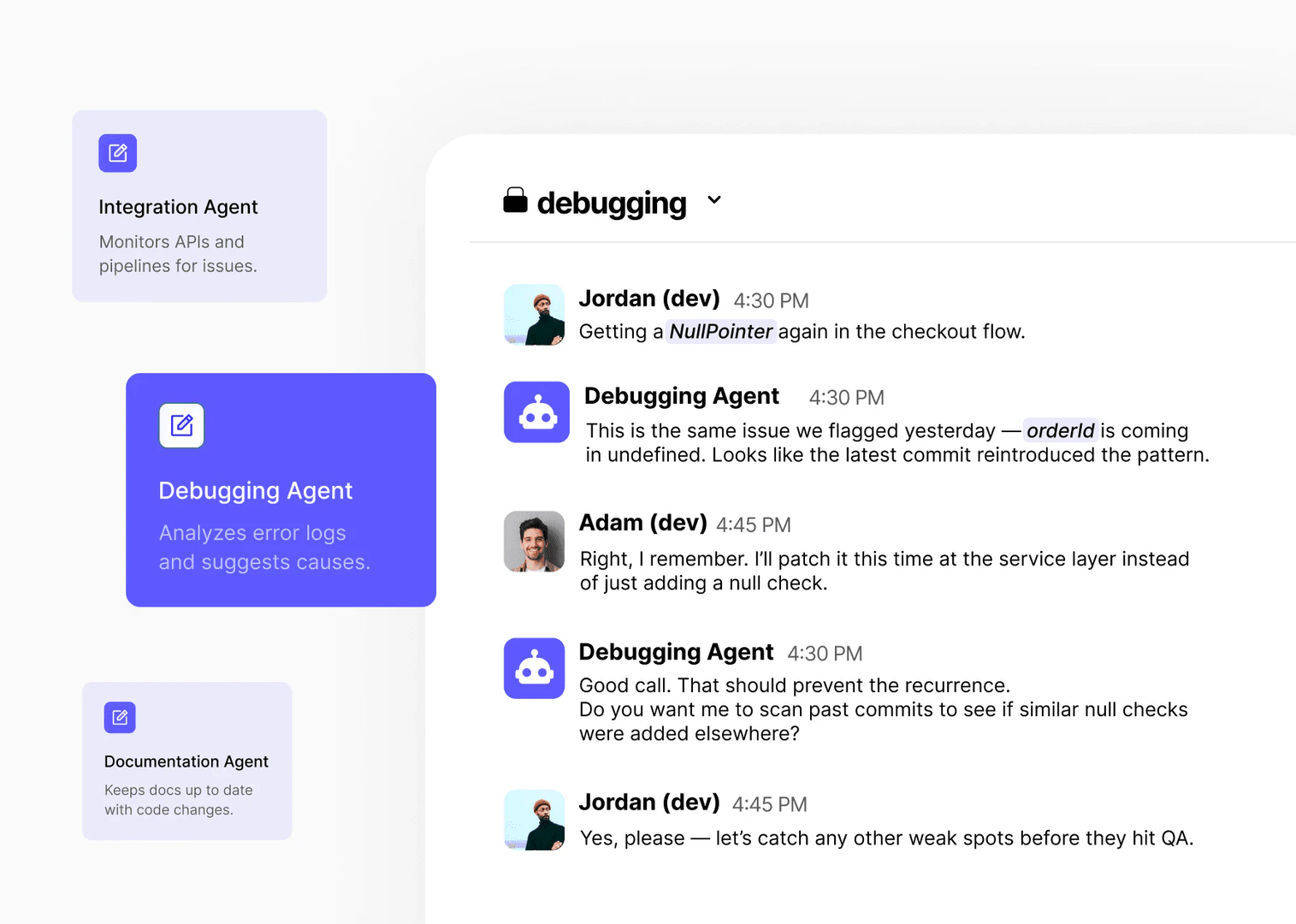
- Software Development: Developers can leverage AI agents to debug, document, and test code, integrating these processes directly into their workflow.
- Content Creation: Marketing teams can utilize Complete for generating content drafts, managing editorial calendars, and collaborating on marketing strategies.
Product Images
Complete Pros and Cons
Pros
- Collaborative AI Workspace: Complete provides a collaborative workspace where teams and AI agents work side by side, enhancing teamwork and productivity.
- Multiple AI Model Integration: Users can run multiple AI models in parallel, allowing for diverse functionalities such as coding, testing, and reasoning.
- Single Source of Truth: All conversations, context, and outputs are centralized, ensuring that team members have access to the same information and can maintain continuity.
Cons
No cons data detected for this tool
Complete Pricing
Free
For anyone curious about working alongside AI agents.
Starter
For individuals and small teams getting started with AI-powered collaboration.
Plus
For individuals and small teams ready to put AI agents to work on their first projects.
Pro
For individual builders who need full AI execution power to ship real software.
Builder team
Everything in Pro, scaled for a team of five.
Enterprise
For organizations that need expert-backed AI execution, advanced controls, and full outcome accountability.
For the latest pricing, please visit this link: https://complete.dev/pricing
Prices are subject to change. Please visit the official website for the most up-to-date pricing information.