

Codiga
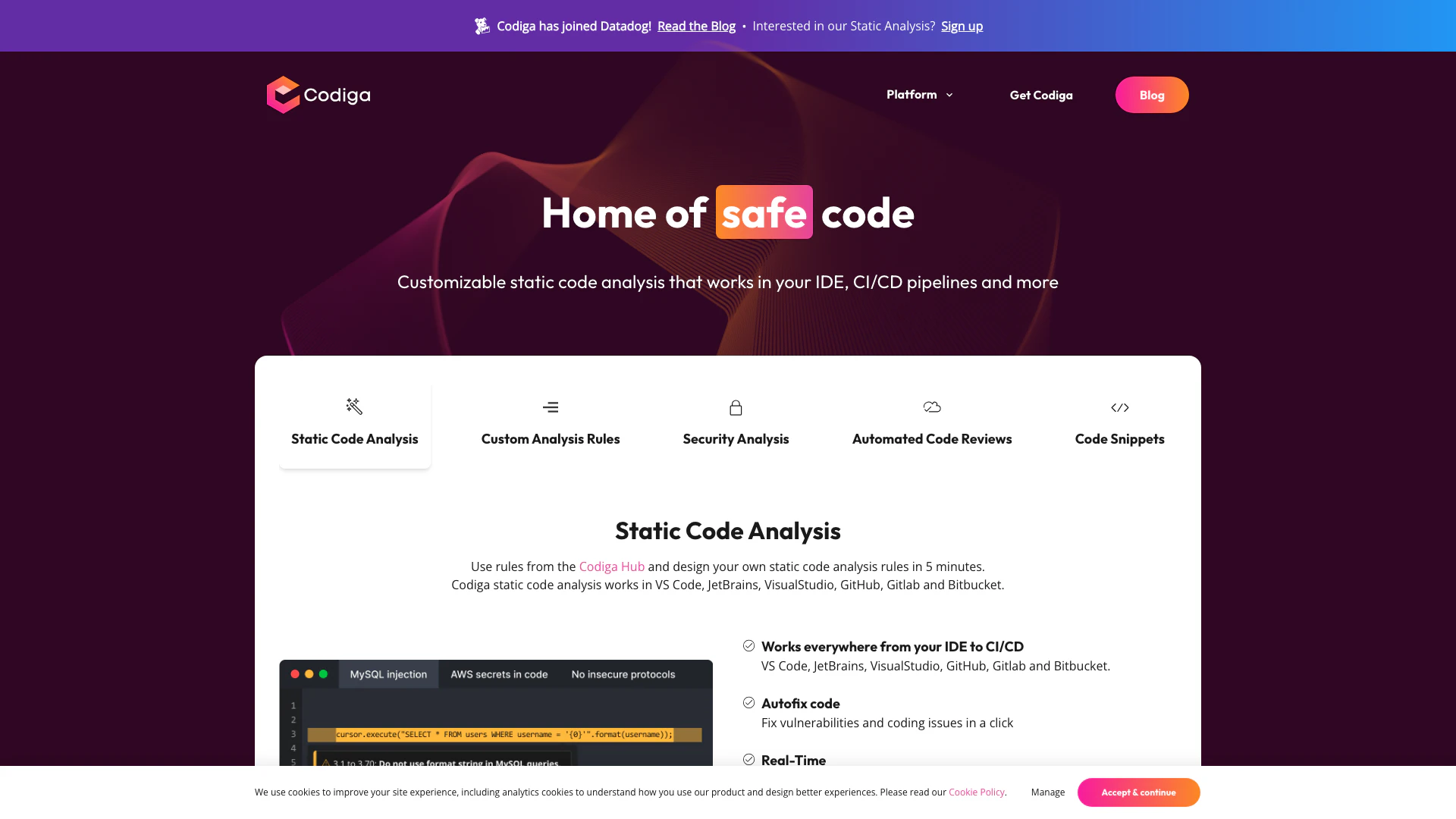





What is Codiga?
Codiga is a comprehensive static code analysis tool designed to enhance code quality and security across various integrated development environments (IDEs) and platforms, including VS Code, JetBrains, Visual Studio, GitHub, GitLab, and Bitbucket. It allows developers to create customizable analysis rules in just five minutes, enabling real-time code analysis and automated code reviews. With a strong focus on security, Codiga supports industry standards such as OWASP Top 10 and SANS/CWE Top 25, making it an essential tool for developers aiming to write secure and efficient code.
How to use Codiga?
- Install Codiga: Download and install Codiga for your preferred IDE (e.g., VS Code, JetBrains, Visual Studio).
- Set Up Analysis Rules: Access the Codiga Hub to select existing rules or create your own custom analysis rules.
- Integrate with Your Workflow: Connect Codiga to your CI/CD pipelines and version control systems like GitHub or GitLab.
- Write Code: As you write code, Codiga will perform real-time analysis and suggest fixes for any issues detected.
- Review and Fix Issues: Use Codiga's feedback to address vulnerabilities and coding issues before pushing your code.
What are the main features of Codiga?
- Static Code Analysis: Analyze code in real-time with customizable rules.
- Security Analysis: Identify vulnerabilities and ensure compliance with security standards like OWASP and SANS.
- Automated Code Reviews: Conduct quick code reviews across multiple branches and languages.
- Code Snippets: Create, share, and utilize smart code snippets within your IDE.
- Integration Support: Works seamlessly with popular platforms like GitHub, GitLab, Bitbucket, and various IDEs.
Who is Codiga for?
Codiga is designed for software developers, quality assurance teams, and security professionals looking to improve their code quality and security. It caters to teams working in various programming languages and frameworks, making it suitable for both individual developers and large organizations. Codiga's real-time feedback and customizable analysis rules make it an ideal tool for those who prioritize secure coding practices and efficient code reviews.
What are the use cases of Codiga?
- Real-time Code Quality Assurance: Developers can use Codiga to identify and fix issues as they write code in their IDE.
- Automated Code Reviews: Teams can streamline their code review process, receiving instant feedback on pull requests.
- Security Compliance: Organizations can ensure their code adheres to security best practices, reducing the risk of vulnerabilities.
Codiga Pros and Cons
Pros
- Customizable Static Code Analysis: Codiga allows users to create custom analysis rules in under 5 minutes, enhancing flexibility in code quality management.
- Real-Time Code Analysis: Provides instantaneous feedback on code quality and suggests fixes directly within popular IDEs, improving developer efficiency.
- Comprehensive Security Analysis: Supports OWASP 10 and SANS-CWE25, automatically fixing security vulnerabilities and detecting leaked secrets in code.
Cons
No cons data detected for this tool
Analytics of Codiga
Codiga Website Traffic Analysis
Visits Over Time
Traffic Sources
Oct 2025 - Dec 2025 Worldwide Desktop Only
- Search: 50.10%
- Direct: 34.46%
- Referrals: 10.43%
- Social: 3.67%
- Paid Referrals: 0.97%
- Mail: 0.18%
Top Keywords
| Keyword | Volume | CPC | Estimated Value |
|---|---|---|---|
| code snippets (codiga) | 0 | $0.00 | $200.00 |
| codiga | 3.79K | $1.96 | $2880.00 |
| aplikasi dengan snippet gratis | 210 | $0.00 | $100.00 |
| 2. codiga | 190 | $0.00 | $170.00 |
| html show code as text | 120 | $0.00 | $120.00 |





Codiga Social Listening
Codex (APP) 保姆级全攻略,海量实战教程, 一期精...
会员频道有自制课程《小白玩转Git/Github,全功能精讲...
40分钟学会Codex!“零基础”终级教程~【附完整文档】
Codex保姆级教学【速速收藏!】 文字版课件已经给大家准备...
【全網最細】OpenAI Codex 徹底免費!新手必學的「...
\ 免費下載 / 🔥《AI × 個人品牌變現藍圖》下載地...
Unlock to view 18 social media results.