

Devlens





What is DevLensPro?
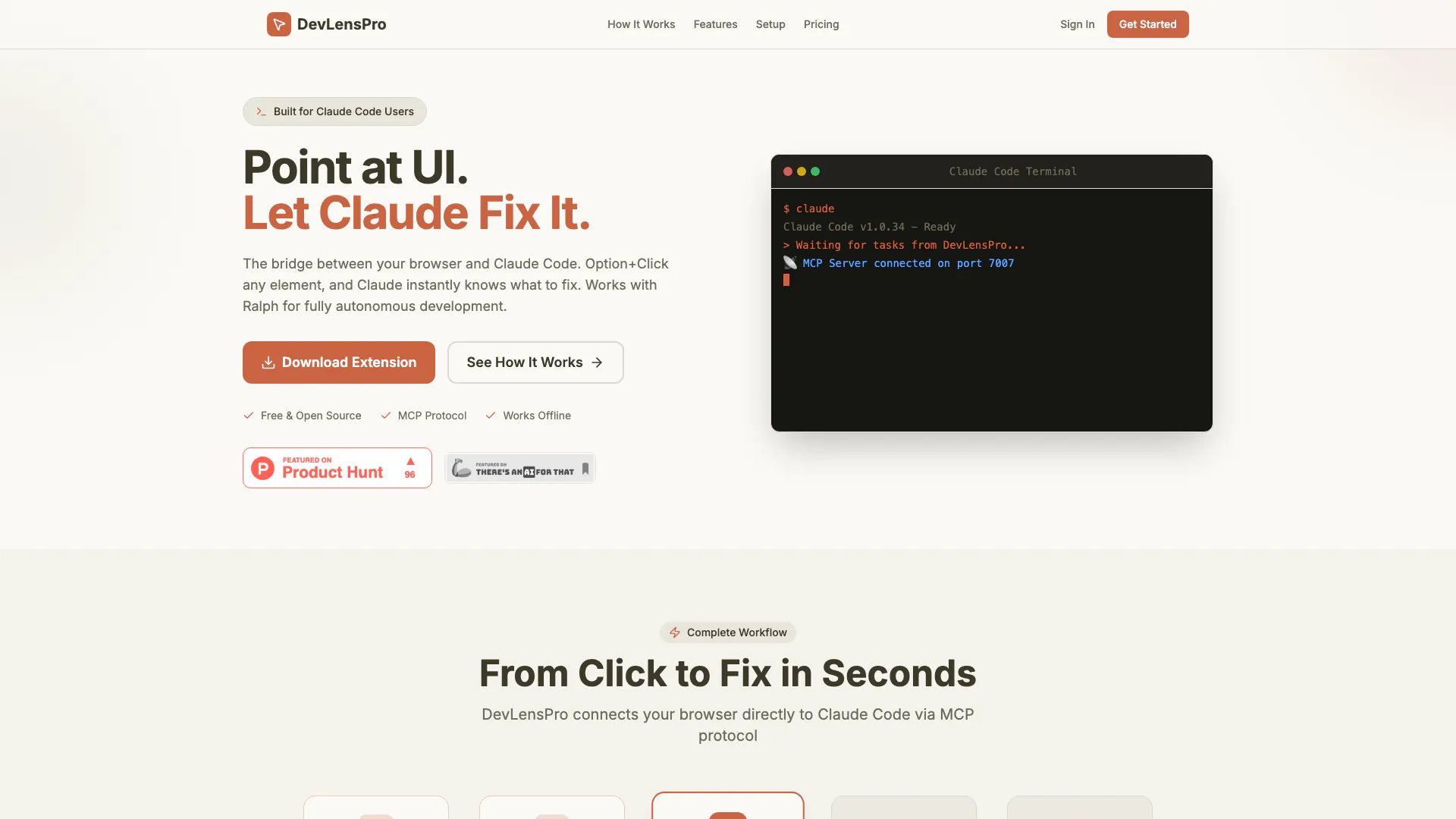
DevLensPro is an innovative developer tool designed to enhance the coding experience by integrating AI capabilities directly into the web development workflow. It enables developers to point at UI elements in their browser, capture relevant information, and allow Claude Code[4] to automatically analyze and fix code issues. This tool effectively bridges the gap between visual interface elements and coding, streamlining the debugging and development process.
How to use DevLensPro?
- Install the DevLensPro Chrome extension in Developer Mode.
- Open your project in the browser and navigate to the UI element you want to fix.
- Option+Click on the UI element to capture its context, including CSS, selector, and URL.
- Allow Claude Code to analyze the captured data and suggest fixes.
- Review and apply the recommended changes automatically.
What are the main features of DevLensPro?
- Point and click functionality for easy UI element selection[1].
- Automatic context capture[2] including screenshots, CSS, and selectors.
- Real-time synchronization[3] with Claude Code via WebSocket[5].
- Integration with Ralph for autonomous development tasks.
- Local project mapping based on URL for accurate code editing.
- Privacy-first architecture ensuring data stays on your machine.
Who is DevLensPro for?
DevLensPro is tailored for developers and software teams looking to enhance their workflow with AI-assisted debugging and feature development. It is particularly useful for those working with complex UI elements and needing quick resolutions to coding issues. The tool is suitable for both individual developers and larger teams, especially those who utilize frameworks like React, as it simplifies the debugging process and promotes efficient project management.
What are the use cases of DevLensPro?
- Quickly debug CSS issues by pointing at elements and receiving instant fixes.
- Develop new features by providing context to Claude Code and letting it scaffold the necessary code.
- Refactor existing projects by leveraging AI insights into UI components and structure.
Product Images

Devlens Video

Devlens Pros and Cons
Pros
- AI-Powered Debugging: DevLensPro leverages AI to analyze UI elements and automatically suggest code fixes, significantly speeding up the debugging process.
- Real-Time Synchronization: Utilizes WebSocket connections for instant task delivery to Claude Code, ensuring efficient and timely updates during development.
- Local Privacy Architecture: All data processing occurs locally on the user's machine, enhancing privacy and security without relying on cloud services.
- Seamless Integration with Claude Code: Direct integration with Claude Code via MCP protocol allows for a smooth workflow without additional setup requirements.
Cons
No cons data detected for this tool
Devlens Pricing
Free
Try DevLensPro with 5 free tasks. Includes 5 tasks, Chrome extension, MCP integration, Local mode, React component detection, and Community support.
Pro
Unlimited tasks for professional developers. Early adopter price for the first 50 users only! Includes unlimited tasks, Chrome extension, Full MCP integration, Local & cloud modes, React component detection, Works with Ralph, Priority support, and Playwright validation.
For the latest pricing, please visit this link: https://www.devlens.pro/#pricing
Prices are subject to change. Please visit the official website for the most up-to-date pricing information.





