

Chatflowchart




What is ChatFlowchart?
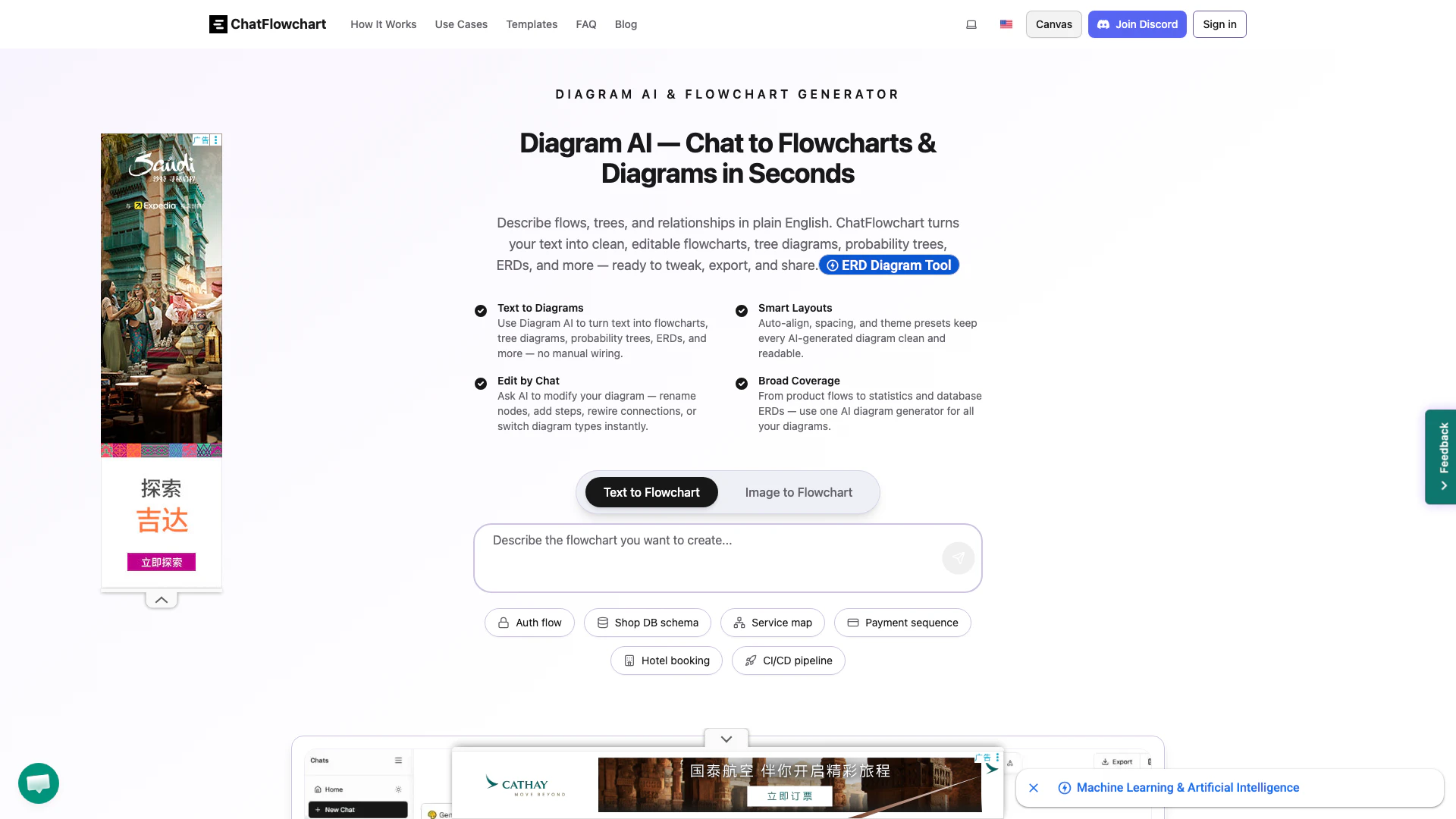
ChatFlowchart is an innovative AI diagram generator that transforms plain English into a variety of diagrams, including flowcharts, tree diagrams, probability trees, and entity-relationship diagrams (ERDs). This powerful tool allows users to chat with the AI to create, edit, and export diagrams effortlessly. With its intuitive interface and smart layout features, ChatFlowchart makes diagram creation accessible and efficient, enabling users to visualize complex information quickly.
How to use ChatFlowchart?
- Visit the ChatFlowchart website at https://chatflowchart.com/.
- Begin by typing or pasting your process, workflow, or algorithm in plain English.
- The AI will automatically generate a clean, editable diagram based on your input.
- Refine your diagram by using the chat feature to modify nodes, add steps, or change diagram types as needed.
- Once satisfied, export your diagram in various formats or share it directly from the platform.
What are the main features of ChatFlowchart?
- Text to Diagrams: Instantly convert text descriptions into flowcharts, tree diagrams, and more.
- Smart Layouts: Automatic alignment and spacing for clean, professional diagrams.
- Edit by Chat: Modify diagrams conversationally—rename nodes, add connections, or switch diagram types.
- Image to Flowchart: Upload images and convert them into editable flowcharts.
- Export Options: Save your diagrams as PNG, SVG, PDF, or even as animated videos.
- Ready-to-Use Templates: Access a variety of templates to kickstart your diagram creation.
- Collaboration Tools: Share and comment on diagrams with team members.
Who is ChatFlowchart for?
ChatFlowchart is designed for professionals, educators, and students who need to create diagrams quickly and efficiently. It is particularly useful for those who prefer a conversational approach to diagramming, such as project managers, business analysts, and software developers. Additionally, it serves anyone who requires clear visual representations of complex ideas, processes, or relationships, making it an ideal tool for both individual and collaborative work.
What are the use cases of ChatFlowchart?
- Creating flowcharts for project management to visualize tasks and workflows.
- Developing decision trees for customer support processes or troubleshooting guides.
- Designing entity-relationship diagrams (ERDs) for database architecture and design.
- Converting hand-drawn sketches or images into editable diagrams for presentations.
- Generating animated flowchart videos to explain processes in training materials.
Chatflowchart Pros and Cons
Pros
- AI-Powered Diagram Generation: ChatFlowchart uses AI to convert plain English descriptions into various types of diagrams, including flowcharts and ERDs, making it easy to visualize complex information.
- User-Friendly Editing: The tool allows users to modify diagrams through conversational commands, enabling quick adjustments like renaming nodes or adding steps without technical skills.
- Wide Range of Diagram Types: Supports multiple diagram types such as flowcharts, probability trees, and UML diagrams, catering to diverse professional needs across various industries.
Cons
No cons data detected for this tool
Chatflowchart Pricing
Free Plan
No signup required, no credit card needed. Create flowcharts online in seconds.
For the latest pricing, please visit this link: https://chatflowchart.com/
Prices are subject to change. Please visit the official website for the most up-to-date pricing information.





