

Twitter-color Created with Sketch. Amazon-color Created with Sketch. Facebook-color Created with Sketch. github [#142] Created with Sketch. meta_fill Pinterest-color Created with Sketch. ProductHunt-color Created with Sketch. Spotify-color Created with Sketch. Threads Logo Streamline Icon: https://streamlinehq.com Yelp-color Created with Sketch. Youtube-color Created with Sketch.
TopAIToolsTopAITools
  • Free Tools
  • Category
  • Leaderboard
  • Deals
  • Submit
EN
TopAIToolsTopAITools
TopAI

TopAITools

TopAITools, The Best Top AI Tools

AI Glossary|English简体中文繁體中文한국어日本語PortuguêsEspañolDeutschFrançaisTiếng Việt|Map

© 2026 TopAITools. All rights reserved.

About

  • Privacy Policy
  • Terms of use

Contact Us

business@topaitoolsreview.com
Home
Secure Productivity Tools
Calendly
Last updated: May 31, 2026
Calendly logo

Calendly

Get deal
4.0|0 Comments|0 Saved
Introduction:
Calendly simplifies scheduling for teams and individuals.
Launch Date:
February 25, 2013
Social links:
Monthly Visits:
32.9M
Inputs:
TextAPI
Outputs:
Text
Supported Languages:
ENFRESDEPT
Website
Free
💼Work
Secure Productivity Tools20AI Task Management Tools132AI Collaboration Tools for Preparation35
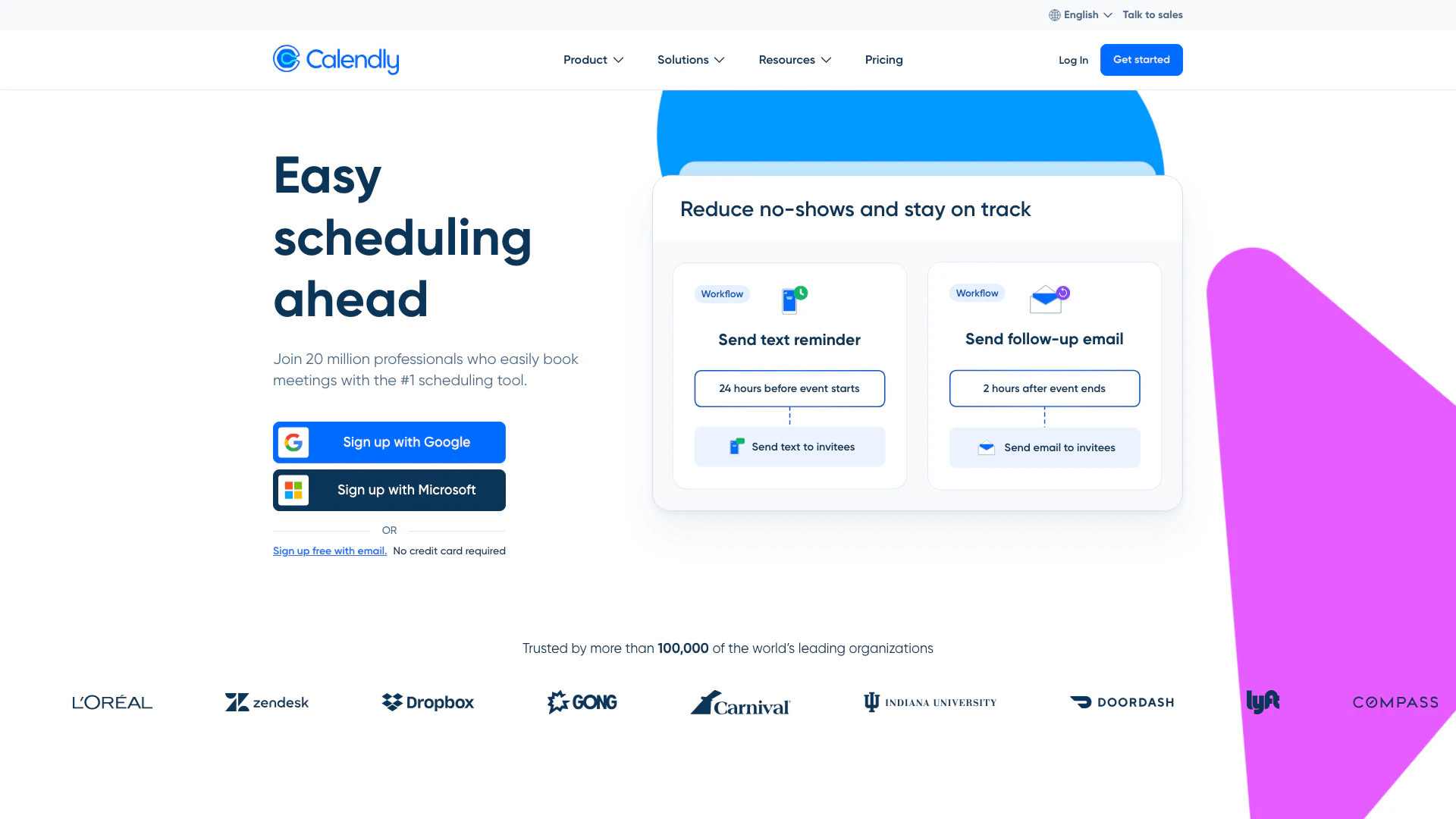
Calendly website screenshot showing Calendly simplifies scheduling for teams... interface and features
Use tool
Update this tool
Figma logo

Figma

Automate layer renaming in Figma for better organization.

Diagram logo

Diagram

Get started faster, find what you’re looking for, and stay in the flow—with AI tools build for your workflows. Sign up for free today and harness the power of Figma AI.

Notion logo

Notion

Notion is an AI-powered workspace that automates tasks and enhances team collaboration.

Microsoft logo

Microsoft

Easily create and edit high-quality videos with Clipchamp.

Deepl logo

Deepl

Translate texts & full document files instantly. Accurate translations for individuals and Teams. Millions translate with DeepL every day.

Calendly Overview

What is Calendly?

Calendly is a modern scheduling platform designed to simplify the process of finding time for meetings and appointments. It allows users to connect multiple calendars, manage availability, and automate scheduling, making it easier for teams and individuals to coordinate meetings efficiently. With its user-friendly interface and powerful features, Calendly enhances productivity by reducing the back-and-forth communication often associated with scheduling.


How to use Calendly?

  1. Sign up for a free account on the Calendly website.
  2. Connect your calendars to Calendly to sync your availability.
  3. Set your availability preferences and create event types based on your scheduling needs.
  4. Share your personalized scheduling link with invitees via email or embed it on your website.
  5. Invitees can select a suitable time from your available slots, and the meeting will be automatically scheduled.

What are the main features of Calendly?

  • Calendar Integration: Connect up to six calendars to manage your availability in real-time.
  • Custom Event Types: Create and customize event types for different meeting needs.
  • Automated Scheduling: Reduce scheduling conflicts by allowing invitees to choose from available times.
  • Video Conferencing Integration: Sync with tools like Zoom, Microsoft Teams, and Google Meet for seamless meetings.
  • Mobile App: Access Calendly on-the-go through its mobile application.

Who is Calendly for?

Calendly is designed for a diverse range of users, including solopreneurs, small business teams, and large enterprises. It is particularly beneficial for professionals in sales, marketing, customer success, recruiting, and education, who need to schedule meetings efficiently. The platform caters to individuals looking to streamline their scheduling process as well as organizations that require robust scheduling solutions to enhance team productivity.


What are the use cases of Calendly?

  1. Sales Meetings: Sales professionals can use Calendly to book meetings with prospects without the hassle of back-and-forth emails.
  2. Client Consultations: Consultants can allow clients to choose meeting times that fit both their schedules, making the booking process smooth.
  3. Recruitment Interviews: Recruiters can automate interview scheduling, reducing time spent coordinating between candidates and interviewers.

Product Images

Calendly usage step screenshot
Calendly Zoom integration demonstration
Calendly Salesforce integration demonstration
Calendly product overview
1 / 4

Calendly Pros and Cons

Pros

  • Easy Scheduling: Calendly simplifies the scheduling process, allowing users to easily find and book meeting times without the back-and-forth emails.
  • Integration Capabilities: Calendly supports over 100 integrations with popular tools like Google Calendar, Zoom, and Salesforce, enhancing productivity.
  • Customizable Event Types: Users can create custom event types and use pre-built templates to streamline the scheduling of various meetings.

Cons

No cons data detected for this tool

Calendly Pricing

Free

Contact Us

For personal use. Always free. Features include 1 event type, connect 1 calendar, customize availability, add video conferencing, customize your booking page, mobile apps, and browser extensions.

Standard

$10/month

For professionals and small teams. Yearly plan at $10 per seat per month. Save 16%. Features include unlimited event types, connect multiple calendars, connect Hubspot, Mailchimp, Stripe, Paypal, automate meeting reminders, and 24/7 chat support.

Teams

$16/month

Recommended plan for growing businesses. Yearly plan at $16 per seat per month. Save 20%. Features include sending meetings to Salesforce, sharing round-robin meetings, qualifying & routing leads, and advanced admin features.

Enterprise

$15,000/year

For large companies. Starts at $15,000 per year. Features include routing with Salesforce lookup, connecting Microsoft Dynamics, and dedicated account support.

For the latest pricing, please visit this link: https://calendly.com/pricing

Prices are subject to change. Please visit the official website for the most up-to-date pricing information.

Analytics of Calendly

Calendly Website Traffic Analysis

Visits Over Time

Oct 2025 - Dec 2025 All Traffic
#19
AI Tools Rank
32.93M
Monthly Visits
31.76%
Bounce Rate
4.46
Pages Per Visit
2:36
Visit Duration
1.30K
Global Rank
531
Country Rank

Traffic Sources

Oct 2025 - Dec 2025 Worldwide Desktop Only

  • Direct: 70.67%
  • Search: 16.22%
  • Referrals: 10.59%
  • Social: 1.76%
  • Paid Referrals: 0.55%
  • Mail: 0.22%

Top Regions

Oct 2025 - Dec 2025 Desktop Only
RegionPercentage
🇺🇸
United States
52.11%
🇬🇧
United Kingdom
5.31%
🇨🇦
Canada
4.70%
🇫🇷
France
4.03%
🇩🇪
Germany
3.20%
  1. United States: 52.11%
  2. United Kingdom: 5.31%
  3. Canada: 4.70%
  4. France: 4.03%
  5. Germany: 3.20%

Top Keywords

KeywordVolumeCPCEstimated Value
calendly795.30K$3.08$672420.00
calendy51.23K$3.21$37210.00
calendly login39.19K$2.16$45320.00
calendly pricing13.71K$5.88$9370.00
calandly10.38K$4.00$6110.00

Calendly Compare

Tool NameIntroductionPricing
Type
RatingLaunch DateLearn more
Ai Lawyer logo
Ai Lawyer
Explore AI Lawyer for easy, quick, and budget-friendly legal help. Empowering consumers and lawyers with AI-driven solutions for all your legal needs.
Free
💼Work
February 11, 2023
Get deal
Education Copilot logo
Education Copil...
Generate AI lesson plans, PowerPoints, and more with Copilot! Use Copilot to breeze through your unit planning and material creation!
Free
💼Work
November 13, 2022
Get deal
Tutorai logo
Tutorai
Tutor AI - Your personal AI tutor to learn anything
Free
🙋‍♂️Personal💼Work
September 23, 2007
Get deal

Info current as of post date. Offers and availability may vary by location and are subject to change.

Calendly Q&A

Calendly is a modern scheduling platform that simplifies the process of finding time to connect with others, allowing teams to be more productive.

For more FAQs, please visit this link: https://calendly.com/help

Calendly Launch embeds

Use website badges to drive support from your community for your TopAITools Review. They're easy to embed on your homepage or footer.

FEATURED ONTopaitoolsreview.com

Calendly Alternatives

Notion screenshot

Notion

Notion is an AI-powered workspace that automates tasks and enhances team collaboration.

Website
Free
💼Work🎨Creativity
Productivity & OfficeAI Productivity ToolsAI Information Management ToolsAI Task Management Tools
  • Productivity & Office
  • AI Productivity Tools
  • AI Information Management Tools
  • AI Task Management Tools
Use tool
159.0M
Direct81.12%
Search11.13%
Referrals7.29%
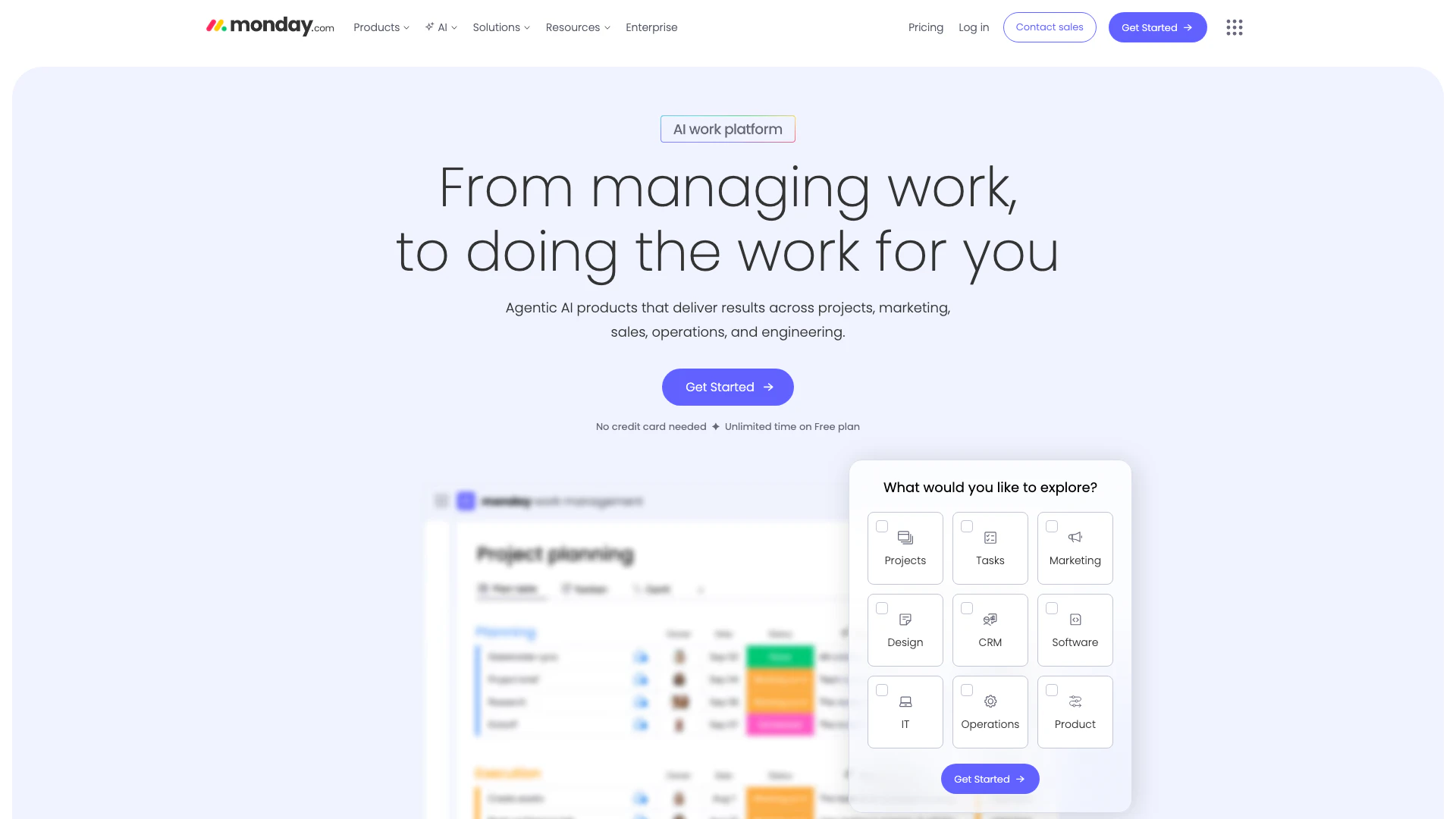
Monday screenshot

Monday

Monday is an AI-powered work platform that enhances team productivity.

Website
Free
💼Work🎨Creativity
Productivity & OfficeAI Productivity ToolsAI Task Management ToolsAI Collaboration Tools for Preparation
  • Productivity & Office
  • AI Productivity Tools
  • AI Task Management Tools
  • AI Collaboration Tools for Preparation
Use tool
39.0M
Direct76.66%
Search17.94%
Referrals4.03%
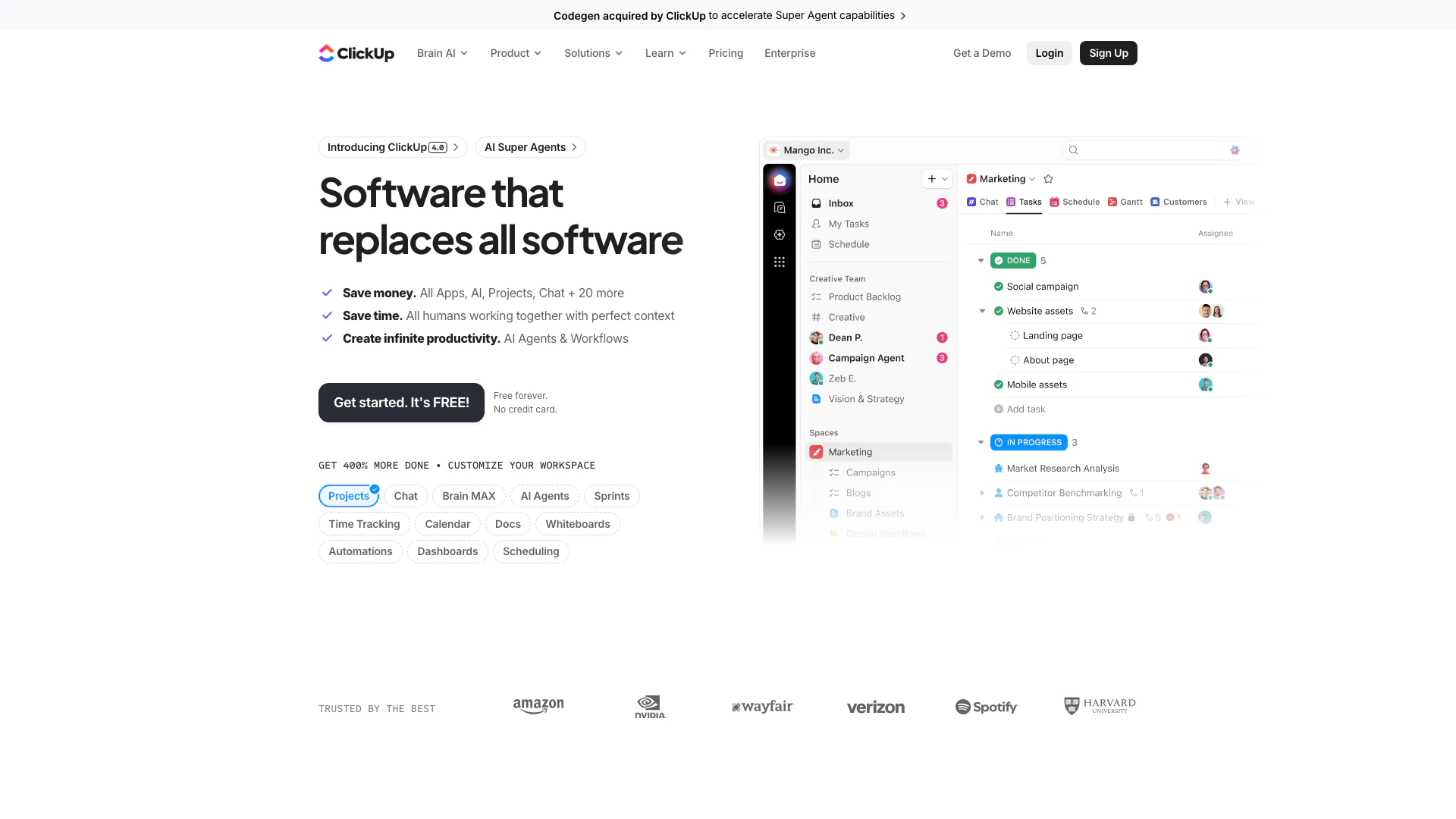
Clickup screenshot

Clickup

ClickUp is an all-in-one productivity platform designed to streamline tasks, documents, and collaboration.

Website
Free
🙋‍♂️Personal💼Work
Productivity & OfficeAI Productivity ToolsAI Task Management ToolsAI Collaboration Tools for Preparation
  • Productivity & Office
  • AI Productivity Tools
  • AI Task Management Tools
  • AI Collaboration Tools for Preparation
Use tool
34.4M
Direct76.00%
Search19.11%
Referrals3.44%

Calendly Tags

Scheduling AutomationCalendar IntegrationEvent TypesMeeting LinksCustom AvailabilityMobile AppTeam CollaborationAutomated Reminders

Also used for

Secure Productivity Tools20AI Task Management Tools132AI Collaboration Tools for Preparation35AI Identity Protection5AI Security Tools2AI Keyboard Tools6AI Productivity Tools312AI Information Management Tools160AI Spreadsheet Tools27AI Spreadsheet Automation Tools29AI File Management Tools22AI Document Processing Tools89AI Business Planning Tools59AI Pitch Deck Generators37AI Branding Tools6
Calendly logo
CalendlyFree
Get deal

Calendly Comments (0)

Your rating

?
0/2000

No comments yet

Be the first to share your thoughts!

🚀0
🚀0

Calendly Prompts (0)

Prompts And Results

Add your own prompts and outputs to help others understand how to use this AI.