

Bronoai



What is Bronoai?
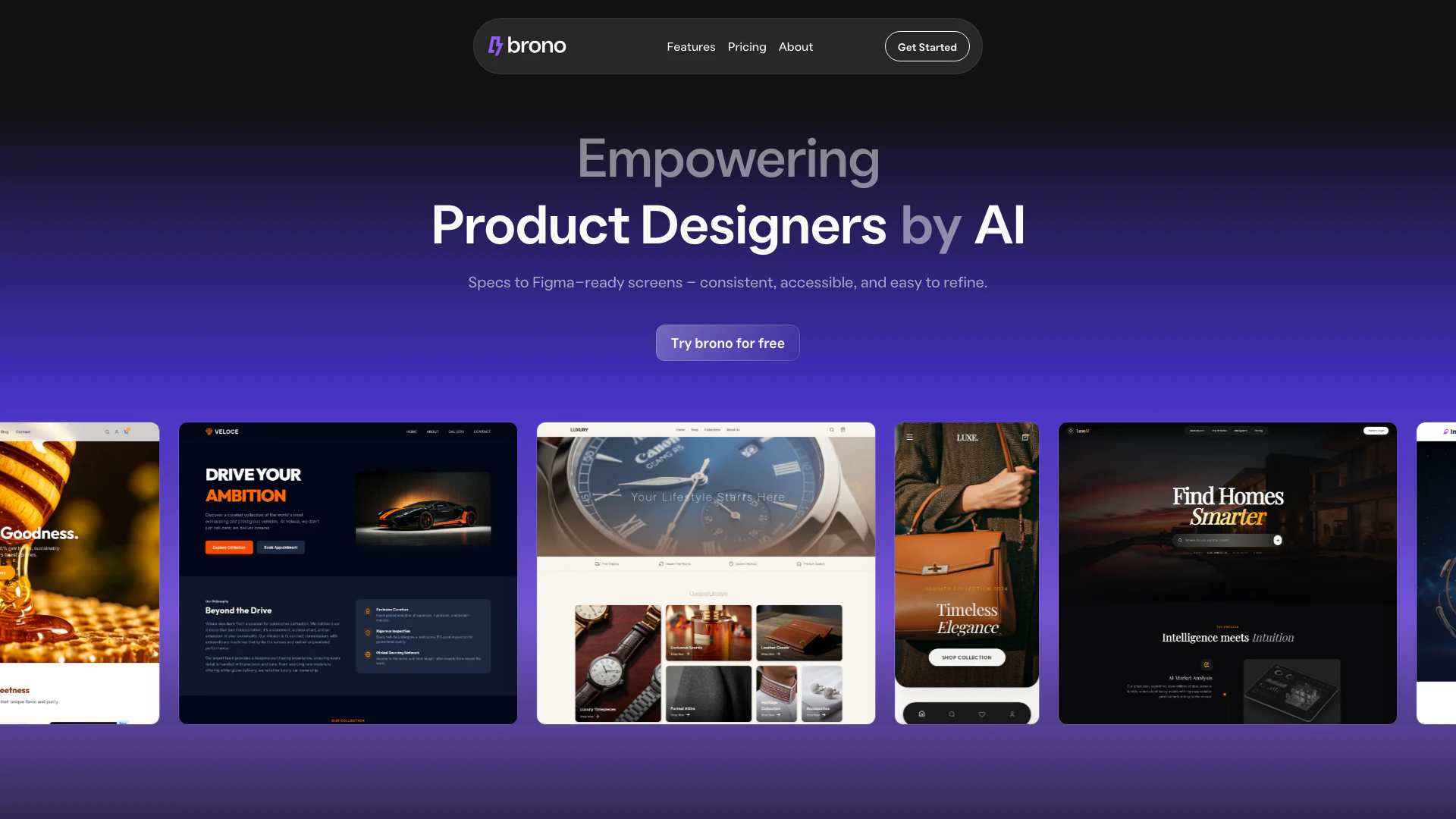
Bronoai is an innovative design tool that empowers product designers by transforming text prompts into fully editable Figma user interfaces (UI). With Bronoai, designers can generate production-ready code[2], conduct UX audits[3], and analyze heatmaps instantly, streamlining the design workflow. This tool is built to enhance collaboration and efficiency, enabling teams to create consistent and accessible designs that are easy to refine. By integrating AI capabilities, Bronoai allows designers to focus on creativity while handling repetitive tasks, ultimately improving the overall design process.
How to use Bronoai?
- Sign up for a Bronoai account on their website and choose a suitable pricing plan.
- Once logged in, navigate to the design workspace where you can input your text prompts describing the UI you wish to create.
- Bronoai will process your input and generate a fully editable UI design in Figma format. You can then customize it further to meet your specific requirements.
- Utilize the UX audit feature to analyze your design for usability and accessibility issues, and generate heatmaps to predict user interactions.
- Once satisfied with your design, export the final version directly to Figma for handoff to your development team.
What are the main features of Bronoai?
- Text-to-UI Generation[1]: Convert text prompts into editable Figma UI designs effortlessly.
- Production-Ready Code: Generate code that is ready for production, streamlining the handoff to developers.
- UX Audits: Conduct comprehensive UX audits to identify usability issues and improve design quality.
- Predictive Heatmaps[4]: Visualize user interaction areas to optimize design elements based on predicted user behavior.
- Seamless Figma Integration: Directly export designs to Figma with structured layers for easy editing and collaboration.
Who is Bronoai for?
Bronoai is designed for product designers, UX/UI professionals, and development teams looking to enhance their design workflows. It is particularly beneficial for those who want to streamline the process of converting ideas into tangible UI designs quickly. Additionally, agencies working with multiple clients can leverage Bronoai to produce high-quality designs efficiently, making it suitable for both individual freelancers and larger teams in tech companies.
What are the use cases of Bronoai?
- Rapid Prototyping: Quickly create UI prototypes from text descriptions, allowing for faster iterations and feedback.
- UX Improvement: Run UX audits on existing designs to identify and rectify usability issues before final implementation.
- Team Collaboration: Facilitate discussions and document design decisions within the platform, improving collaboration among team members.
Product Images

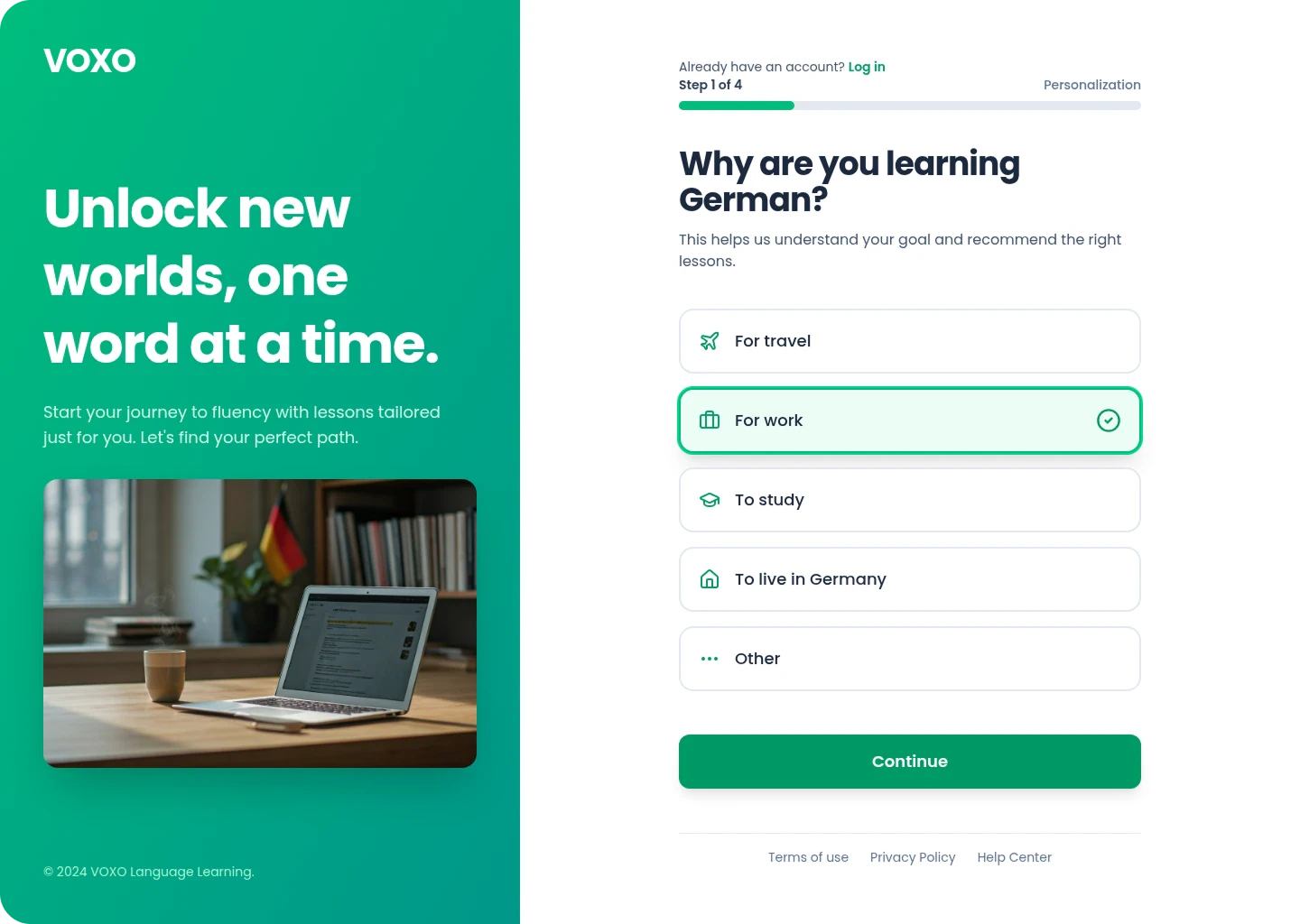
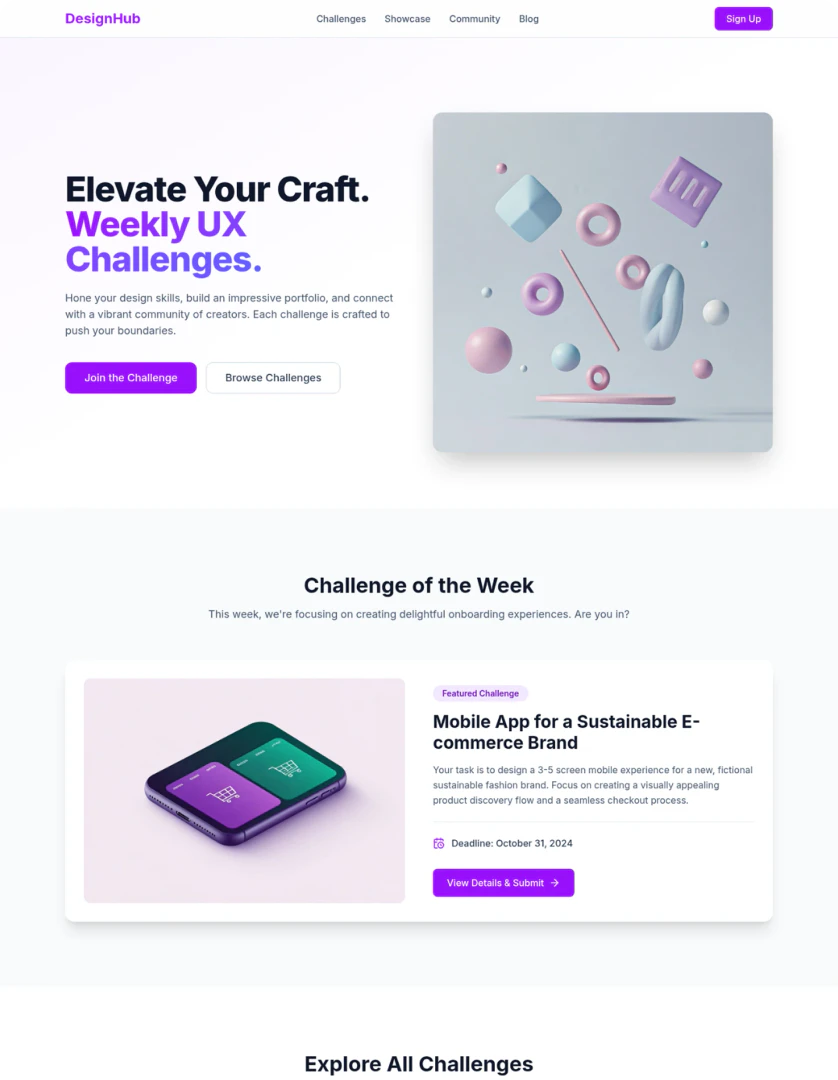
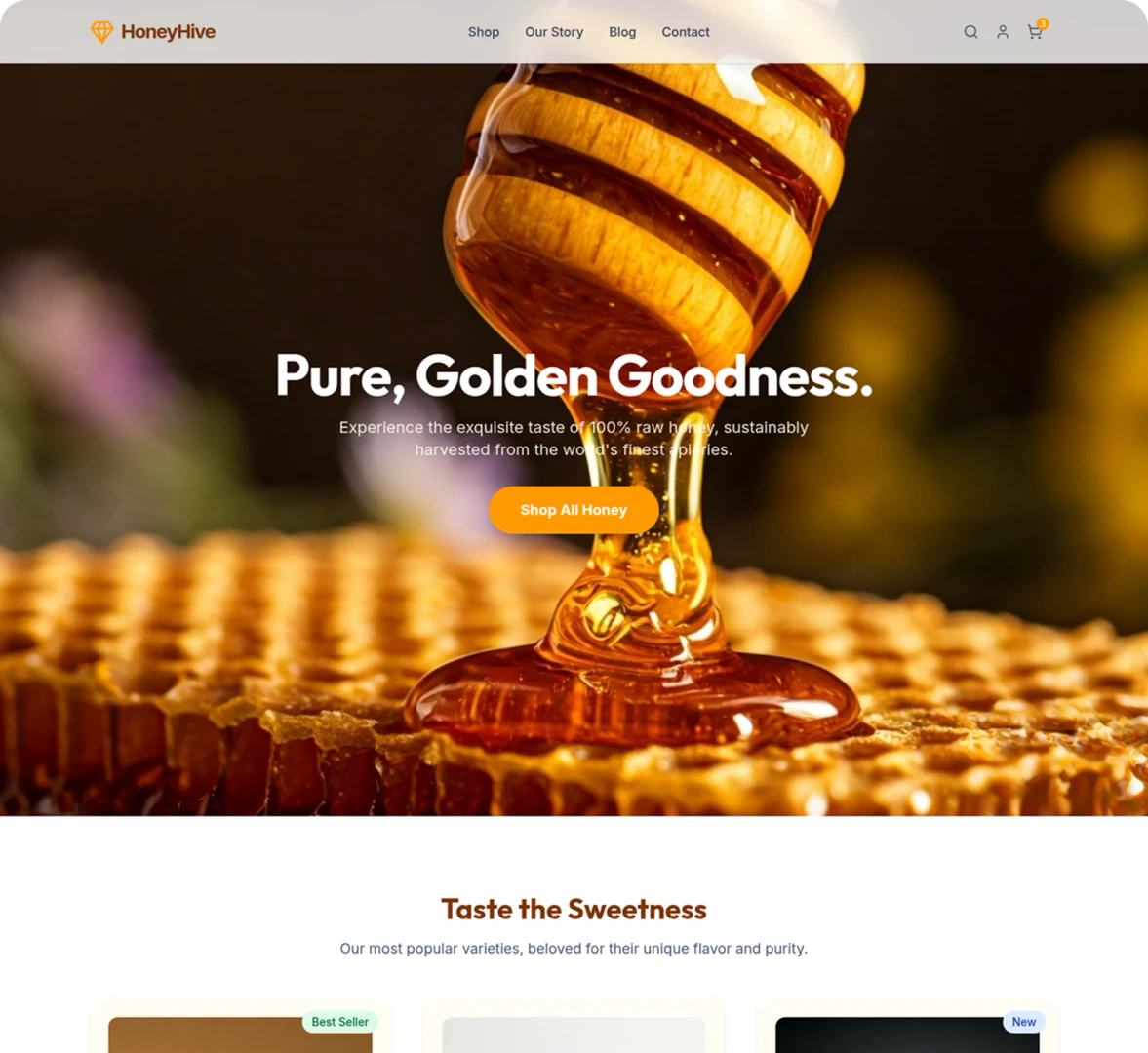
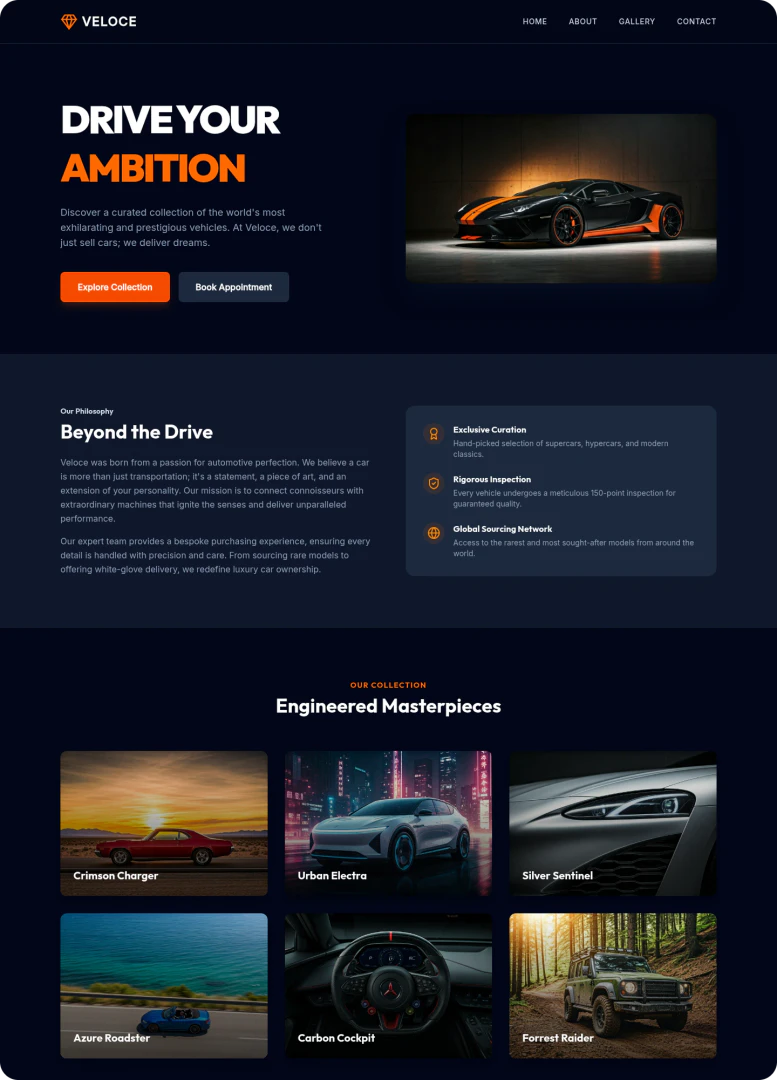
Bronoai Pros and Cons
Pros
- Transform Text to Editable UI: Brono allows users to convert text prompts into fully editable Figma UI designs, streamlining the design process.
- Instant UX Audits and Heatmaps: The tool provides predictive heatmaps and instant UX audits to identify usability issues early, enhancing user experience.
- Seamless Figma Integration: Brono enables direct export to Figma with structured layers and layouts, making it easy for teams to collaborate and refine designs.
Cons
No cons data detected for this tool
Bronoai Pricing
Free
Basic plan with essential features and limited access. Includes 60 Credits, Up to 15 screens, 0 Figma Copies, Hi-fi Designs, Wireframes, Redesign, Audit design, Edit design, Predictive Heatmaps, Generate diagrams.
Plus
Enhanced plan with more features and higher credit limit. Includes 450 Credits, Up to 120 screens, 45 Figma Copies, Hi-fi Designs, Wireframes, Redesign, Audit design, Edit design, Predictive Heatmaps, Generate diagrams, Expert Mode, Export to Figma, Live preview, Upload up to 2 files.
Pro
Professional plan with advanced features and high credits. Includes 1000 Credits, Up to 250 screens, 100 Figma Copies, Hi-fi Designs, Wireframes, Redesign, Audit design, Edit design, Predictive Heatmaps, Generate diagrams, Expert Mode, Export to Figma, Live preview, Upload up to 5 files, Parallel Generation.
For the latest pricing, please visit this link: https://brono.ai/#pricing
Prices are subject to change. Please visit the official website for the most up-to-date pricing information.
Analytics of Bronoai
Bronoai Website Traffic Analysis
Visits Over Time
Traffic Sources
Jan 2026 - Jan 2026 Worldwide Desktop Only
- Direct: 65.39%
- Social: 26.66%
- Search: 4.95%
- Referrals: 3.00%
Top Keywords
| Keyword | Volume | CPC | Estimated Value |
|---|---|---|---|
| brono | 1.26K | $0.00 | $330.00 |
| brono ai | 340 | $0.00 | $240.00 |





Bronoai Social Listening
最强AI工作流平台:免费部署、连接1000+外部应用,让AI...
工作流下载:https://github.com/soluc...
谷歌王炸Nano Banana生图实操,从入门到精通 | 用...
这期视频,我将带你深入了解最近火爆全网的AI生图模型——Na...
谷歌最强 AI 生图工具!Nano Banana Pro 使...
今天我们将深入体验 Google 最新发布的图像生成工具 —...
Unlock to view 9 social media results.