AI Calendar





What is AI Calendar?
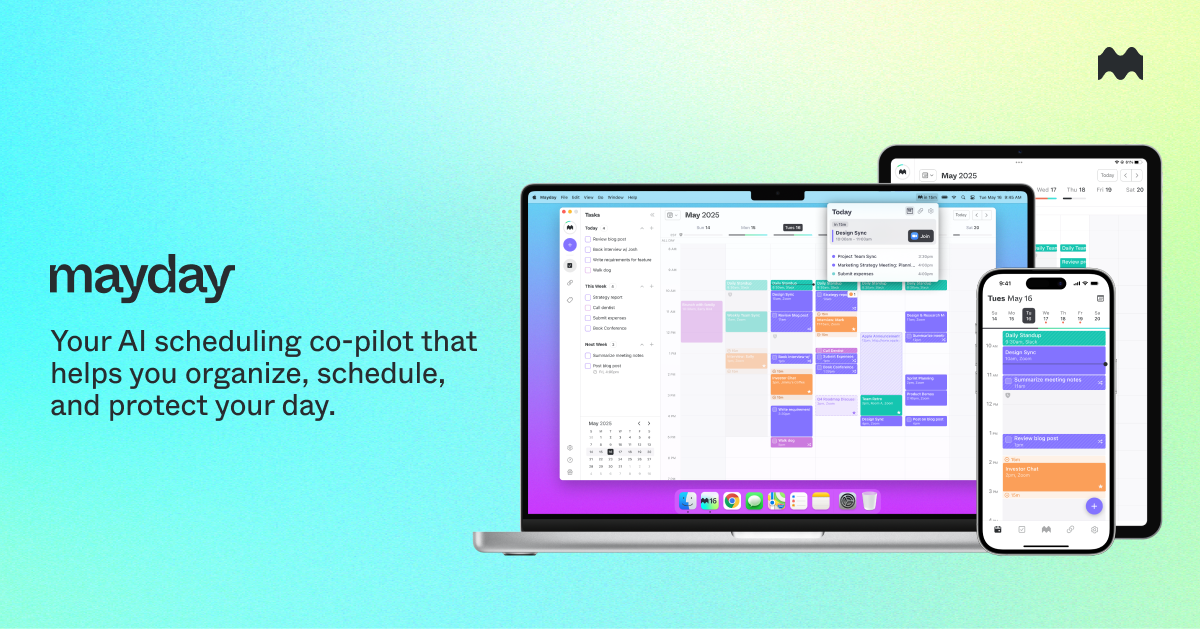
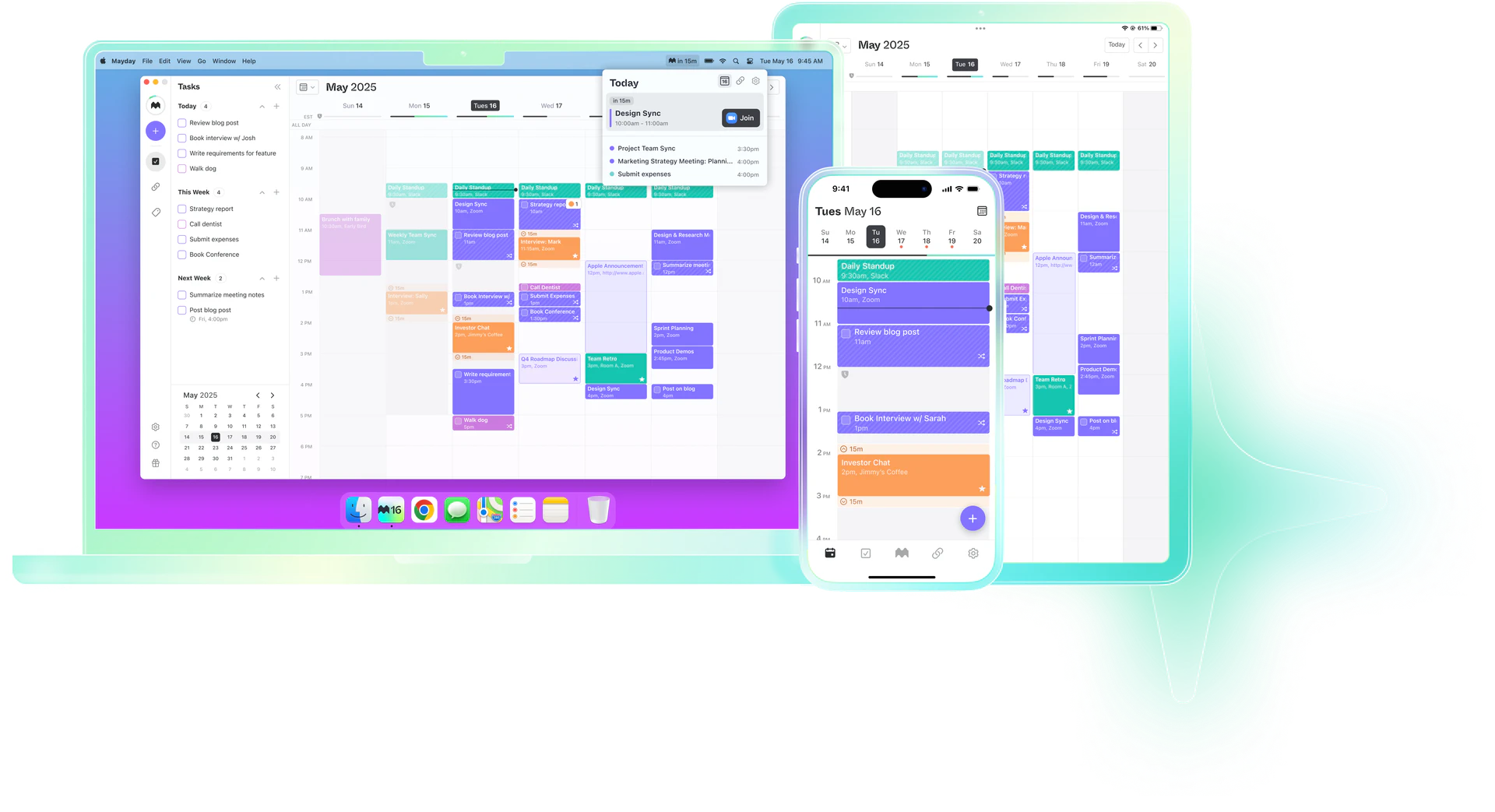
AI Calendar, also known as Mayday, is an AI-assisted scheduling tool designed to enhance productivity by integrating a calendar, task manager, and scheduling assistant into a single platform. It is available on macOS, iOS, and iPadOS, providing users with a comprehensive solution to manage their time effectively. The tool leverages artificial intelligence to optimize scheduling, helping users find the best times for meetings and tasks while adapting to their changing priorities.
How to use AI Calendar?
- Sign Up and Install: Begin by signing up on the AI Calendar website and installing the application on your Mac, iPhone, or iPad.
- Sync Your Calendars: Integrate your existing calendars such as Google Calendar, Microsoft 365, or Apple iCloud to centralize your scheduling.
- Set Your Preferences: Customize your scheduling preferences and availability settings to allow the AI to learn your habits.
- Create Events: Use the intuitive interface to create events. The AI will suggest optimal times based on your schedule and priorities.
- Manage Tasks: Add tasks with estimated durations, and let the AI find suitable time slots to complete them.
- Utilize Features: Make use of features like automatic rescheduling, Smart Tags for organization, and buffer times to enhance your scheduling efficiency.
What are the main features of AI Calendar?
- AI Scheduling: Automatically finds the best times for meetings and tasks based on your preferences.
- Automatic Rescheduling: Adjusts your schedule dynamically as priorities shift.
- Integrated Scheduling Links: Share your availability without revealing all your free time.
- Smart Tags: Organize events with custom tags for better management.
- Calendar Sync: Ensures all your calendars reflect your current availability.
- Buffer Time: Adds breaks between meetings to prepare or rest.
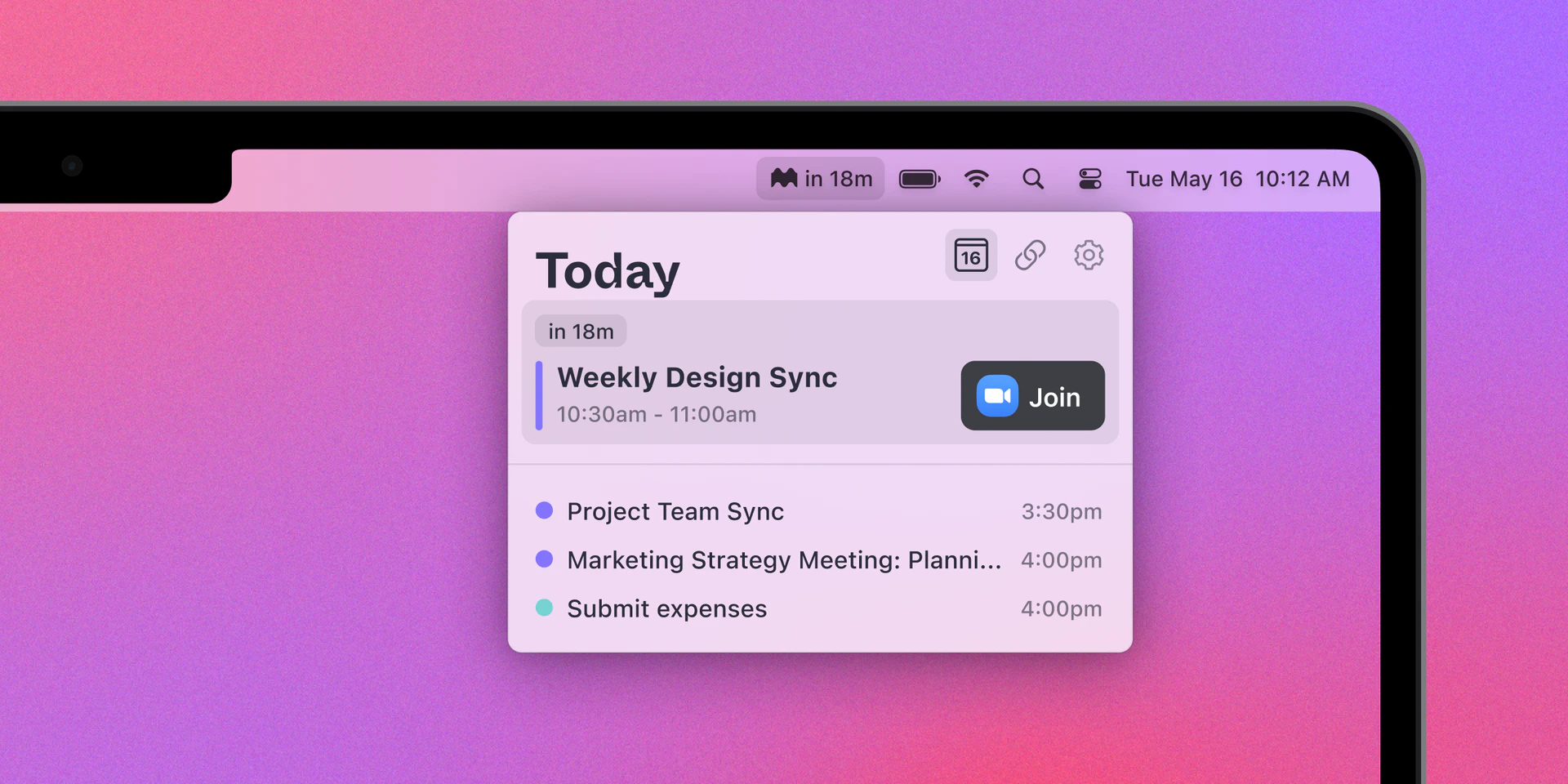
- Widgets: Provides quick views of your upcoming events on iOS and macOS.
Who is AI Calendar for?
AI Calendar is designed for busy professionals, teams, and anyone looking to streamline their scheduling process. It is particularly beneficial for individuals who juggle multiple tasks and appointments, as well as teams that need to coordinate meetings efficiently. The tool's AI capabilities make it suitable for users who want to optimize their time management and improve productivity.
What are the use cases of AI Calendar?
- Team Scheduling: Easily coordinate meetings with team members by automatically suggesting optimal times based on everyone's availability.
- Task Management: Allocate time for important tasks by letting the AI schedule them around your existing commitments.
- Event Planning: Use the tool to plan events by finding suitable times for all participants, minimizing scheduling conflicts.
Product Images


AI Calendar Pros and Cons
Pros
- All-in-One Functionality: Mayday combines a calendar, task manager, and scheduling assistant into one platform, enhancing productivity and organization.
- AI Scheduling: Utilizes AI to automatically suggest optimal scheduling times based on user preferences and patterns, improving efficiency.
- User-Friendly Interface: Designed for efficiency with features like widgets for easy access to upcoming events and a menu bar for quick shortcuts.
Cons
- Limited Platform Availability: Currently available only on macOS, iOS, and iPadOS, with Android and Windows versions coming soon.
- Lack of Comprehensive Support Information: Insufficient information regarding documentation and customer support available for users.
Analytics of AI Calendar
AI Calendar Website Traffic Analysis
Visits Over Time
Traffic Sources
Oct 2025 - Dec 2025 Worldwide Desktop Only
- Search: 42.43%
- Direct: 34.92%
- Social: 14.14%
- Referrals: 7.30%
- Paid Referrals: 1.13%
- Mail: 0.07%
Top Keywords
| Keyword | Volume | CPC | Estimated Value |
|---|---|---|---|
| mayday | 35.75K | $1.22 | $20.00 |
| maydays | 4.20K | $1.99 | $0.00 |
| ai calendar | 1.83K | $6.19 | $0.00 |
| mayday app | 100 | $0.00 | $100.00 |
| mayday sunset | 90 | $0.00 | $80.00 |