


Twitter-color Created with Sketch. Amazon-color Created with Sketch. Facebook-color Created with Sketch. github [#142] Created with Sketch. meta_fill Pinterest-color Created with Sketch. ProductHunt-color Created with Sketch. Spotify-color Created with Sketch. Threads Logo Streamline Icon: https://streamlinehq.com Yelp-color Created with Sketch. Youtube-color Created with Sketch.
TopAIToolsTopAITools
  • Free Tools
  • Category
  • Leaderboard
  • Submit
EN
TopAIToolsTopAITools
TopAI

TopAITools

TopAITools, The Best Top AI Tools

AI Glossary|English简体中文繁體中文한국어日本語PortuguêsEspañolDeutschFrançaisTiếng Việt|Map

© 2026 TopAITools. All rights reserved.

About

  • Privacy Policy
  • Terms of use

Contact Us

business@topaitoolsreview.com
Home
AI Accounting Tools
Wiseocr
Last updated: April 8, 2026
Wiseocr logo

Wiseocr

Get deal
4.0|0 Comments|0 Saved
Introduction:
Effortlessly convert receipts into structured JSON data.
Launch Date:
April 13, 2025
Monthly Visits:
--
Inputs:
ImageTabular
Outputs:
Text
Supported Languages:
EN
AI Models:
OCR Technology
Website
💼Work
AI Accounting Tools31AI Finance Tools85AI Document Processing Tools88
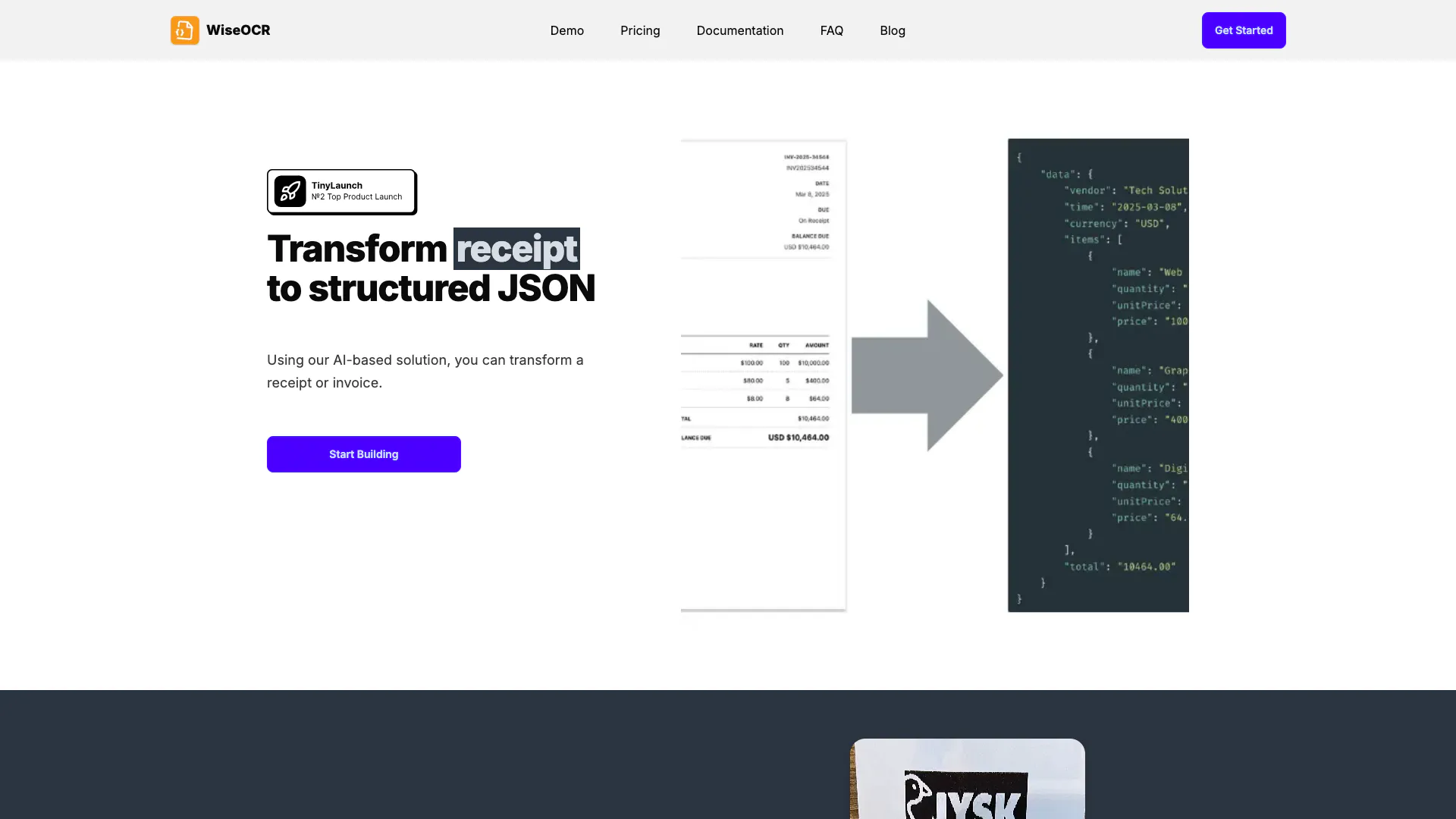
Wiseocr website screenshot showing Effortlessly convert receipts into struc... interface and features
Use tool
Update this tool
Solidgrids logo

Solidgrids

Configure it once and automate your images forever without intervention—no need to review. Photos are ready to publish. Adjust backgrounds, lighting, banners, and more to fit your company branding.

Jackrabbit Ops logo

Jackrabbit Ops

Never miss a new customer | Jackrabbit Ops

Toucan logo

Toucan

Unlock the power of multiple AI models in one sleek app. Apollo’s Multi-Model AI Chat Engine gives you instant access to ChatGPT, Claude, Gemini, and more — all…

Webchatgpt logo

Webchatgpt

Augment your ChatGPT prompts with relevant web search results through web browsing.

Quillbot Paraphraser logo

Quillbot Paraphraser

Paraphrasing Tool (Ad-Free and No Sign-up Required) - QuillBot AI

Wiseocr Overview

What is WiseOCR?

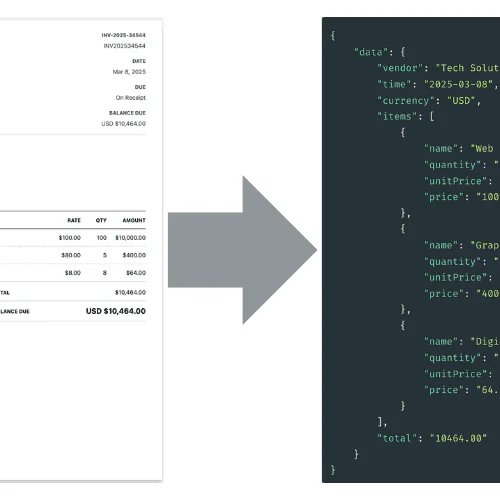
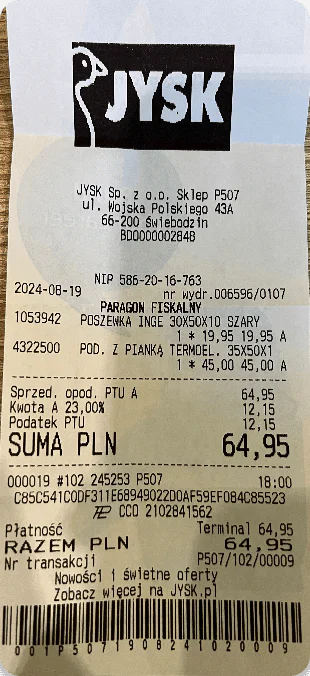
WiseOCR is an advanced optical character recognition (OCR) tool designed to transform receipts and invoices into structured JSON data effortlessly. This innovative solution leverages AI technology to automate financial data extraction, ensuring accuracy and efficiency. Users can quickly convert their document images into a standardized JSON format, making it easy to integrate with various software systems. WiseOCR stands out for its user-friendly interface and seamless integration capabilities, allowing businesses to streamline their financial processes and reduce manual data entry.


How to use WiseOCR?

  1. Visit the WiseOCR website and sign up for an account.
  2. Log in to your account and navigate to the upload section.
  3. Drag and drop your receipt or invoice image file, or click to select the file from your device.
  4. Once uploaded, WiseOCR will automatically process the document and extract relevant data.
  5. Review the structured JSON output generated by WiseOCR, which can be easily integrated into your accounting software.

What are the main features of WiseOCR?

  • Seamless OCR Integration: Utilizes AI for accurate text extraction from any document type, ensuring high accuracy even with complex layouts.
  • Standardized JSON Output: Converts extracted text into a consistent JSON format, facilitating easy integration with various systems.
  • Multi-Format Support: Handles multiple file formats, including JPG, PNG, HEIF, TIFF, and PDF, automatically detecting and processing file types.
  • Secure Data Handling: Prioritizes user data security with industry-standard encryption and automatic deletion of documents post-processing.

Who is WiseOCR for?

WiseOCR is tailored for businesses, accountants, and individuals who frequently handle receipts and invoices. It is ideal for professionals seeking to automate their financial data processing and eliminate the tedious task of manual data entry. Startups and small businesses can particularly benefit from this tool by streamlining their accounting processes and integrating financial data into their existing software systems effortlessly.


What are the use cases of WiseOCR?

  1. Automating Expense Reporting: Businesses can use WiseOCR to quickly process and categorize expenses from receipts, reducing manual entry time.
  2. Integrating Financial Data: Users can automate the transfer of extracted financial data into accounting software like QuickBooks or Xero via API integrations.
  3. Streamlining Invoice Processing: Companies can convert supplier invoices into structured JSON for easy tracking and management, enhancing financial oversight.

Product Images

WiseOCR upload file interface
WiseOCR JSON output demonstration
WiseOCR product interface
WiseOCR user scenario example
1 / 4

Wiseocr Pros and Cons

Pros

  • Efficient Data Transformation: WiseOCR quickly transforms receipts and invoices into structured JSON, saving time and reducing manual entry errors.
  • High Accuracy OCR Technology: The tool utilizes advanced AI and OCR technology, achieving over 98% accuracy for high-quality input images.
  • Flexible Pricing Model: WiseOCR offers a pay-as-you-go pricing structure, allowing users to purchase credits as needed without long-term commitments.

Cons

No cons data detected for this tool

Wiseocr Pricing

130 credits

$9

Add more credits as you need them.

320 credits

$19

Add more credits as you need them.

1,000 credits

$49

Add more credits as you need them.

3,500 credits

$139

Add more credits as you need them.

10,000 credits

$299

Add more credits as you need them.

For the latest pricing, please visit this link: https://wiseocr.com/#pricing

Prices are subject to change. Please visit the official website for the most up-to-date pricing information.


Wiseocr Compare

Tool NameIntroductionPricing
Type
RatingLaunch DateLearn more
Steamship logo
Steamship
Build, scale, and monitor AI Agents.
Free
💼Work
September 13, 1996
Get deal
Rewind Ai logo
Rewind Ai
Rewind
Free
🙋‍♂️Personal💼Work
February 2, 2018
Get deal
Studio logo
Studio
The easiest and quickest way to build your beautiful portfolio website, landing page or anything. No code. All creative freedom.
Free
💼Work🎨Creativity
July 6, 2017
Get deal

Info current as of post date. Offers and availability may vary by location and are subject to change.

Wiseocr Q&A

WiseOCR is an advanced OCR solution that transforms receipt and invoice images into structured JSON data, ensuring easy integration with various software systems.

For more FAQs, please visit this link: https://wiseocr.com/#faq

Wiseocr Launch embeds

Use website badges to drive support from your community for your TopAITools Review. They're easy to embed on your homepage or footer.

FEATURED ONTopaitoolsreview.com

Wiseocr Alternatives

Owlbot screenshot

Owlbot

Payments, tax & subscriptions for software companies • Lemon Squeezy

Website
Free
💼Work
LegalAI Finance Tools
  • Legal
  • AI Finance Tools
Use tool
1.4M
Direct57.73%
Referrals20.24%
Search18.97%
Sheshi Fr screenshot

Sheshi Fr

Sheshi AI | Automated Financial Reporting

Website
Free
💼Work
LegalAI Finance ToolsAi Report GeneratorAI Data Analytics Tools
  • Legal
  • AI Finance Tools
  • Ai Report Generator
  • AI Data Analytics Tools
Use tool
Factbox Ai Factsheet Builder screenshot

Factbox Ai Factsheet Builder

Create, Share, and Master Financial Factsheets

Website
Free
💼Work
LegalAI Finance ToolsAi Document GeneratorAi Productivity Tools
  • Legal
  • AI Finance Tools
  • Ai Document Generator
  • Ai Productivity Tools
Use tool
2.2K
Direct39.17%
Search36.30%
Referrals13.67%

Wiseocr Tags

OCR TechnologyReceipt ProcessingJSON OutputData AutomationMulti-Format SupportSecure Processing

Also used for

AI Accounting Tools31AI Finance Tools85AI Document Processing Tools88AI Identity Protection5AI Security Tools2Spiritual Tools1AI Keyboard Tools6AI Startup Matching Tools5AI Venture Capital Matching Tools2Agentic Process Automation1AI Trip Planner5Language Tools2Talent Management2Performance Management1AI Productivity Tools310
Wiseocr logo
WiseocrFree
Get deal

Wiseocr Comments (0)

Your rating

?
0/2000

No comments yet

Be the first to share your thoughts!

Wiseocr Prompts (0)

Prompts And Results

Add your own prompts and outputs to help others understand how to use this AI.

🚀0
🚀0