

Webstudio





What is Webstudio?
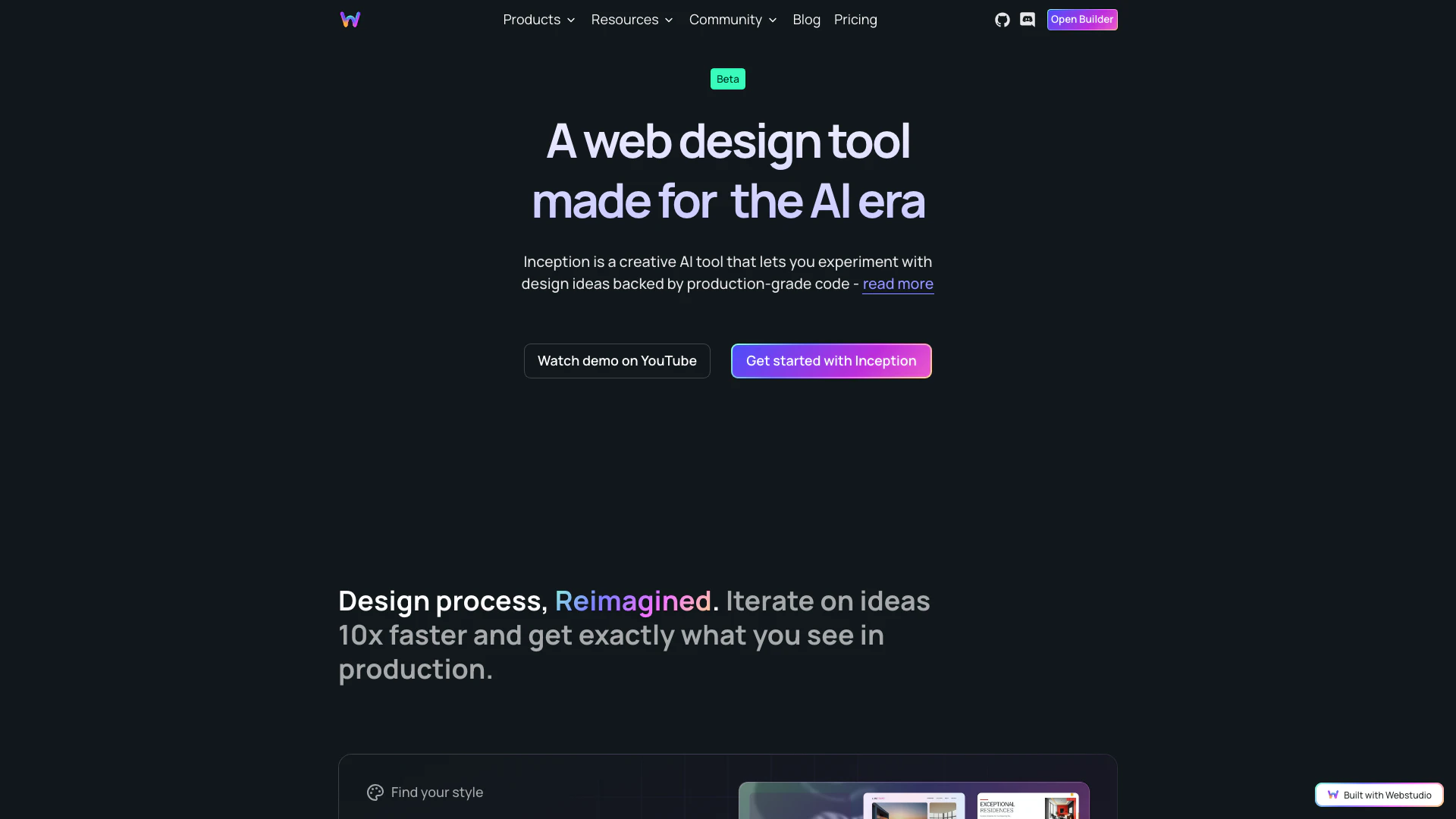
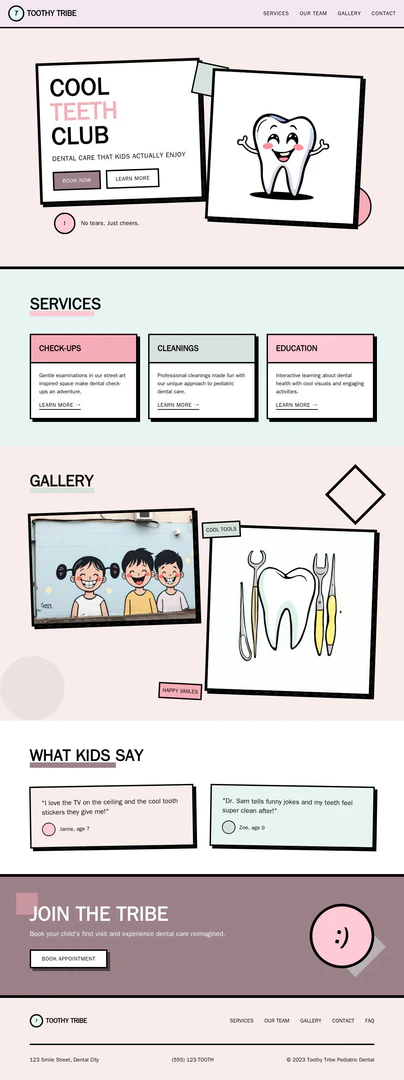
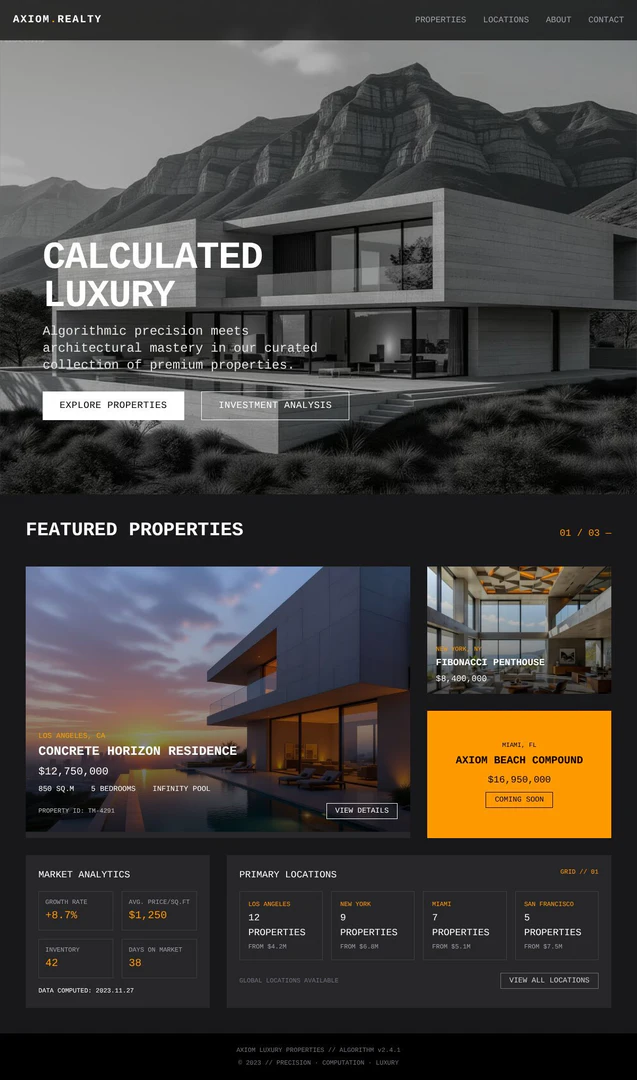
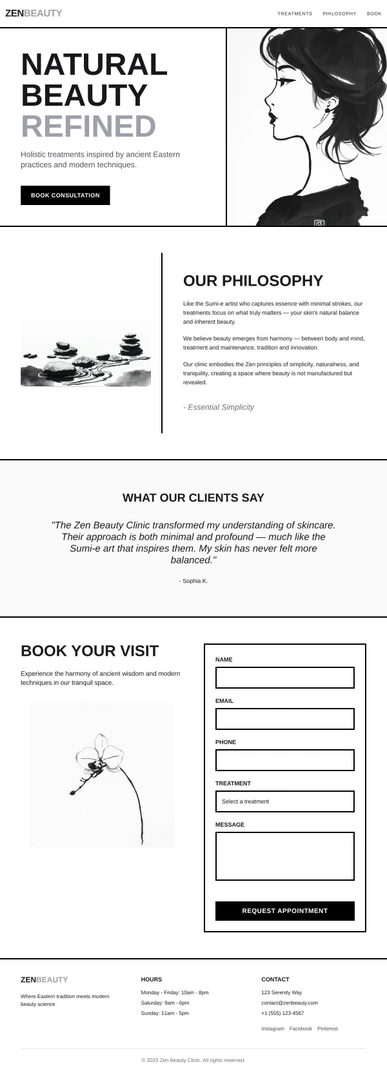
Webstudio is an innovative web design[2] tool that leverages AI[1] to transform your ideas into production-ready code[3] in minutes. It is designed to streamline the design process by allowing users to experiment with various creative styles[6], emotions, and layouts, all backed by HTML[4] and Tailwind[5] code. This means that the designs generated are not only visually appealing but also directly usable in web production without the need for additional coding. Webstudio's approach eliminates the traditional translation from design to code, ensuring that what you see during the design phase is exactly what will appear in production.
How to use Webstudio?
- Sign Up: Create an account on the Webstudio website to get started with the design tool.
- Select a Style: Choose from a variety of creative styles, emotions, and layouts to guide your design process.
- Generate Designs: Use the 'Inception' feature to generate multiple design options in parallel, allowing for quick iterations and explorations.
- Refine Your Design: Make edits to your design using intuitive tools without the hassle of moving pixels manually.
- Remix Designs: If you find a design direction you like, use the remix feature to create new frames based on your current design.
What are the main features of Webstudio?
- Creative Styles Selection: Choose from various styles to jumpstart your design process.
- Parallel Design Generation: Generate multiple design options simultaneously for faster iterations.
- Code-First Approach: Designs are created with production-ready HTML and Tailwind code, eliminating translation issues.
- Remix Functionality: Easily create new design variations based on existing designs to explore different directions.
- User-Friendly Edits: Refine your designs quickly without manual pixel adjustments.
Who is Webstudio for?
Webstudio is tailored for a wide range of users, including professional designers looking to streamline their workflow, as well as non-designers who need to create web designs quickly and efficiently. It is particularly beneficial for startups, small businesses, and entrepreneurs who may not have extensive design experience but want to bring their ideas to life without the need for extensive coding knowledge. Additionally, it serves as an excellent tool for teams collaborating on web projects, allowing for rapid prototyping and design exploration.
What are the use cases of Webstudio?
- Rapid Prototyping: Quickly generate and iterate on design ideas for web applications or landing pages.
- Design Exploration: Experiment with different creative styles and layouts without the need for extensive design skills.
- Production-Ready Designs: Create designs that are immediately usable in production, reducing the time from concept to deployment.
- Collaboration: Facilitate teamwork by allowing multiple users to generate and refine designs together in real-time.
Product Images
Webstudio Pros and Cons
Pros
- AI-Powered Design Generation: Webstudio uses AI to quickly turn design ideas into production-ready code, significantly speeding up the design process.
- Code-First Approach: The tool generates HTML/Tailwind code directly from designs, eliminating the need for translation and ensuring what you see is what you get.
- Flexible Design Exploration: Users can experiment with various styles, colors, and layouts, generating multiple design versions in parallel for enhanced creativity.
Cons
No cons data detected for this tool
Webstudio Pricing
Free
Wstd.io subdomain, Unlimited Projects, Unlimited pages, Share Projects, Export Projects.
Pro
$15/month billed yearly, Unlimited sites with custom domains, 100,000 page views per month with overages, Unlimited form submissions, Content Mode for clients and employees, Publish to Staging, Backups, Advanced sharing, Connect to any CMS.
For the latest pricing, please visit this link: https://webstudio.is/ai
Prices are subject to change. Please visit the official website for the most up-to-date pricing information.
Analytics of Webstudio
Webstudio Website Traffic Analysis
Visits Over Time
Traffic Sources
Nov 2025 - Jan 2026 Worldwide Desktop Only
- Search: 46.19%
- Direct: 38.67%
- Referrals: 10.67%
- Social: 3.33%
- Paid Referrals: 1.01%
- Mail: 0.12%
Top Keywords
| Keyword | Volume | CPC | Estimated Value |
|---|---|---|---|
| radix ui | 59.89K | $2.50 | $290.00 |
| webstudio | 7.64K | $3.17 | $7980.00 |
| web studio | 1.76K | $1.00 | $870.00 |
| best graphics with open source webpage create websites list | 520 | $0.00 | $380.00 |
| studfio tokens from figma to webflow | 390 | $0.00 | $290.00 |






Webstudio Social Listening
Webstudio 101 Intro
Learn about the most important...
How to build a website with We...
This Webstudio tutorial that w...
Headless WordPress with Webstu...
In this headless WordPress tut...
Unlock to view 23 social media results.