

Visla





What is Visla?
Visla is an innovative AI-powered video creation platform designed to simplify the video production process for teams and individuals. It automates various aspects of video creation, including storyboarding, scripting, B-roll selection, voice-over generation, and subtitle integration. By streamlining these processes, Visla enables users to focus on creativity and collaboration, allowing teams to work together seamlessly to produce high-quality videos efficiently. The platform caters to a wide range of use cases, from marketing and training to customer support and product demonstrations, making it an invaluable tool for businesses looking to leverage video content.
How to use Visla?
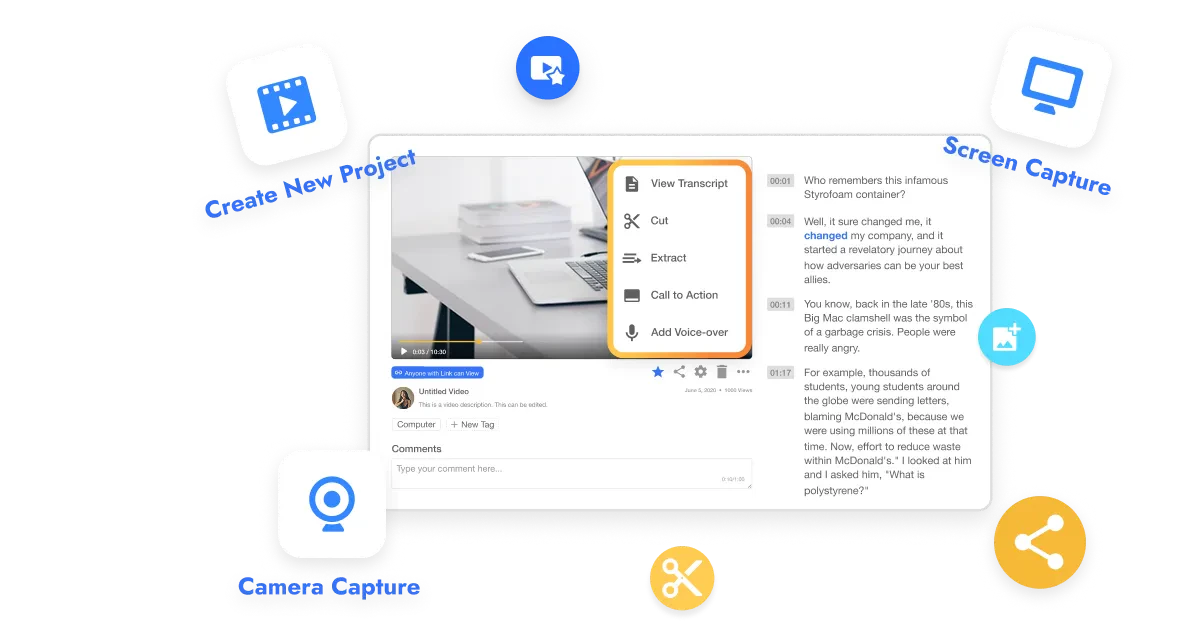
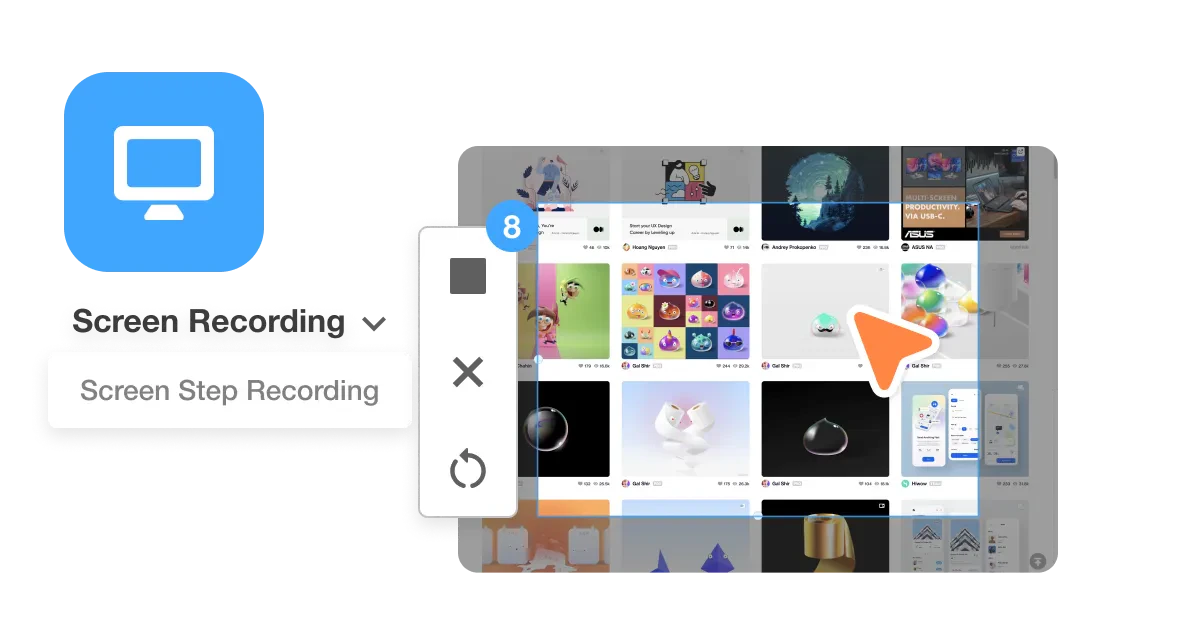
- Capture your content: Start by recording your screen, camera, or both using Visla’s built-in tools to capture presentations, product demos, tutorials, or meetings.
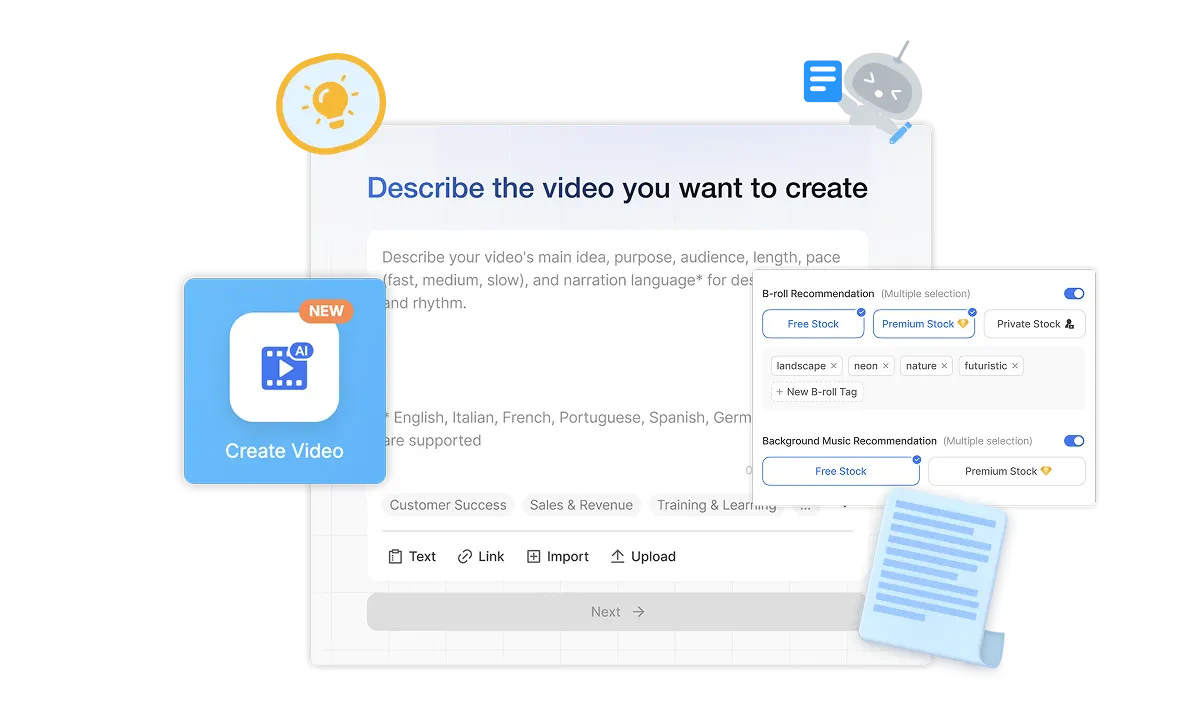
- Start with anything: Kick off the project with an idea, script, text, link, clip, image, audio, or PDF/PPT. Visla's AI analyzes all inputs to create a cohesive video.
- Guide the AI Video Agent: Specify the video's duration, pace, aspect ratio, and select libraries for stock footage and music. Choose the AI voiceover and avatar that fit your narrative.
- Let the AI Video Agent work its magic: The AI assembles a polished video with narration, visuals, scenes, transitions, and more based on your preferences.
- Edit your video draft: Use the Scene-Based Editor to refine your video draft, adding text overlays, graphics, and adjusting branding as needed.
- Share your video: Once editing is complete, easily share your video by downloading it, generating a share link, or copying an embed code.
What are the main features of Visla?
- AI Video Generator: Automates video creation from text, scripts, and existing media.
- AI Video Editor: Offers scene-based editing for precise control and smart enhancements.
- Recording Suite: Captures high-quality videos, including screen recordings and tutorials.
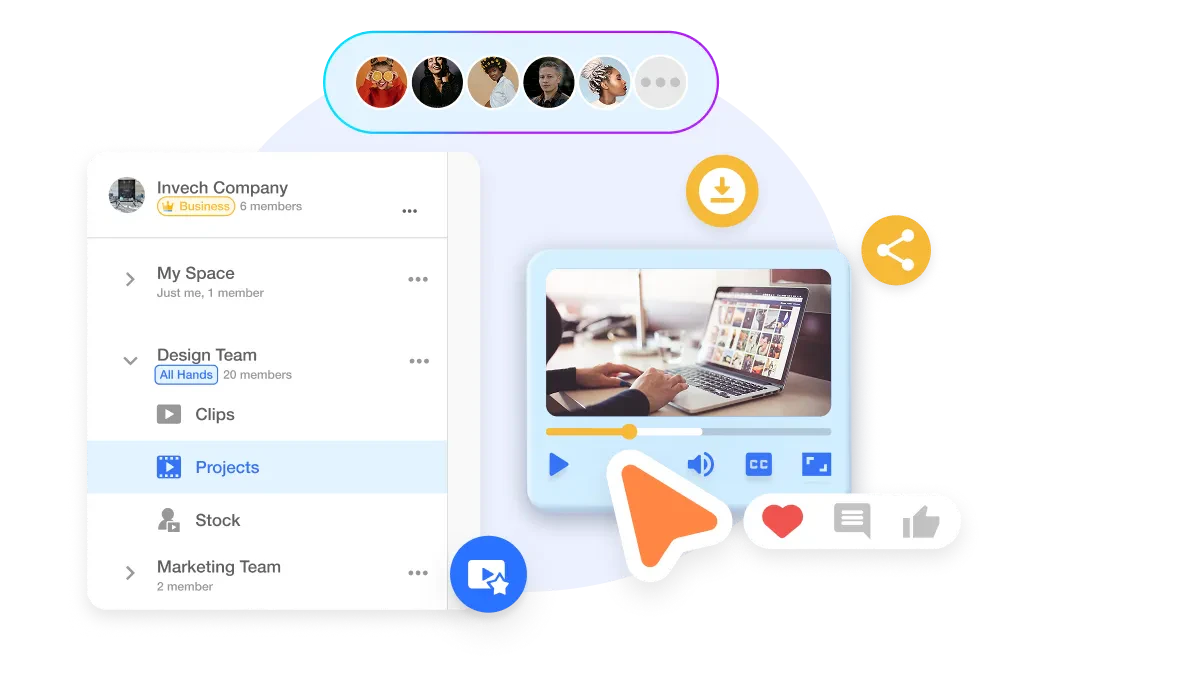
- Collaboration Tools: Facilitates teamwork with shared workspaces, real-time feedback, and content management.
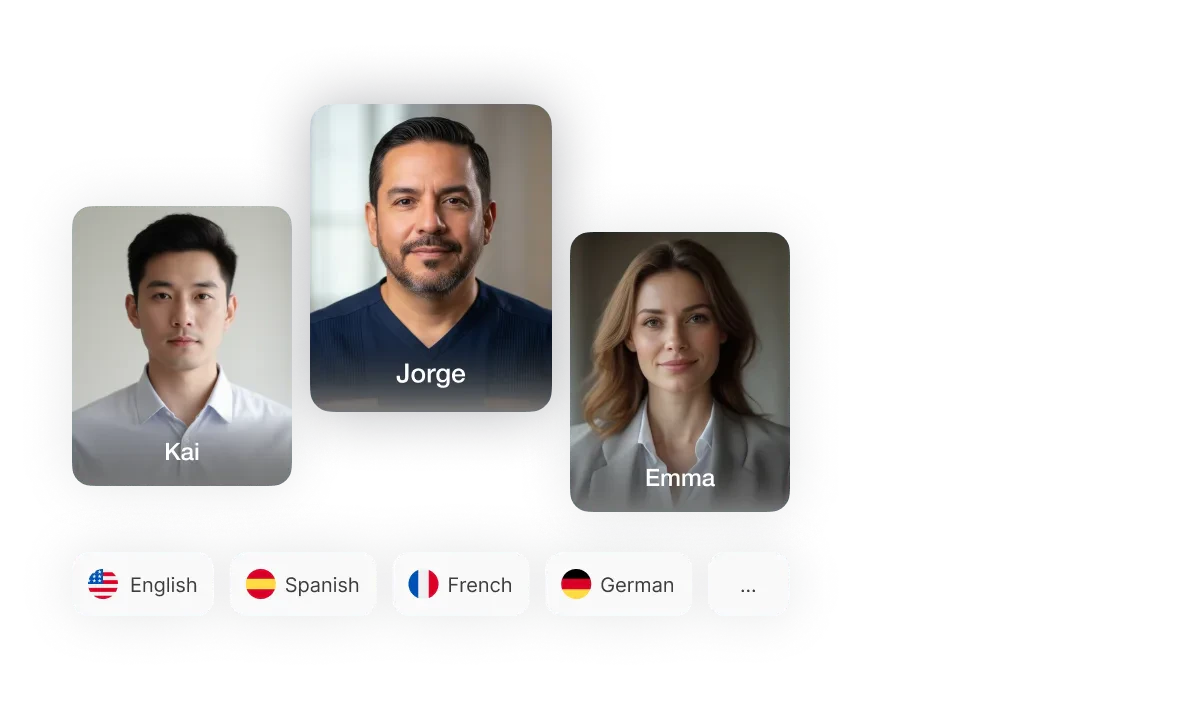
- AI Personalization: Allows users to create custom avatars and voice clones for more engaging videos.
- Auto Transcription: Automatically generates subtitles for videos, enhancing accessibility.
Who is Visla for?
Visla is designed for a diverse range of users, including marketing teams, educators, corporate trainers, and customer support professionals. It caters to businesses and individuals looking to create high-quality video content quickly and efficiently. Marketing teams can use Visla to produce promotional videos, while educators can create engaging instructional materials. Corporate trainers can develop training videos that enhance learning experiences, and customer support teams can produce helpful tutorials and guides to assist users. Overall, Visla is suitable for anyone seeking to leverage video content to improve communication and engagement.
What are the use cases of Visla?
- Marketing Videos: Create promotional content that drives engagement and brand awareness.
- Training Videos: Develop instructional materials that enhance employee onboarding and skill development.
- Sales Videos: Produce persuasive product demonstrations that boost conversions and lead generation.
- Support Videos: Create helpful tutorials and guides that empower customers to utilize products effectively.
Product Images



Visla Pros and Cons
Pros
- AI-Powered Video Creation: Visla automates video creation using AI, converting text, scripts, and ideas into engaging videos quickly and efficiently.
- Collaborative Features: Visla offers collaborative tools for asset management, editing, and review, allowing teams to work together seamlessly on video projects.
- User-Friendly Interface: The platform is designed for ease of use, enabling users without editing expertise to create professional-quality videos.
Cons
No cons data detected for this tool
Visla Pricing
Free Plan
Access to basic features with limited credits for video creation.
Pro Plan
Includes 2,000 assigned credits per month, flexible credit availability, and AI video creation features.
Business Plan
Includes 5,000 assigned credits per month, custom credits, and advanced AI features.
Enterprise Plan
Custom pricing based on needs, unlimited credits, and advanced features for large teams.
For the latest pricing, please visit this link: https://www.visla.us/pricing
Prices are subject to change. Please visit the official website for the most up-to-date pricing information.
Analytics of Visla
Visla Website Traffic Analysis
Visits Over Time
Traffic Sources
Dec 2025 - Feb 2026 Worldwide Desktop Only
- Search: 44.82%
- Direct: 42.04%
- Referrals: 9.78%
- Social: 2.29%
- Paid Referrals: 0.83%
- Mail: 0.16%
Top Keywords
| Keyword | Volume | CPC | Estimated Value |
|---|---|---|---|
| capcut | 5.70M | $0.35 | $2400.00 |
| visla | 12.27K | $1.65 | $12940.00 |
| script to video ai | 9.02K | $0.39 | $2360.00 |
| script to video ai free | 2.96K | $0.23 | $880.00 |
| visla ai | 1.08K | $1.04 | $1120.00 |





Visla Social Listening
👉Create Videos Inside of Chat...
🎥 Create Videos In ChatGPT - ...
This AI Tool Just Killed Every...
Create cinematic videos from a...
Best AI Video Generator, Edito...
Try Visla for free: https://vi...
Unlock to view 36 social media results.