

Ai Webcam Effects For Video Meetings
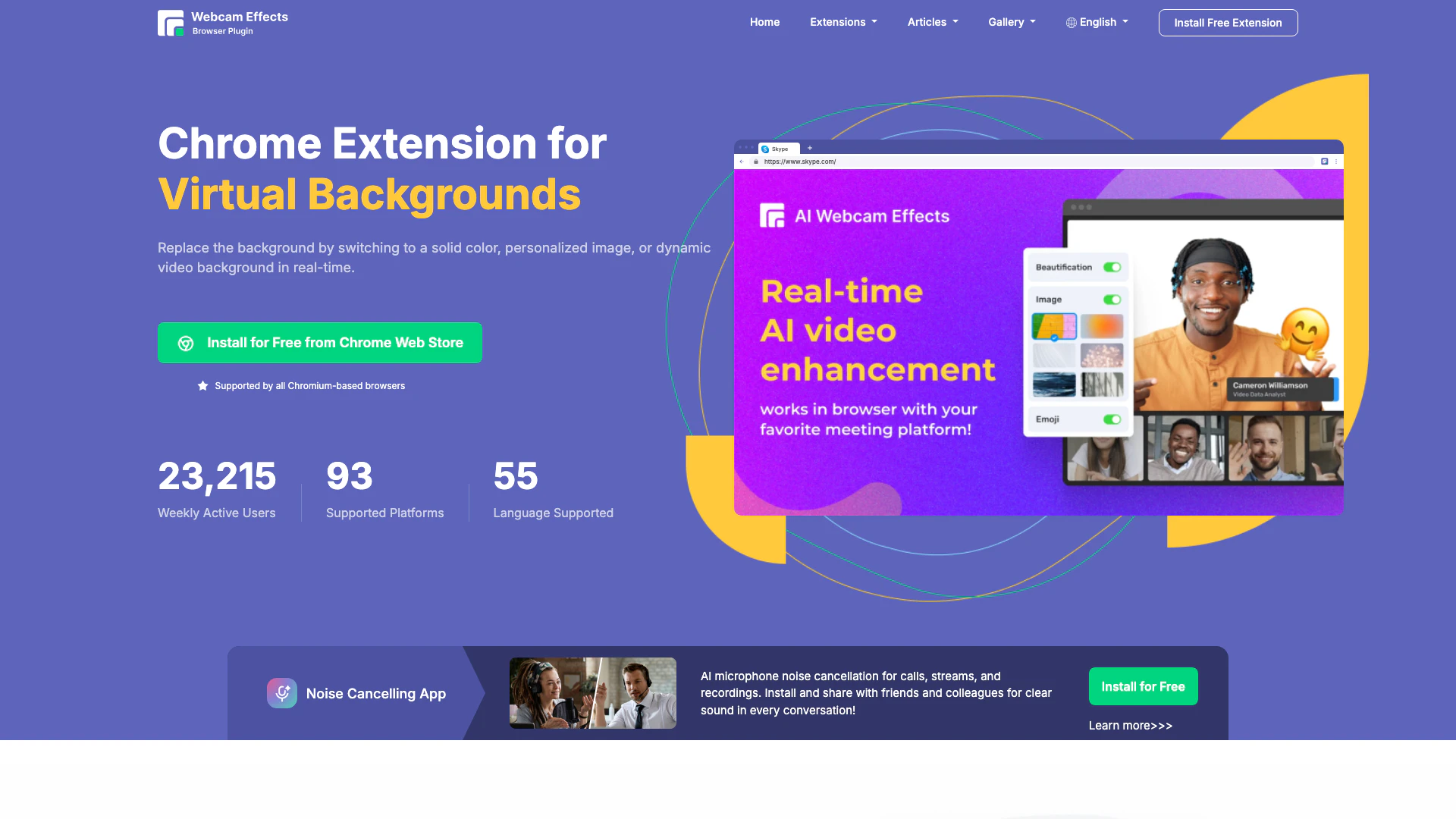





What is Ai Webcam Effects For Video Meetings?
Ai Webcam Effects For Video Meetings is a Chrome plugin designed to enhance video conferencing experiences by allowing users to replace or blur their webcam backgrounds, record single sources or entire tabs in their browser, and utilize various visual effects. This tool leverages advanced AI technology to provide real-time features that improve the clarity and professionalism of video calls, making it an essential tool for anyone looking to enhance their online presence during virtual meetings.
How to use Ai Webcam Effects For Video Meetings?
- Install the Ai Webcam Effects Chrome plugin from the Chrome Web Store.
- Open your preferred video conferencing platform (e.g., Google Meet, Microsoft Teams, Skype).
- Access the settings of your video conferencing tool to select the Ai Webcam Effects as your webcam source.
- Choose your desired effect, such as background blur or a virtual background, and adjust settings as needed.
- Start your video call, and enjoy enhanced visuals and clarity!
What are the main features of Ai Webcam Effects For Video Meetings?
- Virtual Backgrounds: Replace your background with solid colors, personalized images, or dynamic videos in real-time.
- Background Blur: Automatically blur your webcam background to maintain focus on you during calls.
- Smart Zoom: Real-time auto-framing ensures you are always in focus, enhancing your professional appearance.
- Custom Layouts: Optimize your video layout for better viewer engagement and presentation effectiveness.
- Emoji and Giphy Integration: Add fun and expressive visuals to your video calls to boost engagement.
Who is Ai Webcam Effects For Video Meetings for?
Ai Webcam Effects For Video Meetings is designed for professionals, educators, and anyone who participates in virtual meetings or video calls. It is particularly beneficial for remote workers, teachers conducting online classes, content creators, and businesses looking to maintain a professional image during virtual interactions. The tool caters to users who want to enhance their video quality, maintain privacy, and engage their audience effectively.
What are the use cases of Ai Webcam Effects For Video Meetings?
- Professional Video Conferencing: Use the tool to maintain a polished appearance during client meetings or team discussions, regardless of your physical background.
- Online Teaching: Educators can utilize background effects to create an engaging learning environment while minimizing distractions.
- Content Creation: Streamers and content creators can enhance their live broadcasts with dynamic backgrounds and effects to attract and retain viewer attention.
Ai Webcam Effects For Video Meetings Pros and Cons
Pros
- Universal Platform Support: The tool supports Windows, Mac, and Linux, ensuring accessibility for a wide range of users.
- Quick and Easy Installation: The installation and configuration process is quick, taking only seconds to complete.
- Privacy Features: The tool filters out inappropriate elements and messy backgrounds, enhancing user privacy during video calls.
- Customization Options: Users can optimize their video frame layout and use virtual backgrounds, adding creativity to their video calls.
Cons
No cons data detected for this tool
Analytics of Ai Webcam Effects For Video Meetings
Ai Webcam Effects For Video Meetings Website Traffic Analysis
Visits Over Time
Traffic Sources
Oct 2025 - Dec 2025 Worldwide Desktop Only
- Direct: 47.56%
- Search: 36.41%
- Referrals: 9.30%
- Social: 5.53%
- Paid Referrals: 0.99%
- Mail: 0.10%
Top Keywords
| Keyword | Volume | CPC | Estimated Value |
|---|---|---|---|
| webcam effects | 600 | $0.00 | $200.00 |
| webcam effects for pc | 180 | $0.00 | $170.00 |
| virtual background extention | 160 | $0.00 | $160.00 |
| how to green screen a video on dirty roullette | 130 | $0.00 | $120.00 |
| auto blur background camera extension | 130 | $0.00 | $110.00 |






Ai Webcam Effects For Video Meetings Social Listening
Akool Live Camera Demo | How t...
Deep Live Cam:AI 实时换脸直播,效果炸裂!堪...
【Deep Live Cam 换脸工具下载】:https:/...
DeepFace Live: Real-Time Face ...
DeepFace AI Live lets you tran...
Unlock to view 26 social media results.