Videoleapapp
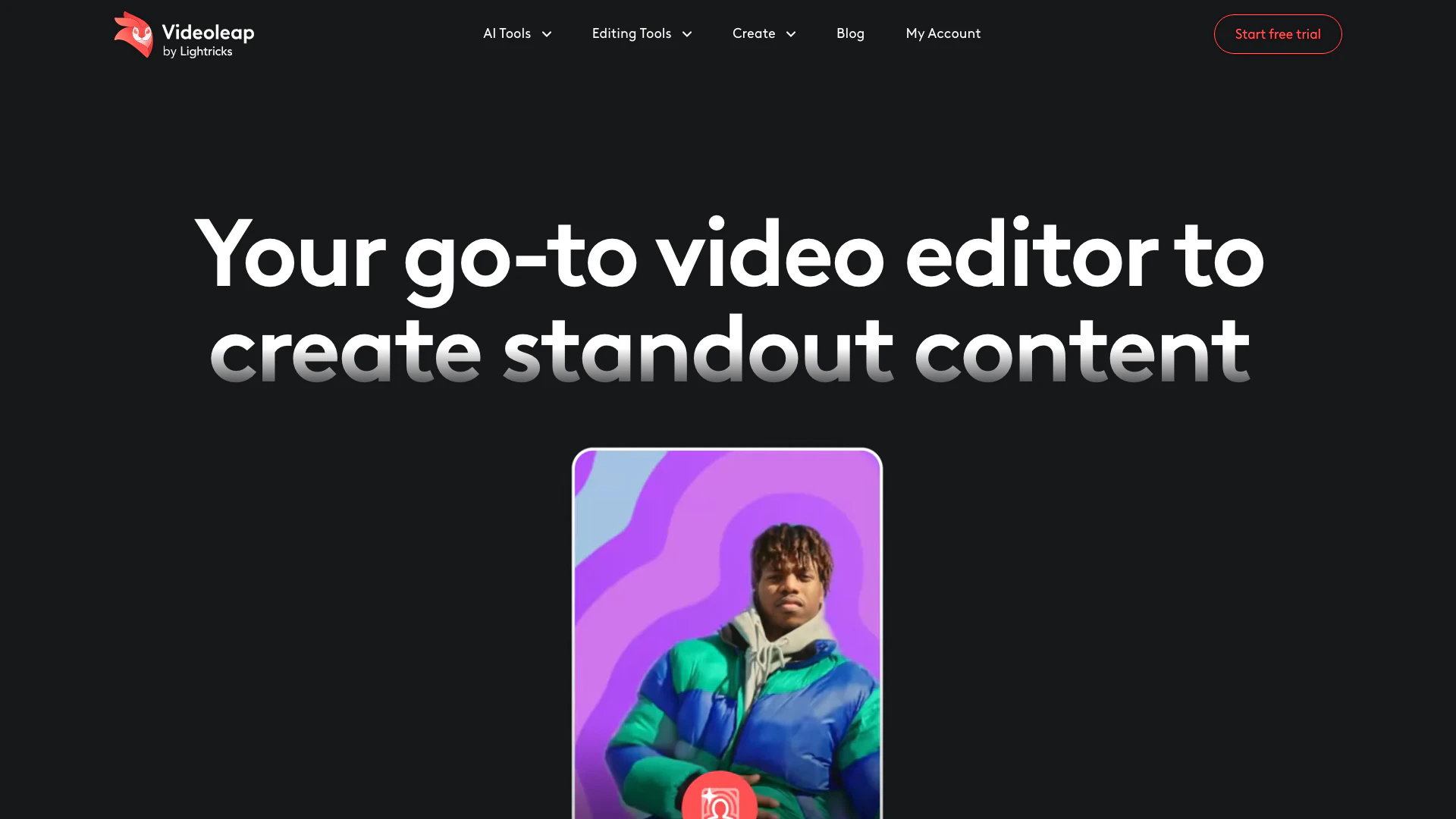




What is Videoleap?
Videoleap is an intuitive video editor[1] and video maker[2] designed to help users create standout videos effortlessly. With a user-friendly interface, Videoleap offers a range of features including premade templates[3], advanced editing tools[4], and AI-powered functionalities, making it suitable for both beginners and experienced video creators. The tool aims to bridge the gap between imagination and video creation, enabling users to produce high-quality content for various platforms.
How to use Videoleap?
- Download and install the Videoleap app on your device or access it online.
- Open the app and choose to create a new project or select a premade template.
- Import your media files such as videos, images, and audio.
- Use the editing tools to trim, merge, and adjust your clips as needed.
- Apply effects, filters, and transitions to enhance your video.
- Utilize AI tools for advanced features like background removal or object removal.
- Preview your video and make any final adjustments before exporting it in your desired format.
What are the main features of Videoleap?
- User-friendly video editor with an intuitive interface.
- A wide range of premade templates for quick video creation.
- Advanced editing tools including trimming, merging, and adding effects.
- AI-powered features[5] such as background removal and object removal.
- Support for various media formats and resolutions.
- Ability to add text, music, and sound effects easily.
- Export videos in high quality suitable for social media platforms.
Who is Videoleap for?
Videoleap is designed for a diverse audience including content creators, social media influencers, marketers, and anyone looking to create engaging videos. Whether you are a beginner with no prior editing experience or an advanced user seeking powerful editing tools, Videoleap caters to all skill levels. It's particularly useful for those who need to produce video content for social media platforms like Instagram, TikTok, and YouTube, as well as for businesses looking to enhance their brand presence through professional video marketing.
What are the use cases of Videoleap?
- Creating promotional videos for businesses to showcase products or services.
- Editing social media content such as Instagram Reels, TikToks, and YouTube Shorts.
- Producing tutorial videos that guide users through a process or explain concepts.
- Compiling highlight reels from events like birthdays, weddings, or travel experiences.
- Designing ads using AI tools for dynamic and eye-catching marketing campaigns.
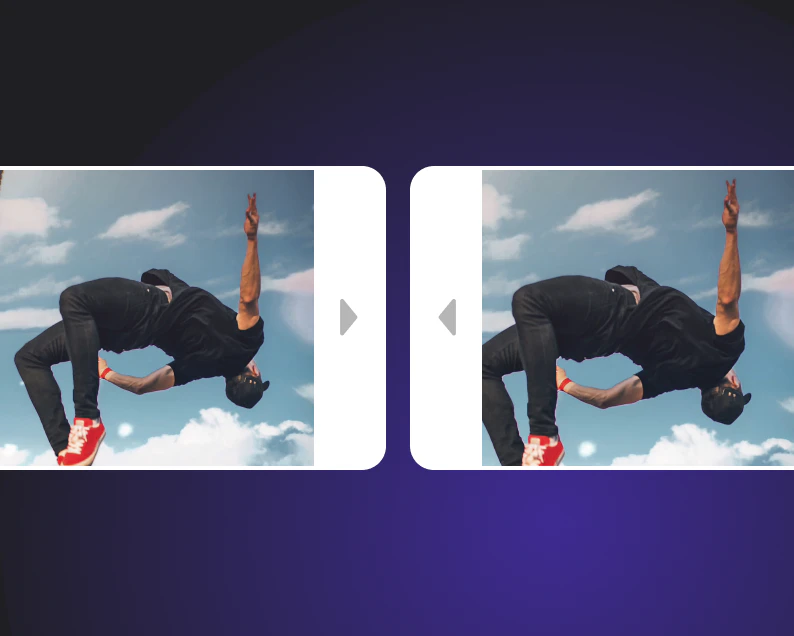
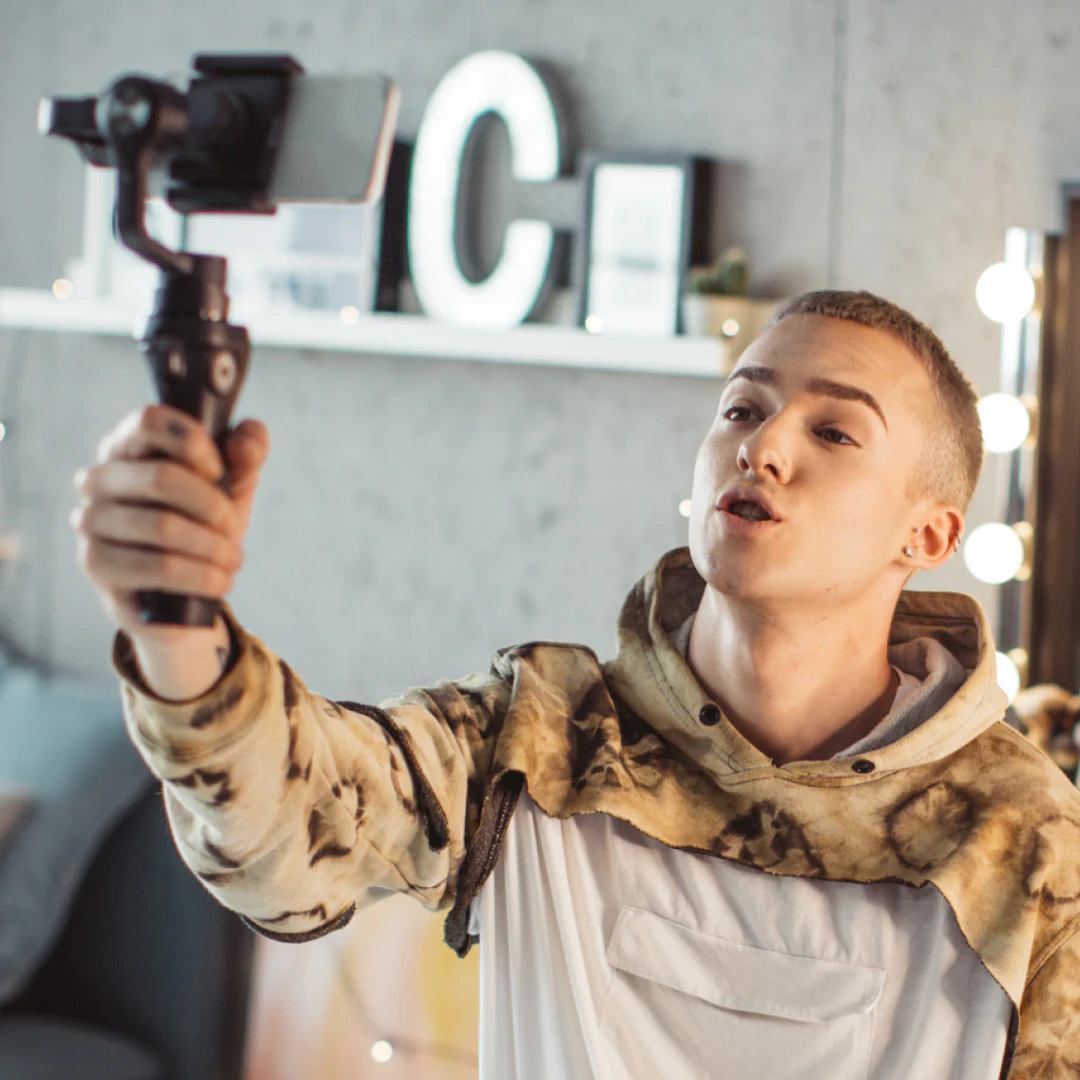
Product Images





Videoleapapp Pros and Cons
Pros
- Intuitive Video Editing: Videoleap offers an easy-to-use interface that simplifies video editing, making it accessible for both beginners and experienced users.
- AI-Powered Features: The app includes advanced AI tools such as AI Selfie, AI Transform, and AI Background Generator, enhancing creativity and efficiency in video production.
- Diverse Templates and Tools: Videoleap provides a wide range of premade templates and editing tools, allowing users to create professional-quality videos for various platforms.
Cons
No cons data detected for this tool
Videoleapapp Pricing
Free Trial
7 day free trial, cancel anytime.
For the latest pricing, please visit this link: https://www.videoleapapp.com/#
Prices are subject to change. Please visit the official website for the most up-to-date pricing information.