

Variant




What is Variant?
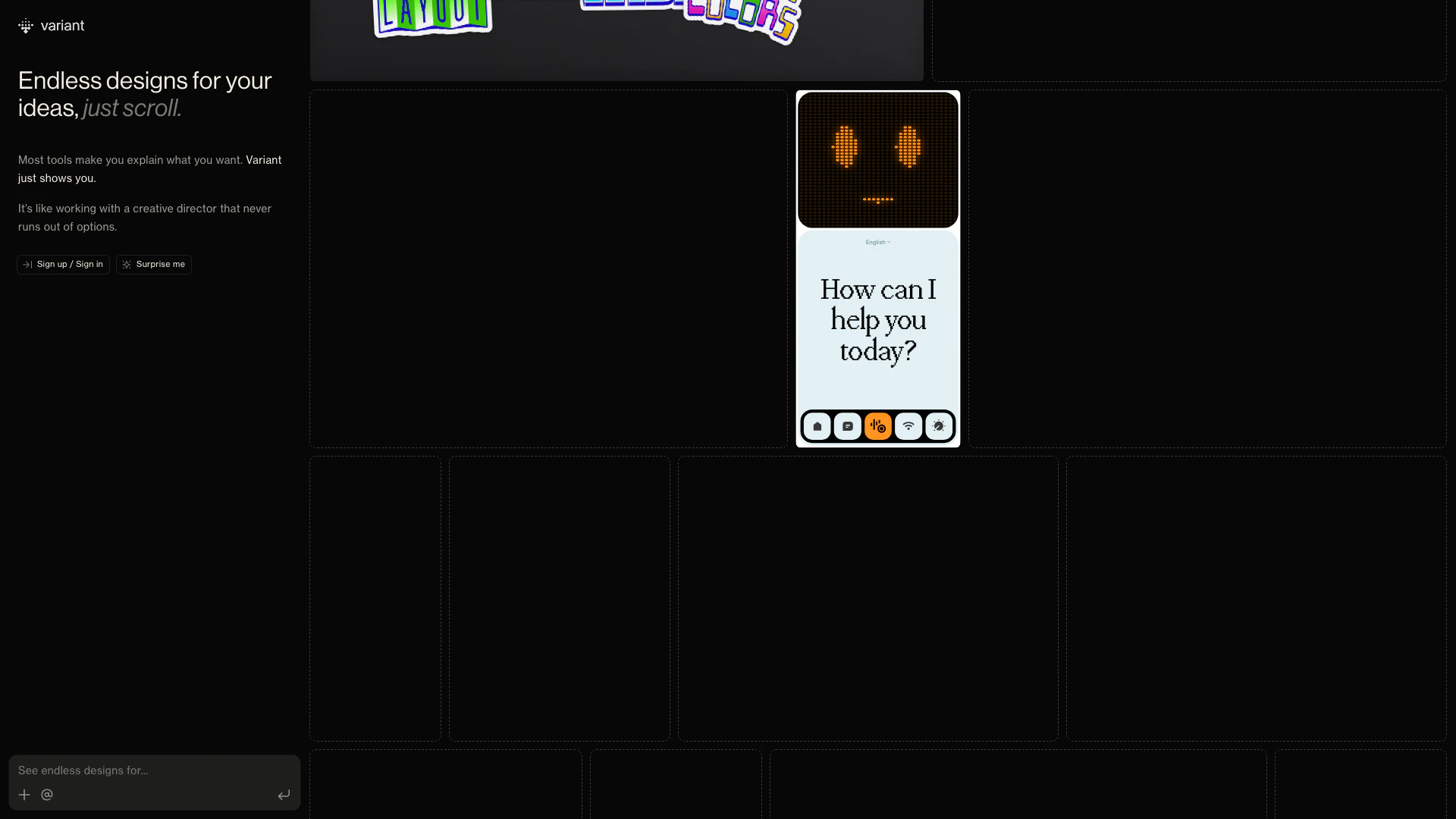
Variant is an innovative design tool that allows users to generate endless design options for their app or website ideas simply by scrolling. Unlike traditional design tools that require detailed explanations of what you want, Variant streamlines the creative process by presenting a variety of design inspirations based on your initial concept. This makes it an invaluable resource for designers, entrepreneurs, and anyone looking to visualize their ideas quickly and effectively.
How to use Variant?
- Visit the Variant website at https://variant.com/.
- Sign up for an account or log in if you already have one.
- Enter your idea for an app or website in the designated input area.
- Scroll through the endless design options generated by Variant.
- Select your favorite designs and explore further customization options if needed.
What are the main features of Variant?
- Endless design options generated from your input.
- User-friendly interface that allows for quick scrolling through designs.
- No need to explain your requirements in detail; Variant shows you possibilities instantly.
- Functions like a creative director, providing a wide array of design inspirations.
Who is Variant for?
Variant is designed for a wide range of users including entrepreneurs, web developers, app designers, and creative professionals who are looking for quick design inspiration. It's particularly useful for those who may not have a clear vision of what they want, as well as for teams needing to brainstorm design concepts collaboratively.
What are the use cases of Variant?
- Quickly brainstorming design ideas for a new app or website.
- Finding inspiration for a project without the need for extensive input or descriptions.
- Collaborating with team members by sharing design options generated by Variant.
Variant Pros and Cons
Pros
- Endless Design Options: Variant provides endless design options for app or site ideas, allowing users to see a variety of creative possibilities.
- Simplified Design Process: The tool eliminates the need for users to explain their design needs, simplifying the design process.
- Creative Director Experience: Variant acts like a creative director, continuously offering new and diverse design ideas without limitations.
Cons
No cons data detected for this tool
Analytics of Variant
Variant Website Traffic Analysis
Visits Over Time
Traffic Sources
Feb 2026 - Mar 2026 Worldwide Desktop Only
- Direct: 56.85%
- Search: 16.19%
- Referrals: 12.65%
- Social: 11.55%
- Mail: 1.28%
- Paid Referrals: 0.78%
Top Keywords
| Keyword | Volume | CPC | Estimated Value |
|---|---|---|---|
| variant | 57.73K | $2.34 | $13670.00 |
| variant ai | 10.35K | $4.56 | $9160.00 |
| variant ui | 6.09K | $6.05 | $4980.00 |
| variant design | 1.43K | $0.00 | $970.00 |
| variant.com | 740 | $0.00 | $1010.00 |





Variant Social Listening
Exploring the XUV 3XO MX3 Vari...
Take a quick tour of the impre...
How to make ALL VARIANTS with ...
This video is just to show peo...
Which VARIANT OF GRAND VITARA ...
The Maruti Suzuki Grand Vitara...
Unlock to view 22 social media results.