

Usemosaicai
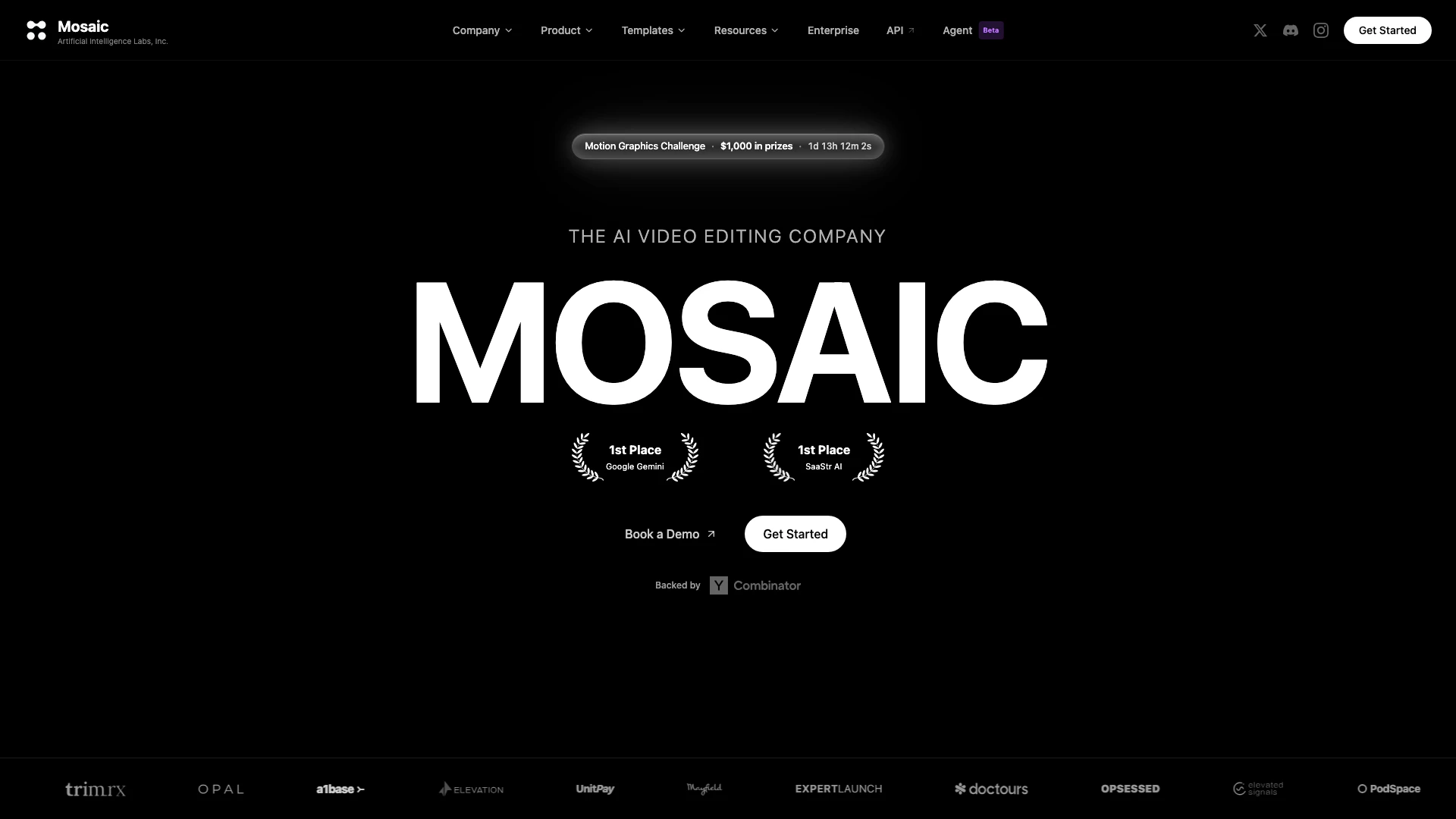




What is Usemosaicai?
Usemosaicai, also known as Mosaic, is an innovative AI-powered[1] video editing[2] platform designed to streamline the video editing process. It allows users to run video edits on autopilot, enabling them to A/B test multiple variants from the same raw footage. After generating these variants, users can dive into a familiar timeline editor[4] for hands-on creative control. This unique combination of automated editing and manual customization makes Usemosaicai a powerful tool for content creators[6] looking to enhance their video production efficiency and creativity.
How to use Usemosaicai?
- Sign Up: Visit the Usemosaicai website and create an account to access the platform.
- Upload Raw Footage: Once logged in, upload your raw video footage to the platform.
- Set Up Edits: Utilize the autopilot feature to set up your desired edits and variations you want to test.
- A/B Testing[3]: Allow the platform to generate multiple video variants based on your settings for A/B testing.
- Edit in Timeline: After generating the variants, enter the timeline editor to make any additional manual edits or refinements to your videos.
- Export Your Video: Once satisfied with your edits, export the final video to share or publish.
What are the main features of Usemosaicai?
- Autopilot Video Edits: Automate the video editing process to save time and effort.
- A/B Testing: Easily create and test multiple video variants from the same footage to find the most effective edits.
- Timeline Editor: Access a familiar timeline interface for hands-on editing, allowing for precise control over your video projects.
- User-Friendly Interface[5]: Designed for ease of use, making it accessible for both beginners and experienced editors.
Who is Usemosaicai for?
Usemosaicai is ideal for content creators, marketers, and video producers who seek to enhance their video editing workflow. It caters to individuals and teams looking to automate their editing processes while maintaining the flexibility to apply creative changes manually. Whether you are a social media manager, a YouTuber, or a corporate video producer, Usemosaicai provides the tools necessary to create engaging video content efficiently.
What are the use cases of Usemosaicai?
- Social Media Content Creation: Quickly generate multiple video versions for different social media platforms to maximize engagement.
- Marketing Campaigns: A/B test various video ads to determine which version performs best with target audiences.
- Educational Videos: Create diverse instructional videos from a single recording to cater to different learning styles and preferences.
Usemosaicai Compare
| Tool Name | Introduction | Pricing | Type | Rating | Launch Date | Learn more |
|---|---|---|---|---|---|---|
Paraphrasing Tool (Ad-Free and No Sign-up Required) - QuillBot AI | Free | December 31, 1984 | Get deal | |||
Explore AI Lawyer for easy, quick, and budget-friendly legal help. Empowering consumers and lawyers with AI-driven solutions for all your legal needs. | Free | February 11, 2023 | Get deal | |||
Build, scale, and monitor AI Agents. | Free | September 13, 1996 | Get deal |


Info current as of post date. Offers and availability may vary by location and are subject to change.
Usemosaicai Alternatives

Discover Gemini, Google's versatile AI assistant for writing and planning.
- Productivity & Office
- AI Productivity Tools
- AI Business Planning Tools
- AI Prompt Management Tools
Connect with professionals worldwide on LinkedIn.
- Social Media Tools
- AI LinkedIn Headshot Generator
- AI LinkedIn Photo Generator
- AI LinkedIn Conversation Starter Generator

Gemini is Google’s AI assistant for writing and brainstorming.
- Writing & Editing
- AI Writing Assistants
- AI Chatbot
- AI Creativity and Productivity Enhancer