

Unscreen Com





What is Unscreen?
Unscreen is an innovative online tool that allows users to automatically remove backgrounds from videos without the need for a greenscreen. This tool is designed for ease of use, making it accessible for anyone looking to enhance their video content. Unscreen operates entirely online and offers a free service, enabling creators to focus on their content rather than the technical complexities of video editing. Its primary value lies in simplifying the process of background removal, allowing users to create professional-looking videos effortlessly.
How to use Unscreen?
- Visit the Unscreen website at www.unscreen.com.
- Upload the video from which you want to remove the background by clicking on the 'Upload' button.
- Wait for the tool to process your video automatically, which may take a few moments depending on the video length.
- Once processed, you can download the video with the background removed directly to your device.
What are the main features of Unscreen?
- Automatic background removal from videos.
- Completely online and free to use.
- No need for greenscreen setup.
- Simple user interface for easy navigation.
- Fast processing times for quick results.
Who is Unscreen for?
Unscreen is ideal for content creators, marketers, and anyone who works with video content. It caters to individuals looking to enhance their videos for social media, online marketing, or personal projects. Whether you are a beginner or an experienced video editor, Unscreen simplifies the background removal process, making it accessible to users with varying levels of expertise.
What are the use cases of Unscreen?
- Creating promotional videos without distracting backgrounds.
- Producing engaging social media content that stands out.
- Enhancing video presentations for professional or educational purposes.
Product Images

Unscreen Com Pros and Cons
Pros
- Automatic Background Removal: Unscreen removes video backgrounds 100% automatically without requiring manual adjustments, making it easy to use.
- Supports Various Formats: The tool supports .webm and .gif formats, allowing users to upload clips easily.
- Integration with Adobe Products: Unscreen Pro Plugin can be integrated with Adobe Premiere Pro and After Effects, enhancing workflow for video editing.
Cons
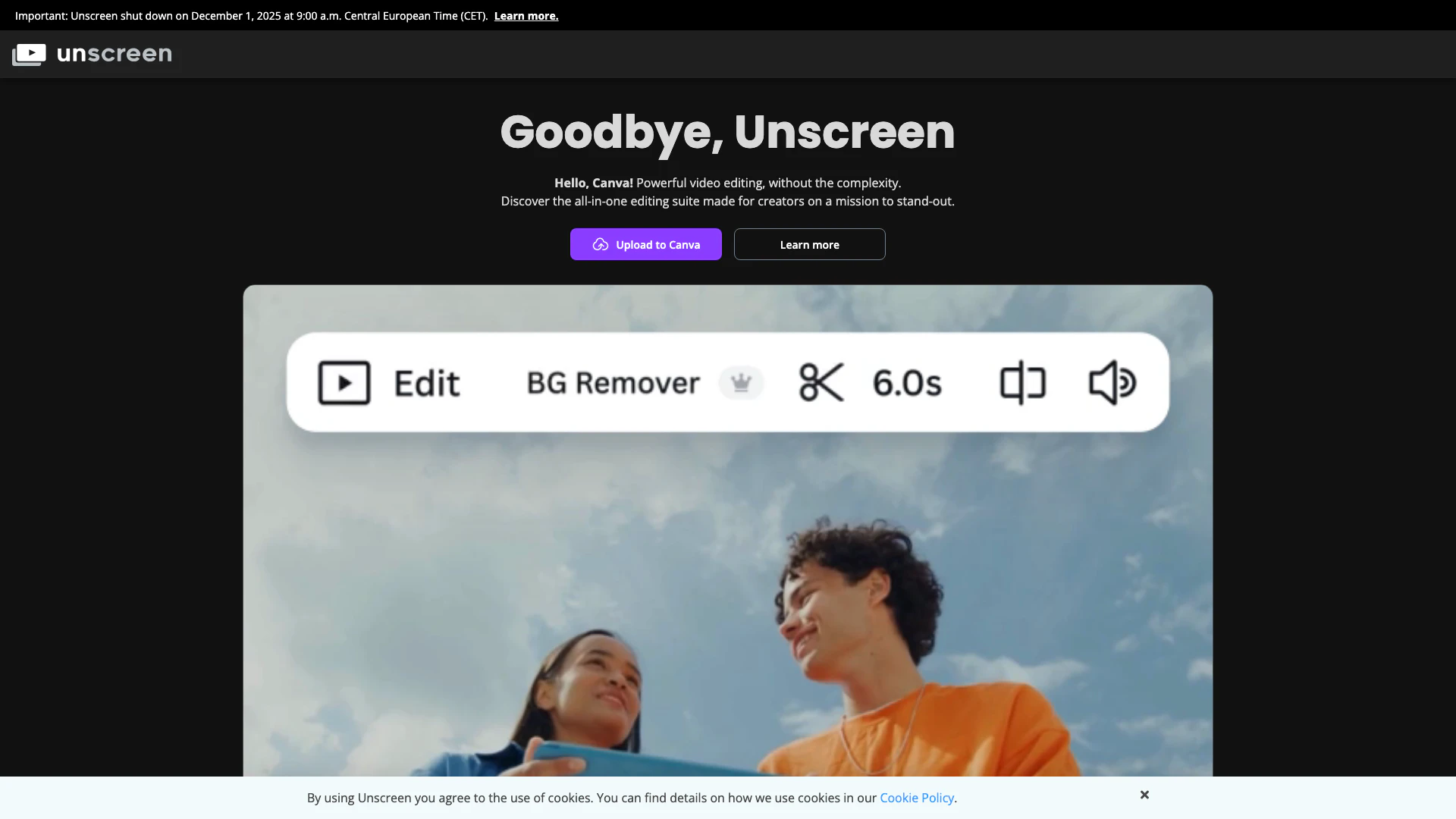
- Upcoming Shutdown: Unscreen will shut down on December 1, 2025, which may affect long-term users.
- Limited Supported Formats: Currently, it only supports specific formats (.webm, .gif), which may limit its use for other video types.
Analytics of Unscreen Com
Unscreen Com Website Traffic Analysis
Visits Over Time
Traffic Sources
Oct 2025 - Dec 2025 Worldwide Desktop Only
- Search: 51.17%
- Direct: 29.40%
- Referrals: 17.14%
- Social: 1.59%
- Paid Referrals: 0.61%
- Mail: 0.07%
Top Keywords
| Keyword | Volume | CPC | Estimated Value |
|---|---|---|---|
| video background remover | 52.83K | $0.24 | $13870.00 |
| remove background from video | 21.97K | $0.52 | $5060.00 |
| unscreen | 19.50K | $0.49 | $15690.00 |
| remove video background | 12.71K | $0.28 | $3600.00 |
| remove background video | 10.30K | $0.22 | $3050.00 |




Unscreen Com Social Listening
Best Free Video Background Rem...
Try VEED's AI Background Remov...
Unscreen - Remove Video Backgr...
Producing background-free vide...
Unscreen remove video backgrou...
Hey Youtube! This video is an...
Unlock to view 28 social media results.