

Unifabai
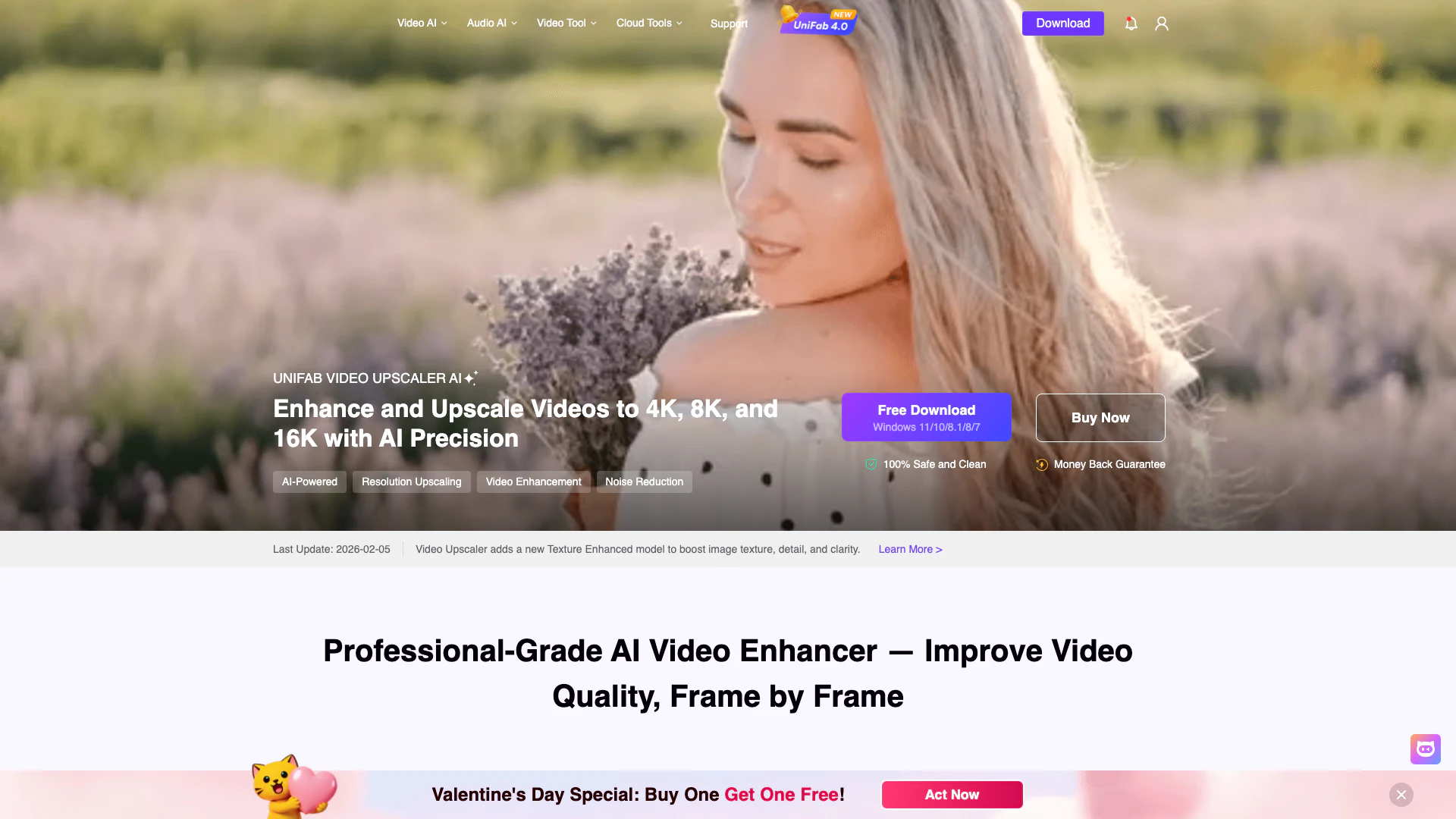





What is UniFab AI Video Enhancer[1]?
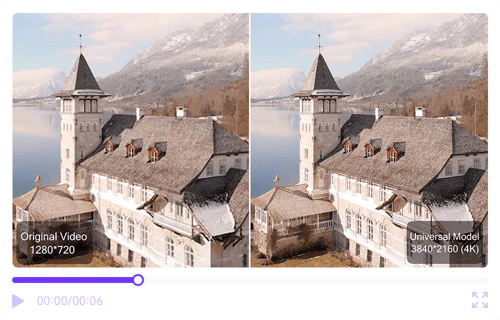
UniFab AI Video Enhancer is an advanced software tool designed to enhance video quality using artificial intelligence. This powerful tool allows users to instantly upscale low-resolution videos to impressive 16K resolution, effectively removing noise and restoring details to create sharp, lifelike visuals. With a focus on delivering professional-grade results, UniFab utilizes various AI models tailored for different types of content, ensuring optimal enhancement for everything from standard videos to animated films.
How to use UniFab AI Video Enhancer?
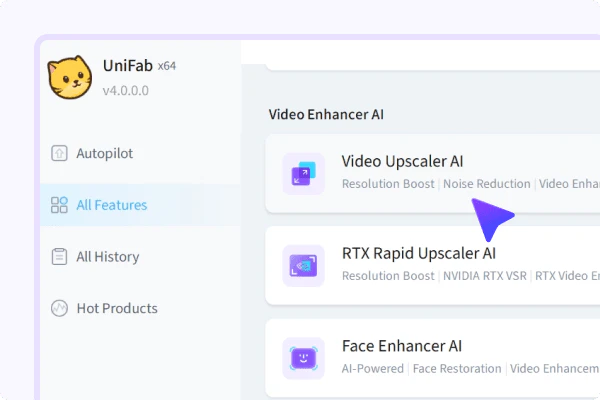
- Upload Your Video: Select the AI tool you need—such as Video Upscaler AI—and upload or drag and drop your video file.
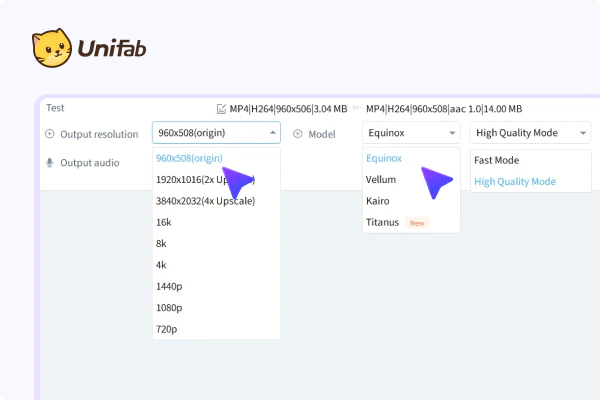
- Choose a Model: Select from various AI enhancement models, such as Equinox for general content or Titanus for cinematic footage.
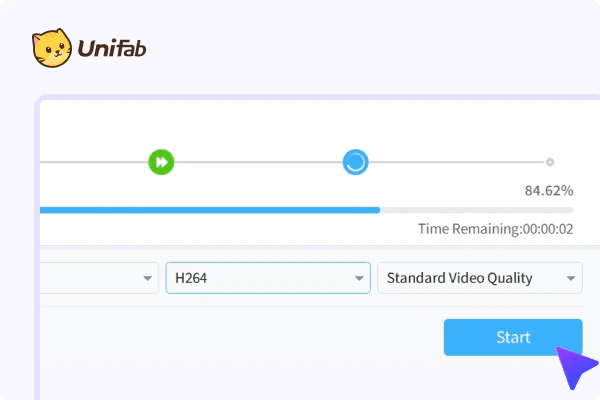
- Start Processing: Click on the process button to begin enhancing your video, and wait for the AI to complete the task.
What are the main features of UniFab AI Video Enhancer?
- AI-Powered Upscaling: Instantly upscale videos up to 16K resolution while preserving details and clarity.
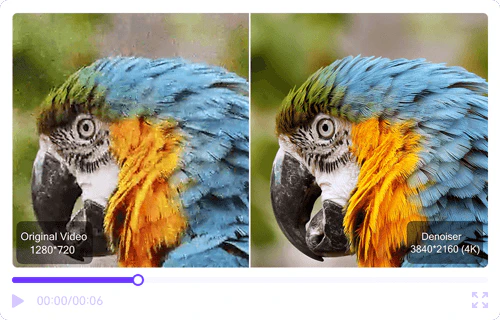
- Denoise AI[2]: Effectively removes noise from videos, enhancing clarity and restoring fine details in low-light conditions.
- Batch Processing[3]: Convert multiple videos simultaneously, making it easier to manage large projects.
- Multiple AI Models[4]: Offers different enhancement models tailored for various content types, including general videos, animations, and cinematic footage.
- Built-in Video Editor[5]: Trim, segment, and customize videos easily within the application.
Who is UniFab AI Video Enhancer for?
UniFab AI Video Enhancer is ideal for a wide range of users, including content creators, filmmakers, and video editors who require high-quality video enhancement solutions. It caters to professionals looking to upscale videos for cinematic presentations, as well as casual users wanting to improve their home videos. Additionally, it is beneficial for YouTubers and social media influencers seeking to enhance the visual quality of their video content, making it suitable for both amateur and professional applications.
What are the use cases of UniFab AI Video Enhancer?
- Enhancing Old Footage: Users can restore and upscale old videos, improving their quality for modern displays.
- Content Creation for Social Media: Ideal for YouTubers and vloggers to enhance video quality, making their content more appealing to viewers.
- Professional Film Production: Used in the film industry to upscale and enhance video quality for cinematic releases, ensuring high-definition visuals.
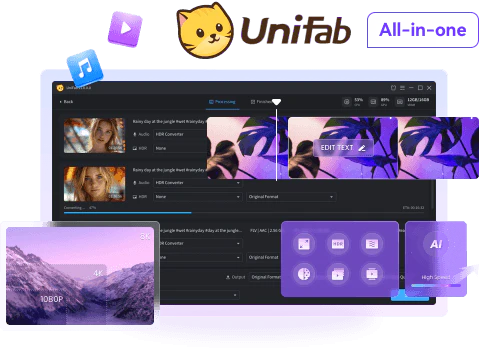
Product Images

Unifabai Pros and Cons
Pros
- High-Resolution Upscaling: UniFab AI Video Enhancer can upscale videos to an impressive 16K resolution, significantly improving video quality and clarity.
- Advanced Noise Reduction: The Denoise AI feature effectively removes noise from videos, enhancing clarity and restoring fine details, especially in low-light conditions.
- Fast Processing Speed: UniFab boasts a top-tier processing speed, outperforming competitors in real-world tests, making it efficient for batch processing and video enhancement.
Cons
No cons data detected for this tool
Unifabai Pricing
UniFab All-In-One
All-Inclusive Video & Audio Enhancer Powered by AI.
Video Enhancer Pro
Professional-Grade AI Video Enhancer — Improve Video Quality, Frame by Frame.
FabCloud Credits (600 Credits)
Flexible subscription, cancel anytime. Access to all web cloud processing.
FabCloud Credits (1000 Credits)
Flexible subscription, cancel anytime. Access to all web cloud processing.
For the latest pricing, please visit this link: https://unifab.ai/tools/pricing.htm
Prices are subject to change. Please visit the official website for the most up-to-date pricing information.
Analytics of Unifabai
Unifabai Website Traffic Analysis
Visits Over Time
Traffic Sources
Nov 2025 - Jan 2026 Worldwide Desktop Only
- Search: 49.51%
- Direct: 40.35%
- Referrals: 7.34%
- Social: 2.03%
- Paid Referrals: 0.67%
- Mail: 0.09%
Top Keywords
| Keyword | Volume | CPC | Estimated Value |
|---|---|---|---|
| topaz video ai | 167.01K | $0.68 | $1510.00 |
| video2x | 36.51K | $0.56 | $900.00 |
| モザイク破壊 | 33.90K | $0.00 | $1330.00 |
| is capcut down | 21.14K | $2.75 | $1040.00 |
| unifab | 9.21K | $2.08 | $8980.00 |
Unifabai Reviews
An amazing video enhancer software for upscaling and enhancing poor-quality footage, delivering impressive results with no technical expertise required.
After trying multiple AI video enhancers, UniFab impressed me with how well it recovers details while keeping the image natural.
UniFab proves that a great AI video enhancer does more than increase video resolution — it rebuilds visual quality using deep-learning precision.
For more reviews, visit this link: https://unifab.ai/ai-video-enhancer.htm#ai-video-enhancement-results




Unifabai Social Listening
Alternative to Topaz Video AI:...
Try UniFab Now: https://unifab...
Topaz Video Enhancer vs UniFab...
#TopazVsUniFab #UniFabAI #Topa...
AI知识库究竟哪个好用?耗时一个月,我带着最新测评来了!
我用一个月的时间测评了市面上所有的AI知识库工具,今天就来给...
Unlock to view 35 social media results.