

Toleai





What is Toleai?
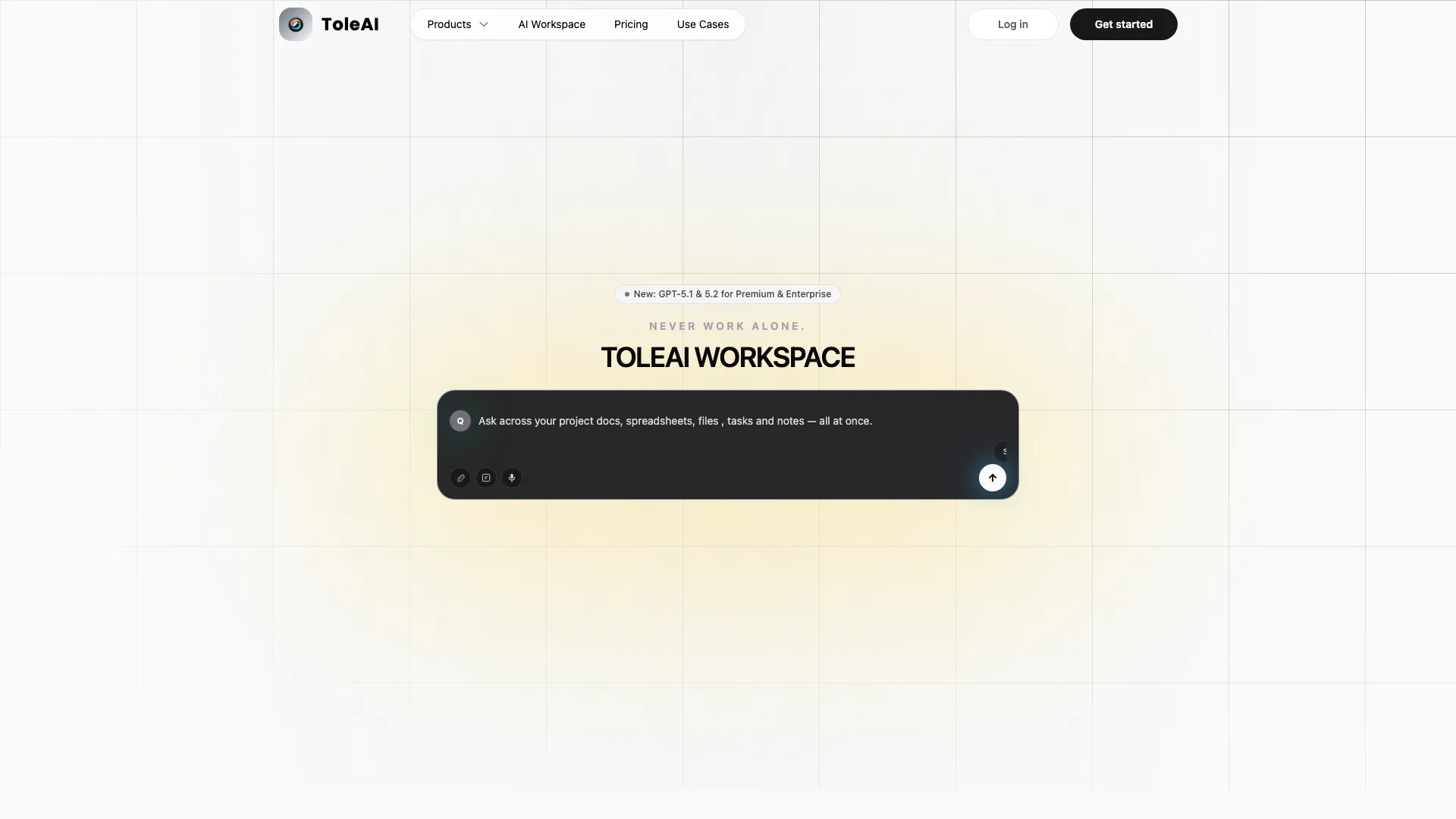
Toleai is an innovative AI-integrated workspace designed to empower projects by providing a unified environment where AI agents operate as team members. This tool bridges the gap between vision and execution, enabling users to manage tasks, collaborate seamlessly, and enhance productivity. With Toleai, teams can streamline their workflows, centralize discussions, and execute tasks in real-time, effectively transforming how projects are approached and executed.
How to use Toleai?
- Sign Up and Log In: Create an account on the Toleai website and log in to access your workspace.
- Define Your Scope: Launch dedicated workspaces for specific projects or team initiatives to organize your tasks and discussions.
- Customize Your Agent: Configure your AI agent by syncing your data and setting preferences for real-time reasoning and task execution.
- Centralize Information: Use the workspace to organize discussions, decisions, and deliverables, ensuring all relevant information is easily accessible.
- Collaborate Seamlessly: Invite team members to your workspace, assign tasks, and collaborate in real-time to enhance project outcomes.
What are the main features of Toleai?
- Customizable AI Agent: Interact with an AI agent tailored to your workflows, enabling effective communication and task management.
- Modern Task Workspace: Utilize a drag-and-drop board to track tasks, deadlines, and priorities, facilitating effortless project management.
- AI-Driven Documentation: Capture meetings and ideas while allowing AI to generate summaries and extract actionable items.
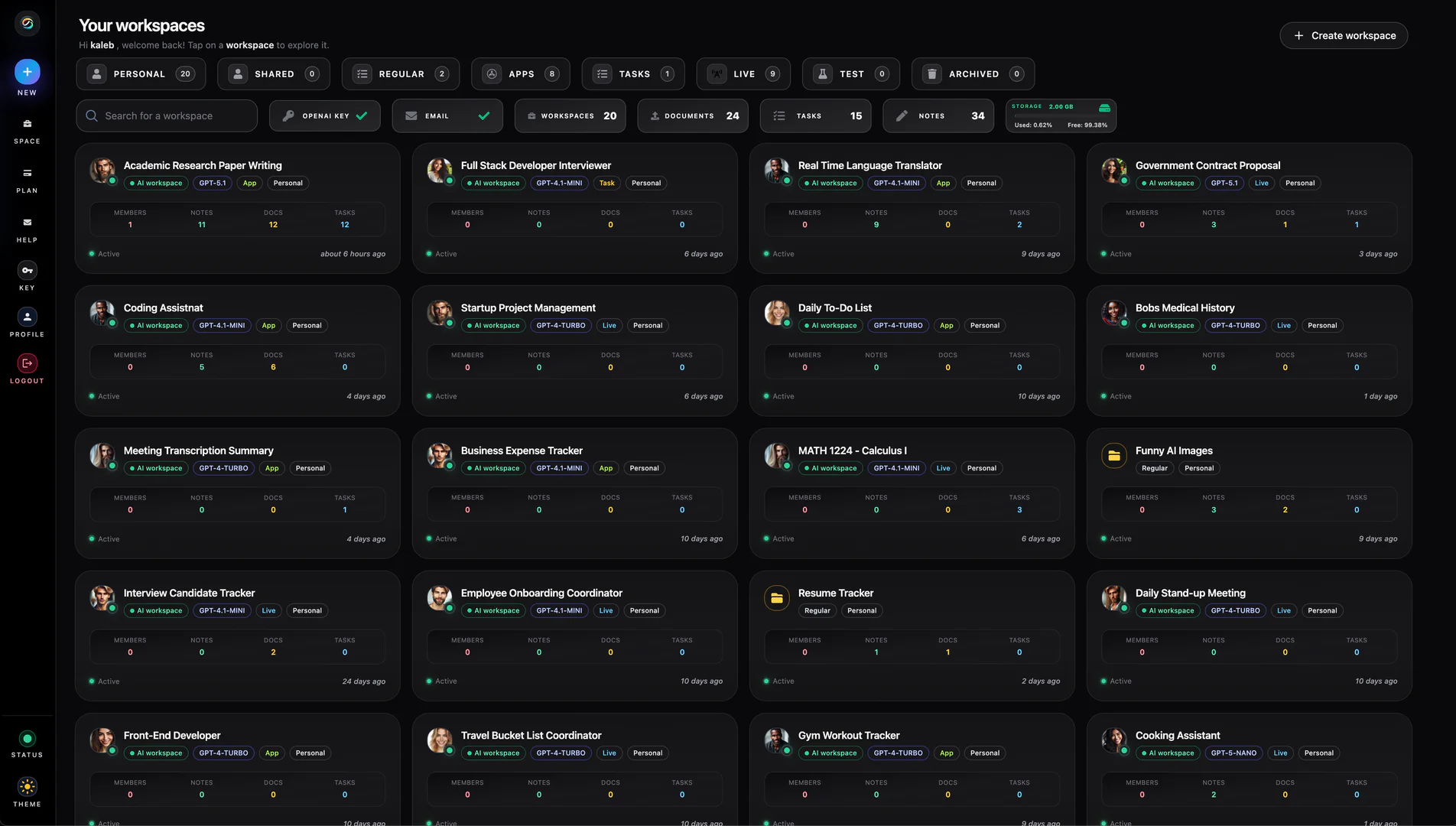
- Configurable Workspaces: Create dedicated spaces for teams or projects and customize your agent’s persona to suit specific workflows.
- Smart File Uploads: Instantly search and summarize uploaded documents, enhancing research efficiency.
- Built-in Image Generation: Generate images from simple prompts for use in presentations and documents.
- Live Web Research: Conduct real-time research directly through your AI agent, bringing in fresh information as needed.
Who is Toleai for?
Toleai is designed for teams, creators, and founders looking to enhance their project management capabilities. It is particularly beneficial for organizations that require seamless collaboration across different functions, allowing team members to work together effectively in a centralized workspace. Whether you are managing a project, conducting research, or needing to streamline communication, Toleai provides the tools necessary to improve productivity and facilitate teamwork.
What are the use cases of Toleai?
- Project Management: Organize and track project tasks, deadlines, and team responsibilities within a unified workspace.
- Research and Analysis: Use AI to summarize research documents and extract key insights, saving time on manual data analysis.
- Collaborative Writing: Collaborate on documents and presentations, allowing AI to assist in drafting and refining content.
Product Images
Toleai Pros and Cons
Pros
- AI-Integrated Workspaces: ToleAI offers AI-integrated workspaces that act like team members, enhancing collaboration and project execution.
- Customizable AI Agents: Users can configure their AI agents to suit specific workflows, enabling real-time reasoning and task execution.
- Centralized Collaboration: The platform centralizes discussions, decisions, and deliverables, making it easier for teams to stay aligned and organized.
Cons
No cons data detected for this tool
Toleai Pricing
Hobby
Get started in minutes. Features include 20 items such as Team Members, Request Tokens (50), Task Board, AI Model (GPT-4.1 mini), File Storage Size (10MB), Sprint Planner, File Upload Size (5MB), Workspaces (7), Workspace Files (3), Workspace Docs (8), File Search, Web Search, Chat Retention, Text-to-Speech, OpenAI Whisper & TTS, OCR support - Vision, Image Generator, Additional Workspace, Agent Customization.
Starter
Get started in minutes. Features include 20 items such as Team Members, Request Tokens (200), Task Board, AI Model (GPT-4.1 mini), File Storage Size (250MB), Sprint Planner, File Upload Size (25MB), Workspaces (10), Workspace Files (20), Workspace Docs (20), File Search, Web Search, Chat Retention, Text-to-Speech, OpenAI Whisper & TTS, OCR support - Vision, Image Generator, Additional Workspace, Agent Customization.
Premium
Get started in minutes. Features include 20 items such as Team Members, Request Tokens (300), Task Board, AI Model (GPT-4.1 mini), File Storage Size (1GB), Sprint Planner, File Upload Size (50MB), Workspaces (20), Workspace Files (40), Workspace Docs (40), File Search, Web Search, Chat Retention, Text-to-Speech, OpenAI Whisper & TTS, OCR support - Vision, Image Generator, Additional Workspace, Agent Customization.
Enterprise
Get started in minutes. Features include 20 items such as Team Members, Request Tokens (400), Task Board, AI Model (All Models), File Storage Size (5GB), Sprint Planner, File Upload Size (110MB), Workspaces (70), Workspace Files (200), Workspace Docs (200), File Search, Web Search, Chat Retention, Text-to-Speech, OpenAI Whisper & TTS, OCR support - Vision, Image Generator, Additional Workspace, Agent Customization.
For the latest pricing, please visit this link: https://www.toleai.com/pricing
Prices are subject to change. Please visit the official website for the most up-to-date pricing information.





