Tldraw





What is tldraw?
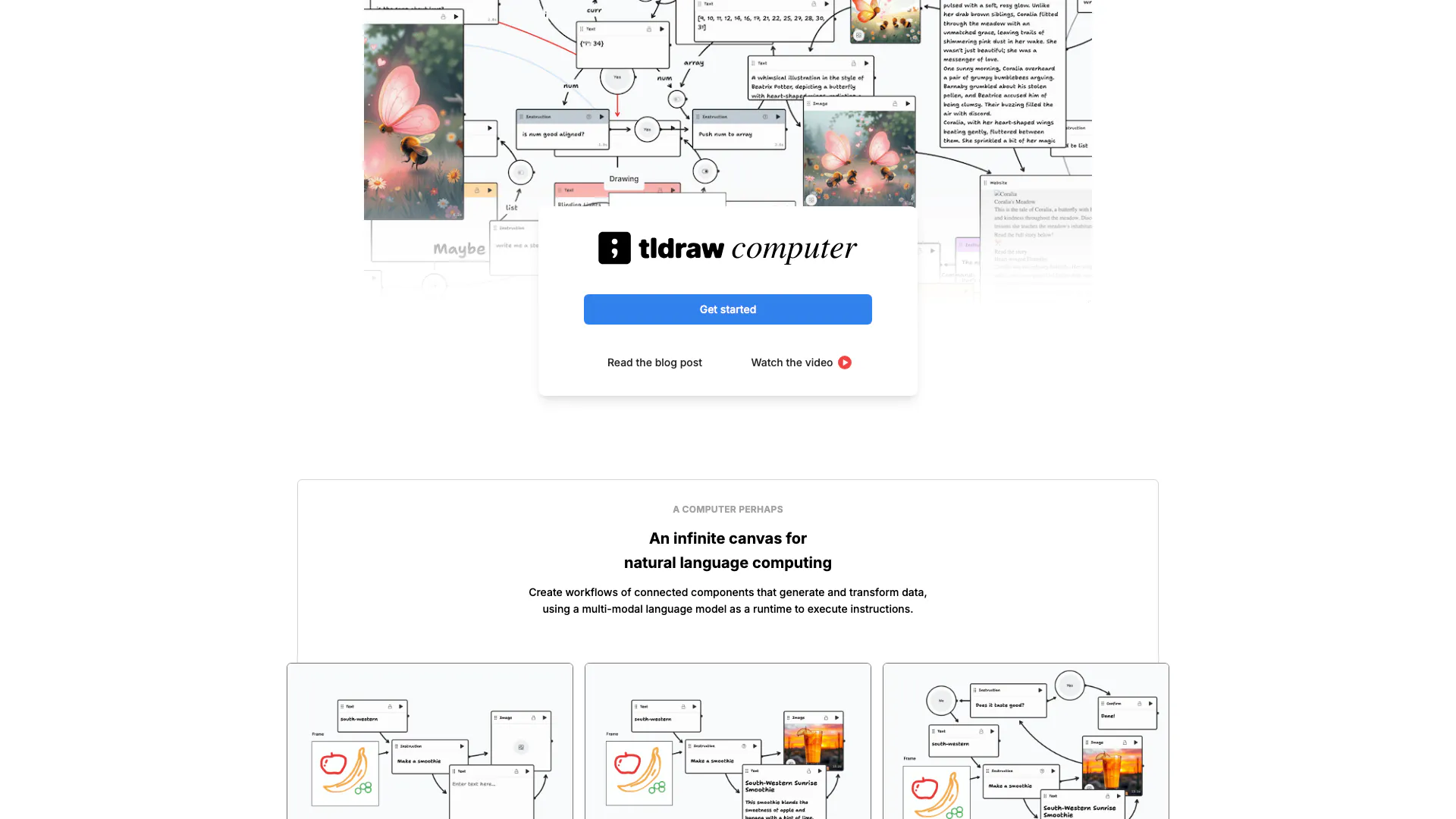
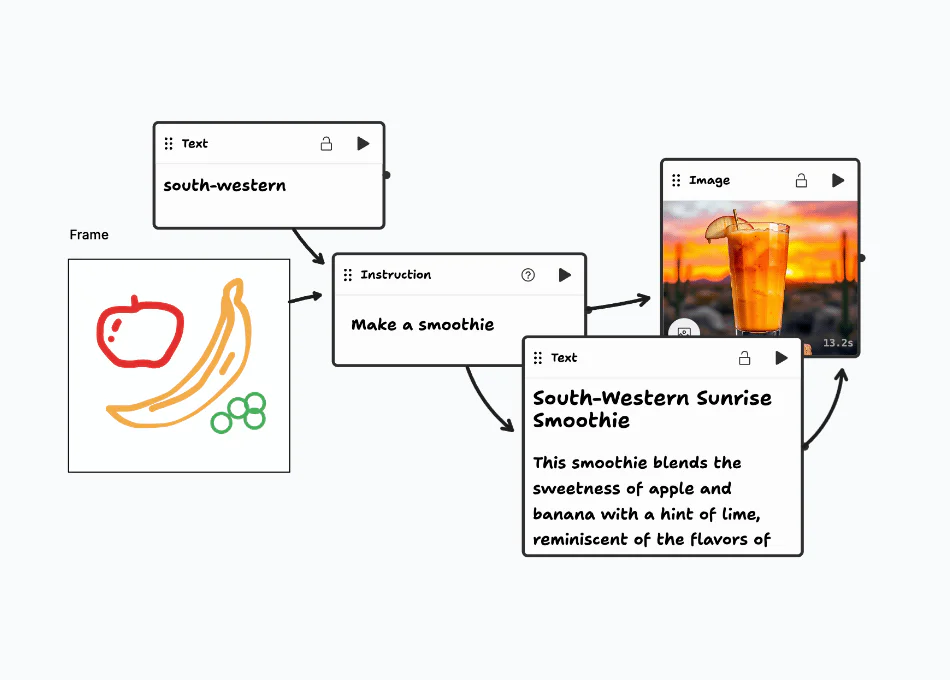
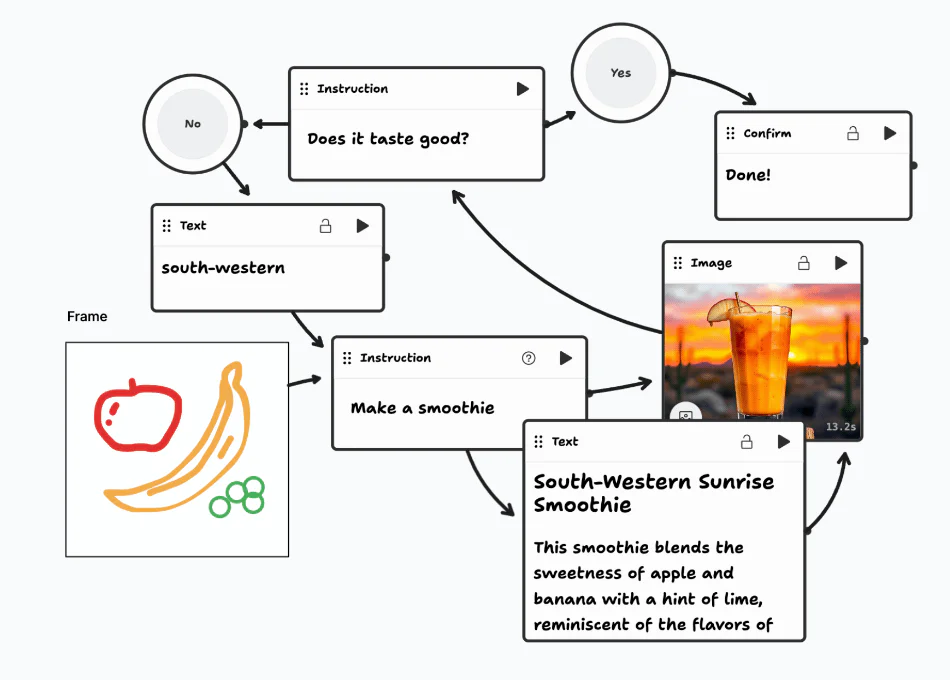
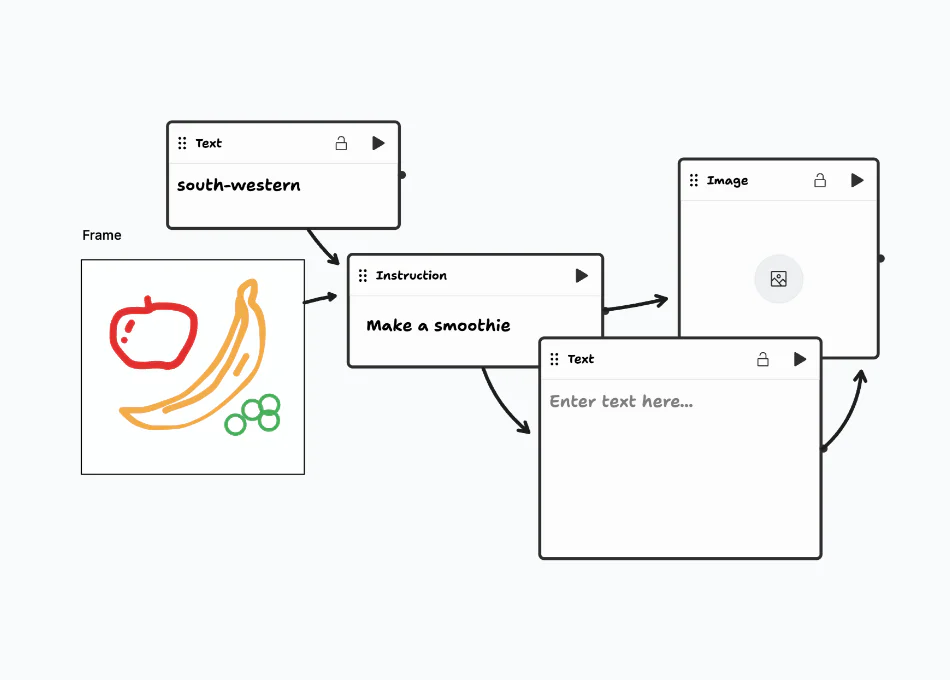
tldraw is an innovative computer tool that offers an infinite canvas[1] for natural language computing. It allows users to create workflows[3] composed of connected components that can generate and transform data. By utilizing a multi-modal language model[2], tldraw serves as a runtime environment to execute instructions seamlessly. This tool is designed for users looking to leverage the power of visual workflows in a collaborative and interactive manner.
How to use tldraw?
- Visit the tldraw website and create an account or log in.
- Start a new project by clicking on an example workflow to use as a template.
- Edit the components in the workflow to customize it according to your needs.
- Use the infinite canvas to create and connect new components as needed.
- Execute components to generate data and observe how they interact within your workflow.
What are the main features of tldraw?
- Infinite canvas for creating and managing workflows.
- Multi-modal language model integration for executing instructions.
- Ability to create connected components that generate and transform data.
- Pre-built examples like Story Generator and Sorting Machine to kickstart projects.
- Interactive editing[4] capabilities to customize workflows.
Who is tldraw for?
tldraw is designed for creators, educators, and professionals who want to visualize complex workflows and data interactions. It is particularly useful for those in fields such as education, game design, and software development, where the ability to prototype and iterate on ideas quickly is essential. Additionally, it caters to teams looking for collaborative tools to enhance their brainstorming and project management processes.
What are the use cases of tldraw?
- Designing interactive educational tools that facilitate learning through visual workflows.
- Prototyping game mechanics and simulations, such as in the Battle Simulator.
- Creating automated processes for tasks like email generation in the Email Factory.
- Visualizing complex data sets and workflows in a collaborative environment, enhancing team productivity.
Product Images
Tldraw Video

Tldraw Pros and Cons
Pros
- Infinite Canvas for Workflows: tldraw offers an infinite canvas that allows users to create workflows of connected components, enhancing data generation and transformation.
- Multi-Modal Language Model Integration: The tool utilizes a multi-modal language model as a runtime, enabling users to execute instructions seamlessly within their workflows.
- Pre-Built Project Examples: Users can quickly start projects using pre-built workflows, making it easier to create and customize their own applications.
Cons
No cons data detected for this tool
Analytics of Tldraw
Tldraw Website Traffic Analysis
Visits Over Time
Traffic Sources
Oct 2025 - Dec 2025 Worldwide Desktop Only
- Direct: 48.23%
- Search: 33.61%
- Referrals: 10.90%
- Social: 4.98%
- Paid Referrals: 1.51%
- Mail: 0.14%