Superflow Annotate Live Websites
What is Superflow Annotate Live Websites?
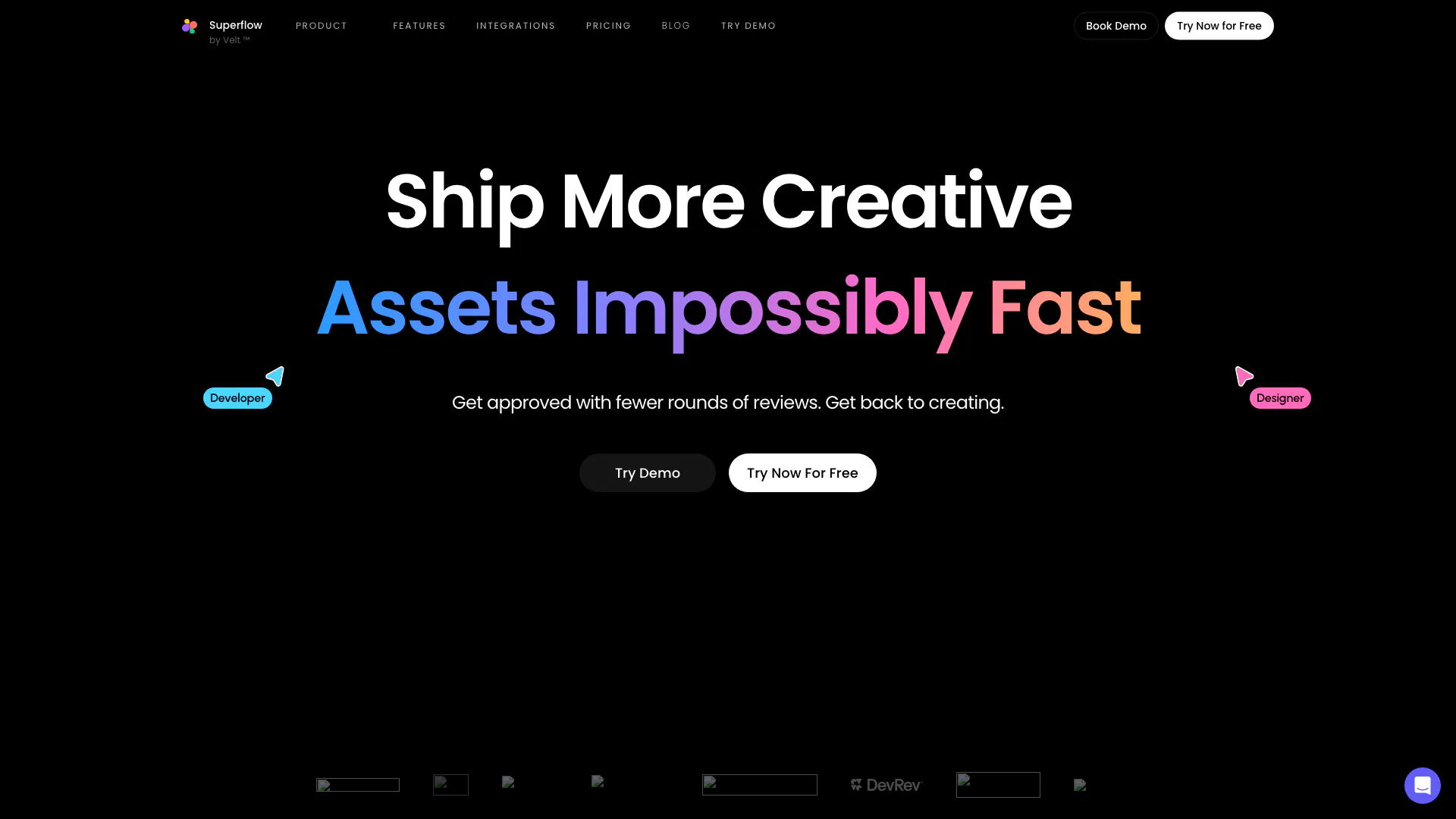
Superflow Annotate Live Websites is a collaborative tool designed for agencies and marketing teams to streamline the process of delivering high-quality assets at an accelerated pace. By enabling users to comment and collaborate directly on various asset types, including live websites, videos, PDFs, Lottie files, and images, Superflow significantly enhances productivity and reduces the time spent on revisions. This tool is particularly valuable for creative teams looking to optimize their workflow and improve communication with stakeholders.
How to use Superflow Annotate Live Websites?
- Sign up for a free account on the Superflow website.
- Once logged in, select the type of asset you want to annotate (e.g., website, video, PDF).
- Upload the asset or provide a link to the live version.
- Use the commenting feature to leave feedback directly on specific parts of the asset, allowing for precise communication.
- Collaborate with your team by inviting them to join the project and share their comments.
- Review feedback and make necessary adjustments to the asset based on the comments received.
What are the main features of Superflow Annotate Live Websites?
- Direct commenting on various asset types, including live websites, videos, PDFs, Lottie files, and images.
- Built-in task management for assigning and prioritizing tasks.
- Seamless integration with popular tools like Slack, Asana, ClickUp, and Monday.com.
- Guest mode for clients to provide feedback without accessing the full project.
- Versioning capabilities to track changes and maintain a history of comments.
- Loom-style recording for richer feedback through video comments.
Who is Superflow Annotate Live Websites for?
Superflow Annotate Live Websites is ideal for creative professionals, including designers, developers, and marketing teams, who require a collaborative environment to manage feedback on various assets. It is particularly beneficial for agencies handling multiple client projects, allowing them to streamline communication and enhance their review process. Additionally, it serves clients who want to provide clear and contextual feedback on the assets being developed.
What are the use cases of Superflow Annotate Live Websites?
- Website Development: Facilitate real-time feedback on live websites during the design and development process.
- Marketing Campaigns: Collaborate on video content and promotional materials, ensuring all stakeholders can provide input efficiently.
- Client Presentations: Use Superflow to gather feedback from clients on presentations and proposals, making it easier to incorporate changes before finalizing.
Superflow Annotate Live Websites Pros and Cons
Pros
- Fast Asset Review Process: Get approved with fewer rounds of reviews, enabling faster feedback and collaboration.
- Integrated Task Management: Built-in task manager allows for prioritization and assignment, streamlining the workflow.
- User-Friendly Interface: The intuitive design enhances user experience, making it easy for everyone to get started.
- Seamless Integration: Integrates with popular tools like Slack, Asana, and ClickUp, enhancing team collaboration.
- Clear Communication: Comments can be pinned directly to frames and elements for clearer feedback.
Cons
- Limited Information on Pricing: The website does not provide detailed information regarding pricing plans or options.
- Potential Dependence on Internet Connectivity: As a web-based tool, performance may be affected by internet speed and reliability.
Analytics of Superflow Annotate Live Websites
Superflow Annotate Live Websites Website Traffic Analysis
Visits Over Time
Traffic Sources
Oct 2025 - Dec 2025 Worldwide Desktop Only
- Direct: 45.55%
- Search: 33.73%
- Social: 9.01%
- Referrals: 8.58%
- Paid Referrals: 2.68%
- Mail: 0.12%
Top Keywords
| Keyword | Volume | CPC | Estimated Value |
|---|---|---|---|
| superflow feedback | 0 | $0.00 | $60.00 |
| loom alternative | 3.28K | $6.18 | $0.00 |
| superflow | 2.63K | $0.43 | $520.00 |
| ruttl | 1.82K | $1.63 | $0.00 |
| alternatives to google docs | 1.35K | $5.08 | $0.00 |