Supercut - Chrome Extension



What is Supercut?
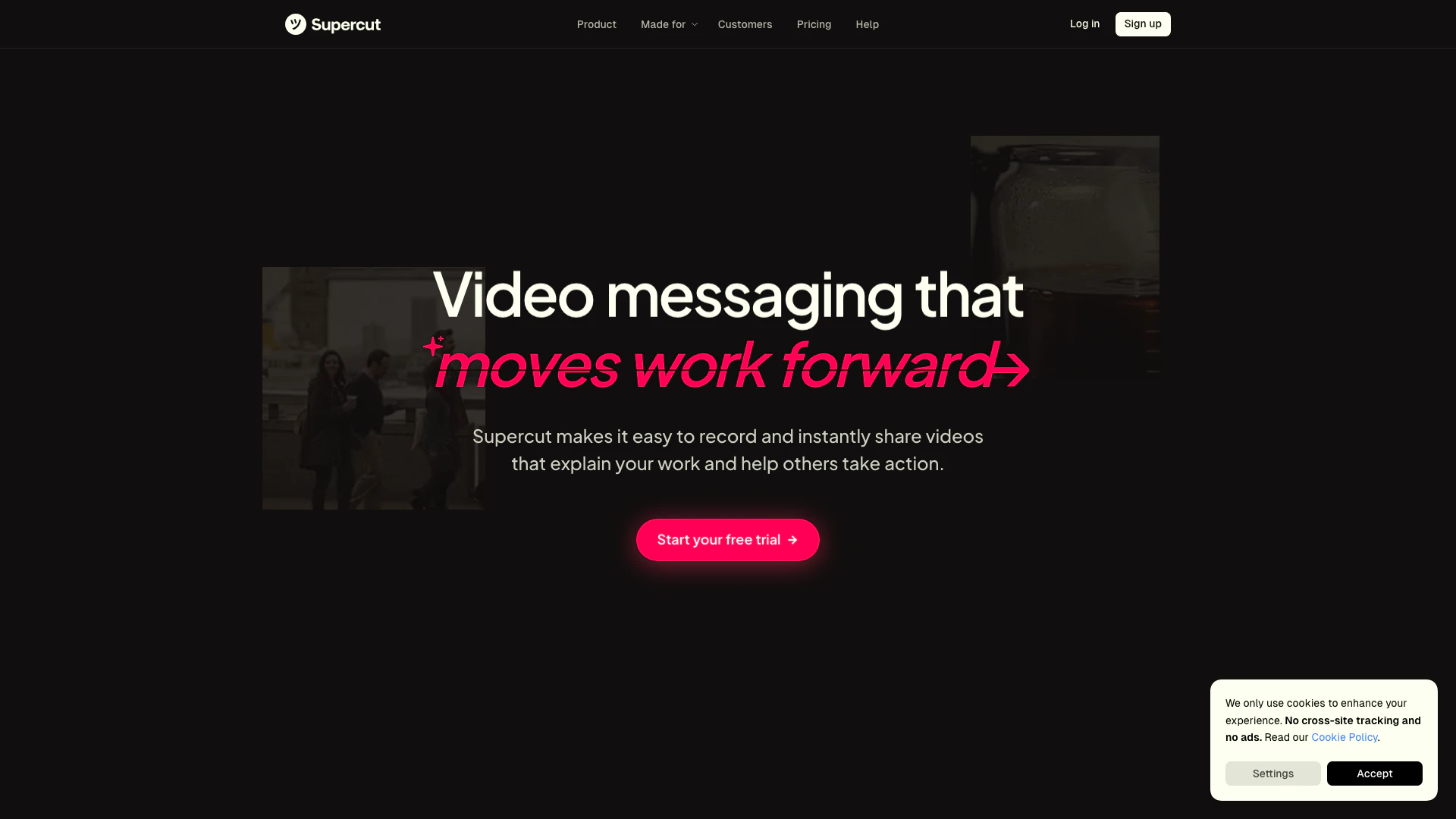
Supercut is a powerful screen recording tool designed to facilitate seamless video creation for both internal and external communications. It enables users to easily share their screens and camera feeds, making it ideal for producing professional-looking videos in a matter of moments. With its user-friendly interface and fast operation, Supercut stands out as a go-to solution for individuals and teams looking to enhance their communication through visual content.
How to use Supercut?
- Install the Supercut extension from the Chrome Web Store by visiting the provided link.
- Once installed, click on the Supercut icon in your Chrome toolbar to launch the application.
- Choose whether you want to record your entire screen, a specific application window, or just your camera.
- Configure your recording settings, such as audio input and video quality, to suit your needs.
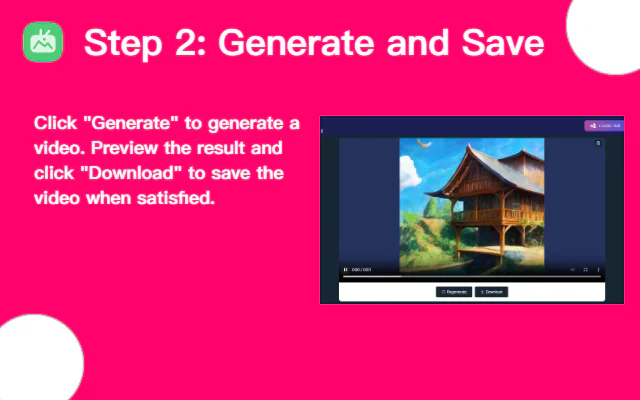
- Click the 'Start Recording' button to begin capturing your screen and camera feed.
- When you are finished, click the 'Stop Recording' button, and your video will be processed.
- You can then save or share the recorded video directly from the Supercut interface.
What are the main functions of Supercut?
- Easy screen and camera recording capabilities.
- High-quality video output for professional presentations.
- User-friendly interface for quick access and operation.
- Options to record the entire screen or specific application windows.
- Integration with other communication tools for seamless sharing.
Who is Supercut suitable for?
Supercut is ideal for professionals, educators, and content creators who need to produce high-quality video content efficiently. It is particularly beneficial for teams that require effective internal communication through video, as well as individuals looking to create engaging content for external audiences, such as tutorials, presentations, or marketing materials.
What are the use cases for Supercut?
- Creating instructional videos for training sessions or onboarding new employees.
- Recording webinars or online meetings for later distribution to participants.
- Producing marketing videos that showcase products or services for potential clients.
Supercut Video
Supercut - Chrome Extension Pricing
Free Trial
Start using Supercut with a free trial to explore its features.
For the latest pricing, please visit this link: https://supercut.ai/pricing
Prices are subject to change. Please visit the official website for the most up-to-date pricing information.
Supercut Reviews
Supercut makes screen recording simple and professional with features like background removal, automatic subtitles, and 4K quality.
Users love the AI-powered editing features and the simplicity of the tool, making it a joy to use.
The tool is praised for its fast performance and reliability, making it a preferred choice for teams.
For more reviews, visit this link: https://chromewebstore.google.com/detail/supercut-%E2%80%93-screen-recorde/hckmppmaoaidpkomkccngcgoojlmhelk/reviews