

Sshx





What is Sshx?
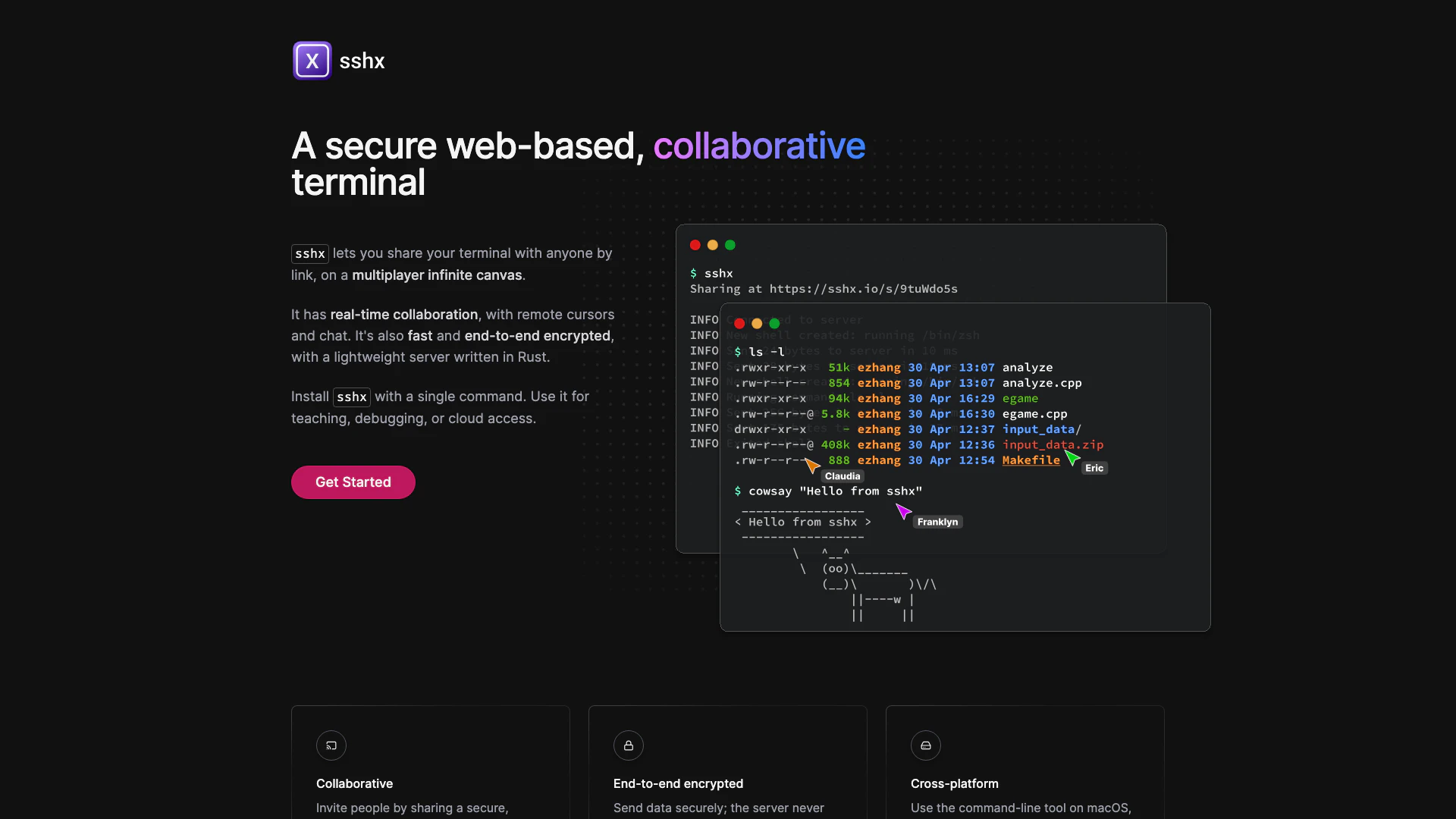
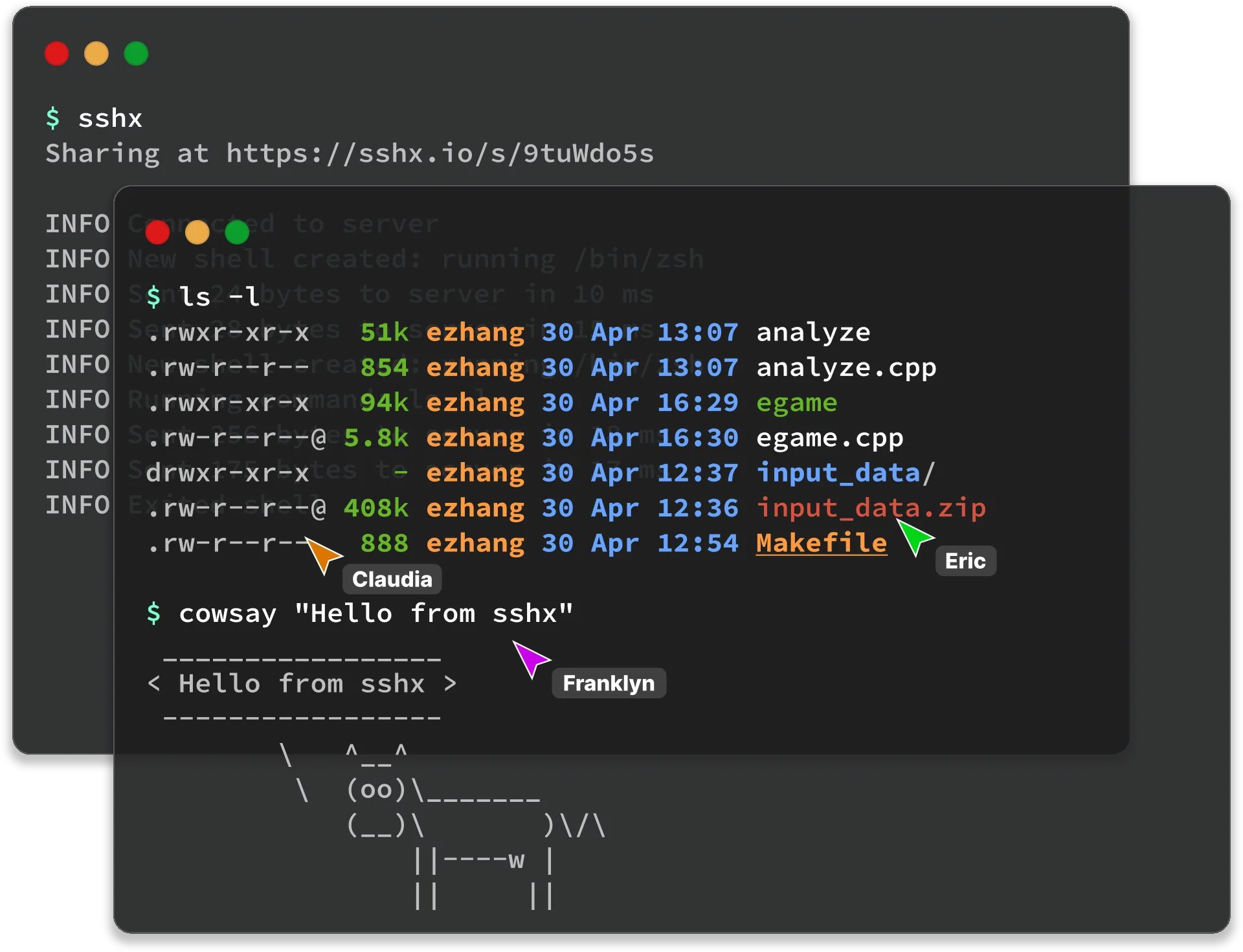
Sshx is a secure web-based collaborative terminal that enables real-time collaboration in a browser environment. It allows users to share their terminal sessions via a unique link, facilitating activities like teaching, debugging, and cloud access. With features like real-time chat, remote cursors, and activity tracking, Sshx provides an infinite canvas where multiple terminals can be moved and resized simultaneously. The platform is built on a lightweight server written in Rust, ensuring fast performance and end-to-end encryption, meaning that data is securely transmitted without being visible to the server.
How to use Sshx?
- Install Sshx by running the command: `curl -sSf https://sshx.io/get | sh` in your terminal.
- Once installed, you can start a collaborative session by sharing a secure link generated by the application.
- Invite others to join your session by sending them the link, allowing them to view and interact with the terminal in real time.
What are the main features of Sshx?
- Real-time collaboration: Share your terminal and collaborate with others instantly.
- End-to-end encryption: Securely transmit data without exposing it to the server.
- Cross-platform compatibility: Available on macOS, Linux, and Windows.
- Infinite canvas: Arrange and resize multiple terminals freely.
- Live presence: See other participants' names and cursors in real-time.
- Ultra-fast mesh networking: Connect efficiently to the nearest peer in a distributed network.
Who is Sshx for?
Sshx is designed for developers, educators, and teams who require collaborative coding environments. It is particularly useful for those who need to debug code together, teach programming concepts, or access cloud resources collaboratively. The tool's secure and fast nature makes it suitable for remote teams and individuals who value privacy and efficiency in their workflows.
What are the use cases of Sshx?
- Teaching programming: Educators can share their terminal with students in real-time, demonstrating coding practices and troubleshooting issues together.
- Debugging sessions: Developers can invite team members to collaboratively debug code, allowing multiple eyes on the problem to find solutions faster.
- Cloud access: Teams can securely access and manage cloud resources through a shared terminal, enhancing collaboration on cloud-based projects.
Product Images


Sshx Pros and Cons
Pros
- Real-time Collaboration: sshx allows multiple users to collaborate in real-time with shared terminal access, enhancing teamwork and productivity.
- End-to-End Encryption: Data is securely transmitted with end-to-end encryption, ensuring that the server does not see what users are typing.
- Cross-Platform Support: sshx is compatible with macOS, Linux, and Windows, making it accessible to a wide range of users.
- Infinite Canvas: Users can move and resize multiple terminal windows freely, allowing for a customizable workspace.
Cons
No cons data detected for this tool
Analytics of Sshx
Sshx Website Traffic Analysis
Visits Over Time
Traffic Sources
Oct 2025 - Dec 2025 Worldwide Desktop Only
- Direct: 49.31%
- Search: 35.17%
- Social: 7.10%
- Referrals: 7.05%
- Paid Referrals: 1.16%
- Mail: 0.06%
Top Keywords
| Keyword | Volume | CPC | Estimated Value |
|---|---|---|---|
| web ssh with ui | 0 | $0.00 | $60.00 |
| sshx | 540 | $0.00 | $460.00 |
| i/o terminal | 250 | $0.00 | $0.00 |
| console based web | 220 | $0.00 | $0.00 |





