

Sleek





What is Sleek?
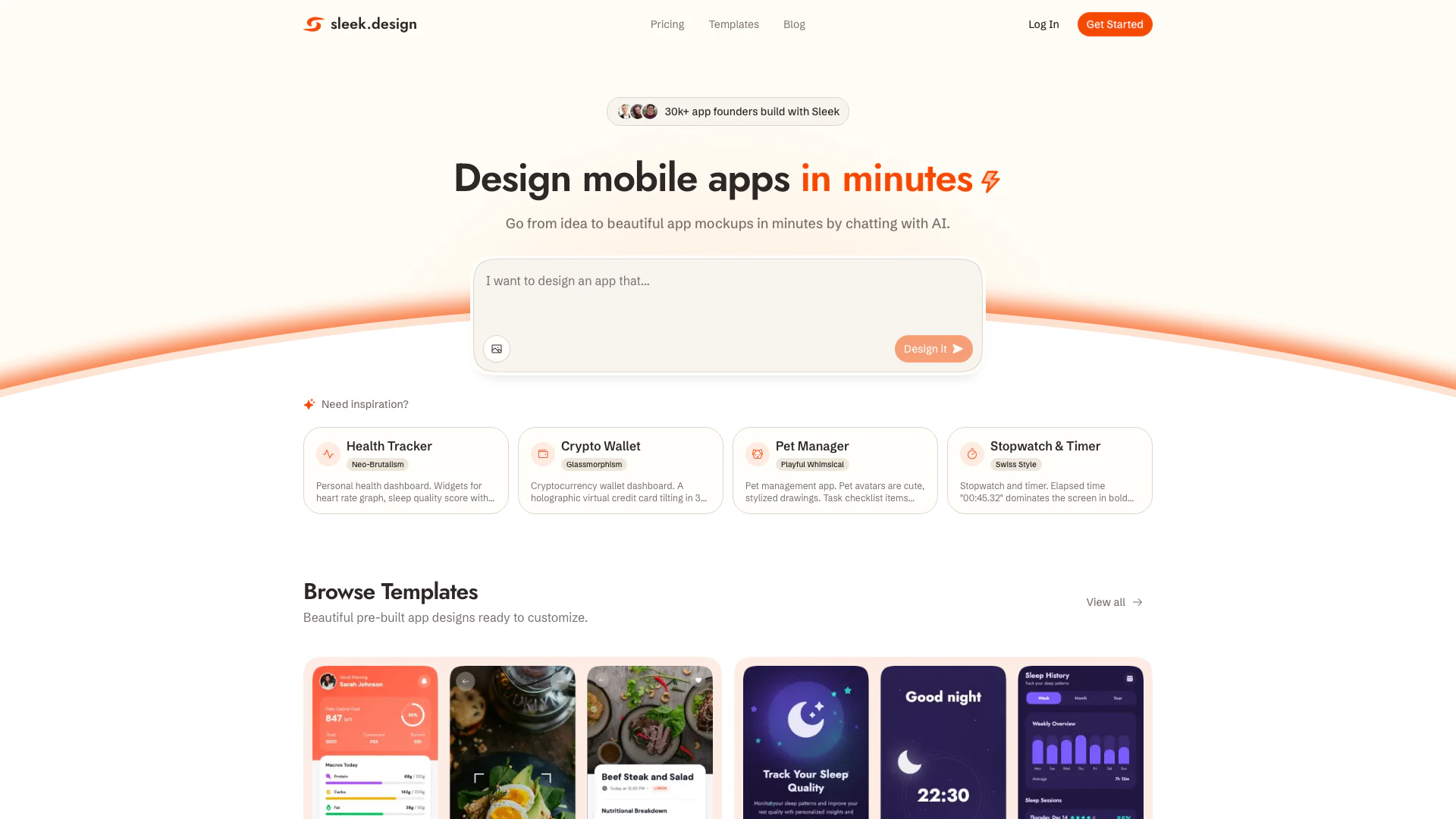
Sleek is an innovative design tool that allows users to create stunning mobile app mockups instantly using artificial intelligence. It caters to both iOS and Android app designs, enabling individuals to turn their ideas into visually appealing prototypes without the need for any design expertise. By leveraging AI technology, Sleek simplifies the design process, allowing users to focus on their vision rather than the intricacies of design. With its user-friendly interface, Sleek empowers app founders and entrepreneurs to generate high-quality mockups quickly and efficiently, making it a valuable resource in the app development landscape.
How to use Sleek?
- Sign up for a free account on the Sleek website.
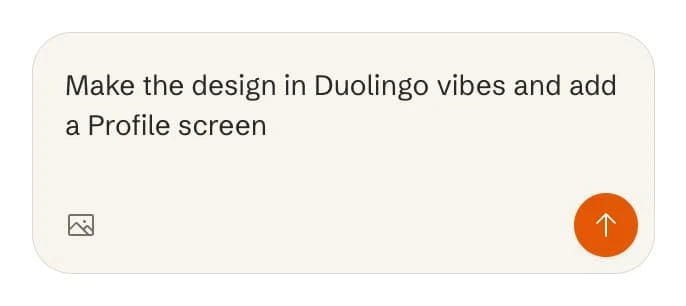
- Describe your app idea in detail or upload an image for reference.
- Use the AI-powered tool to generate your mobile app mockup instantly.
- Edit and refine your design using the intuitive interface and available components.
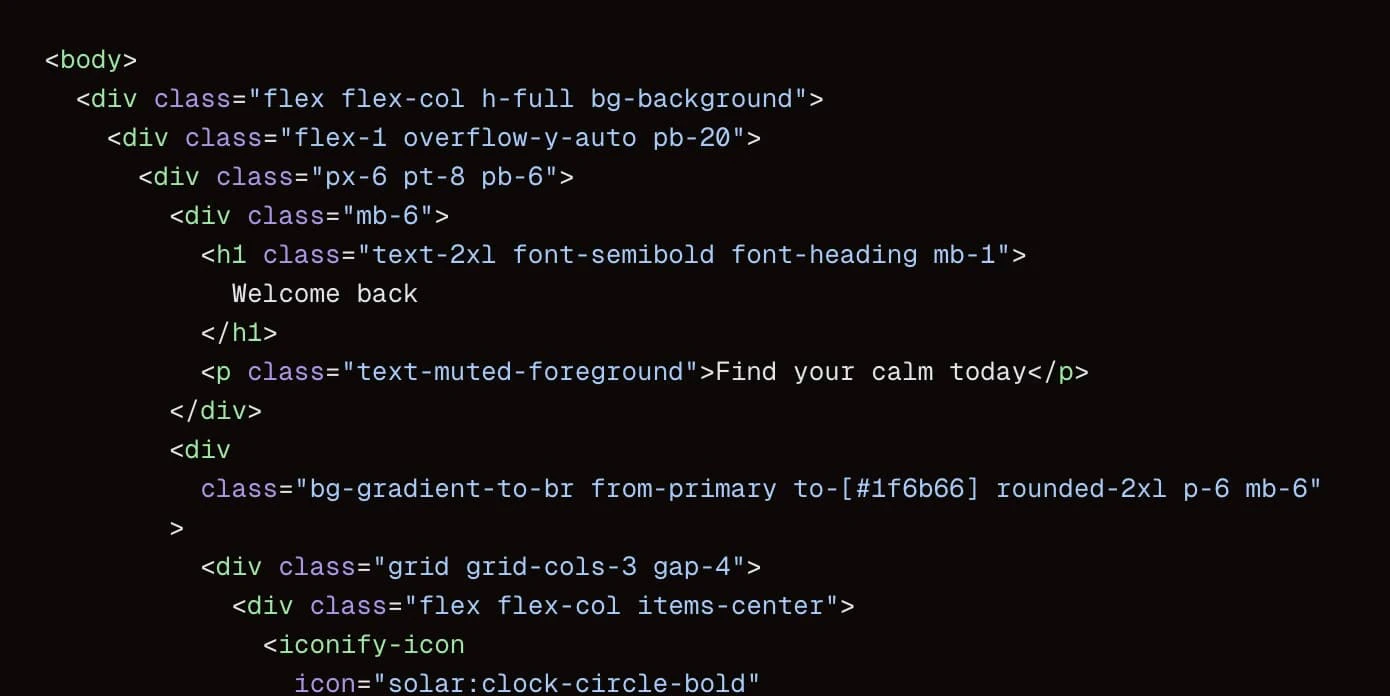
- Export your completed design to code or Figma for further development.
What are the main features of Sleek?
- AI-driven design generation for quick mockup creation.
- User-friendly interface that simplifies the design process.
- Ability to create designs for both iOS and Android platforms.
- Extensive template library for inspiration and customization.
- Fast iteration and refinement capabilities for user feedback.
- Export options to code or Figma for seamless development integration.
Who is Sleek for?
Sleek is designed for non-technical founders, entrepreneurs, and anyone looking to create mobile app mockups without prior design experience. It is particularly beneficial for startups and small business owners who need to quickly prototype their app ideas to test with users or present to investors. Additionally, developers and designers seeking to streamline their design process will find Sleek to be a valuable tool in their workflow.
What are the use cases of Sleek?
- Quickly prototype app ideas for user testing and feedback.
- Create professional-looking mockups for pitch presentations to investors.
- Develop app designs for health and fitness tracking applications.
- Design user interfaces for finance management apps or cryptocurrency wallets.
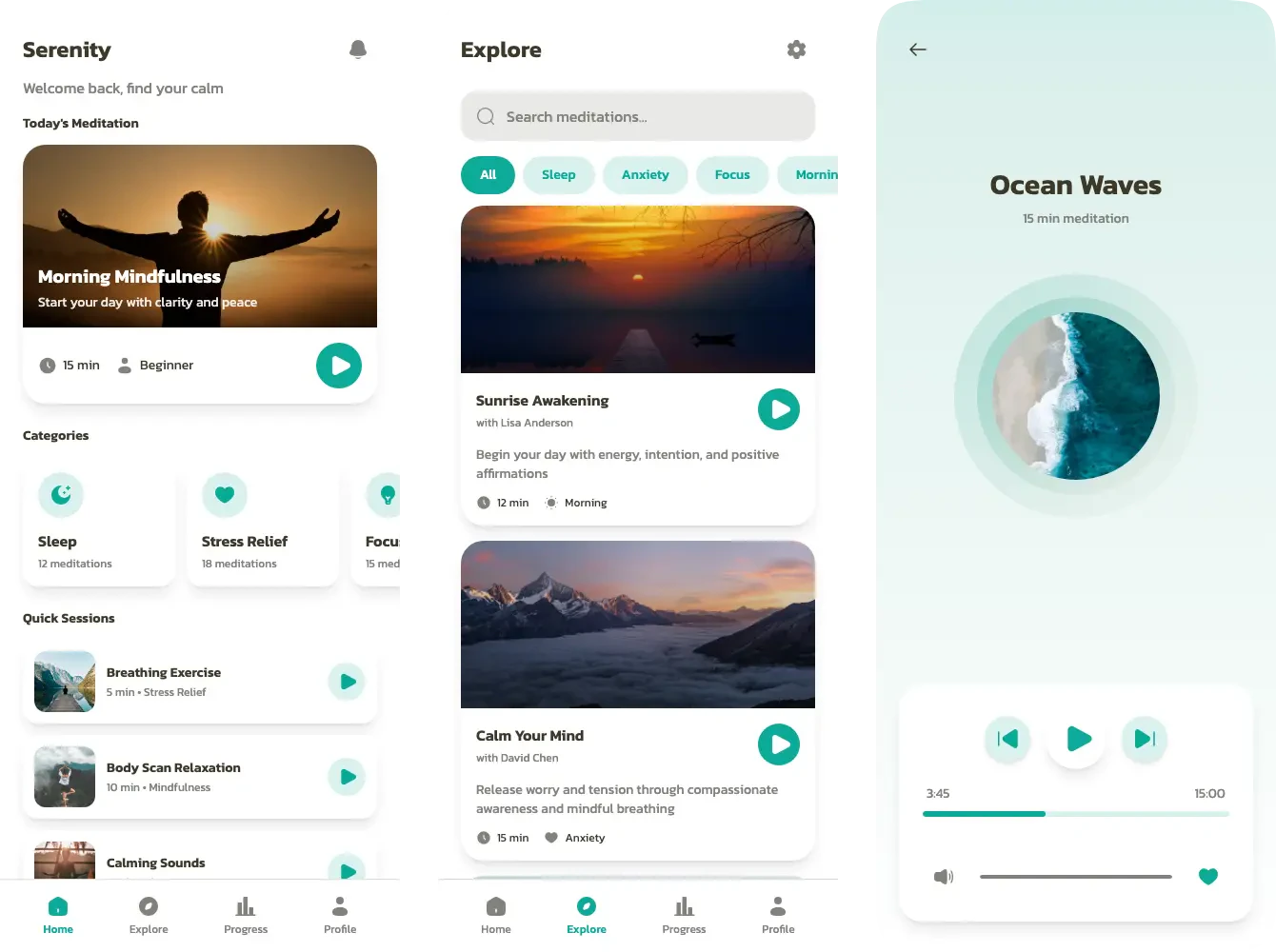
- Generate unique app designs for creative projects, such as pet management or meditation applications.
Product Images
Sleek Pros and Cons
Pros
- Instant Design Generation: Sleek allows users to create mobile app mockups instantly using AI, reducing the time from idea to design significantly.
- User-Friendly Interface: The platform is designed for non-technical users, enabling anyone to generate professional-looking designs without prior design experience.
- Customizable Templates: Sleek offers a variety of pre-built templates that users can customize, making it easier to start designing without starting from scratch.
Cons
No cons data detected for this tool
Sleek Pricing
Free
Try Sleek for free. Free trial AI credits. Includes 1 project, limited code exports, and limited Figma exports.
Starter
Early Bird for higher limits. 7,000 AI credits / month (≈ 150 messages). Includes 5 projects, purchase additional credits, unlimited code exports, unlimited Figma exports, export to AI builders, and share preview links.
Pro
Early Bird for even higher AI limits. 20,000 AI credits / month (≈ 400 messages). Includes unlimited projects, purchase additional credits, unlimited code exports, unlimited Figma exports, export to AI builders, and share preview links.
Team
Early Bird built for collaboration. $40/user/month billed yearly. 30,000 AI credits / month (≈ 600 messages per seat). Includes everything in Pro, team collaboration, priority support, and centralized billing.
For the latest pricing, please visit this link: https://sleek.design/pricing
Prices are subject to change. Please visit the official website for the most up-to-date pricing information.
Analytics of Sleek
Sleek Website Traffic Analysis
Visits Over Time
Traffic Sources
Nov 2025 - Jan 2026 Worldwide Desktop Only
- Direct: 47.24%
- Social: 22.04%
- Search: 22.00%
- Referrals: 7.49%
- Paid Referrals: 1.11%
- Mail: 0.10%
Top Keywords
| Keyword | Volume | CPC | Estimated Value |
|---|---|---|---|
| stitch | 549.74K | $0.35 | $300.00 |
| sleek | 44.64K | $3.38 | $1270.00 |
| sleek design | 5.00K | $0.53 | $1850.00 |
| sleek ai | 1.00K | $0.00 | $650.00 |
| sleek design ai | 220 | $0.00 | $180.00 |
Sleek Reviews
As a non-technical founder, Sleek is a game changer. We used to spend thousands on freelance designers and wait weeks for revisions. Now we can test ideas with real users in days, not months.
I tried learning Figma but it was overwhelming. With Sleek I just describe what I need and it creates screens that actually look professional. Investors thought I had a design team.
I was stuck waiting on a designer for weeks, burning through my budget before even launching. Sleek gave me complete control to move at my own pace. Now I'm getting first customers instead of still going back and forth on mockups.
For more reviews, visit this link: https://sleek.design#reviews






Sleek Social Listening
SleekFlow vs Respond | Which A...
We compared SleekFlow’s new AI...
SleekFlow Platform Tour 2025: ...
Discover the future of automat...
SleekSign Digital Signature Ma...
Watch this video to find out m...
Unlock to view 11 social media results.