

Pixpa



What is Pixpa?
Pixpa is an all-in-one website builder designed specifically for creatives, enabling users to create professional portfolio websites, online stores, blogs, and client galleries without needing any coding skills. With its user-friendly interface and a wide range of customizable templates, Pixpa simplifies the process of building a comprehensive online presence for photographers, artists, and other creative professionals. The platform offers an affordable solution to showcase, sell, and share work online, making it an ideal choice for those looking to establish their brand and grow their business.
How to use Pixpa?
- Sign Up: Start by signing up for a free trial on the Pixpa website.
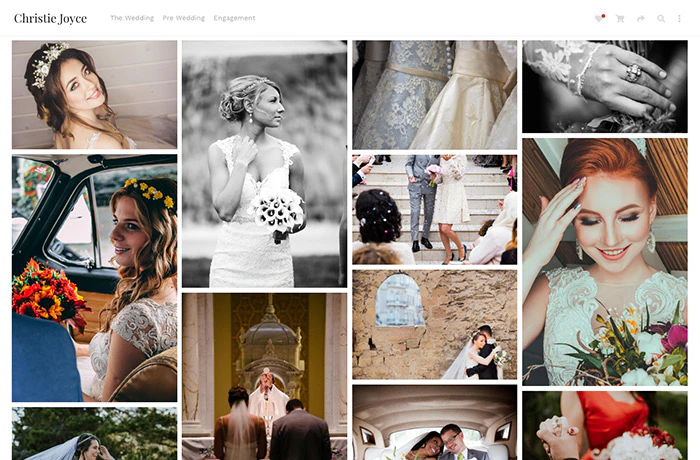
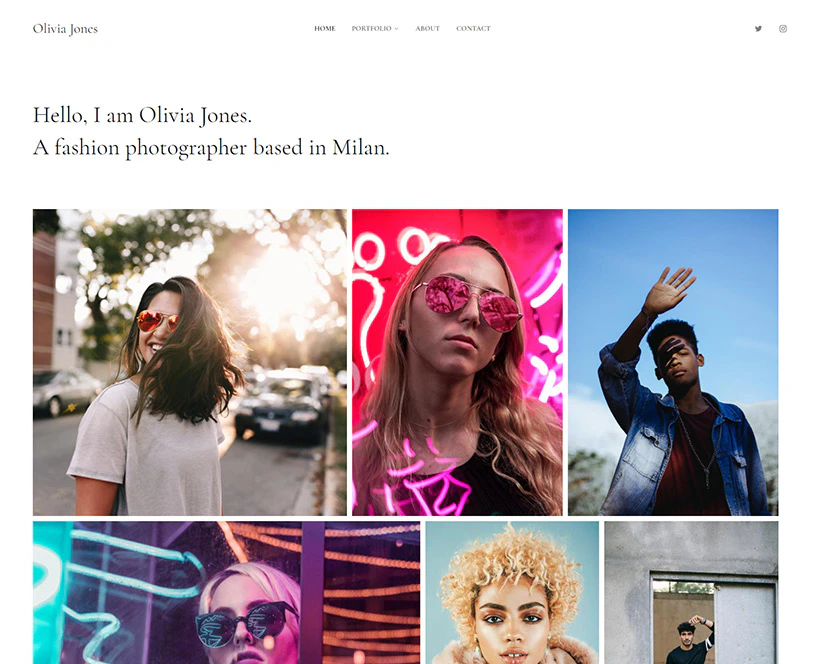
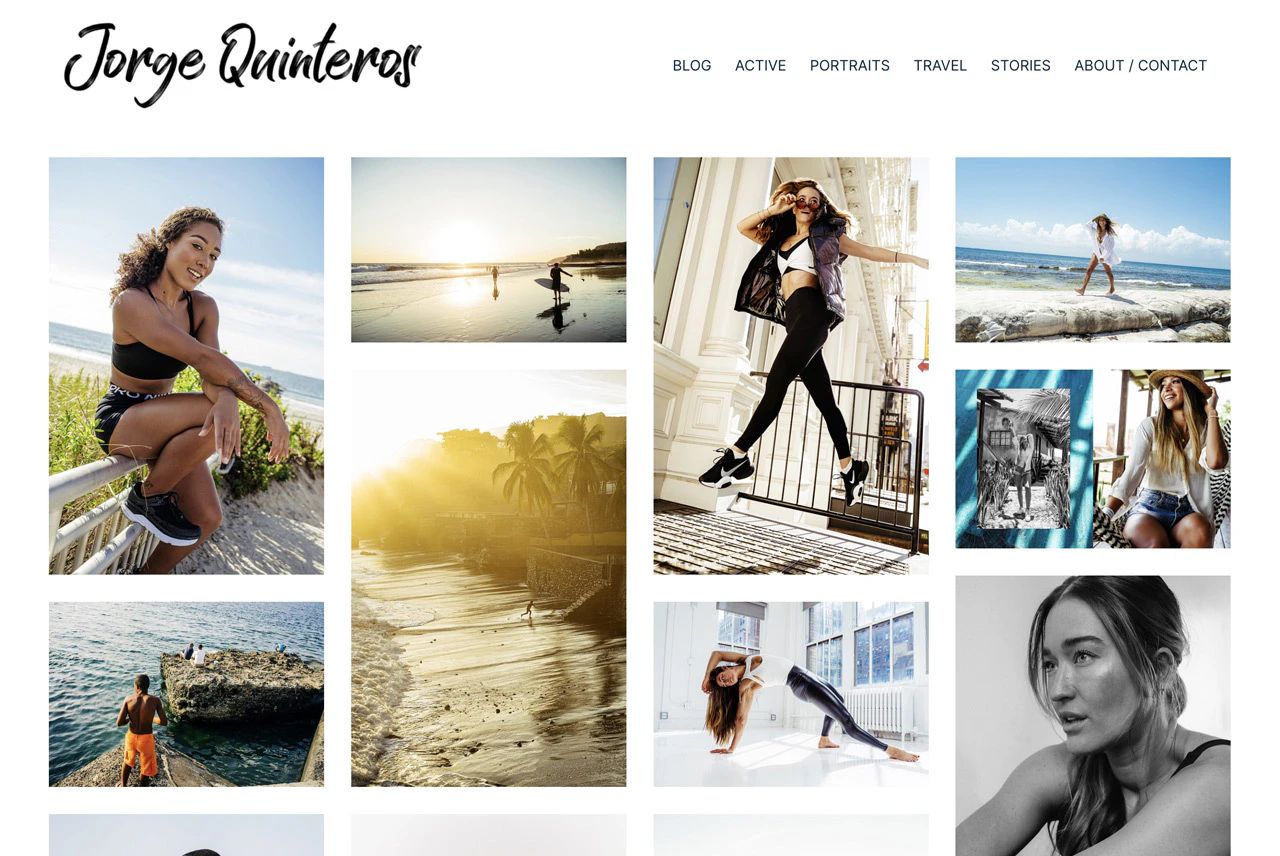
- Choose a Template: Browse through the extensive library of responsive templates and select one that fits your style and needs.
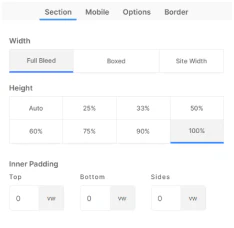
- Customize Your Site: Use the drag-and-drop builder to add and arrange content, customize the design, and modify settings to create a unique website.
- Add Features: Integrate additional features such as an online store, blog, or client galleries as needed.
- Connect Domain: If you have a custom domain, connect it to your Pixpa site or use the free domain provided with annual plans.
- Publish Your Website: Once satisfied with your design, publish your website and start sharing your work with the world.
What are the main features of Pixpa?
- Portfolio Website Builder: Create stunning portfolio websites tailored for creatives.
- E-commerce Functionality: Start an online store to sell products, services, and digital files without any commissions.
- Client Galleries: Share and sell images with clients through customizable galleries.
- Blogging Platform: Publish blogs to share stories and insights with your audience.
- Responsive Templates: Choose from over 200 customizable and mobile-friendly templates.
- SEO Tools: Built-in SEO tools to optimize your website for search engines and drive traffic.
- 24/7 Customer Support: Access to live chat support for assistance anytime.
Who is Pixpa for?
Pixpa is designed for a wide range of creative professionals including photographers, artists, graphic designers, illustrators, models, fashion designers, musicians, writers, and agencies. Whether you are a freelancer or part of a larger organization, Pixpa provides the tools needed to create a professional online presence, making it suitable for anyone looking to showcase their work, sell products, or manage client interactions seamlessly.
What are the use cases of Pixpa?
- Portfolio Showcase: Ideal for photographers and artists to create visually appealing portfolios to display their work.
- E-commerce Store: Perfect for creatives looking to sell their products or digital files directly through their website.
- Client Management: Use client galleries to share, proof, and sell images to clients efficiently, streamlining the workflow for photographers and visual artists.
Product Images




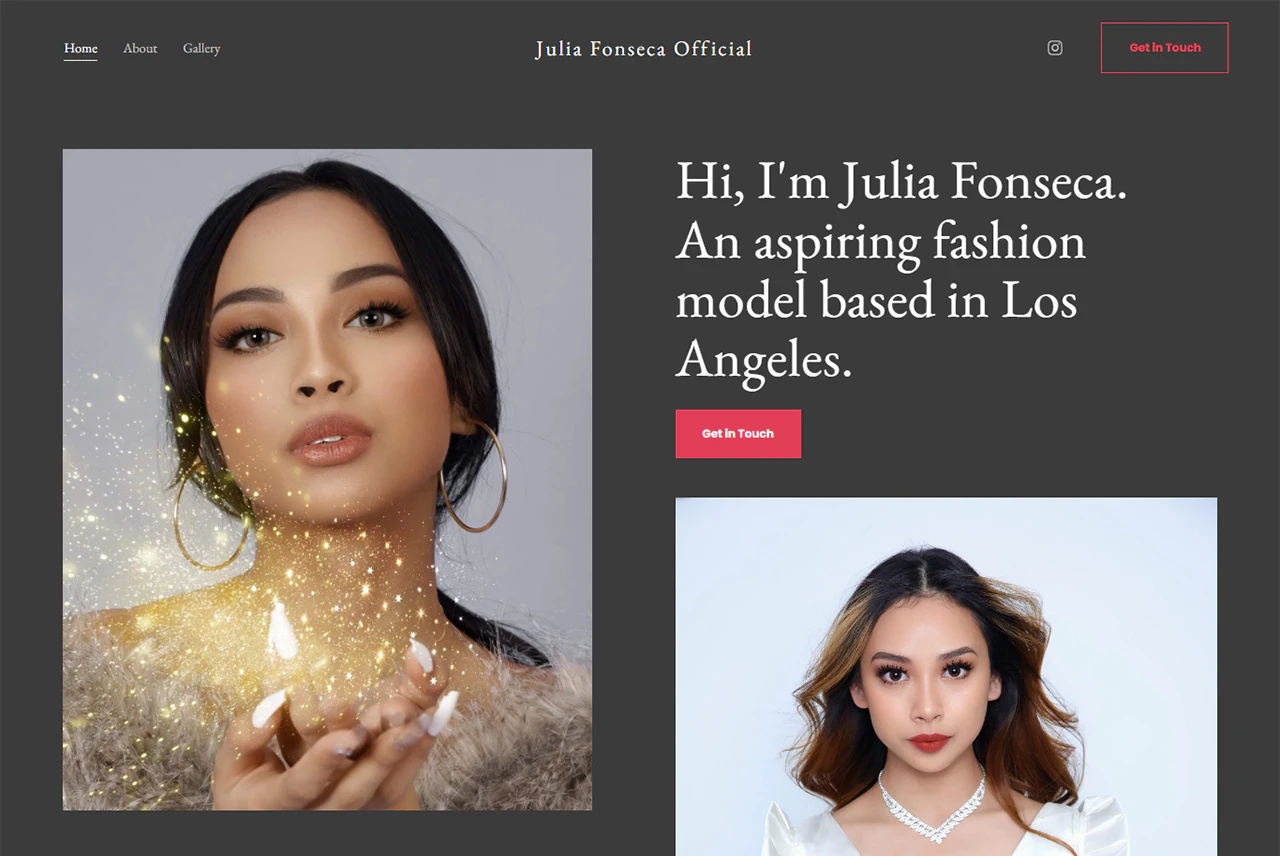
Pixpa Pros and Cons
Pros
- All-in-One Platform: Pixpa offers a comprehensive solution for building websites, portfolios, online stores, and client galleries, all without the need for coding.
- User-Friendly Interface: The drag-and-drop website builder simplifies the process of creating and customizing websites, making it accessible for users without technical skills.
- Affordable Pricing: Pixpa provides cost-effective pricing plans with a 30-day money-back guarantee, ensuring value for users.
- Responsive Templates: With over 200 customizable templates, users can create stunning, mobile-ready websites that fit their unique style.
- Integrated E-commerce Features: Pixpa allows users to sell products, services, and digital files directly through their websites without needing third-party plugins.
Cons
No cons data detected for this tool
Pixpa Pricing
Basic
Build your personal website effortlessly.
Creator
Stunning portfolio and store in one.
Professional
Showcase, sell & share like a pro.
Advanced
Advanced tools to scale your business.
Unlimited
Unlimited storage and images.
Team 2K
2000GB storage, 500,000+ Images.
Team 5K
5000GB storage, 1.5 million+ Images.
Team 10K
10,000GB storage, 3 million+ Images.
For the latest pricing, please visit this link: https://www.pixpa.com/pricing
Prices are subject to change. Please visit the official website for the most up-to-date pricing information.
Analytics of Pixpa
Pixpa Website Traffic Analysis
Visits Over Time
Traffic Sources
Nov 2025 - Jan 2026 Worldwide Desktop Only
- Search: 50.43%
- Direct: 36.99%
- Referrals: 7.44%
- Social: 4.19%
- Paid Referrals: 0.66%
- Mail: 0.18%
Top Keywords
| Keyword | Volume | CPC | Estimated Value |
|---|---|---|---|
| pixpa | 9.28K | $4.00 | $8400.00 |
| webs impresionantes de ilustraciones | 330 | $0.00 | $280.00 |
| pixpa two column text | 310 | $0.00 | $320.00 |
| pixpa edit image | 310 | $0.00 | $300.00 |
| pixpa can't navigate menu on mobile | 150 | $0.00 | $290.00 |




Pixpa Social Listening
Photographer Website, Store & ...
Written article on my blog: ht...
Getting Started with Pixpa: Bu...
Learn how to get started with ...
It's Been 8 Years... Pixpa We...
Try Pixpa for 15 days: https:/...
Unlock to view 35 social media results.