Pdf Translator Editor





What is Pdf Translator Editor?
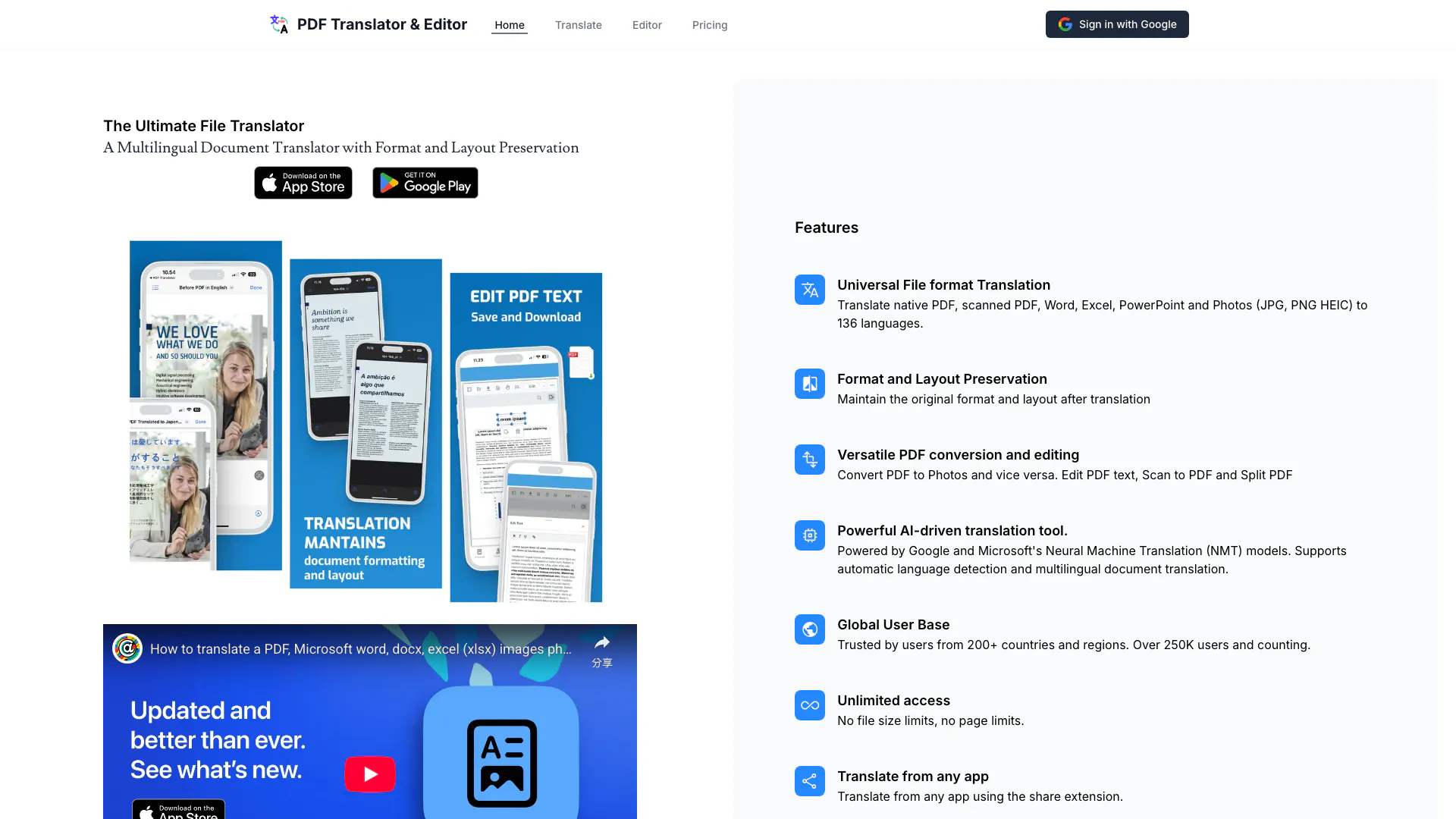
Pdf Translator Editor is an advanced AI-powered tool designed to translate various document formats including PDFs, PowerPoint presentations (pptx), images, Excel spreadsheets, and Word documents. It leverages cutting-edge technology to ensure that translations maintain the original layout and formatting of the documents, making it a reliable solution for users needing accurate and efficient translations across multiple languages.
How to use Pdf Translator Editor?
- Visit the Pdf Translator Editor website or download the app from the App Store or Google Play.
- Upload the document you wish to translate by selecting it from your device or using the share extension feature.
- Choose the target language for translation from the available options (136 languages supported).
- Initiate the translation process and wait for the AI to process your document.
- Download or view the translated document, ensuring that the format and layout have been preserved.
What are the main features of Pdf Translator Editor?
- Universal file format translation for native and scanned PDFs, Word, Excel, PowerPoint, and images (JPG, PNG, HEIC).
- Format and layout preservation during translation, ensuring documents look as intended.
- Versatile PDF conversion and editing capabilities, including converting PDFs to images and vice versa, editing PDF text, scanning to PDF, and splitting PDFs.
- AI-driven translation powered by Google and Microsoft's Neural Machine Translation models, offering automatic language detection and multilingual support.
- Unlimited access with no file size or page limits, making it suitable for large documents.
- Ability to translate from any app using the share extension feature.
Who is Pdf Translator Editor for?
Pdf Translator Editor is ideal for a wide range of users including students, professionals, and businesses that require accurate translations of documents in various formats. It caters to individuals who frequently work with multilingual content, such as international companies, educators, and researchers, making it a valuable tool for anyone needing to communicate effectively across language barriers.
What are the use cases of Pdf Translator Editor?
- Translating academic papers and research documents for international collaboration.
- Localizing business presentations and marketing materials for different regions.
- Converting and translating user manuals and product documentation for global distribution.
Pdf Translator Editor Pros and Cons
Pros
- Multilingual Document Translation: Can translate a variety of file formats including PDF, Word, Excel, PowerPoint, and images to 136 languages.
- Format and Layout Preservation: Maintains the original format and layout after translation, ensuring document integrity.
- Unlimited Access: Offers no file size limits and no page limits, allowing for extensive use.
- AI-driven Translation: Utilizes advanced AI technology from Google and Microsoft for improved translation quality.
- Global User Base: Trusted by users from over 200 countries with a growing user base of over 250,000.
Cons
No cons data detected for this tool
Analytics of Pdf Translator Editor
Pdf Translator Editor Website Traffic Analysis
Visits Over Time
Traffic Sources
Dec 2025 - Dec 2025 Worldwide Desktop Only
- Search: 40.77%
- Direct: 38.57%
- Referrals: 13.96%
- Social: 3.67%
- Paid Referrals: 2.11%
- Mail: 0.17%
Top Keywords
| Keyword | Volume | CPC | Estimated Value |
|---|---|---|---|
| translate pdf | 58.22K | $0.35 | $0.00 |
| pdf translator | 45.45K | $0.49 | $0.00 |
| pdftranslator | 320 | $1.88 | $0.00 |