
Patternlook





What is Patternlook?
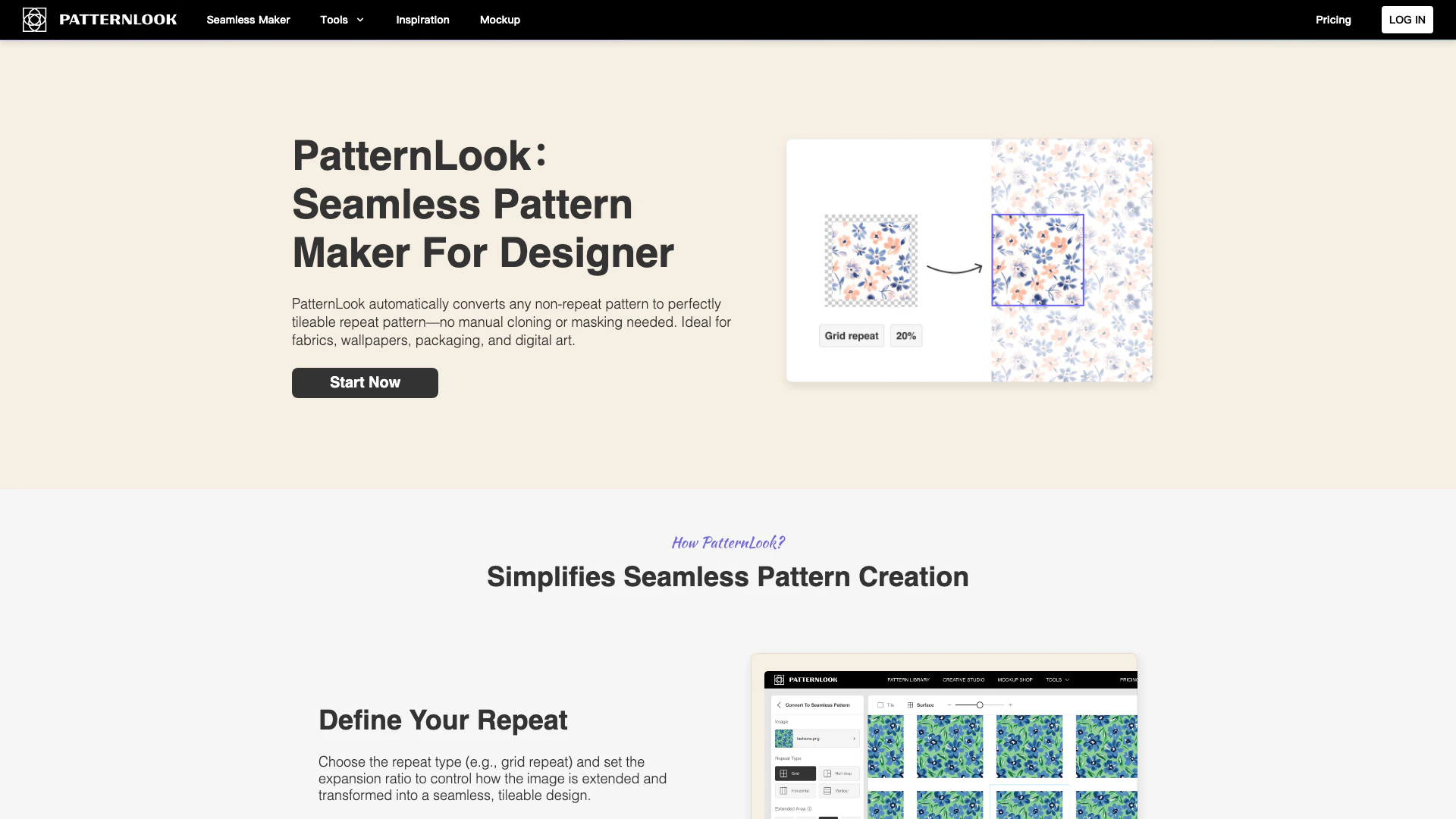
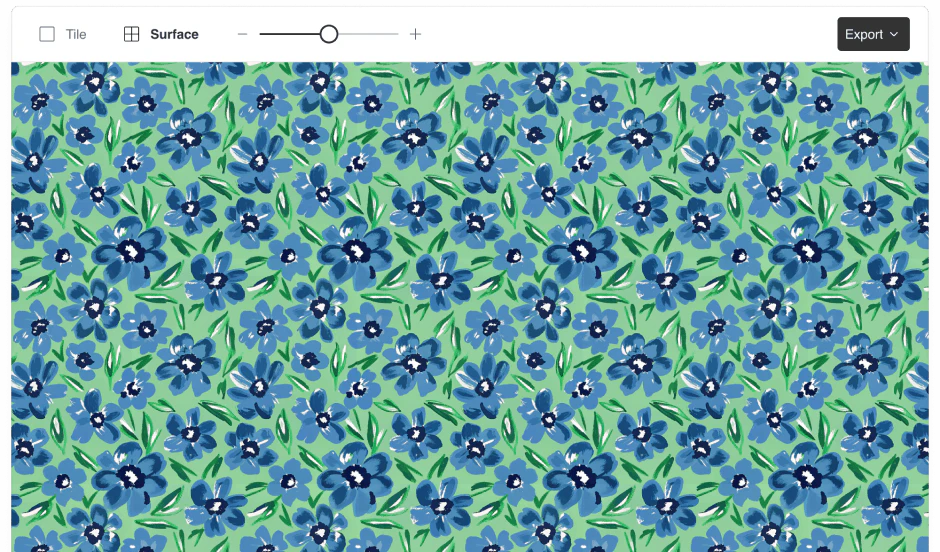
Patternlook is a one-stop pattern design[1] tool and platform that allows users to inspire and design custom seamless patterns[2] in seconds. It features an AI-powered[3] seamless pattern maker that automatically converts any non-repeat pattern into a perfectly tileable repeat pattern without the need for manual cloning or masking. Ideal for various applications such as fabrics, wallpapers, packaging, and digital art, Patternlook simplifies the pattern creation process and offers free templates along with commercial licenses.
How to use Patternlook?
- Visit the Patternlook website and create an account to start using the tool.
- Choose a pattern image or design you want to convert into a seamless pattern.
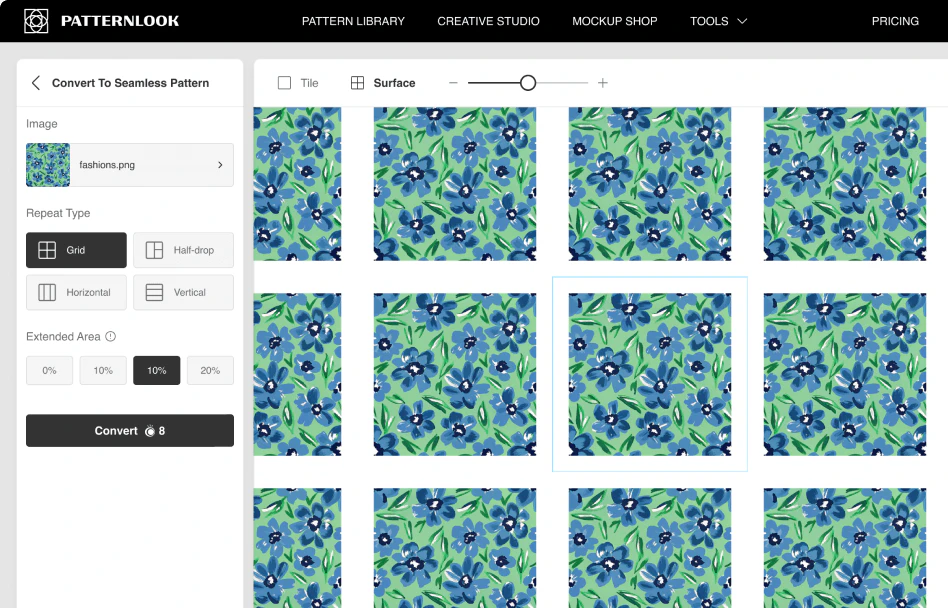
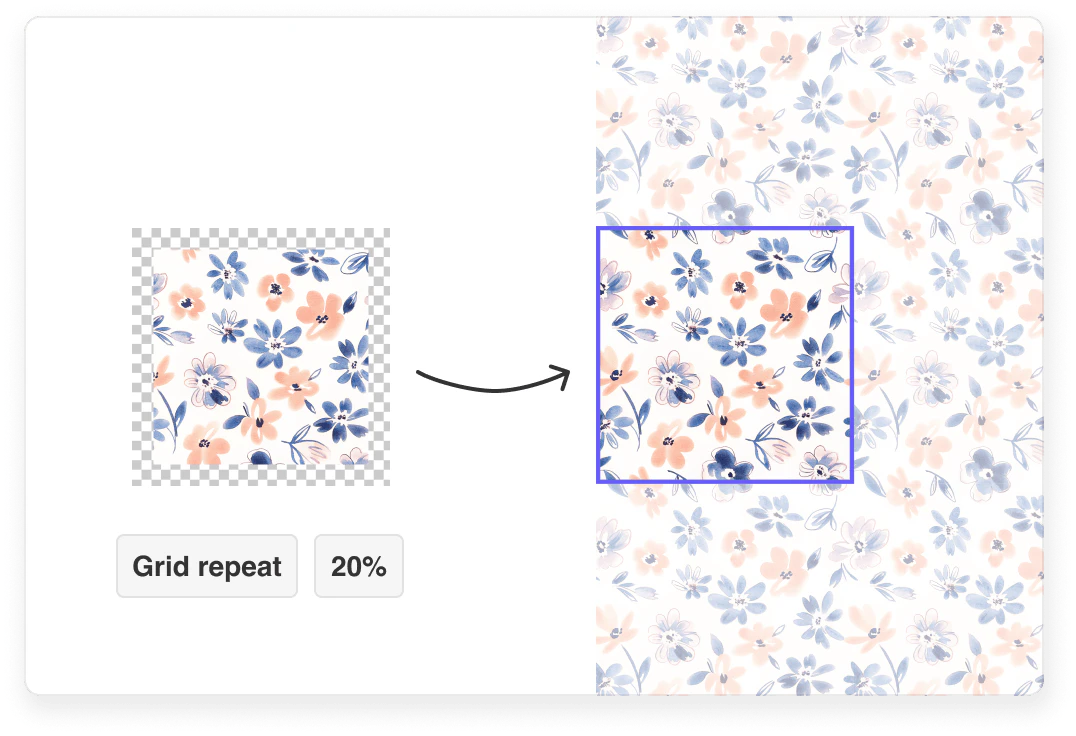
- Select the repeat type (e.g., grid repeat) and set the expansion ratio to control how the image is transformed into a seamless design.
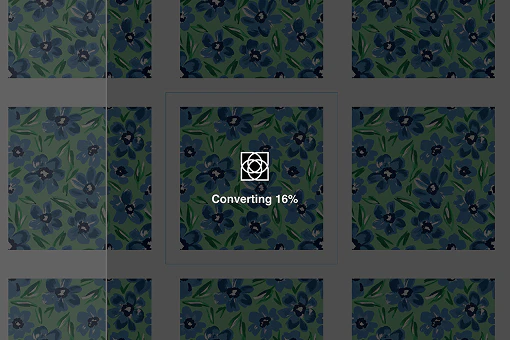
- Use the AI features to analyze motifs, auto-align edges, and adjust repetition modes, saving time on manual adjustments.
- Preview your design to ensure every edge flows seamlessly into the next.
- Export your final design in various formats such as JPEG or PNG, ready for use in your projects.
What are the main features of Patternlook?
- AI-Powered Seamless Maker: Automatically converts non-repeat patterns into tileable designs[4].
- Define Your Repeat: Choose repeat types[5] and set expansion ratios[6] for custom designs.
- Industry-Ready Export Options: Export designs as JPEG or PNG files suitable for various applications.
- Instant Mockups: Apply patterns to products and visualize designs quickly with high-quality mockups.
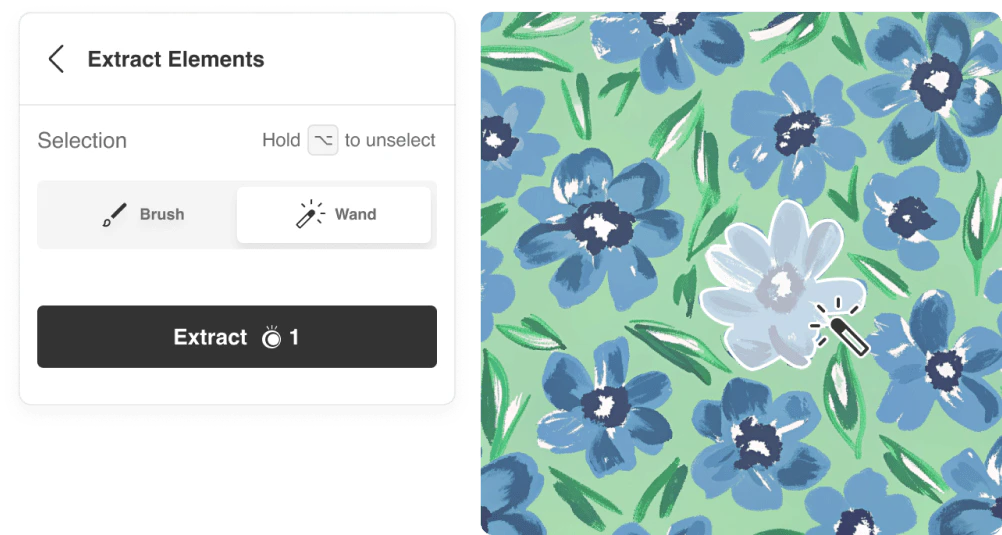
- Element Extraction: Instantly pull out objects from images for faster pattern creation.
- Style Transfer: Experiment with over 50 artistic styles for unique pattern variations.
Who is Patternlook for?
Patternlook is designed for a wide range of users, including fashion and textile designers, graphic designers, and digital content creators. It is particularly beneficial for those looking to create seamless patterns for fabrics, wallpapers, and digital art without extensive design experience. The platform is accessible for beginners while providing advanced features for experienced designers, making it suitable for professionals in industries like fashion, home decor, and digital content creation.
What are the use cases of Patternlook?
- Textile and Fashion Design: Create unique fabric prints for clothing and accessories, reducing sampling costs with instant AI prototypes.
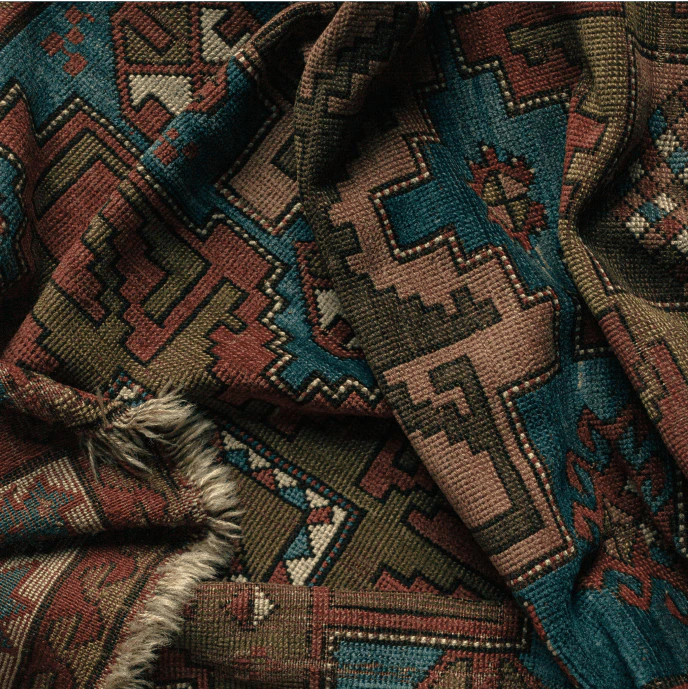
- Home Decor: Design seamless wallpapers and tile patterns that match various color schemes or themes for interior design projects.
- Digital Content Creation: Generate backgrounds, textures for websites, or NFT art, exporting social media-ready designs in just one click.
Product Images

Patternlook Pros and Cons
Pros
- AI-Powered Seamless Creation: PatternLook utilizes AI to analyze motifs and auto-align edges, significantly reducing the time needed for manual adjustments.
- User-Friendly Interface: The platform is designed for both beginners and experts, making pattern creation accessible without requiring prior design experience.
- Versatile Export Options: Users can export designs in various formats such as PNG, JPEG, and SVG, suitable for different applications including fabric and digital content.
Cons
No cons data detected for this tool
Analytics of Patternlook
Patternlook Website Traffic Analysis
Visits Over Time
Top Keywords
| Keyword | Volume | CPC | Estimated Value |
|---|---|---|---|
| element extractor from image | 0 | $0.00 | $30.00 |
| patternlook | 0 | $0.00 | $0.00 |
Patternlook Reviews
it's something I would actually use. And it's it just took 5 hours from my schedule. So yeah, I would use that.
Perfect, really helpful! I mean, Photoshop has this feature, but it it won't put everything together seamlessly. So it's super nice.
It is so perfect! Helped me save tons of time fixing flawed repeat patterns.
For more reviews, visit this link: https://www.patternlook.com/#reviews





