

Mobicip


What is Mobicip?
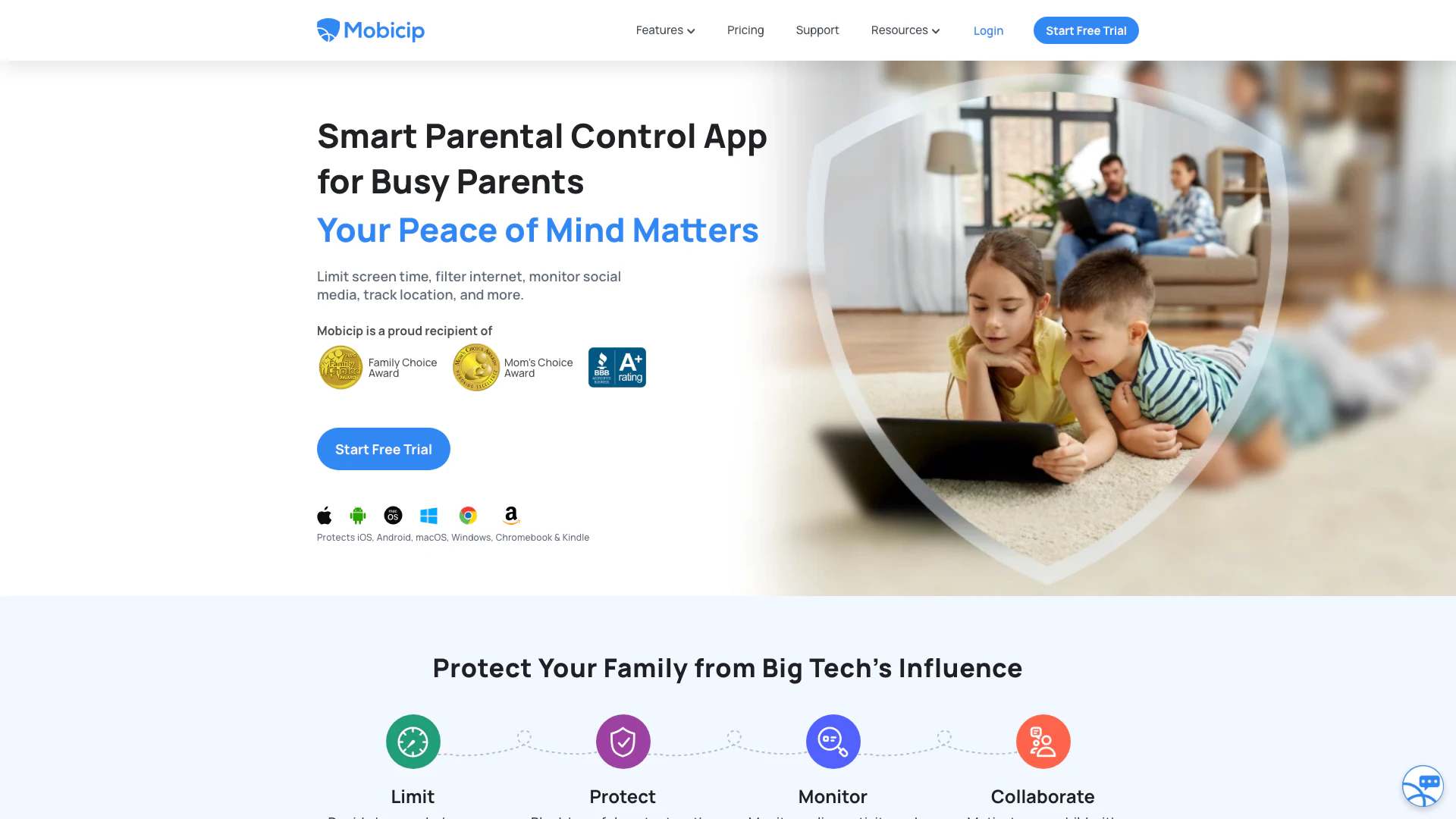
Mobicip is a leading parental control app designed to help parents keep their children safe while navigating the online world. Trusted by over 3 million families, Mobicip provides a comprehensive suite of features aimed at managing screen time, blocking inappropriate websites and apps, and ensuring a secure online environment across various devices including iOS, Android, macOS, Windows, Chromebook, and Kindle. With Mobicip, parents can easily monitor their children's online activities, set limits on screen time, and access expert advice on digital wellness, making it an essential tool for modern parenting.
How to use Mobicip?
- Download and Install: Begin by downloading the Mobicip app from the App Store or Google Play Store and install it on your child's device.
- Create an Account: Sign up for a Mobicip account or log in if you already have one. Follow the prompts to set up your parental controls.
- Configure Settings: Customize the settings according to your preferences, including screen time limits, website blocking, and app restrictions.
- Monitor Activity: Use the Mobicip dashboard to monitor your child's online activity, view reports, and adjust settings as needed to ensure their safety.
What are the main features of Mobicip?
- Screen Time Scheduler: Create schedules to limit screen time and app usage.
- Social Media Monitor: Monitor social media activity to prevent risky behavior.
- App Blocker: Limit and block distracting apps that may affect your child's focus.
- Activity Summary: Keep track of how your children spend their time online with detailed reports.
- Website Blocker: Monitor and block adult websites to ensure safe browsing.
- Family Locator: Locate your children and set geo-boundaries for added safety.
- Expert Advice: Access tips from experts on digital wellness and parenting.
Who is Mobicip for?
Mobicip is designed for parents who want to protect their children from potential online dangers while promoting healthy digital habits. It is suitable for families with children of all ages who use various devices, including smartphones, tablets, and computers. Whether you are a busy parent looking to manage screen time effectively or a guardian aiming to monitor your child's online interactions, Mobicip provides the necessary tools to ensure a safer online experience for your kids.
What are the use cases of Mobicip?
- Screen Time Management: Parents can set daily or weekly limits on screen time to promote a balanced lifestyle.
- Content Filtering: Use Mobicip to block inappropriate websites and apps, ensuring children only access age-appropriate content.
- Location Tracking: Utilize the family locator feature to keep track of your child's whereabouts and set safe zones.
Mobicip Pros and Cons
Pros
- Comprehensive Parental Control Features: Mobicip offers a wide range of parental control features including screen time scheduling, app blocking, and website filtering to ensure children's online safety.
- Multi-Device Support: The app supports various platforms including iOS, Android, Windows, macOS, Chromebook, and Kindle, making it accessible on multiple devices.
- Real-Time Monitoring: Mobicip allows parents to monitor their children's online activities in real-time, including social media interactions and location tracking.
Cons
No cons data detected for this tool
Mobicip Pricing
Premium
Manage up to 20 Devices, App Blocker, Uninstall Protection, Website Blocker, Screen Time Limits, Activity Schedules, Family Locator, Remotely Lock Devices, Activity Reports, Social Media Monitor, App Timers, Parenting Expert Tips.
Standard
Manage up to 10 Devices, App Blocker, Uninstall Protection, Website Blocker, Screen Time Limits, Activity Schedules, Family Locator, Remotely Lock Devices, Activity Reports, Social Media Monitor, App Timers, Parenting Expert Tips.
Lite
Manage up to 5 Devices, App Blocker, Uninstall Protection, Website Blocker, Screen Time Limits, Activity Schedules, Family Locator, Remotely Lock Devices, Activity Reports, Social Media Monitor, App Timers, Parenting Expert Tips.
Free BASIC Plan
Manage 2 Devices.
For the latest pricing, please visit this link: https://www.mobicip.com/pricing
Prices are subject to change. Please visit the official website for the most up-to-date pricing information.
Analytics of Mobicip
Mobicip Website Traffic Analysis
Visits Over Time
Traffic Sources
Nov 2025 - Jan 2026 Worldwide Desktop Only
- Search: 54.95%
- Direct: 34.53%
- Referrals: 6.84%
- Social: 2.89%
- Paid Referrals: 0.67%
- Mail: 0.13%
Top Keywords
| Keyword | Volume | CPC | Estimated Value |
|---|---|---|---|
| how to block youtube shorts | 10.04K | $1.19 | $300.00 |
| how to disable youtube shorts | 8.56K | $0.22 | $400.00 |
| how to block youtube | 7.17K | $1.25 | $270.00 |
| mobicip | 2.99K | $2.19 | $2250.00 |
| how to take off youtube shorts | 430 | $0.00 | $280.00 |
Mobicip Reviews
It's a great app for kids. It keeps track of everything the child does including the amount of time spent in different apps and when settings are changed. It's safe when I can mess around in the kitchen and still keep my kids safe from toxic things.
While Microsoft Family and Google Family Link work just fine, they are restricted to their own companies. Mobicip bridges the gap by applying the same settings per person on any device it has been installed on. Simple to setup, easy to use, and quite informative on your child's activities.
For more reviews, visit this link: https://www.mobicip.com/#testimonials


Mobicip Social Listening
The All New Mobicip - New Pare...
Protect your family on the int...
Mobicip Safe Browser review by...
This is a review of the Mobici...
Mobicip Parental Portal Tour
Tour of the parental web porta...
Unlock to view 19 social media results.