Makeinfographicai



What is Makeinfographicai?
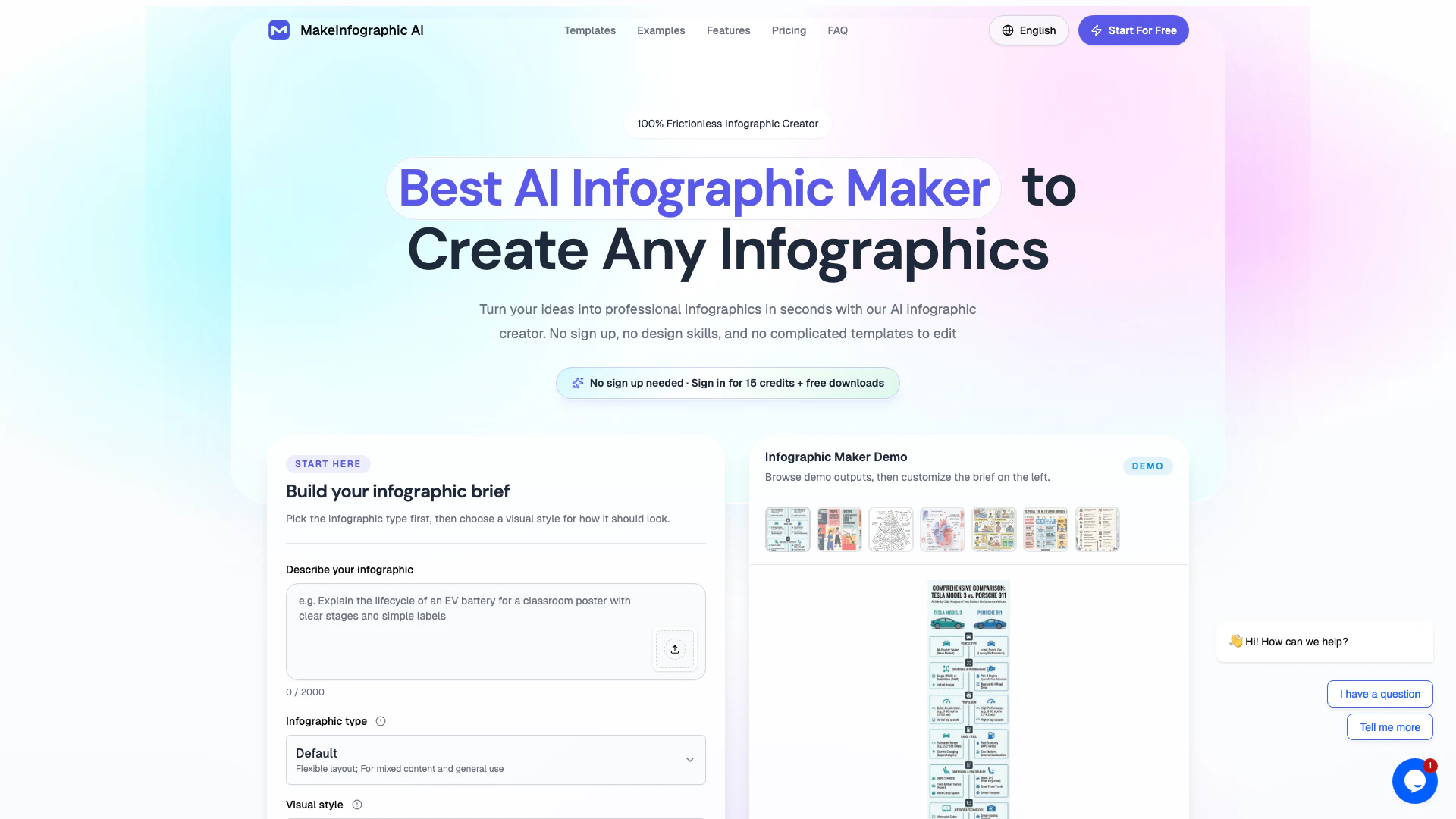
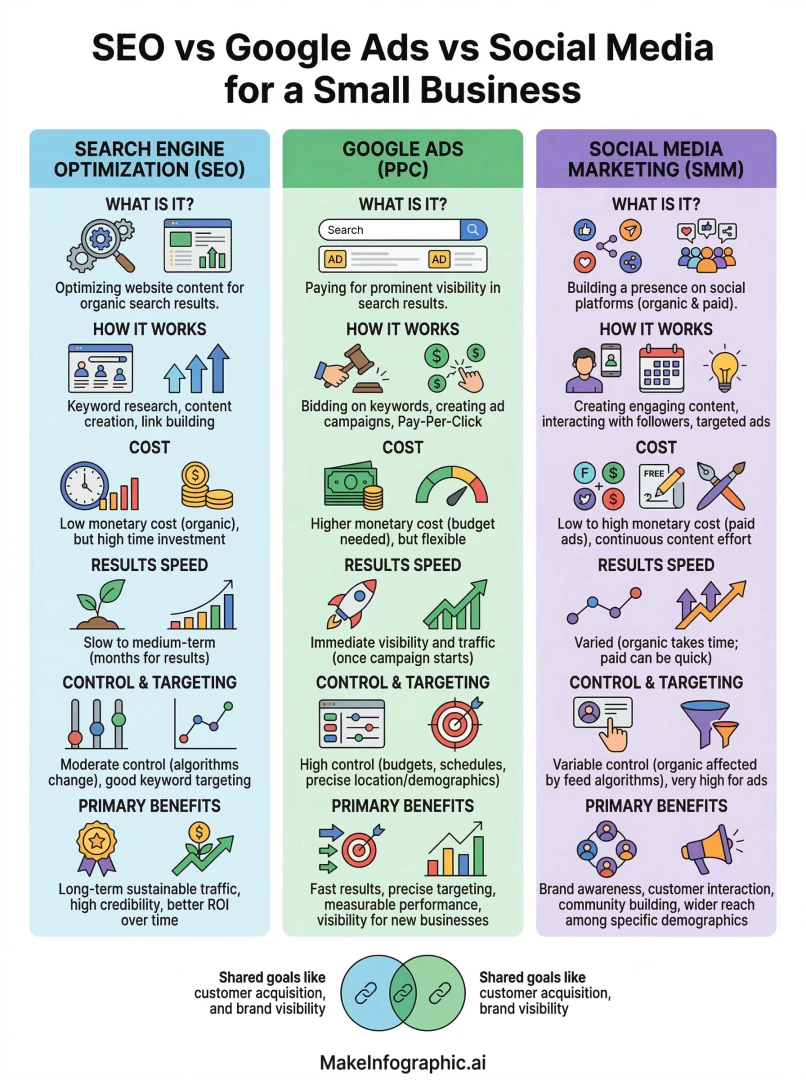
Makeinfographicai is an innovative AI-powered tool designed to create stunning infographics in seconds. This infographic maker allows users to transform text into visually appealing graphics, including charts, timelines, and diagrams, without the need for any prior design skills or complicated templates. The platform stands out for its user-friendly interface and the ability to generate professional-quality infographics quickly, making it an ideal solution for anyone looking to enhance their visual communication.
How to use Makeinfographicai?
To use Makeinfographicai, follow these steps: 1. Visit the Website: Go to [Makeinfographic.ai](https://www.makeinfographic.ai/). 2. Build Your Infographic Brief: Select the type of infographic you want to create and choose a visual style that suits your needs. 3. Describe Your Infographic: Enter the topic, key points, or data you want to visualize. The AI will process this information. 4. Customize Your Design: Review the generated infographic and make any necessary edits to refine the layout, colors, and content. 5. Download or Share: Once satisfied with your design, download your infographic or share it directly on social media platforms.
What are the main features of Makeinfographicai?
Makeinfographicai offers a variety of powerful features, including: - AI-Powered Design: Instantly converts text into visually appealing infographics. - No Sign-Up Required: Users can start creating infographics without creating an account. - Multiple Infographic Types: Supports various formats such as timelines, comparisons, processes, and statistical infographics. - Customizable Templates: Provides a range of pre-designed templates to suit different needs. - Export Options: Users can download their infographics in different resolutions, including 4K for active subscribers.
Who is Makeinfographicai for?
Makeinfographicai is designed for a wide range of users who require clear visual communication. This includes educators looking to create engaging teaching materials, students who want to enhance their study presentations, marketers aiming to visualize campaign data, researchers needing to present complex findings, and consultants who need to create professional infographics for client presentations. Essentially, anyone who needs to convey information visually and efficiently can benefit from this tool.
What are the use cases of Makeinfographicai?
Makeinfographicai can be utilized in various scenarios, such as: 1. Educational Infographics: Teachers can create infographics that summarize lessons or highlight important concepts for students. 2. Marketing Visuals: Marketers can design infographics to illustrate product comparisons or campaign statistics for social media. 3. Research Presentations: Researchers can convert complex data into easy-to-understand visual formats for reports and presentations. 4. Training Materials: Trainers can develop step-by-step infographics that guide teams through processes or onboarding procedures. 5. Social Media Content: Users can adapt infographics for different platforms, creating engaging visuals tailored to each social media channel.
Product Images
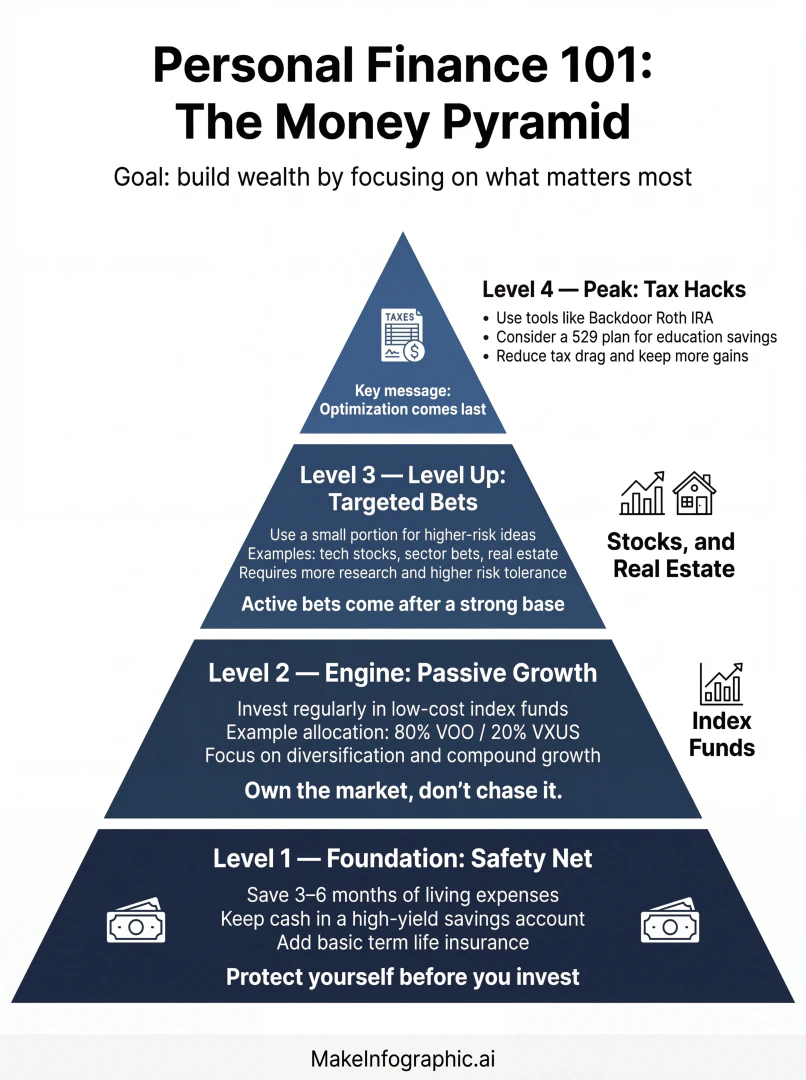

Makeinfographicai Pros and Cons
Pros
- No Sign-Up Required: Users can create infographics instantly without the need for account registration, making the process quick and accessible.
- AI-Powered Design: The tool utilizes AI technology to transform text into visually appealing infographics, charts, and diagrams in seconds.
- Variety of Infographic Types: MakeInfographic AI supports multiple infographic formats including timelines, comparisons, processes, and statistical layouts, catering to diverse needs.
Cons
No cons data detected for this tool
Makeinfographicai Pricing
Starter
Best for long-term use with a lower monthly-equivalent price. Monthly credits: 200, 1K infographics/month: 50, Custom watermark: Supported, PDF download: Supported, Support: Email support.
Standard
Best for frequent production and dependable commercial output. Monthly credits: 500, 1K infographics/month: 125, Custom watermark: Supported, PDF download: Supported, Support: Email support.
Team & Company
Best for team production, client delivery, and scale. Monthly credits: 5000, 1K infographics/month: 1250, Custom watermark: Supported, PDF download: Supported, Support: 24/7 email support.
For the latest pricing, please visit this link: https://www.makeinfographic.ai/pricing
Prices are subject to change. Please visit the official website for the most up-to-date pricing information.