
Twitter-color Created with Sketch. Amazon-color Created with Sketch. Facebook-color Created with Sketch. github [#142] Created with Sketch. meta_fill Pinterest-color Created with Sketch. ProductHunt-color Created with Sketch. Spotify-color Created with Sketch. Threads Logo Streamline Icon: https://streamlinehq.com Yelp-color Created with Sketch. Youtube-color Created with Sketch.
TopAIToolsTopAITools
  • Free Tools
  • Category
  • Leaderboard
  • Deals
  • Submit
EN
TopAIToolsTopAITools
TopAI

TopAITools

TopAITools, The Best Top AI Tools

AI Glossary|English简体中文繁體中文한국어日本語PortuguêsEspañolDeutschFrançaisTiếng Việt|Map

© 2026 TopAITools. All rights reserved.

About

  • Privacy Policy
  • Terms of use

Contact Us

business@topaitoolsreview.com
Home
Ai Productivity Tools
Make
Last updated: May 18, 2026
Make logo

Make

Get deal
4.0|0 Comments|0 Saved
Introduction:
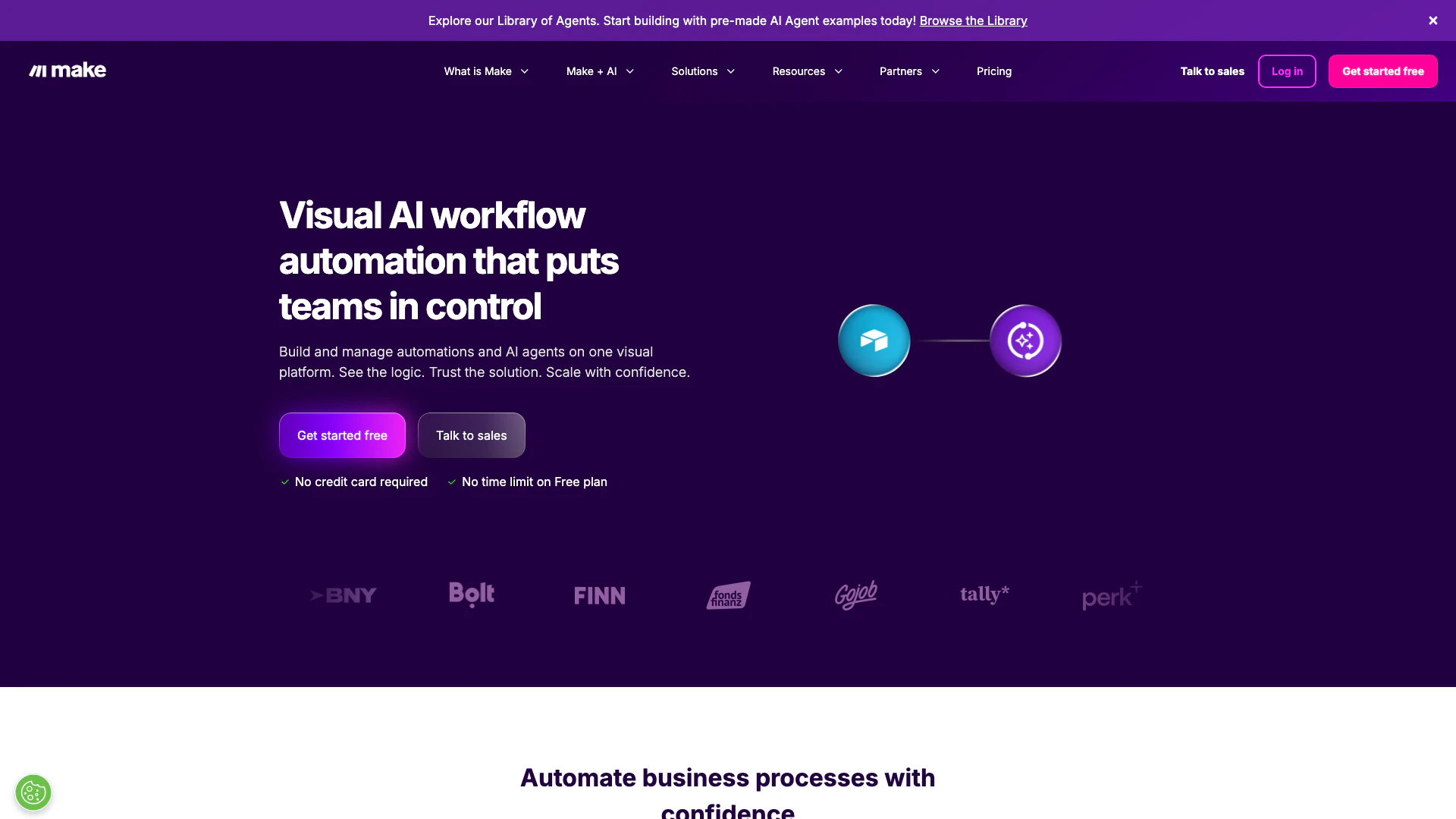
Make is a user-friendly no-code integration tool that allows you to visually build, scale, and automate AI workflows effortlessly.
Launch Date:
July 30, 1997
Social links:
Monthly Visits:
--
Inputs:
TextAPI
Outputs:
TextAPI
Website
💼Work
Ai Productivity Tools260No Code Business App Development Tools7Efficiency Enhancement Tools66
Make website screenshot showing Make is a user-friendly no-code integrat... interface and features
Use tool
Update this tool
Deepseek logo

Deepseek

DeepSeek focuses on pioneering general AI technologies and models.

Deepseek V4 logo

Deepseek V4

Explore cutting-edge AI models with Deepseek.

Linkedin logo

Linkedin

Connect with professionals worldwide on LinkedIn.

Openai Codex logo

Openai Codex

OpenAI Codex enhances coding efficiency with AI-driven task support.

Slack logo

Slack

Enhance collaboration and productivity with Slack's AI features.

Make Overview

What is make.com?

Make.com is a powerful no-code automation platform designed to help users visually build, scale, and automate workflows. By leveraging AI and agentic capabilities, Make allows businesses to streamline their processes and enhance productivity without the need for extensive coding knowledge. This user-friendly tool empowers users to create complex automations and manage AI systems across their organization, making it an essential resource for businesses aiming to improve efficiency and innovation.


How to use make.com?

  1. Sign up for a free account on make.com to get started.
  2. Access the intuitive visual editor where you can design your workflows by dragging and dropping elements.
  3. Choose from over 3,000 pre-built apps to integrate into your workflows, or create custom integrations as needed.
  4. Set triggers and actions to define how your workflows should operate, utilizing AI capabilities for enhanced functionality.
  5. Test your workflows in real-time to ensure they operate as intended, and make adjustments as necessary.

What are the main features of make.com?

  • User-friendly no-code interface for building workflows visually.
  • Integration with over 3,000 pre-built apps, allowing seamless connectivity across various platforms.
  • Custom automation capabilities that enable users to tailor workflows to specific business needs.
  • AI integration for improved efficiency and smarter decision-making.
  • Real-time visual mapping to manage and oversee automation processes effectively.

Who is make.com for?

Make.com is designed for a diverse range of users, including business professionals, IT teams, marketers, and operations managers. It is ideal for those looking to automate repetitive tasks, enhance productivity, and streamline workflows without needing extensive technical skills. Companies of all sizes can benefit from Make's capabilities, making it suitable for startups, SMEs, and large enterprises aiming to improve their operational efficiency.


What are the use cases of make.com?

  1. Automating lead generation processes in marketing by integrating CRM systems with email marketing tools.
  2. Streamlining project management workflows by connecting task management platforms like Monday.com or Trello with communication tools like Slack.
  3. Enhancing customer support operations by automating ticketing systems and integrating them with AI chatbots for improved response times.

Make Pros and Cons

Pros

  • User-Friendly No-Code Tool: Make.com provides a user-friendly, no-code interface that allows users to visually build and automate workflows without needing programming skills.
  • Extensive Integration Options: With over 3,000 pre-built apps, Make.com offers extensive integration capabilities, enabling users to connect various tools and systems seamlessly.
  • Scalable Automation Solutions: Make.com allows users to create scalable automation solutions, from simple workflows to complex AI systems, enhancing business efficiency.

Cons

No cons data detected for this tool

Make Compare

Tool NameIntroductionPricing
Type
RatingLaunch DateLearn more
Uniskai By Profisea Labs logo
Uniskai By Prof...
AI-Based Cloud Cost Reduction Platform | Profisea Labs
Free
💼Work
May 1, 2020
Get deal
Studio logo
Studio
The easiest and quickest way to build your beautiful portfolio website, landing page or anything. No code. All creative freedom.
Free
💼Work🎨Creativity
July 6, 2017
Get deal
Tutorai logo
Tutorai
Tutor AI - Your personal AI tutor to learn anything
Free
🙋‍♂️Personal💼Work
September 23, 2007
Get deal

Info current as of post date. Offers and availability may vary by location and are subject to change.

Make Launch embeds

Use website badges to drive support from your community for your TopAITools Review. They're easy to embed on your homepage or footer.

FEATURED ONTopaitoolsreview.com

Make Alternatives

Chatspot screenshot

Chatspot

Boost Productivity in HubSpot with Breeze Copilot | HubSpot

Website
Free
💼Work🎨Creativity
Operations & ManagementAI CRM ToolsAi Productivity Tools
  • Operations & Management
  • AI CRM Tools
  • Ai Productivity Tools
Use tool
33.1M
Direct71.33%
Search20.60%
Referrals6.40%
AI Repurpose screenshot

AI Repurpose

OpusClip turns long videos into high-quality viral clips for you to share on TikTok, YouTube Shorts, and Reels to increase social media reach.

Website
FreeWriting & EditingAI Content RepurposingAI Text GeneratorAI Social Media Tools
  • Writing & Editing
  • AI Content Repurposing
  • AI Text Generator
  • AI Social Media Tools
Use tool
4.9M
Direct60.14%
Search34.01%
Referrals3.64%
Youlearn screenshot

Youlearn

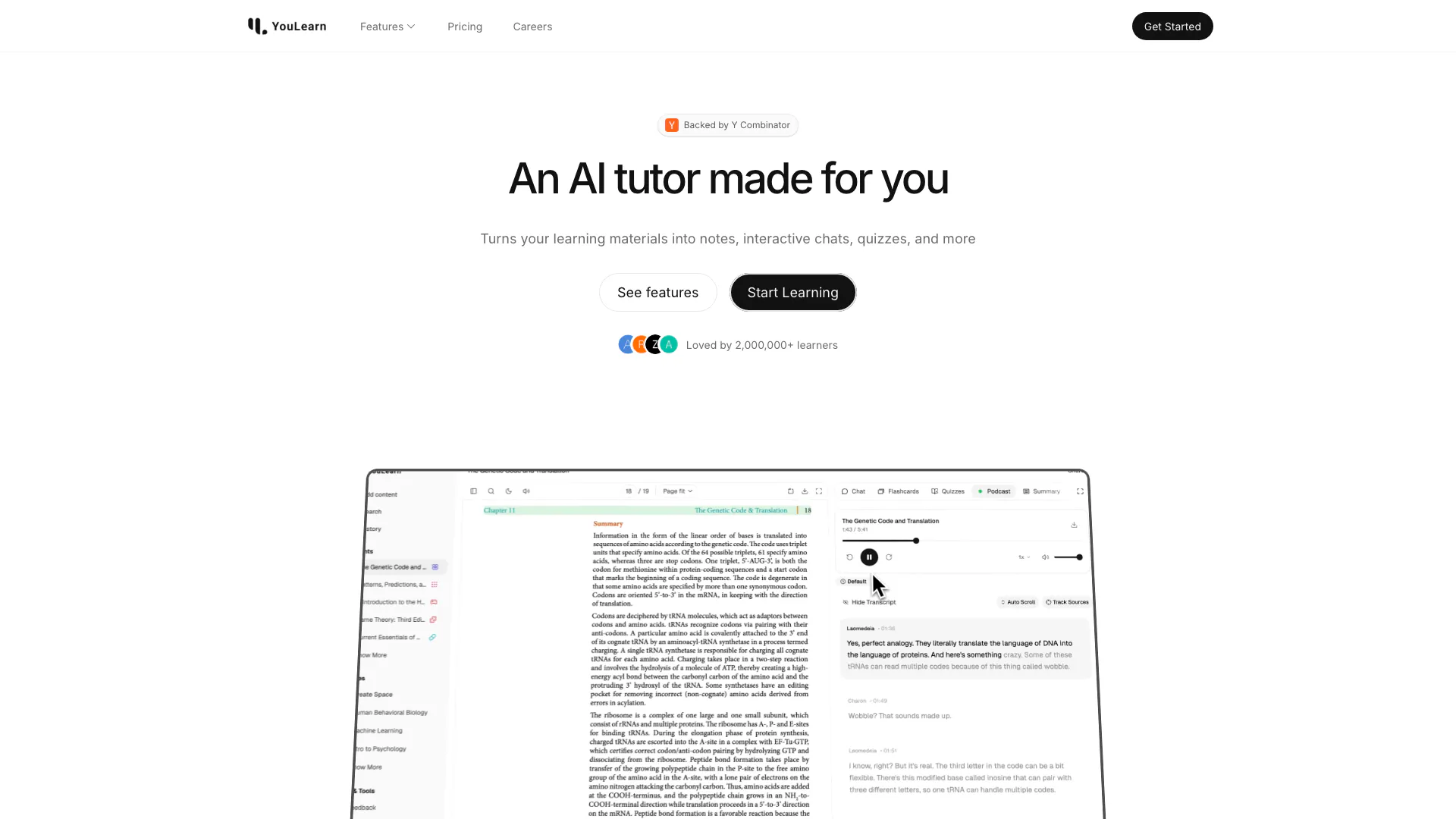
An AI tutor made for you. Learn from an AI tutor that understands your pdfs, youtube videos, and recorded lectures.

Website
Free
🙋‍♂️Personal💼Work
EducationAI Language LearningAi Productivity Tools
  • Education
  • AI Language Learning
  • Ai Productivity Tools
Use tool
1.5M
Direct52.53%
Search41.81%
Referrals3.99%

Make Tags

Workflow AutomationNo-Code IntegrationAI AutomationVisual Workflow DesignScalable SolutionsReal-Time Monitoring

Also used for

Ai Productivity Tools260No Code Business App Development Tools7Efficiency Enhancement Tools66AI Identity Protection5AI Security Tools2AI Keyboard Tools6AI Productivity Tools313AI Information Management Tools162AI Spreadsheet Tools27AI Spreadsheet Automation Tools29AI File Management Tools22AI Document Processing Tools90AI Business Planning Tools59AI Pitch Deck Generators37AI Branding Tools6
Make logo
MakeFree
Get deal

Make Comments (0)

Your rating

?
0/2000

No comments yet

Be the first to share your thoughts!

Make Prompts (0)

Prompts And Results

Add your own prompts and outputs to help others understand how to use this AI.

🚀0
🚀0