Machinesfluent





What is Machinesfluent?
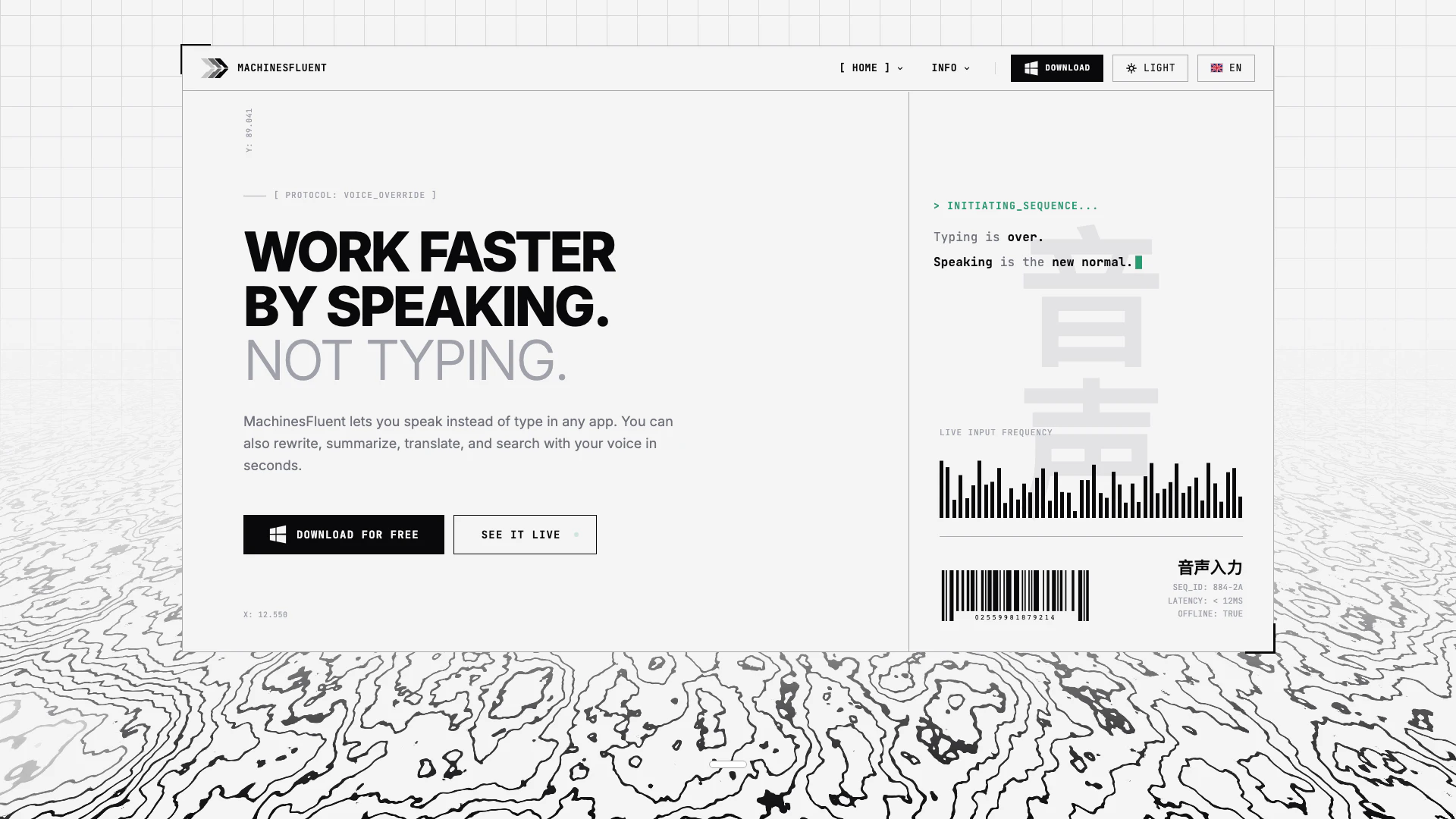
Machinesfluent is a cutting-edge AI-powered dictation and text processing tool designed specifically for Windows. It leverages system-level integration to provide users with advanced speech recognition capabilities, enabling seamless text and image processing. With support for multiple speech engines and major AI providers through a Bring Your Own Key (BYOK) model, Machinesfluent offers both offline and cloud-based functionality. Notably, it is available for free forever, making it an accessible choice for individuals and businesses looking to enhance their productivity through intelligent automation.
How to use Machinesfluent?
- Download and install Machinesfluent from the official website.
- Set up your preferred speech engines and customize the settings according to your needs.
- Create voice prompt presets for different tasks by assigning specific models and formatting options.
- Use dedicated hotkeys to activate your custom prompts for tasks such as dictating emails, meeting notes, or video summaries.
- Dictate your text using your voice, and Machinesfluent will process it according to the selected prompt or dictionary.
What are the main features of Machinesfluent?
- System-level AI-powered dictation and text processing for Windows.
- Support for multiple speech engines and major AI providers via BYOK.
- Customizable voice prompt presets for repeatable workflows.
- Fully searchable voice dictation history with auto-save functionality.
- Custom vocabulary dictionaries to enhance speech recognition accuracy.
- Offline and cloud-based operation modes for flexibility.
- One-click copy and export options for ease of use.
Who is Machinesfluent for?
Machinesfluent is ideal for professionals, content creators, and businesses looking to streamline their dictation and text processing tasks. It caters to users who require accurate speech recognition and want to enhance their productivity through automation. Whether you are a writer, a student, or a business executive, Machinesfluent provides tools that can be customized to fit various industries and workflows.
What are the use cases of Machinesfluent?
- Dictating professional emails and documents quickly and efficiently using customizable prompts.
- Creating structured meeting notes and updates to facilitate team communication.
- Processing video transcripts into concise summaries or extracting key points for presentations.
- Translating spoken dictations into multiple languages while preserving tone and intent.
- Developing custom vocabulary dictionaries for specialized industry terminology to improve accuracy.
Machinesfluent Pros and Cons
Pros
- Customizable Speech Recognition: Machinesfluent allows users to create unlimited voice prompt presets and custom vocabulary dictionaries, enhancing the speech recognition experience tailored to individual needs.
- Comprehensive History Tracking: The tool automatically saves all dictations, enabling users to search their entire dictation history quickly and efficiently, which enhances productivity.
- Integration with Major AI Providers: Machinesfluent supports multiple speech engines and integrates with all major AI providers, allowing users to choose their preferred services without vendor lock-in.
Cons
No cons data detected for this tool
Machinesfluent Pricing
Free Plan
Free offline dictation in any app. Unlimited offline dictation, 100+ languages, unlimited history, unlimited custom dictionaries. Private — your voice stays on your computer. No AI features.
Pro Lifetime Plan
Everything in Free, all AI features, ultra-fast offline engine, cloud transcription models, connect your own AI accounts, unlimited custom prompts. Updates included forever.
Pro Monthly Plan
Everything in Free, all AI features, ultra-fast offline engine, cloud transcription models, connect your own AI accounts, unlimited custom prompts. Cancel anytime, no lock-in.
For the latest pricing, please visit this link: https://machinesfluent.com/
Prices are subject to change. Please visit the official website for the most up-to-date pricing information.