
Iconbuddy




What is Iconbuddy?
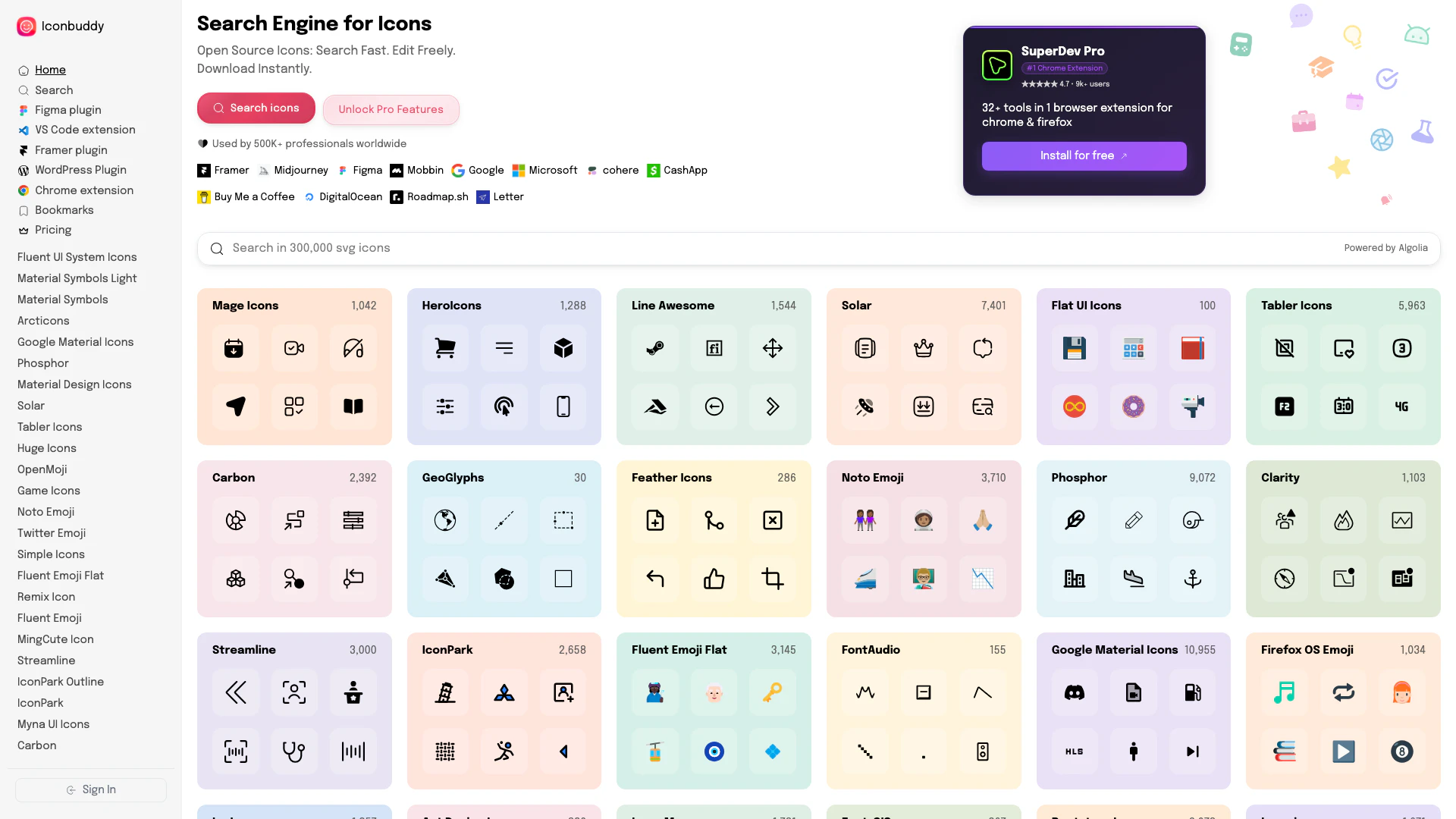
Iconbuddy is an innovative online platform that provides access to over 300,000 SVG icons[1] sourced from multiple open-source icon libraries. This tool allows users to browse, customize, and download icons in various formats such as SVG, PNG, JSX, or Base64. With a user-friendly interface[4], Iconbuddy caters to designers and developers looking for high-quality icons to enhance their projects. The core value of Iconbuddy lies in its extensive library and customization options[3], enabling users to find the perfect icons that fit their design needs.
How to use Iconbuddy?
- Visit the Iconbuddy website at https://iconbuddy.app/.
- Use the search bar to find specific icons by entering keywords related to your design needs.
- Browse through the search results and click on any icon to view its details.
- Customize the icon by adjusting its color and size using the provided options.
- Once satisfied with the customization, choose your desired export format (SVG, PNG, JSX, or Base64).
- Click the download button to save the icon to your device.
What are the main features of Iconbuddy?
- Access to over 300,000 SVG icons from multiple open-source libraries[2].
- Customization options for color and size to fit specific design requirements.
- Ability to export icons in various formats, including SVG, PNG, JSX, and Base64.
- User-friendly interface designed for quick and efficient icon searching.
- Integration options with popular design tools like Figma and WordPress.
Who is Iconbuddy for?
Iconbuddy is ideal for graphic designers[5], web developers, and UI/UX designers who require a vast selection of icons for their projects. Whether you're creating a website, mobile app, or any other digital product, Iconbuddy provides the necessary tools and resources to find and customize icons that enhance your design work. It's also suitable for hobbyists and anyone looking to add visual elements to their personal projects.
What are the use cases of Iconbuddy?
- Enhancing website designs with visually appealing icons that improve user experience.
- Creating mobile app interfaces that require custom icons for branding and functionality.
- Designing marketing materials such as brochures and presentations that incorporate relevant icons to convey messages effectively.
- Developing user interfaces for software applications where intuitive icons are essential for navigation.
Iconbuddy Pros and Cons
Pros
- Extensive Icon Library: Access over 300,000 SVG icons from multiple open source libraries, providing a wide variety of choices for users.
- Customization Options: Easily customize icon color and size before downloading, allowing for tailored designs to fit specific needs.
- Multiple Export Formats: Icons can be exported in various formats including SVG, PNG, JSX, or Base64, enhancing flexibility for developers and designers.
Cons
No cons data detected for this tool