

How2
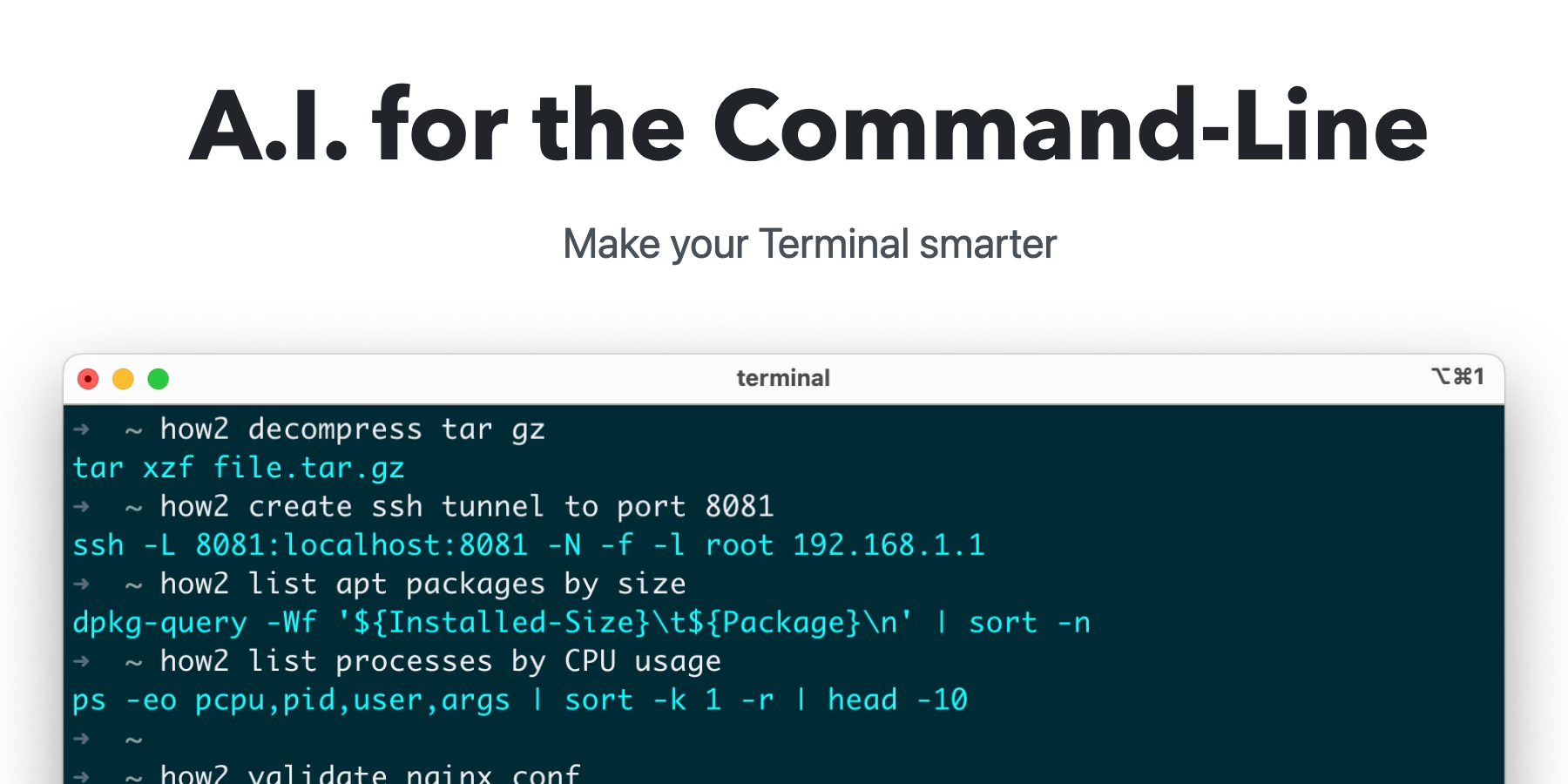





What is How2?
How2 is an innovative AI tool designed specifically for command-line users, providing intelligent suggestions for shell commands directly within Unix terminals. It leverages advanced AI models that have been retrained on Bash and Zsh commands, ensuring that users receive accurate and contextually relevant command suggestions. This tool is particularly beneficial for both novice and experienced developers looking to streamline their command-line interactions and enhance productivity. With How2, users can quickly create Bash scripts and improve their command-line efficiency without the need for extensive prior knowledge.
How to use How2?
- Download and install How2 on your system from the official website or via package managers like Homebrew for macOS, APT for Ubuntu, or npm for Node.js.
- Open your terminal and type in a command or query related to your task, such as 'create a for loop' or 'bash script'.
- Review the suggested commands provided by How2. If the suggestions do not meet your needs, try rephrasing your query for better results.
- To search StackOverflow for additional solutions, use the '-s' option in your command.
- Execute the recommended command manually, as How2 will not run commands on your behalf, ensuring a safe command-line experience.
What are the main features of How2?
- AI-powered command suggestions for Bash and Zsh commands.
- Ability to generate quick Bash scripts based on user queries.
- Option to search StackOverflow for additional resources using the '-s' flag.
- Compatibility with PowerShell, enhancing its usability across different command-line environments.
- Free access to up to 5 queries per day, with subscription options for additional queries.
Who is How2 for?
How2 is designed for a wide range of users, including software developers, system administrators, and technical enthusiasts who regularly work with command-line interfaces. It is especially useful for those who may be new to Unix-based systems and require assistance in formulating commands. Additionally, experienced users can benefit from the tool's ability to quickly generate scripts and find command solutions, making it a versatile resource for anyone looking to enhance their command-line efficiency.
What are the use cases of How2?
- Quickly generating Bash scripts for automation tasks without extensive command-line knowledge.
- Assisting developers in finding the correct commands for specific tasks, such as file manipulation or system configuration.
- Providing a resource for troubleshooting command-line issues by suggesting potential solutions sourced from StackOverflow.
How2 Pros and Cons
Pros
- Free Usage: How2 allows users to make up to 5 queries per day for free, making it accessible for casual users.
- Supports Multiple Shells: How2 works with both Bash/Zsh and PowerShell, providing versatility for users across different environments.
- Safe Command Suggestions: How2 only proposes commands without executing them, ensuring user safety from potential code injection or misuse.
Cons
- Limited Free Queries: Users are limited to only 5 free queries per day, which may not be sufficient for heavy users.
- Early Development Stage: The AI models are still in early development, which may affect the accuracy and relevance of command suggestions.
Analytics of How2
How2 Website Traffic Analysis
Visits Over Time
Traffic Sources
Oct 2025 - Dec 2025 Worldwide Desktop Only
- Social: 100.00%





