Frondframe
What is Frondframe?
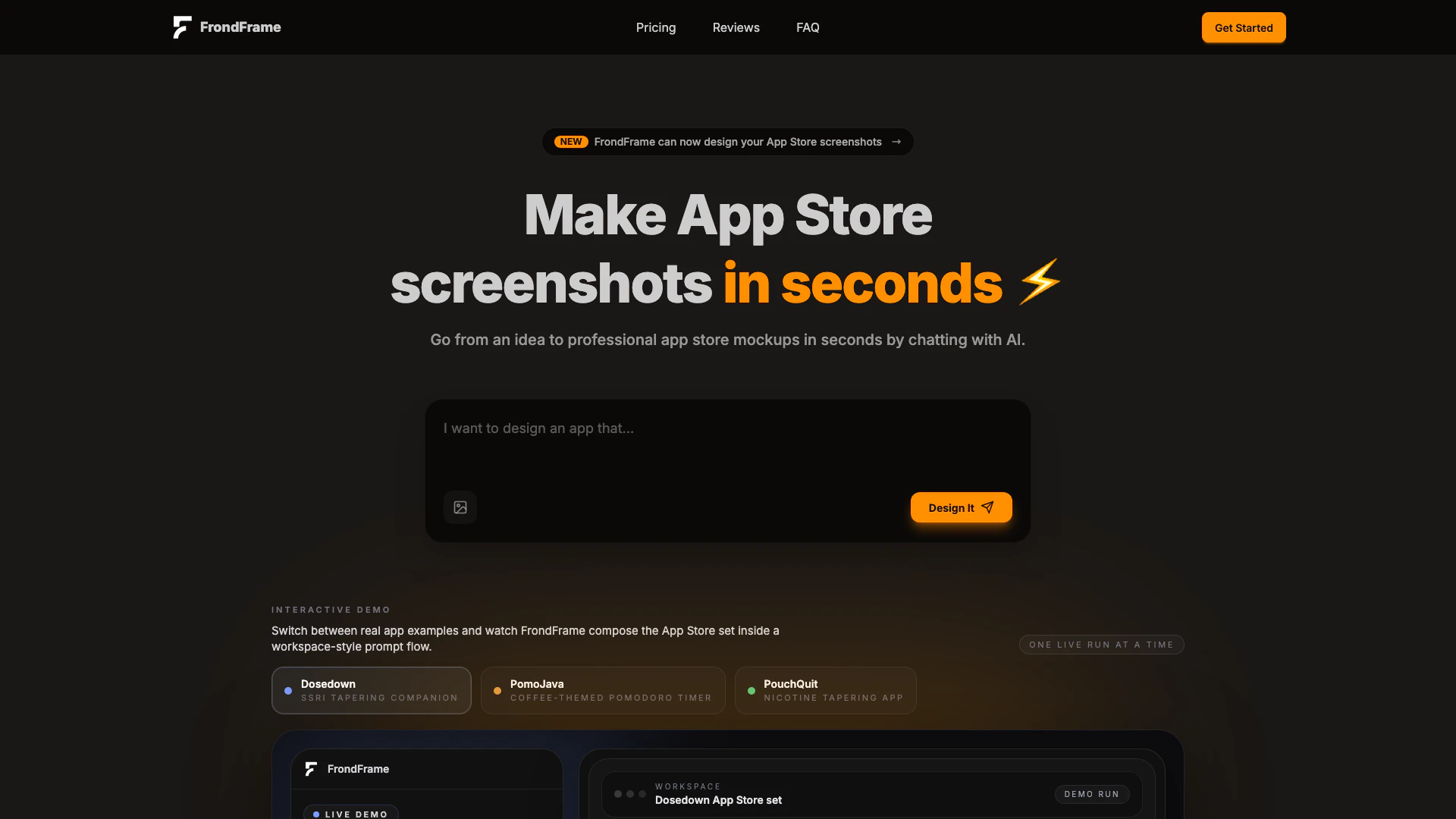
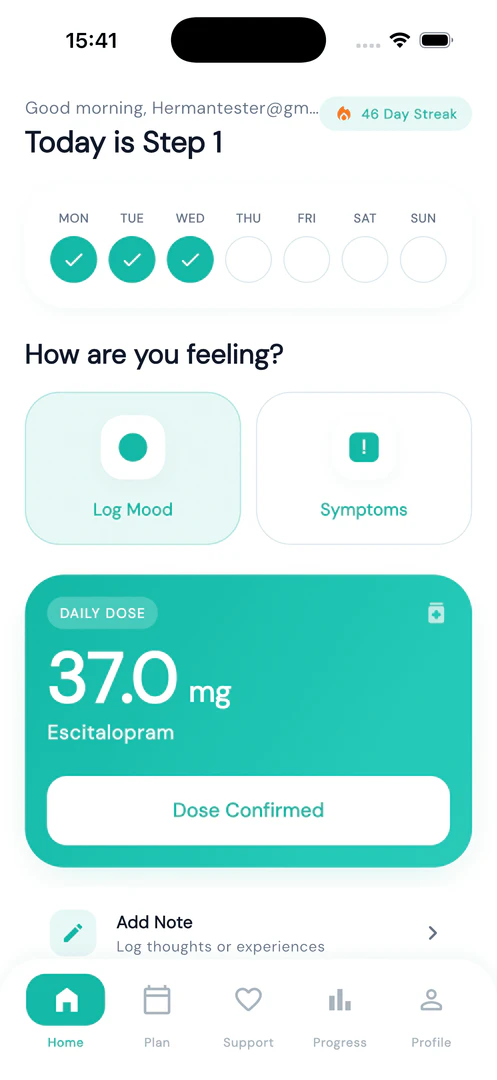
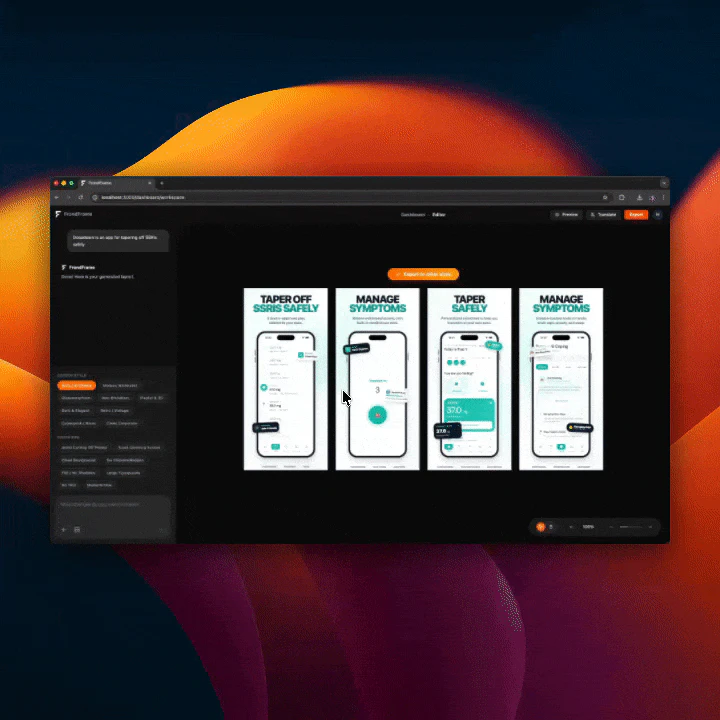
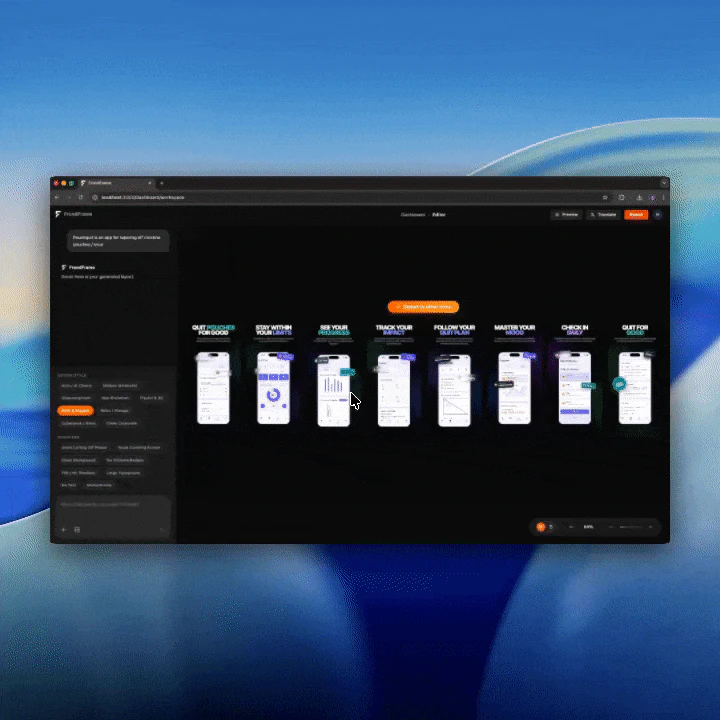
Frondframe is an innovative AI-powered[1] tool designed to streamline the process of creating and translating App Store[3] screenshots. By leveraging advanced AI technology, Frondframe allows users to quickly generate professional mockups for their apps, transforming ideas into visually appealing designs within minutes. The platform's interactive demo feature enables users to switch between real app examples and watch as Frondframe composes a complete App Store set, ensuring that the final product meets both aesthetic and functional standards.
How to use Frondframe?
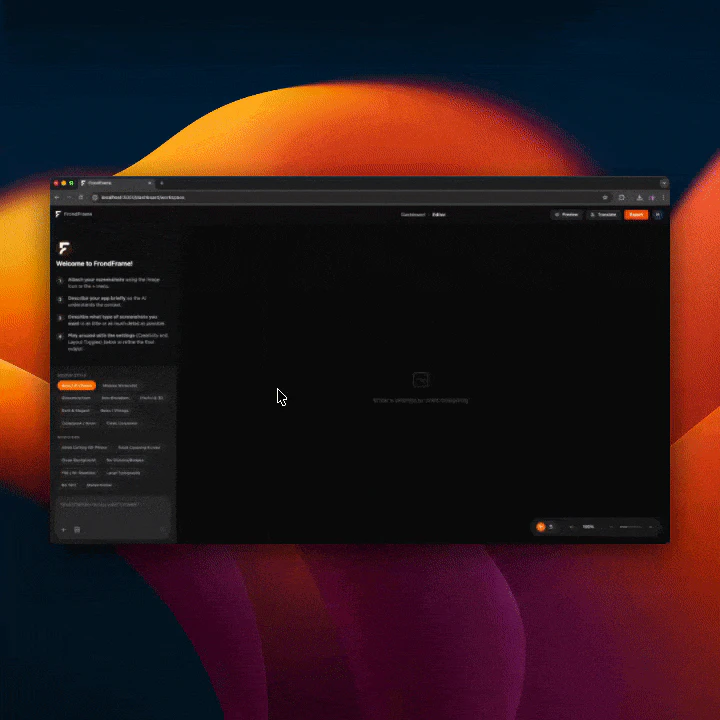
To use Frondframe effectively, follow these steps: 1. Attach Source Screenshots: Upload your app's source screenshots so that the AI can understand the product's user interface (UI). 2. Describe App Context: Provide a brief description of the app's context and specify the type of narrative you want for the App Store. 3. Refine Style and Modifiers: Adjust the style and modifiers according to your preferences before the layout engine[4] renders the final screenshot set.
What are the main features of Frondframe?
Frondframe offers a range of powerful features designed to enhance the screenshot creation[2] process: - AI Layout Engine: Chat with AI to instantly design high-converting App Store layouts, experimenting with various styles like Glassmorphism or Neo-Brutalism. - Multi-device Automatic Export: Automatically renders designs for different screen sizes, ensuring compatibility with various devices such as iPhones. - Instant Verification[5] & 50+ Languages[6]: Translate screenshots into over 50 languages without compromising layout integrity, allowing for faster global reach.
Who is Frondframe for?
Frondframe is designed for app developers, indie creators, and marketing professionals who need to produce high-quality App Store screenshots quickly and efficiently. It is particularly beneficial for those who frequently update their app visuals or require translations for international markets. By simplifying the design and translation processes, Frondframe caters to individuals and teams looking to enhance their app's visibility and appeal in the competitive app marketplace.
What are the use cases of Frondframe?
Frondframe can be utilized in various scenarios, including: 1. Rapid App Launches: Quickly create and refine App Store screenshots for new app launches, ensuring timely submissions. 2. Frequent Updates: Efficiently update screenshots to reflect new app features or design changes, keeping the app's presentation fresh. 3. Global Expansion: Translate and adapt screenshots for different languages and markets, facilitating easier access to international audiences.
Product Images
Frondframe Pros and Cons
Pros
- Fast App Store Screenshot Creation: FrondFrame allows users to create professional App Store screenshots in seconds by chatting with AI, significantly speeding up the design process.
- AI-Powered Design Flexibility: The tool features an AI layout engine that enables users to experiment with different styles like 'Glassmorphism' and 'Neo-Brutalism' quickly.
- Multi-Device Support: FrondFrame automatically adjusts designs for various device sizes, ensuring compatibility with different iPhone models and Android devices.
Cons
No cons data detected for this tool
Frondframe Pricing
Viber
Try FrondFrame with essential limits. Projects: 1, Screens per project: 10, AI translations: 1 language/project, AI generations: 2/project, AI edits: 3/project, Screen export bundles: 3/billing period.
Micro-Saas
Default plan for makers shipping often. Projects: 5, Screens per project: 10, AI translations: 10 languages/project, AI generations: 10/project, AI edits: 3/project, Screen export bundles: Unlimited.
Scale
For teams and high-volume workflows. Projects: 30, Screens per project: 10, AI translations: 48 languages/project, AI generations: 10/project, AI edits: 10/project, Screen export bundles: Unlimited.
For the latest pricing, please visit this link: https://frondframe.io/#pricing
Prices are subject to change. Please visit the official website for the most up-to-date pricing information.