
Last updated:
Freepik

Freepik

Get deal
4.00 Comments0 Saved
Introduction:
Your all-in-one creative toolkit for design.
Launch Date:
Social links:
Monthly Visits:
455.6K
Inputs:
ImageTextAudioVideoTabularAPICode
Outputs:
ImageTextAudioVideoTabularAPICode
Supported Languages:
ZHENESFRDEITJAKOPTRUVIIDTHPLNLDAFISVNOTRHICS
AI Models:
AI圖像生成器圖片編輯器圖像質量提升器+15 more
Freepik Overview

What is Freepik?

Freepik is an all-in-one creative suite that combines AI tools, intelligent features, and a vast library of high-quality visual assets, allowing users to design and create without leaving the platform. It caters to a wide range of creative needs, providing tools for image generation, video creation, audio production, and graphic design, making it an essential resource for professionals and enthusiasts alike.


How to use Freepik?

  1. Visit the Freepik website and create an account or log in.
  2. Choose the desired AI tool from the menu, such as the AI image generator or video editor.
  3. Follow the on-screen instructions to generate images or edit videos as needed.
  4. Utilize the vast library of assets to enhance your projects, adjusting elements to fit your creative vision.
  5. Download your creations or save them within the platform for future use.

What are the main features of Freepik?

  • AI Image Generator: Create unique images based on your prompts.
  • Video Generator: Produce videos from images and text.
  • Image Editor: Edit and enhance images with various tools.
  • Background Remover: Easily remove backgrounds from images.
  • Audio Tools: Generate and edit sound effects and music.
  • Design Templates: Access a wide range of templates for different projects.

Who is Freepik for?

Freepik is designed for a diverse range of users, including graphic designers, marketers, content creators, and small business owners. It is ideal for anyone looking to enhance their creative projects with high-quality visuals and advanced AI tools. Whether you are a professional seeking to streamline your workflow or a hobbyist exploring design, Freepik offers resources that cater to various creative needs.


What are the use cases of Freepik?

  1. Creating social media graphics and posts tailored for various platforms.
  2. Producing promotional videos from static images for advertising campaigns.
  3. Designing marketing materials such as brochures, flyers, and banners.
  4. Enhancing photographs and illustrations for personal or professional projects.
  5. Generating unique content for blogs and websites using AI-driven tools.

Product Images

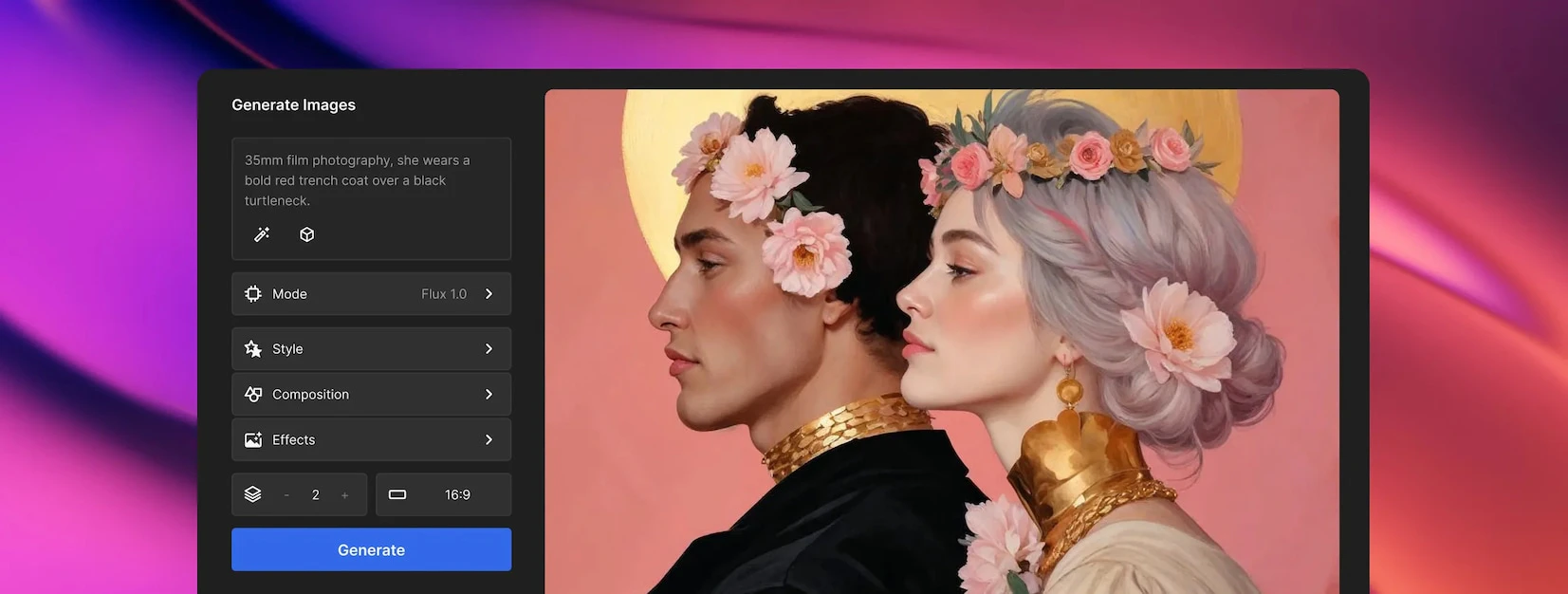
Freepik image generation tool usage
Freepik video editing tool usage
Freepik video generator feature demonstration
Freepik image generator feature demonstration
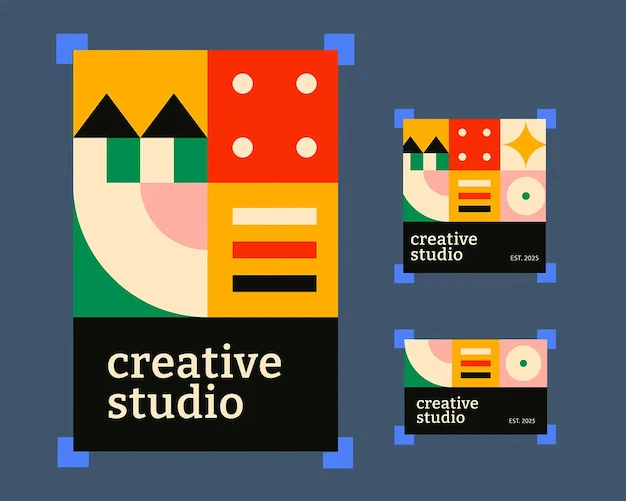
Freepik use case for social media posts
Freepik use case for advertising videos
Freepik creative suite overview
Freepik target audience for designers
Freepik target audience for marketers
1 / 9

Freepik Pros and Cons

Pros

  • Comprehensive Creative Suite: Freepik offers a wide range of AI tools and high-quality stock resources, allowing users to design and create without leaving the platform.
  • High-Quality Image Generation: The AI image generator can create high-resolution images, enhancing the quality of visual content for various projects.
  • User-Friendly Interface: The platform is designed for ease of use, enabling users to quickly navigate and utilize tools effectively.

Cons

No cons data detected for this tool

Analytics of Freepik

Freepik Website Traffic Analysis

Visits Over Time

Nov 2025 - Jan 2026 All Traffic
--
AI Tools Rank
455.65K
Monthly Visits
44.05%
Bounce Rate
5.59
Pages Per Visit
5:15
Visit Duration
--
Global Rank
--
Country Rank

Traffic Sources

Nov 2025 - Jan 2026 Worldwide Desktop Only

  • Search: 48.96%
  • Direct: 39.07%
  • Referrals: 10.43%
  • Social: 1.18%
  • Paid Referrals: 0.30%
  • Mail: 0.04%

Top Regions

Nov 2025 - Jan 2026 Desktop Only
RegionPercentage
🇹🇼
Taiwan
46.49%
🇨🇳
China
26.63%
🇭🇰
Hong Kong
6.28%
🇸🇬
Singapore
6.11%
🇺🇸
United States
3.52%
  1. Taiwan: 46.49%
  2. China: 26.63%
  3. Hong Kong: 6.28%
  4. Singapore: 6.11%
  5. United States: 3.52%

Freepik Compare

Tool NameIntroductionPricing
Type
RatingLaunch DateLearn more
Rewind
Free
February 2, 2018
Get deal
Edit your selfies to get the results you want with powerful and easy-to-use tools. Give your selfies the VIP treatment. Touch up, reshape & apply digital makeup.
Free
December 1, 2012
Get deal
Tutor AI - Your personal AI tutor to learn anything
Free
September 23, 2007
Get deal

Info current as of post date. Offers and availability may vary by location and are subject to change.

Freepik Q&A

Your content is private and secure. By default, all content you create is private and only accessible to you. We have strict protocols in place to protect your data and ensure the safety of your work. Freepik will not use any content you create or upload to train our AI tools, nor will our third-party vendors. Your input and output content will never be used for training or shared with others.

Credits are only used for generating content with AI tools and cannot be used for downloading stock materials or your own works. The number of credits consumed per generation varies, and the results can differ, potentially resulting in one or multiple images. If you are on a monthly plan, credits reset each month. Annual plans provide all credits at once and reset annually. Unused credits do not accumulate unless you upgrade your payment plan or switch from a monthly to an annual plan. Premium+ users can also purchase additional credits, which can only be used after regular credits are exhausted and expire after three years. You need an active payment plan to use them; if you cancel, they will be suspended.

Yes, absolutely. You fully own the rights to any content created using our AI tools, including the rights to use, modify, and profit from it. By default, all content you generate is private and only accessible to you. If you are using a subscription plan, you will also receive full commercial licensing rights for AI-generated content and stock materials, making it suitable for professional projects. Just ensure that your inputs and outputs do not infringe on third-party rights, such as identity, trademarks, or intellectual property. Please note that commercial laws may vary by country, especially regarding uses like product sales, brand promotion, or creating derivative works. For more detailed information, please refer to our AI Product Terms of Use or contact our support team.

If you are using a Premium, Premium+, or Enterprise subscription plan, you do not need to credit Freepik. For Teams subscription plans, whether credit is required depends on the tier: the Essential plan requires crediting, while Premium or Premium+ does not. If you are using Freepik for free or on the Essential plan, you must credit Freepik. You just need to include a line of text such as 'Designed by Freepik' with a link to our website. Please note that all our paid subscription plans include commercial licenses for AI-generated content. The free plan is limited to personal use and requires crediting.

Yes, but only for Enterprise subscriptions. Enterprise customers receive stronger legal protections, including indemnification guarantees for stock and AI-generated content. This protection applies to content used under Freepik's licensing terms and main service agreement (MSA). This protection does not apply to free, Essential, Premium, Premium+, or Pro subscription plans. Under these subscriptions, AI-generated content is explicitly excluded from indemnification guarantees.

For more FAQs, please visit this link: https://zh.freepik.com/ai/faq

Freepik Launch embeds

Use website badges to drive support from your community for your TopAITools Review. They're easy to embed on your homepage or footer.

Freepik Alternatives

Adobe screenshot

Adobe empowers users to create and optimize digital content.

  • Art & Design
  • AI Graphic Design Tools
  • AI UX/UI Design
  • AI Creative Suite
Use tool
331.2M
Direct58.42%
Search33.67%
Referrals6.19%
Figma screenshot

Automate layer renaming in Figma for better organization.

  • Art & Design
  • AI Design Assistant
  • AI Graphic Design Tools
  • AI UX/UI Design
Direct74.83%
Search18.36%
Referrals5.84%
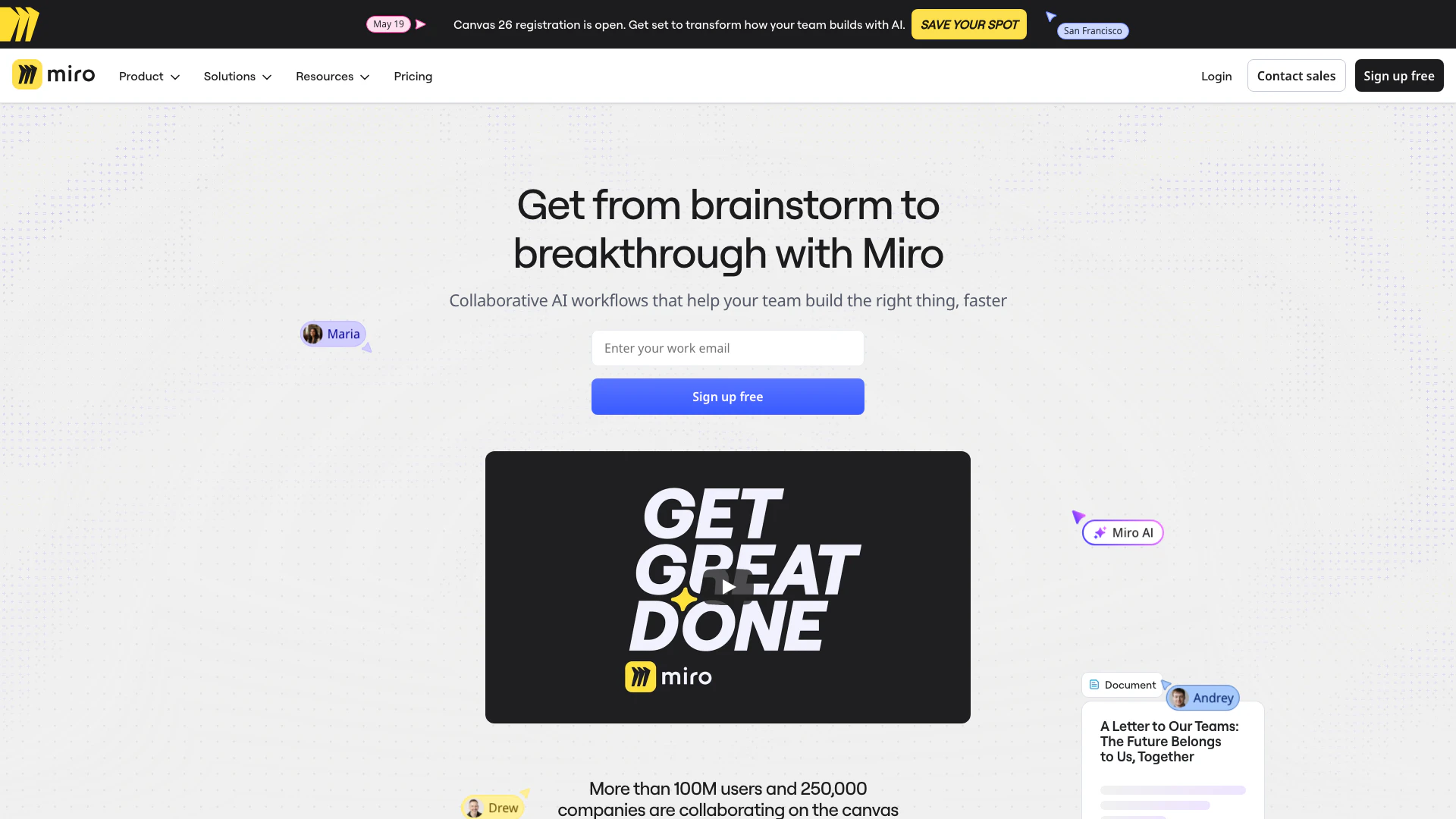
Miro screenshot

Speed up product development from ideation to launch. Align teams, break tool silos, and ship what customers need in one AI-powered visual platform.

  • Art & Design
  • AI Design Assistant
  • AI UX/UI Design
  • Ai Whiteboard
Direct72.10%
Search22.34%
Referrals4.23%

Freepik Tags

Also used for

Sources (5)

Freepik
FreepikFree