

Framer
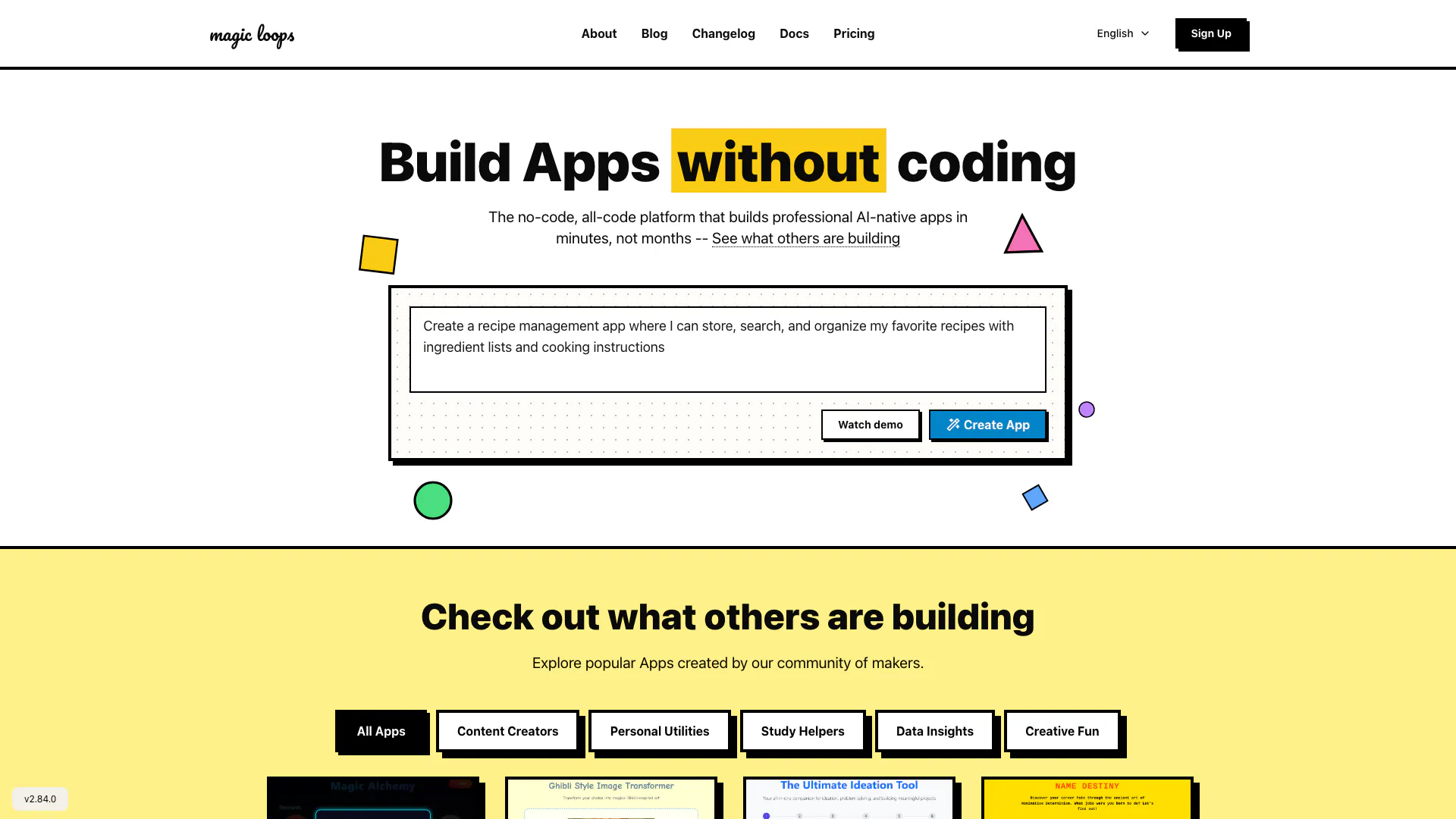





What is framer?
Framer is a no-code, all-code platform designed to empower users to build professional AI-native applications quickly and efficiently. By combining large language models (LLMs) with coding capabilities, framer allows users to create simple automations without extensive programming knowledge. This innovative tool is perfect for both beginners and experienced developers who want to streamline their app development process, enabling them to focus on creativity and functionality instead of getting bogged down in code.
How to use framer?
- Sign up for a free account on the framer website to access the platform.
- Choose a template or start from scratch to create your app.
- Utilize the intuitive drag-and-drop interface to add components, such as text, images, and buttons, to your app.
- Integrate LLMs by selecting automation features that suit your app's purpose.
- Test your app using the built-in preview function to ensure everything works as intended.
- Publish your app and share it with others or deploy it for personal use.
What are the main features of framer?
- No-Code Development: Build apps without writing code, making it accessible for everyone.
- Integration of LLMs: Combine language models with your applications to create intelligent automations.
- User-Friendly Interface: An intuitive drag-and-drop interface that simplifies the app-building process.
- Pre-Built Templates: Access a variety of templates to kickstart your app development.
- Community Marketplace: Explore apps created by other users for inspiration and collaboration.
Who is framer for?
Framer is designed for a diverse audience, including entrepreneurs, small business owners, educators, and creative individuals looking to automate tasks or build applications without the need for extensive coding skills. It is ideal for those who want to create professional-grade apps quickly, such as content creators, productivity enthusiasts, and anyone interested in leveraging AI to enhance their workflows.
What are the use cases of framer?
- Personal Utilities: Create apps to manage personal tasks, such as expense tracking or scheduling.
- Creative Projects: Build unique applications for art generation or content creation.
- Educational Tools: Develop study aids or project generators tailored to specific learning goals.
Product Images

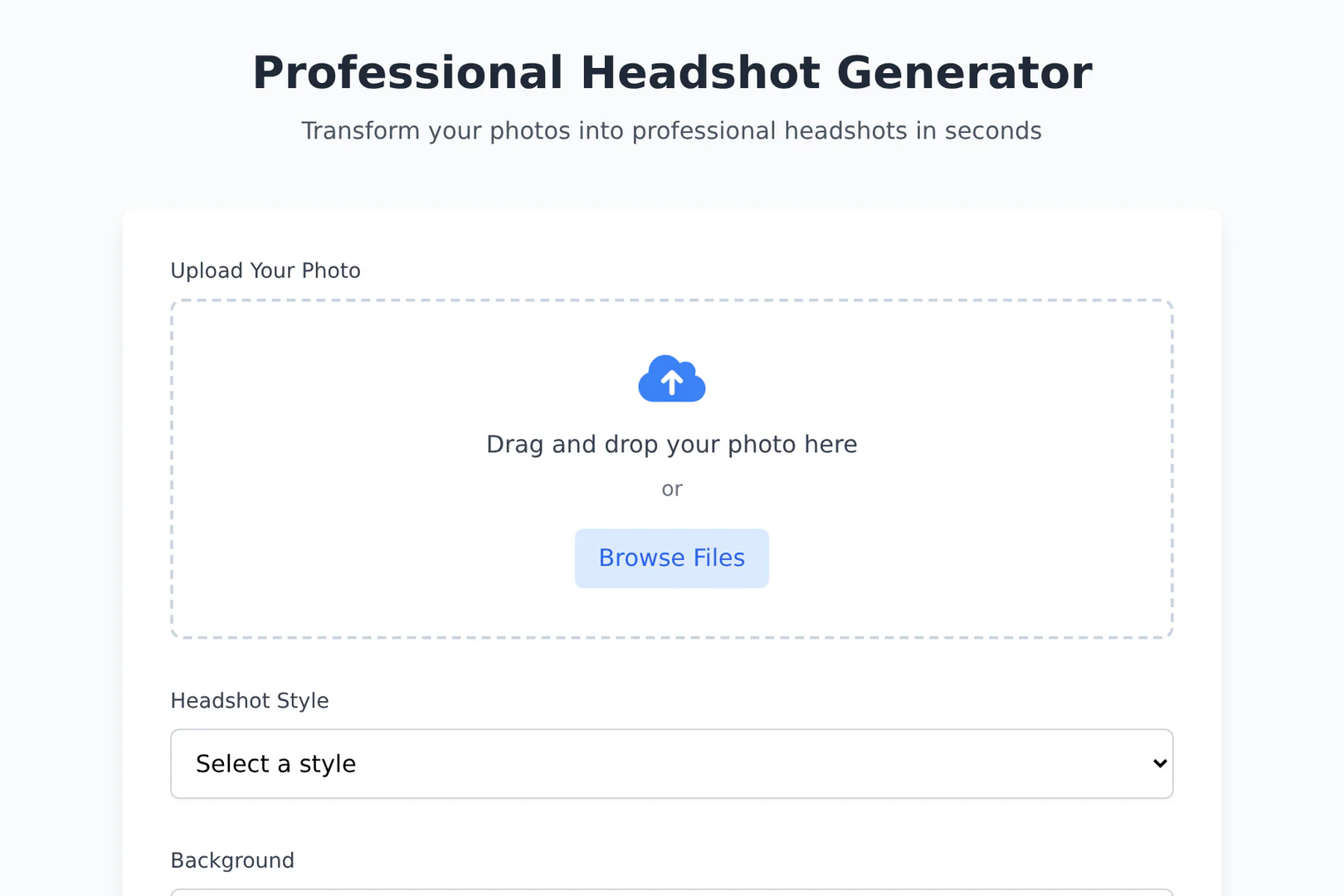
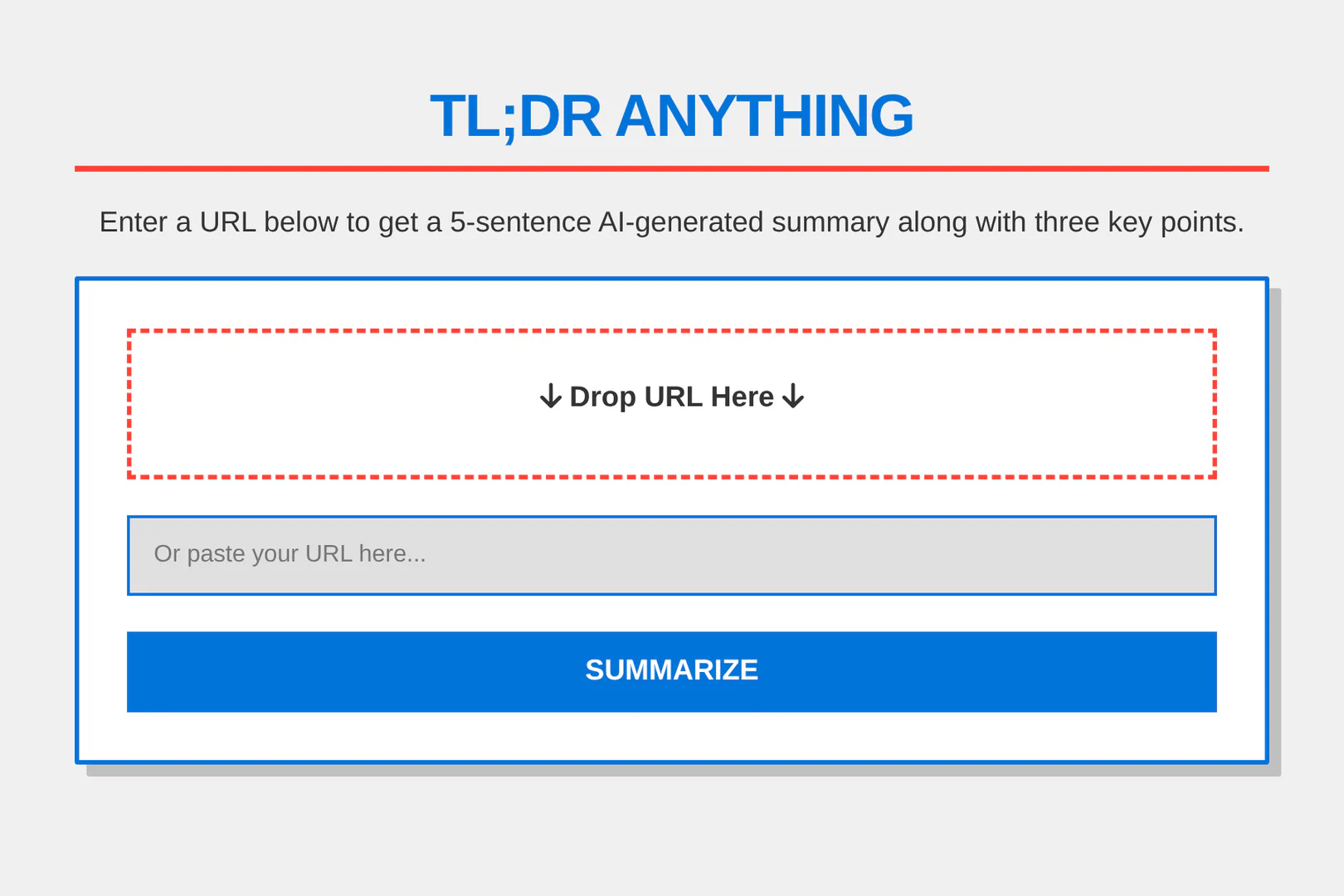
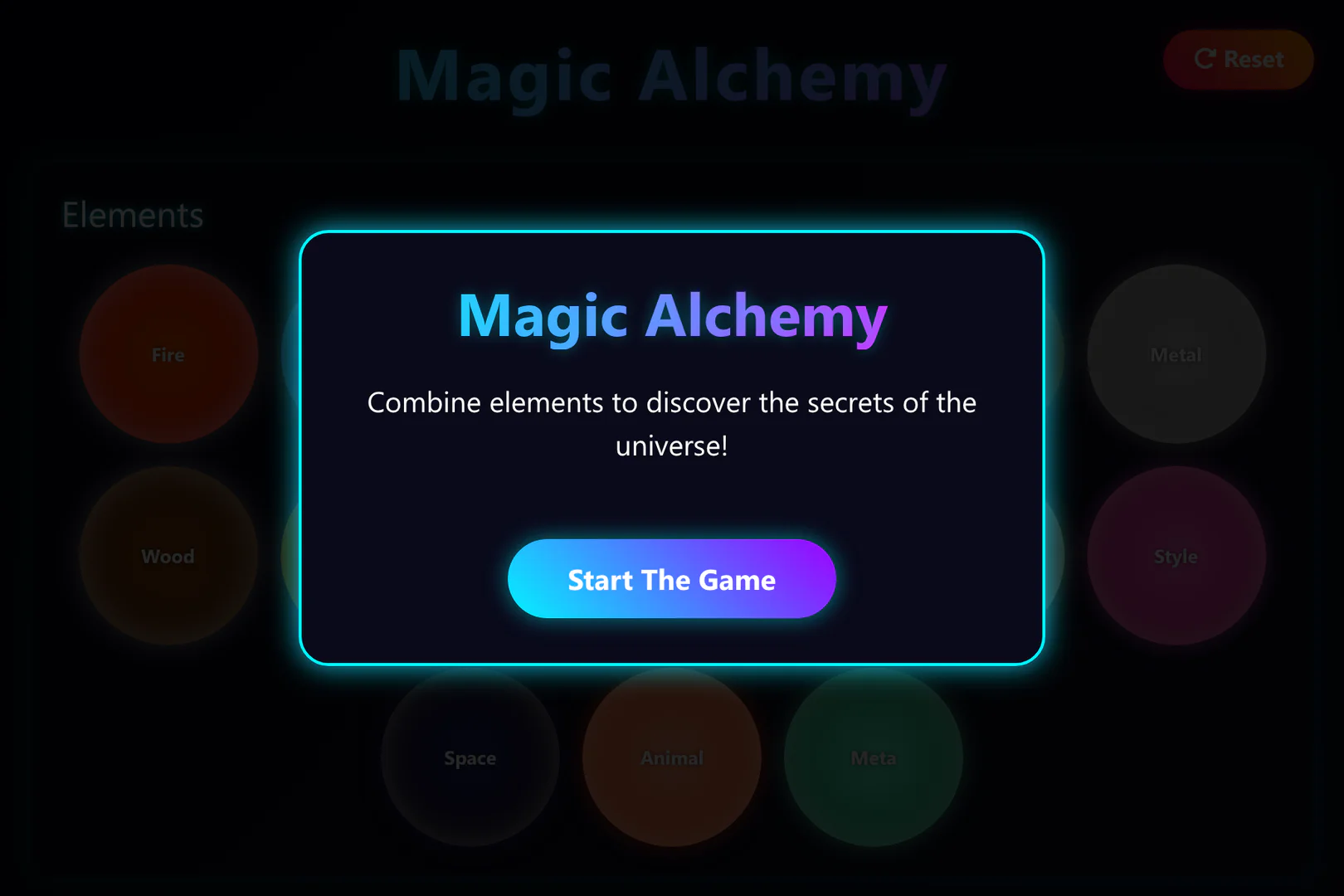
Framer Pros and Cons
Pros
- No-Code Automation: Framer allows users to create automations without any coding knowledge, making it accessible for everyone.
- Rapid App Development: Users can build professional AI-native apps in minutes, significantly reducing development time compared to traditional methods.
- Flexible Pricing Plans: Framer offers a transparent pricing model, with a free tier and affordable paid plans based on credit usage.
Cons
No cons data detected for this tool
Framer Pricing
Free
Getting started with Magic Loops? 8,000 credits.
Professional
Select the plan that works for you. 20,000 credits.
Enterprise
For large organizations. Unlimited credits.
For the latest pricing, please visit this link: https://magicloops.dev/pricing
Prices are subject to change. Please visit the official website for the most up-to-date pricing information.
Analytics of Framer
Framer Website Traffic Analysis
Visits Over Time
Traffic Sources
Oct 2025 - Dec 2025 Worldwide Desktop Only
- Search: 53.58%
- Direct: 36.21%
- Referrals: 6.47%
- Social: 2.69%
- Paid Referrals: 0.82%
- Mail: 0.16%
Top Keywords
| Keyword | Volume | CPC | Estimated Value |
|---|---|---|---|
| chatgpt | 169.47M | $0.13 | $170.00 |
| magic loops | 5.32K | $1.10 | $3450.00 |
| magic loop | 1.68K | $1.41 | $310.00 |
| magicloops | 790 | $0.60 | $710.00 |
| magic loops ai | 490 | $0.24 | $360.00 |
Framer Reviews
ChatGPT f***ed it up… then Magic Loops got it first try
Magic Loops just works, amazing product
Magic Loops is super cool! Nice work humans
For more reviews, visit this link: https://magicloops.dev#reviews





Framer Social Listening
That’s Framer: The pro site bu...
Framer bridges the gap between...
Framer: All Design, No Code, R...
Framer transforms your designs...
Learn Framer in 20 Minutes (Cr...
Build your design business in ...
Unlock to view 50 social media results.