

Frameblox
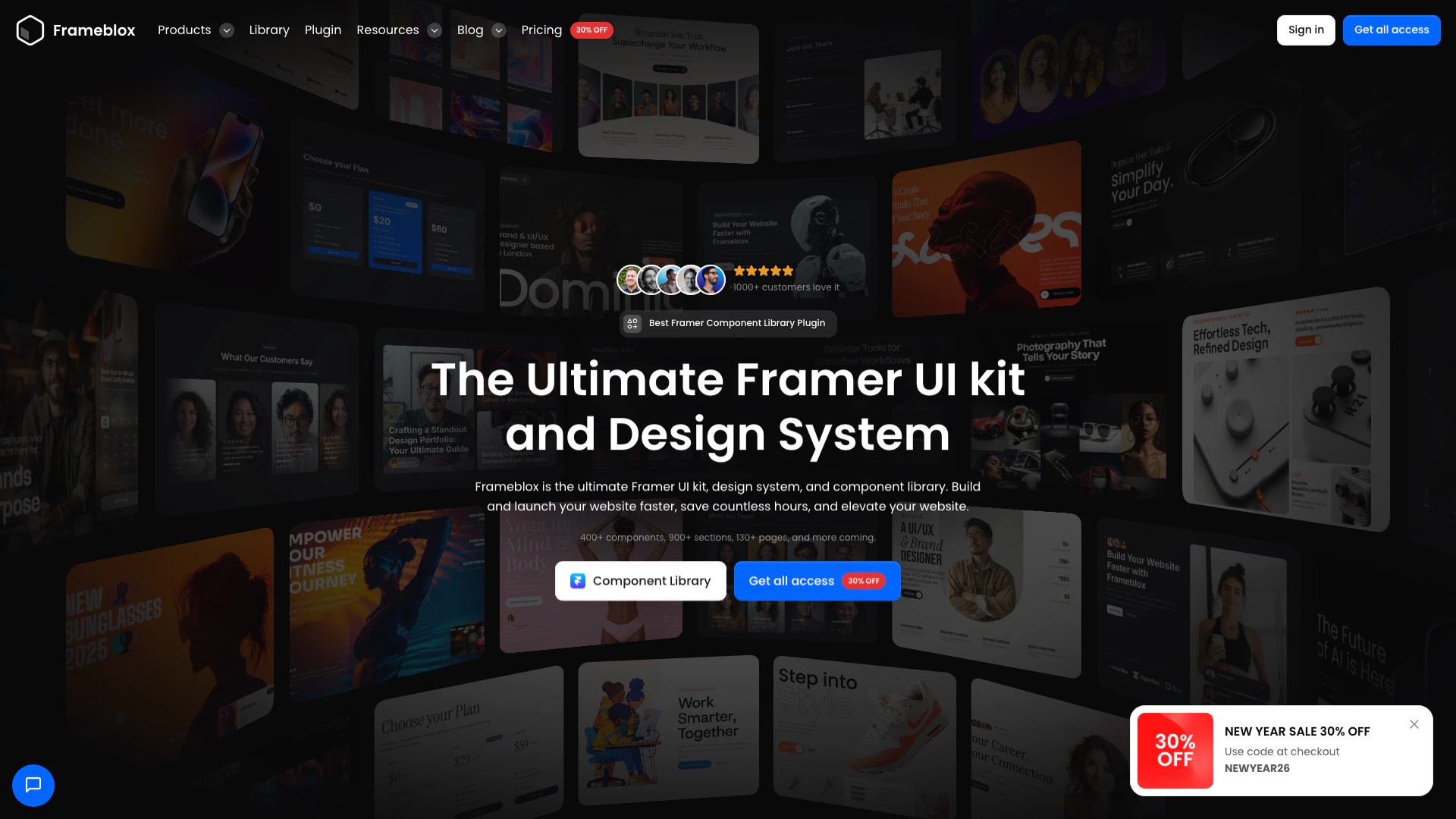


What is Frameblox?
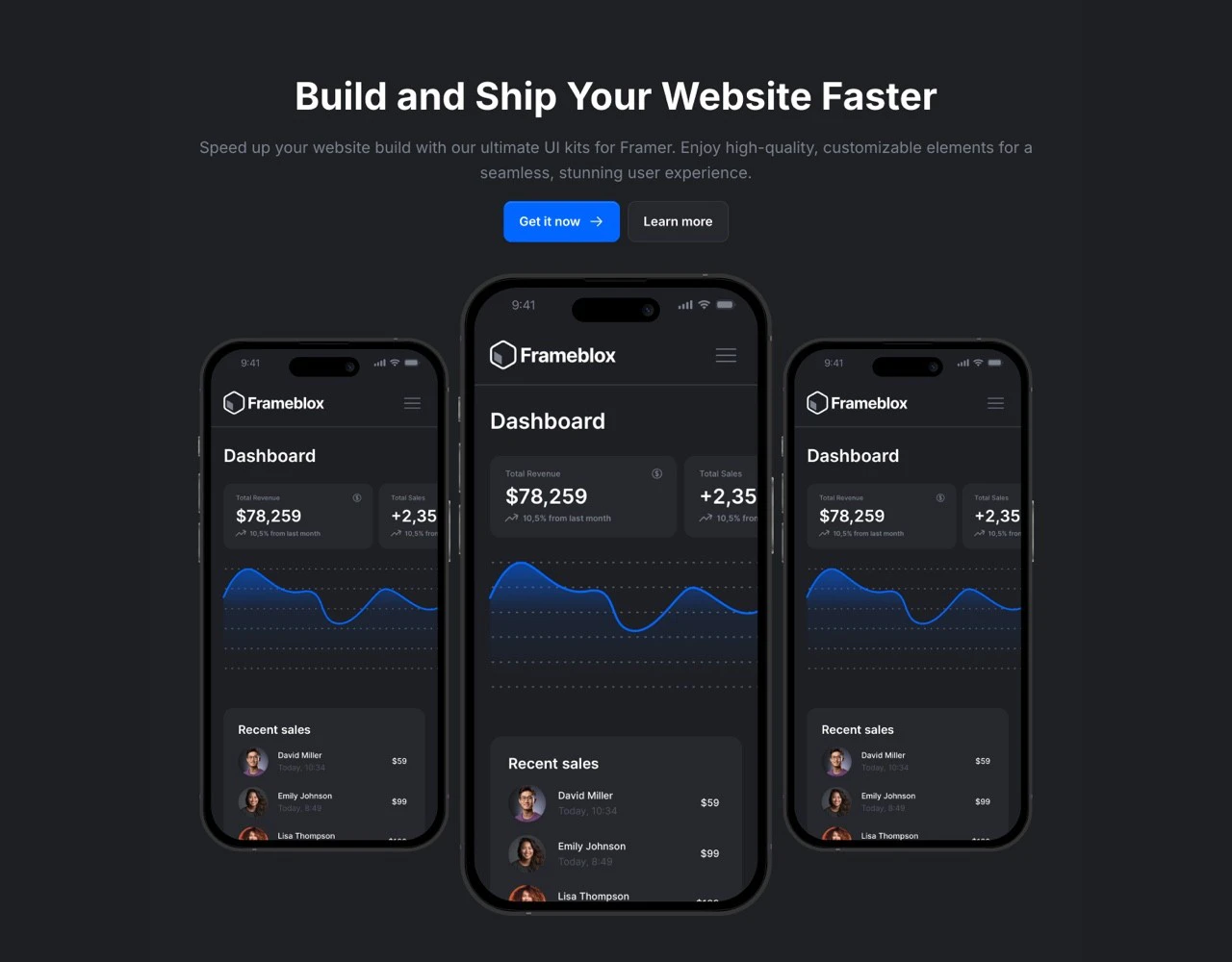
Frameblox is the ultimate Framer UI kit, design system, and component library designed to help users build and launch their websites faster. It offers a comprehensive collection of over 400 components, 900 sections, and 130 prebuilt pages, making it an invaluable resource for web designers and developers. By utilizing Frameblox, users can save countless hours in the design process, allowing them to elevate their website's aesthetics and functionality without starting from scratch.
How to use Frameblox?
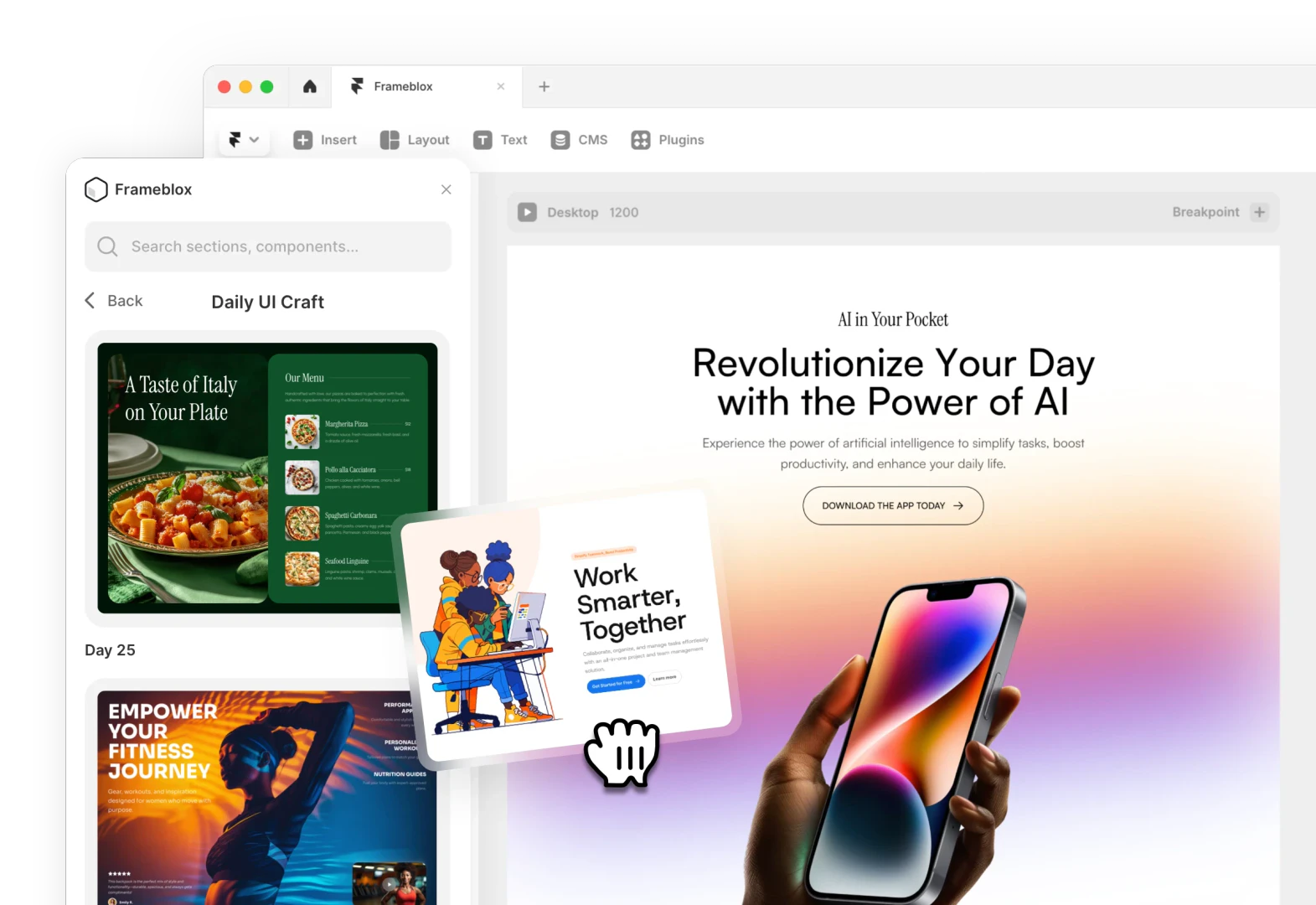
To use Frameblox, follow these steps: 1. Purchase and Access: Buy the Frameblox UI kit from the official website to gain access to all components, templates, and updates. 2. Install the Plugin: Download and install the Frameblox plugin for Framer, which will allow you to easily access the UI kit within your design environment. 3. Drag-and-Drop Components: Open your Framer project and utilize the drag-and-drop functionality to add prebuilt components and sections from the Frameblox library directly into your website layout. 4. Customize: Modify colors, typography, and other design elements as needed to match your branding and style preferences. 5. Publish: Once you are satisfied with your design, publish your website directly from Framer.
What are the main features of Frameblox?
Frameblox offers a wide range of features to enhance your web design experience, including: - Extensive Component Library: Access over 400 customizable components tailored for various design needs. - Prebuilt Sections and Layouts: Choose from 900+ prebuilt sections and layouts to speed up your design process. - Ready-Made Pages: Utilize 130+ prebuilt pages, including landing pages, blogs, and team pages, to jumpstart your projects. - Regular Updates: Benefit from continuous updates with new components and templates released regularly. - User-Friendly Interface: The drag-and-drop functionality simplifies the website building process, making it accessible for all skill levels.
Who is Frameblox for?
Frameblox is designed for a diverse range of users, including: - Web Designers: Professionals looking for a comprehensive toolkit to streamline their design process. - Developers: Those who want to quickly implement UI components without starting from scratch. - Freelancers: Independent creators needing a reliable resource to build websites for clients efficiently. - Agencies: Teams that require a scalable solution to handle multiple projects with consistent quality and design.
What are the use cases of Frameblox?
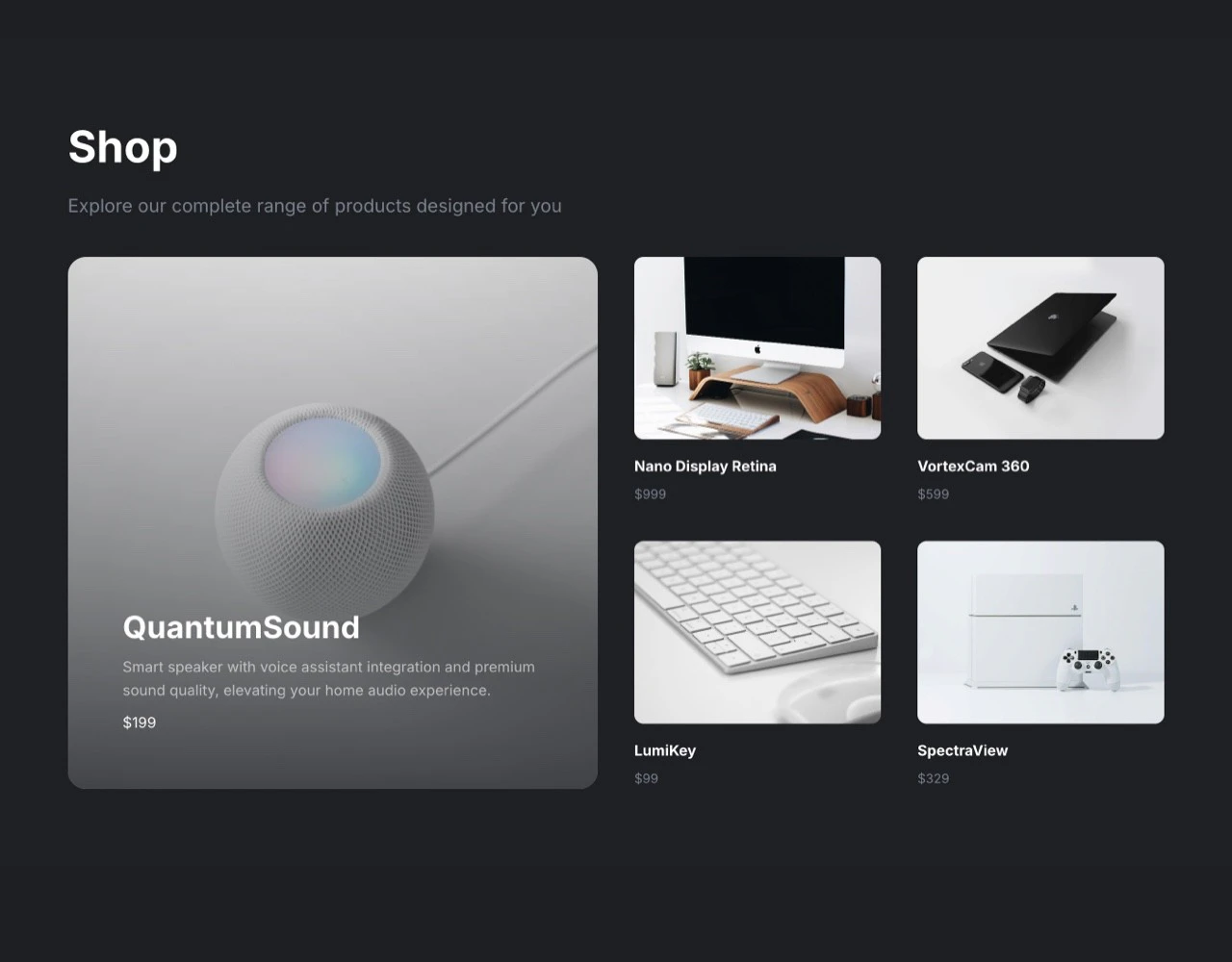
Frameblox can be utilized in various scenarios, such as: 1. Creating Marketing Websites: Build attractive and functional marketing sites quickly using prebuilt components and layouts. 2. Developing Portfolios: Design and launch professional portfolio websites to showcase work and attract clients. 3. Building E-commerce Sites: Use Frameblox to create visually appealing online stores with user-friendly navigation and layouts.
Product Images

Frameblox Pros and Cons
Pros
- Extensive Component Library: Frameblox offers over 400 components, 900 sections, and 130 prebuilt pages, allowing users to quickly build and customize their websites.
- Time-Saving Design System: With a drag-and-drop interface, Frameblox enables users to launch websites faster, saving countless hours in the design process.
- Lifetime Access with One-Time Payment: Users can access all features, updates, and components for a one-time payment, eliminating the need for ongoing subscriptions.
Cons
No cons data detected for this tool
Frameblox Pricing
Pro
Single License for Solo Designers, Developers, and Freelancers. Lifetime - One time payment. Single user license. Plugin for Framer. Component Library Access. Framer Files. Text and color styles. 130+ Prebuilt pages. 950+ Sections. 300+ Components. 4 Framer templates. 7 CMS. Dark and Light version. Use on unlimited projects. Personal and client projects. Request components & sections. Get regular updates forever. Create and sell Framer templates.
Premium
Unlimited licenses: ideal for Teams, Agencies, Companies, and Template Creators. Lifetime - One time payment. Everything in the Pro plan. Up to 10 user licenses. Template Creator license. Create and sell Framer templates.
For the latest pricing, please visit this link: https://www.frameblox.com/pricing
Prices are subject to change. Please visit the official website for the most up-to-date pricing information.
Analytics of Frameblox
Frameblox Website Traffic Analysis
Visits Over Time
Traffic Sources
Nov 2025 - Jan 2026 Worldwide Desktop Only
- Direct: 40.27%
- Search: 39.25%
- Referrals: 12.29%
- Social: 6.82%
- Paid Referrals: 1.05%
- Mail: 0.14%
Top Keywords
| Keyword | Volume | CPC | Estimated Value |
|---|---|---|---|
| framer components | 12.37K | $2.57 | $300.00 |
| frameblox | 270 | $1.77 | $500.00 |
| framer resume portfolio template | 100 | $0.00 | $90.00 |
| image color changer framer plugin pricing | 100 | $0.00 | $90.00 |
| framer ui component free | 90 | $0.00 | $90.00 |




Frameblox Social Listening
That’s Framer: The pro site bu...
Framer bridges the gap between...
Framer: All Design, No Code, R...
Framer transforms your designs...
Learn Framer in 18 Minutes (Cr...
Enroll in the Ultimate Framer ...
Unlock to view 41 social media results.